Explainer · Firecrawl
Firecrawl: messy web pages become structured data
Stacks of web pages stand for messy input, and an orange module carries the flow toward tidy rows and blocks. Pages and code appear next to each other or in back-to-back shots, so input and output can be matched.
- Kind
- Explainer
- Length
- 66 s
- Shape
- 16:9
- Posted
- 2026-05-21
- By
- Firecrawl (@firecrawl)
- Look
- Product UICharts and numbersLightMinimal
- Colours
What happens
Times are estimates from watching the film.
| Time | On screen |
|---|---|
| 0:00–0:03 | Orange module |
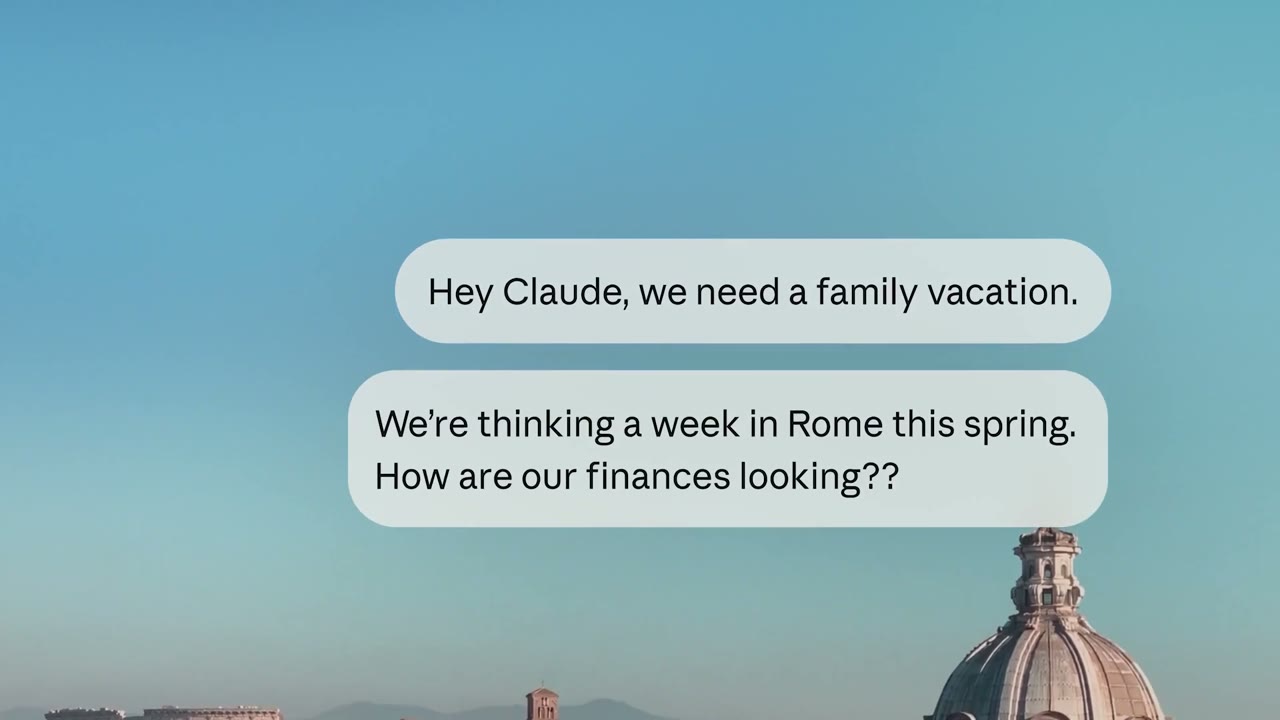
| 0:03–0:11 | Chat and page stack |
| 0:11–0:16 | Cost and obstacles |
| 0:16–0:22 | Module converts |
| 0:22–0:30 | Page structure |
| 0:30–0:35 | Interaction and login |
| 0:35–0:42 | Grid of pages |
| 0:42–0:51 | Structured data |
| 0:51–1:00 | Search and results |
| 1:00–1:06 | Brand close |
The rules it keeps
- 1Keep the pale grid fixed as the space of the whole film.
- 2Use orange only for actions and key objects: dots, lines, blocks and panels that link one screen to the next.
- 3Show a page and its code side by side or back to back.
- 4In a grid of many pages, keep the centre page clear and shrink or dim the rest.
- 5Show three different states: complex input, a middle processing state, a tidy result.
The look
Light grid, orange geometric modules, black-and-white web pages beside code, black cards for obstacles.
To make it yours
Replace the web pages and data samples, or use documents, tables or media; keep the structure from complex input to regular output, not just a new headline.
Make a film like this
Make It Like This Film is a skill for Claude Code, Codex or Cursor. Give it this brief and your own material: it studies the reference, plans your film against its frames and checks the result side by side. It follows the structure, pacing and motion; the product, words, logo and pictures are yours.
Make a film for my product (explainer) like this reference: https://claude-motion.com/motion-references/firecrawl-messy-web-pages-become-structured-data
The reference film itself, to study: https://media.claude-motion.com/gallery/ref-2057495269785358384.mp4 (15 MB, about 45 seconds). Download that file and work from it.
What happens in it: Orange module → Chat and page stack → Cost and obstacles → Module converts → Page structure → Interaction and login → Grid of pages → Structured data → Search and results → Brand close.
Rules it keeps:
- Keep the pale grid fixed as the space of the whole film.
- Use orange only for actions and key objects: dots, lines, blocks and panels that link one screen to the next.
- Show a page and its code side by side or back to back.
- In a grid of many pages, keep the centre page clear and shrink or dim the rest.
- Show three different states: complex input, a middle processing state, a tidy result.
Look: Light grid, orange geometric modules, black-and-white web pages beside code, black cards for obstacles.
Use my own product, words, logo and pictures. Here is my material: [your product, screens, logo, the lines that must appear].