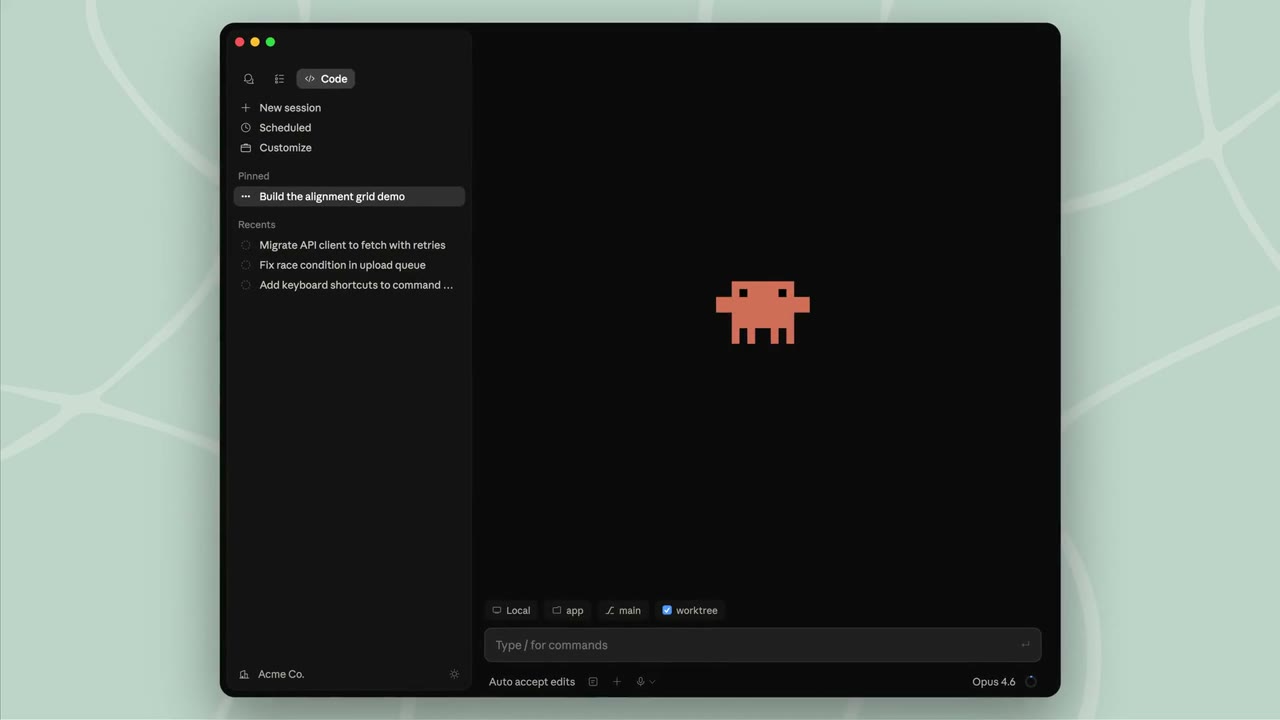
Product demo · CodeRabbit
CodeRabbit Triage: a crowded review queue gets sorted
The film opens with review requests and nudges piling up, then turns the list into a board sorted by urgency, recent change and progress. Orange follows the one item that needs attention most, and the end lands on starting that review.
- Kind
- Product demo
- Length
- 69 s
- Shape
- 16:9
- Posted
- 2026-09-16
- By
- CodeRabbit (@coderabbitai)
- Look
- Product UIDarkCharts and numbers
- Colours
What happens
Times are estimates from watching the film.
| Time | On screen |
|---|---|
| 0:00–0:05 | Too many requests |
| 0:05–0:13 | Nudges by message |
| 0:13–0:18 | Pull request list |
| 0:18–0:24 | Key item selected |
| 0:24–0:30 | Triage board |
| 0:30–0:38 | Sorting rules |
| 0:38–0:46 | Priority result |
| 0:46–0:58 | Risk and code |
| 0:58–1:04 | Select and act |
| 1:04–1:09 | Brand lockup |
The rules it keeps
- 1Keep the crowded feeling to the opening: message cards stack in fast, then cut to a smaller list.
- 2When you push in, enlarge one row and darken the rest.
- 3Show the sort rules as labels first, then move the cards into their new order.
- 4Keep the high-risk item marked in one colour from list to board to detail.
- 5End with the cursor on one action button; keep code as background context.
The look
Black background, bold sans-serif short claims, compact UI text, small green labels for sort rules and orange for risk.
To make it yours
Replace the queue with your own tickets, content checks or tasks, and change sort rules, card summaries and action button together; keep overload, triage, act on the top item, with a real reason for every change in order.
Make a film like this
Make It Like This Film is a skill for Claude Code, Codex or Cursor. Give it this brief and your own material: it studies the reference, plans your film against its frames and checks the result side by side. It follows the structure, pacing and motion; the product, words, logo and pictures are yours.
Make a film for my product (product demo) like this reference: https://claude-motion.com/motion-references/coderabbit-triage-a-crowded-review-queue-gets-sorted
The reference film itself, to study: https://media.claude-motion.com/gallery/ref-2100337972566741490.mp4 (8.2 MB, about 45 seconds). Download that file and work from it.
What happens in it: Too many requests → Nudges by message → Pull request list → Key item selected → Triage board → Sorting rules → Priority result → Risk and code → Select and act → Brand lockup.
Rules it keeps:
- Keep the crowded feeling to the opening: message cards stack in fast, then cut to a smaller list.
- When you push in, enlarge one row and darken the rest.
- Show the sort rules as labels first, then move the cards into their new order.
- Keep the high-risk item marked in one colour from list to board to detail.
- End with the cursor on one action button; keep code as background context.
Look: Black background, bold sans-serif short claims, compact UI text, small green labels for sort rules and orange for risk.
Use my own product, words, logo and pictures. Here is my material: [your product, screens, logo, the lines that must appear].