Product demo · OpenAI
ChatGPT on Linux: a code task turns into a shared document
The film keeps one code task from start to end: the code is shown, a request turns it into a document, and the document is opened in an everyday editor to check it.
- Kind
- Product demo
- Length
- 45 s
- Shape
- 16:9
- Posted
- 2026-08-11
- By
- OpenAI (@OpenAI)
- Look
- Product UILight
- Colours
What happens
Times are estimates from watching the film.
| Time | On screen |
|---|---|
| 0:00–0:03 | Linux preview notice |
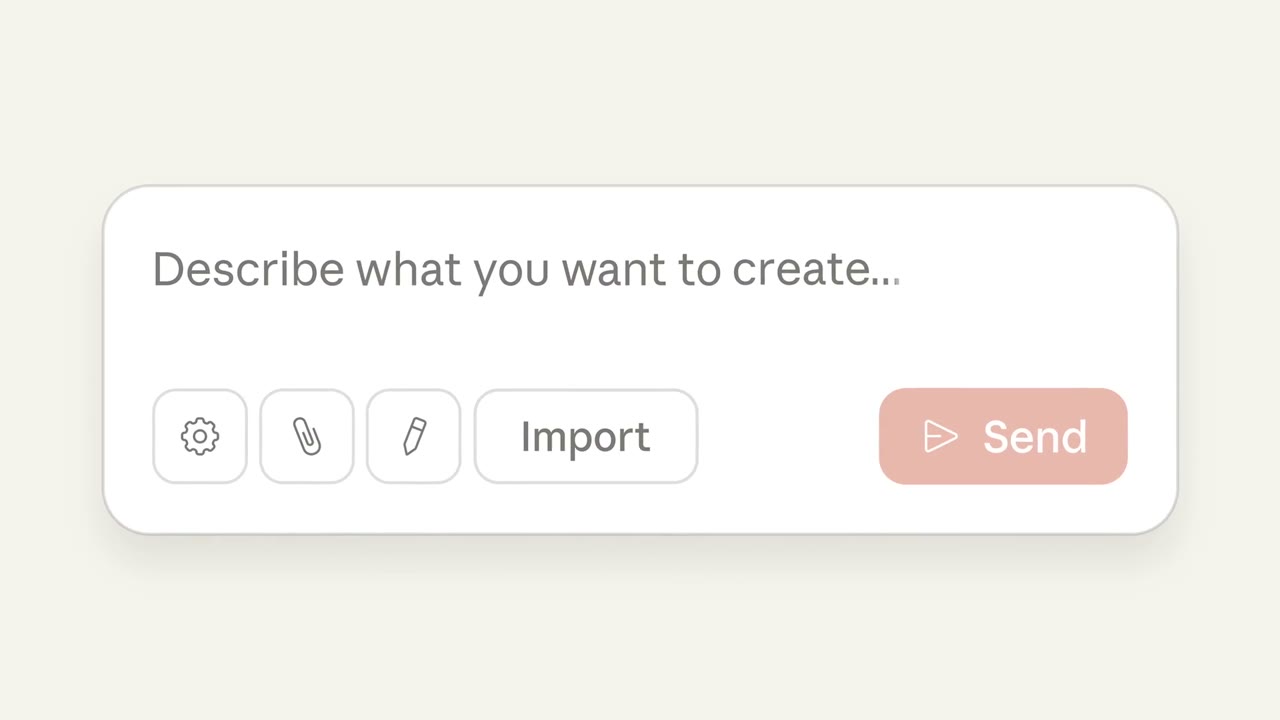
| 0:03–0:06 | Workspace input |
| 0:06–0:11 | Code beside the reply |
| 0:11–0:22 | Ask for a document |
| 0:22–0:28 | Document is made |
| 0:28–0:40 | Open and check it |
| 0:40–0:45 | Brand end card |
The rules it keeps
- 1Keep the session sidebar fixed, and build the file name, document title and text around one task.
- 2Ask for the document only after the code result is still.
- 3Open the new document beside the code, so source and result are seen together.
- 4End inside the target editor with its toolbar visible, showing title, code block and text.
The look
White workspace with a blue-purple desktop edge, monospaced code and document, blue-purple only on the current action.
To make it yours
Use research, meeting notes or a design note in place of code; keep the link source → request → target file, and for a long document show the opening and one key part.
Make a film like this
Make It Like This Film is a skill for Claude Code, Codex or Cursor. Give it this brief and your own material: it studies the reference, plans your film against its frames and checks the result side by side. It follows the structure, pacing and motion; the product, words, logo and pictures are yours.
Make a film for my product (product demo) like this reference: https://claude-motion.com/motion-references/chatgpt-on-linux-a-code-task-turns-into-a-shared-document
The reference film itself, to study: https://media.claude-motion.com/gallery/ref-2087231350134980830.mp4 (6.3 MB, about 45 seconds). Download that file and work from it.
What happens in it: Linux preview notice → Workspace input → Code beside the reply → Ask for a document → Document is made → Open and check it → Brand end card.
Rules it keeps:
- Keep the session sidebar fixed, and build the file name, document title and text around one task.
- Ask for the document only after the code result is still.
- Open the new document beside the code, so source and result are seen together.
- End inside the target editor with its toolbar visible, showing title, code block and text.
Look: White workspace with a blue-purple desktop edge, monospaced code and document, blue-purple only on the current action.
Use my own product, words, logo and pictures. Here is my material: [your product, screens, logo, the lines that must appear].