Product demo · OpenAI
ChatGPT: a message is drafted, reviewed, then sent
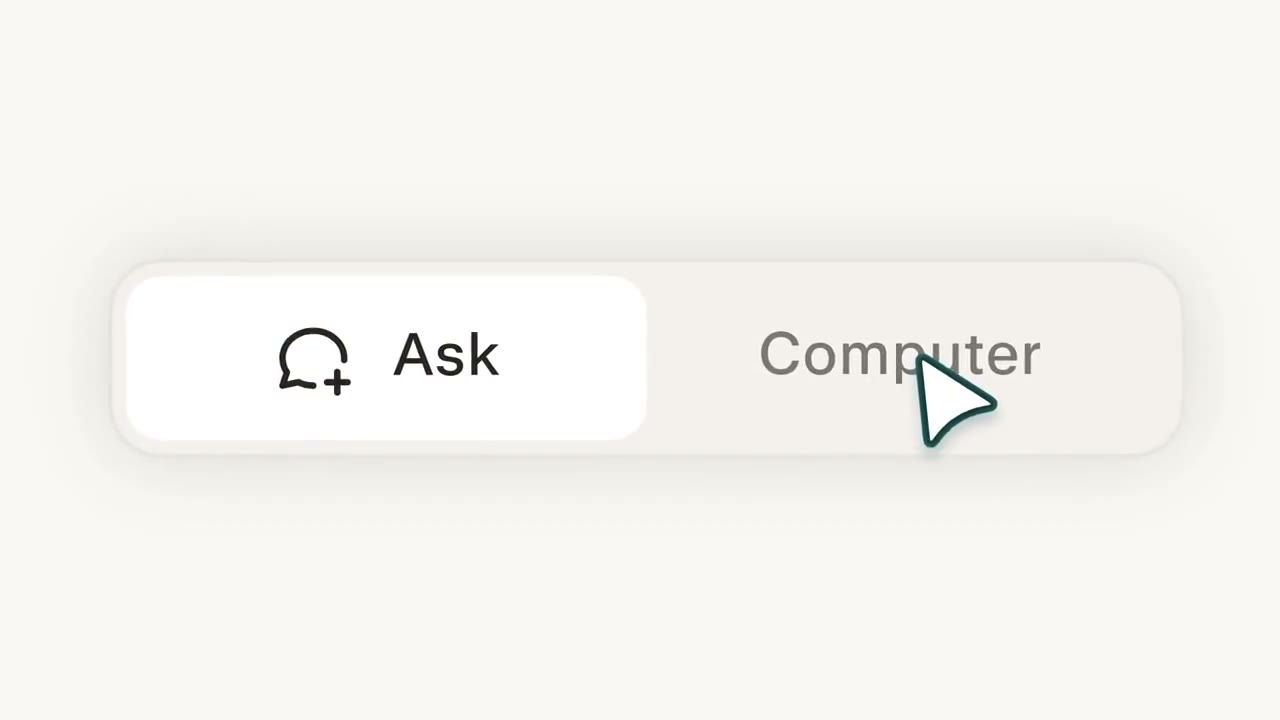
Sending a message is shown as one full chain: find the item that needs a reply, make a draft, let the user edit and confirm, then show the message in the target chat. The review step is a full state, not a quick flash.
- Kind
- Product demo
- Length
- 32 s
- Shape
- 16:9
- Posted
- 2026-08-20
- By
- ChatGPT (@ChatGPT)
- Look
- Product UILightMinimal
- Colours
What happens
Times are estimates from watching the film.
| Time | On screen |
|---|---|
| 0:00–0:03 | Feature name |
| 0:03–0:08 | Type a query |
| 0:08–0:12 | Item needing a reply |
| 0:12–0:15 | Ask to send |
| 0:15–0:17 | Review before sending |
| 0:17–0:22 | Edit the reply |
| 0:22–0:23 | Confirm send |
| 0:23–0:28 | Message arrives in chat |
| 0:28–0:32 | Availability and brand |
The rules it keeps
- 1Open the query box, the result and the confirm sheet along one centre axis.
- 2Let the user edit the draft, and click the confirm button under the text only after the edit ends.
- 3Keep the message text the same before and after sending.
- 4After sending, cut to the receiver's chat and show the same sentence as a blue bubble.
The look
White background with little decoration, bold sans-serif chapter titles, green for actions and blue for the target chat.
To make it yours
Replace the plugin, the item, the draft and the channel; for a publishing tool, swap the chat receipt for the published page and keep the human confirm step.
Make a film like this
Make It Like This Film is a skill for Claude Code, Codex or Cursor. Give it this brief and your own material: it studies the reference, plans your film against its frames and checks the result side by side. It follows the structure, pacing and motion; the product, words, logo and pictures are yours.
Make a film for my product (product demo) like this reference: https://claude-motion.com/motion-references/chatgpt-a-message-is-drafted-reviewed-then-sent
The reference film itself, to study: https://media.claude-motion.com/gallery/ref-2090499359641329950.mp4 (1.2 MB, about 32 seconds). Download that file and work from it.
What happens in it: Feature name → Type a query → Item needing a reply → Ask to send → Review before sending → Edit the reply → Confirm send → Message arrives in chat → Availability and brand.
Rules it keeps:
- Open the query box, the result and the confirm sheet along one centre axis.
- Let the user edit the draft, and click the confirm button under the text only after the edit ends.
- Keep the message text the same before and after sending.
- After sending, cut to the receiver's chat and show the same sentence as a blue bubble.
Look: White background with little decoration, bold sans-serif chapter titles, green for actions and blue for the target chat.
Use my own product, words, logo and pictures. Here is my material: [your product, screens, logo, the lines that must appear].