Brand film · Butterfly
Butterfly Pond: big garden words with tiny process blocks
A computing system is explained as a garden with bees: one large word per screen carries the sentence, while small coloured process blocks keep working around it. The film ends with the four letters of Pond gathering into a square.
- Kind
- Brand film
- Length
- 19 s
- Shape
- 16:9
- Posted
- 2026-07-29
- By
- Butterfly (@bflycomputer)
- Look
- Kinetic typeIllustrationBold colour
- Colours
What happens
Times are estimates from watching the film.
| Time | On screen |
|---|---|
| 0:00–0:01 | Tiny control blocks |
| 0:01–0:02 | Colour blocks flash |
| 0:02–0:03 | Processes and a butterfly |
| 0:03–0:05 | The word "a" |
| 0:05–0:07 | The word "garden" |
| 0:07–0:09 | The word "blossoms" |
| 0:09–0:10 | The word "bees" |
| 0:10–0:13 | Model labels |
| 0:13–0:14 | Linux |
| 0:14–0:15 | Operating System |
| 0:15–0:17 | Pond letters |
| 0:17–0:19 | System lockup |
The rules it keeps
- 1Give one large word the screen at a time, and let the small labels around it show tasks, models and processes.
- 2Make the size gap between the serif italic words and the monospaced labels very clear.
- 3Bring colour in as hard-edged rectangles with no rounded corners and no soft glass cards.
- 4Keep the plant line drawings at low contrast, as texture and not as content.
- 5At the end shrink the task blocks and give the name empty space.
The look
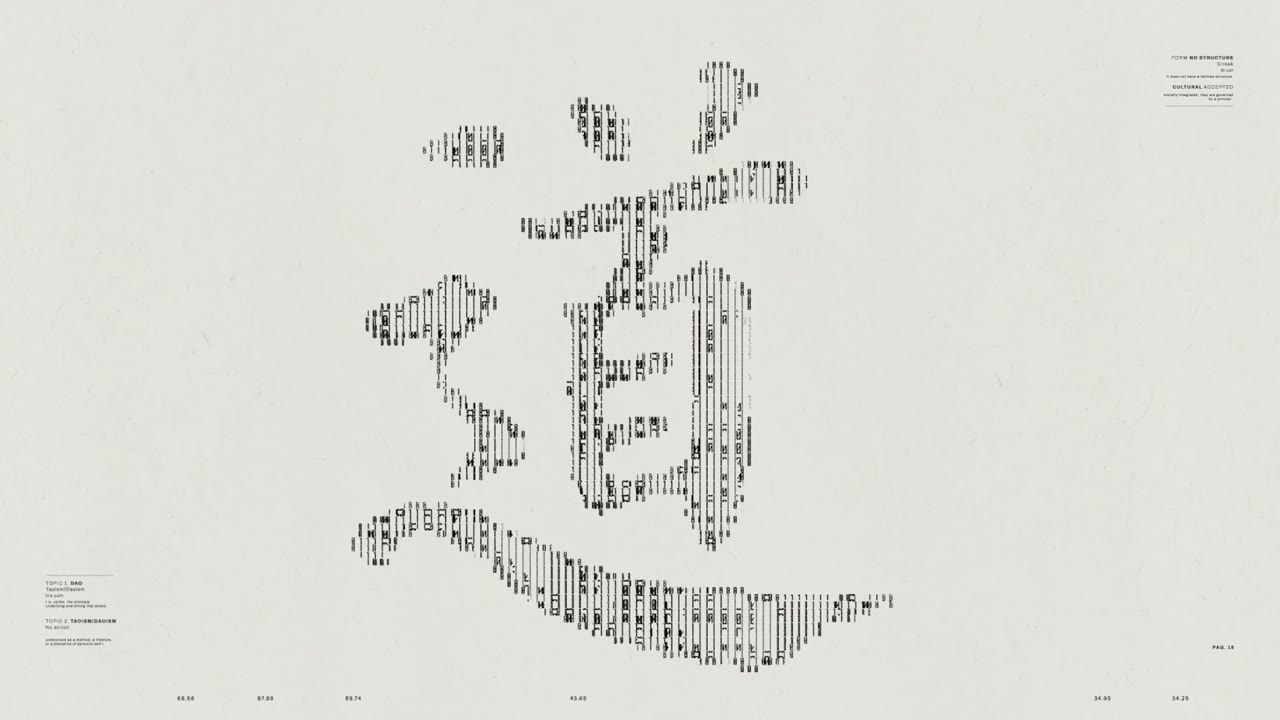
Light paper background with full-screen cuts to dark brown or bright yellow, large serif italic words, tiny monospaced labels and hard-edged colour blocks.
To make it yours
Use another natural metaphor with matching pairs of natural objects, system roles and short words; keep the big words screen by screen and the tiny labels always changing.
Make a film like this
Make It Like This Film is a skill for Claude Code, Codex or Cursor. Give it this brief and your own material: it studies the reference, plans your film against its frames and checks the result side by side. It follows the structure, pacing and motion; the product, words, logo and pictures are yours.
Make a film for my product (brand film) like this reference: https://claude-motion.com/motion-references/butterfly-pond-big-garden-words-with-tiny-process-blocks
The reference film itself, to study: https://media.claude-motion.com/gallery/ref-2082496873655648632.mp4 (1.7 MB, about 19 seconds). Download that file and work from it.
What happens in it: Tiny control blocks → Colour blocks flash → Processes and a butterfly → The word "a" → The word "garden" → The word "blossoms" → The word "bees" → Model labels → Linux → Operating System → Pond letters → System lockup.
Rules it keeps:
- Give one large word the screen at a time, and let the small labels around it show tasks, models and processes.
- Make the size gap between the serif italic words and the monospaced labels very clear.
- Bring colour in as hard-edged rectangles with no rounded corners and no soft glass cards.
- Keep the plant line drawings at low contrast, as texture and not as content.
- At the end shrink the task blocks and give the name empty space.
Look: Light paper background with full-screen cuts to dark brown or bright yellow, large serif italic words, tiny monospaced labels and hard-edged colour blocks.
Use my own product, words, logo and pictures. Here is my material: [your product, screens, logo, the lines that must appear].