Product demo · Bolt
Bolt Skills: save a rule once, then see it change the page
The film starts from the problem of typing the same requirement again and again, then shows a skill being picked from a menu and created, imported or uploaded. A colour change on the same page proves the skill took effect.
- Kind
- Product demo
- Length
- 43 s
- Shape
- 16:9
- Posted
- 2026-07-22
- By
- bolt.new (@boltdotnew)
- Look
- Product UIDarkMinimal
- Colours
What happens
Times are estimates from watching the film.
| Time | On screen |
|---|---|
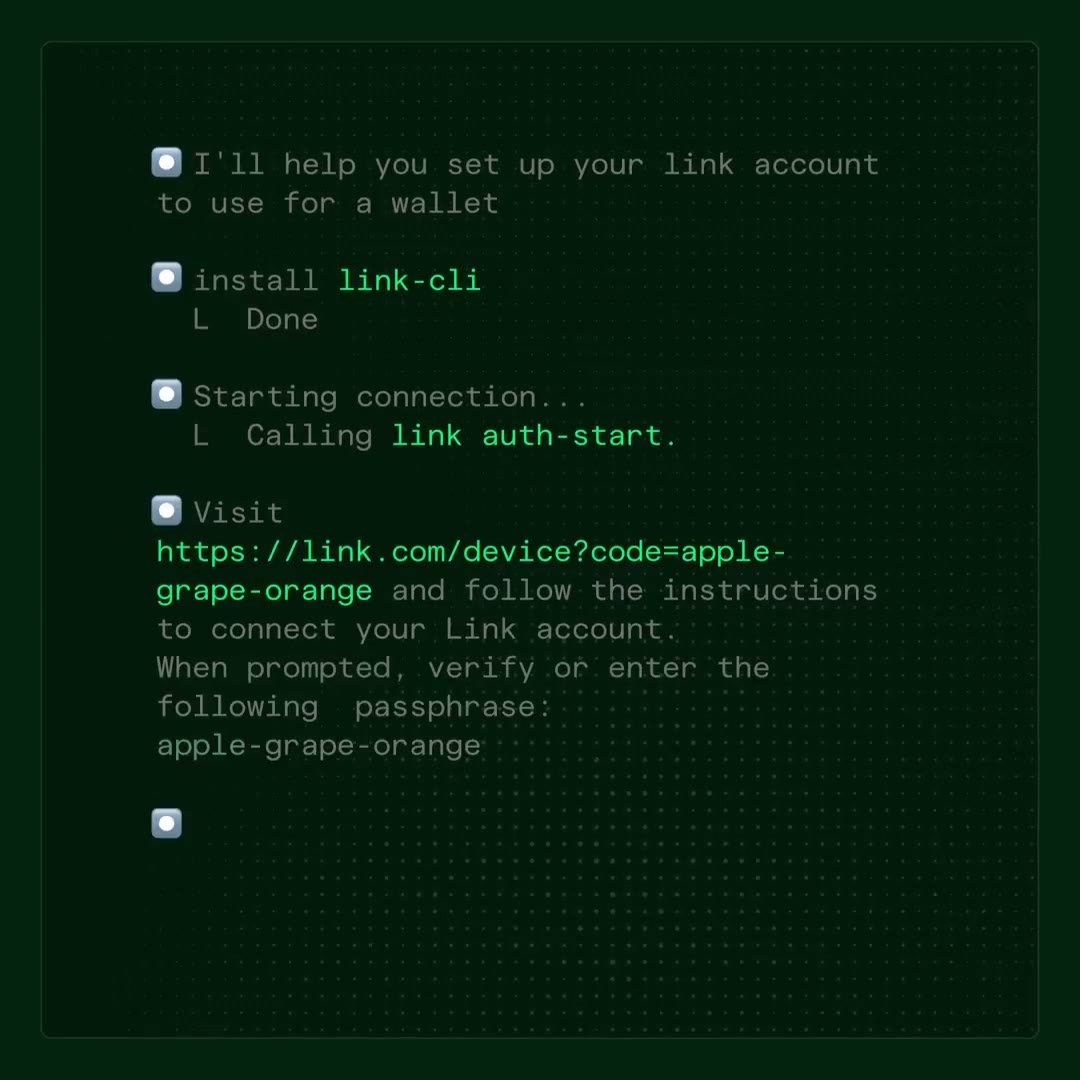
| 0:00–0:04 | Typing it again and again |
| 0:04–0:07 | Skills introduced |
| 0:07–0:12 | Menu choice |
| 0:12–0:16 | First style applied |
| 0:16–0:22 | Create a skill |
| 0:22–0:26 | Import a repo |
| 0:26–0:29 | Upload a file |
| 0:29–0:33 | Featured skills |
| 0:33–0:35 | Call a skill |
| 0:35–0:40 | New colours applied |
| 0:40–0:42 | Brand close |
The rules it keeps
- 1Move the cursor through the menu levels, and return the chosen item to the input box as a tag.
- 2Show create, import and upload as three separate ways in, each with a clear done state.
- 3Compare before and after on the same page: keep layout and content, change only what the skill controls.
- 4Choose a rule whose effect can be seen, such as colour or type.
The look
Blue-black background, white sans-serif short lines in a spoken tone, dark input box; the sample website keeps its own style.
To make it yours
Replace the skill rule and the before-and-after pages, for example type, brand colour or component rules; keep enter, save, call, take effect, and do not stop at "file imported".
Make a film like this
Make It Like This Film is a skill for Claude Code, Codex or Cursor. Give it this brief and your own material: it studies the reference, plans your film against its frames and checks the result side by side. It follows the structure, pacing and motion; the product, words, logo and pictures are yours.
Make a film for my product (product demo) like this reference: https://claude-motion.com/motion-references/bolt-skills-save-a-rule-once-then-see-it-change-the-page
The reference film itself, to study: https://media.claude-motion.com/gallery/ref-2079947359719469561.mp4 (4.3 MB, about 43 seconds). Download that file and work from it.
What happens in it: Typing it again and again → Skills introduced → Menu choice → First style applied → Create a skill → Import a repo → Upload a file → Featured skills → Call a skill → New colours applied → Brand close.
Rules it keeps:
- Move the cursor through the menu levels, and return the chosen item to the input box as a tag.
- Show create, import and upload as three separate ways in, each with a clear done state.
- Compare before and after on the same page: keep layout and content, change only what the skill controls.
- Choose a rule whose effect can be seen, such as colour or type.
Look: Blue-black background, white sans-serif short lines in a spoken tone, dark input box; the sample website keeps its own style.
Use my own product, words, logo and pictures. Here is my material: [your product, screens, logo, the lines that must appear].