Product demo · Perplexity
Perplexity Projects: files, tasks and chats in one project
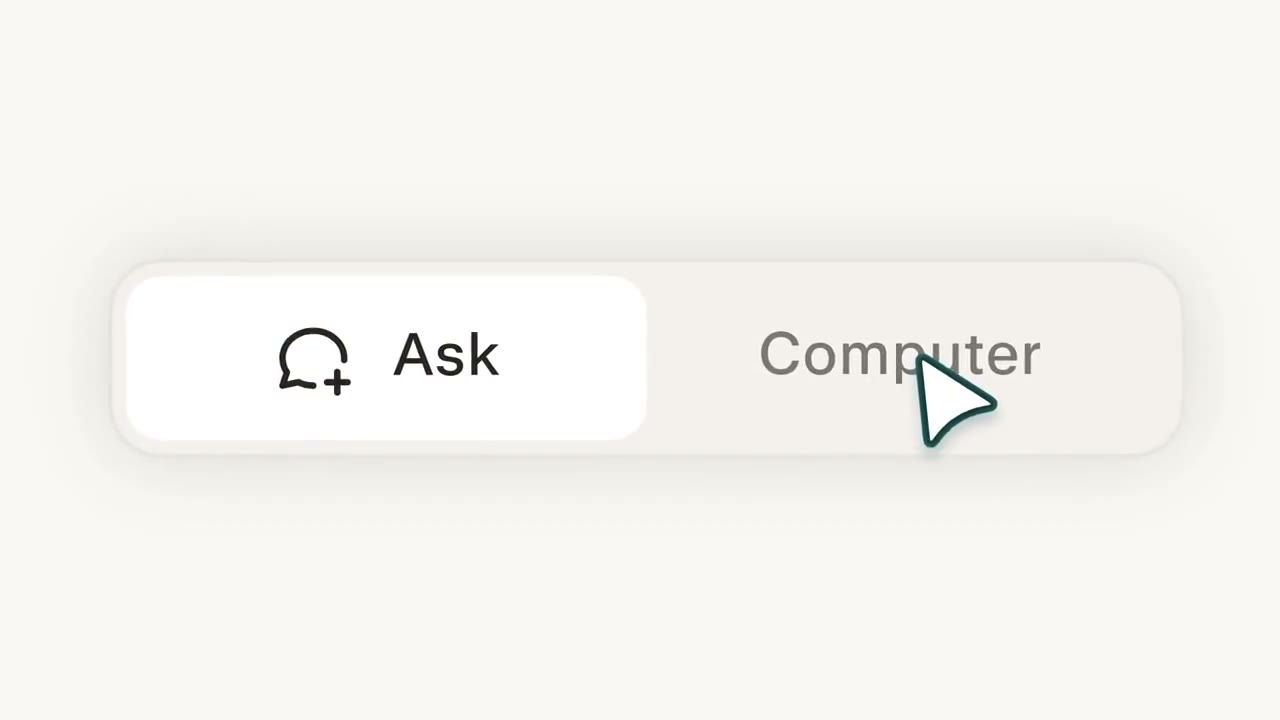
Files, tasks and conversations all belong to one project. The film moves from files coming in, to questions asked inside the project, to team messages, and back to the overview, so the project reads as a place for ongoing work.
- Kind
- Product demo
- Length
- 64 s
- Shape
- 16:9
- Posted
- 2026-07-30
- By
- Perplexity (@perplexity_ai)
- Look
- Product UILightMinimal
- Colours
What happens
Times are estimates from watching the film.
| Time | On screen |
|---|---|
| 0:00–0:06 | Project title |
| 0:06–0:11 | Files come in |
| 0:11–0:18 | Parallel tasks |
| 0:18–0:23 | Shared context claim |
| 0:23–0:33 | Ask inside the project |
| 0:33–0:39 | Task answer |
| 0:39–0:44 | Any-device claim |
| 0:44–0:50 | Team messages |
| 0:50–0:56 | Project overview |
| 0:56–1:01 | Results review |
| 1:01–1:04 | Brand |
The rules it keeps
- 1Set the project title first and bring files and tasks into its area from around it.
- 2Always keep one sign of the parent (title, border or navigation) while child items move.
- 3Add files, then tasks, then ask a question inside the project; the answer must not jump to a blank new space.
- 4Use a wide shot for the overview and close shots for details, and return to the overview after the team messages.
- 5Keep borders and lines light, so the workspace does not look like a dense flow chart.
The look
Light warm background, teal selected state and dark text, serif claim titles and sans-serif labels, light borders and wide margins.
To make it yours
Define the project first (a design sprint, a research topic, a launch), then fill in files, members and tasks that one overview can hold.
Make a film like this
Make It Like This Film is a skill for Claude Code, Codex or Cursor. Give it this brief and your own material: it studies the reference, plans your film against its frames and checks the result side by side. It follows the structure, pacing and motion; the product, words, logo and pictures are yours.
Make a film for my product (product demo) like this reference: https://claude-motion.com/motion-references/perplexity-projects-files-tasks-and-chats-in-one-project
The reference film itself, to study: https://media.claude-motion.com/gallery/ref-2082866707438415932.mp4 (5.6 MB, about 45 seconds). Download that file and work from it.
What happens in it: Project title → Files come in → Parallel tasks → Shared context claim → Ask inside the project → Task answer → Any-device claim → Team messages → Project overview → Results review → Brand.
Rules it keeps:
- Set the project title first and bring files and tasks into its area from around it.
- Always keep one sign of the parent (title, border or navigation) while child items move.
- Add files, then tasks, then ask a question inside the project; the answer must not jump to a blank new space.
- Use a wide shot for the overview and close shots for details, and return to the overview after the team messages.
- Keep borders and lines light, so the workspace does not look like a dense flow chart.
Look: Light warm background, teal selected state and dark text, serif claim titles and sans-serif labels, light borders and wide margins.
Use my own product, words, logo and pictures. Here is my material: [your product, screens, logo, the lines that must appear].