Product demo · Perplexity
Perplexity: pick the local machine first, then run tasks
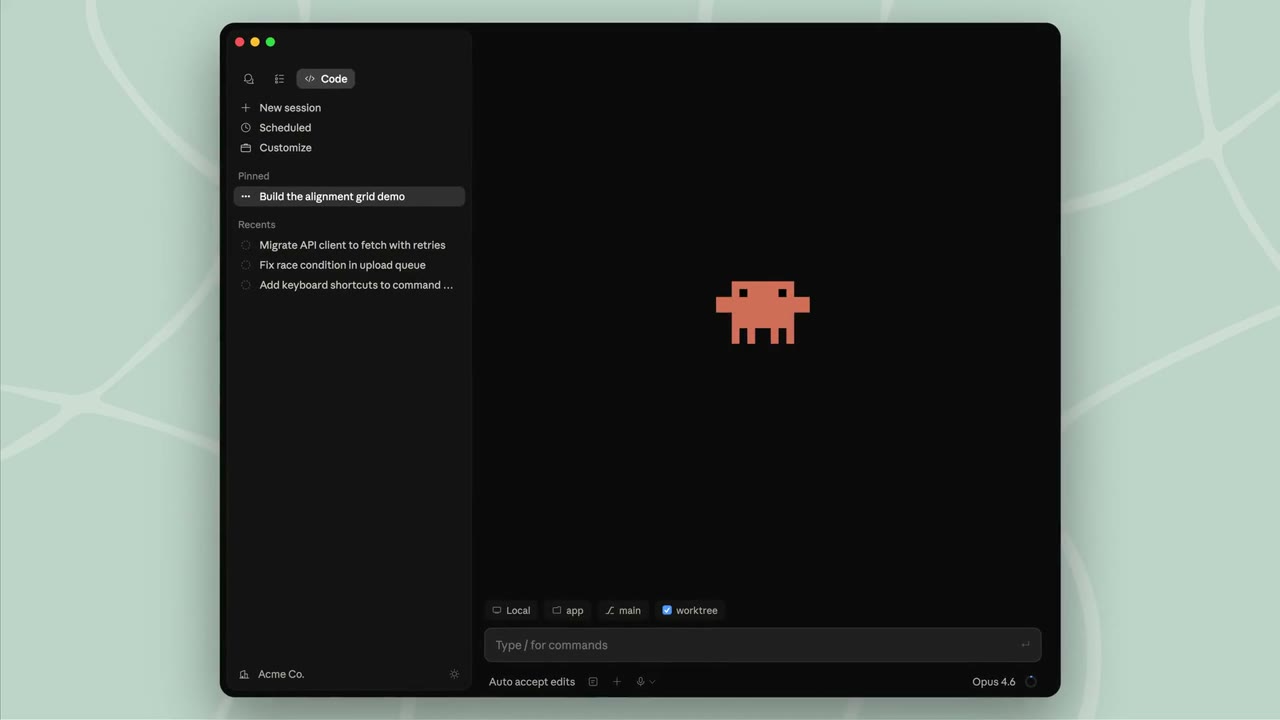
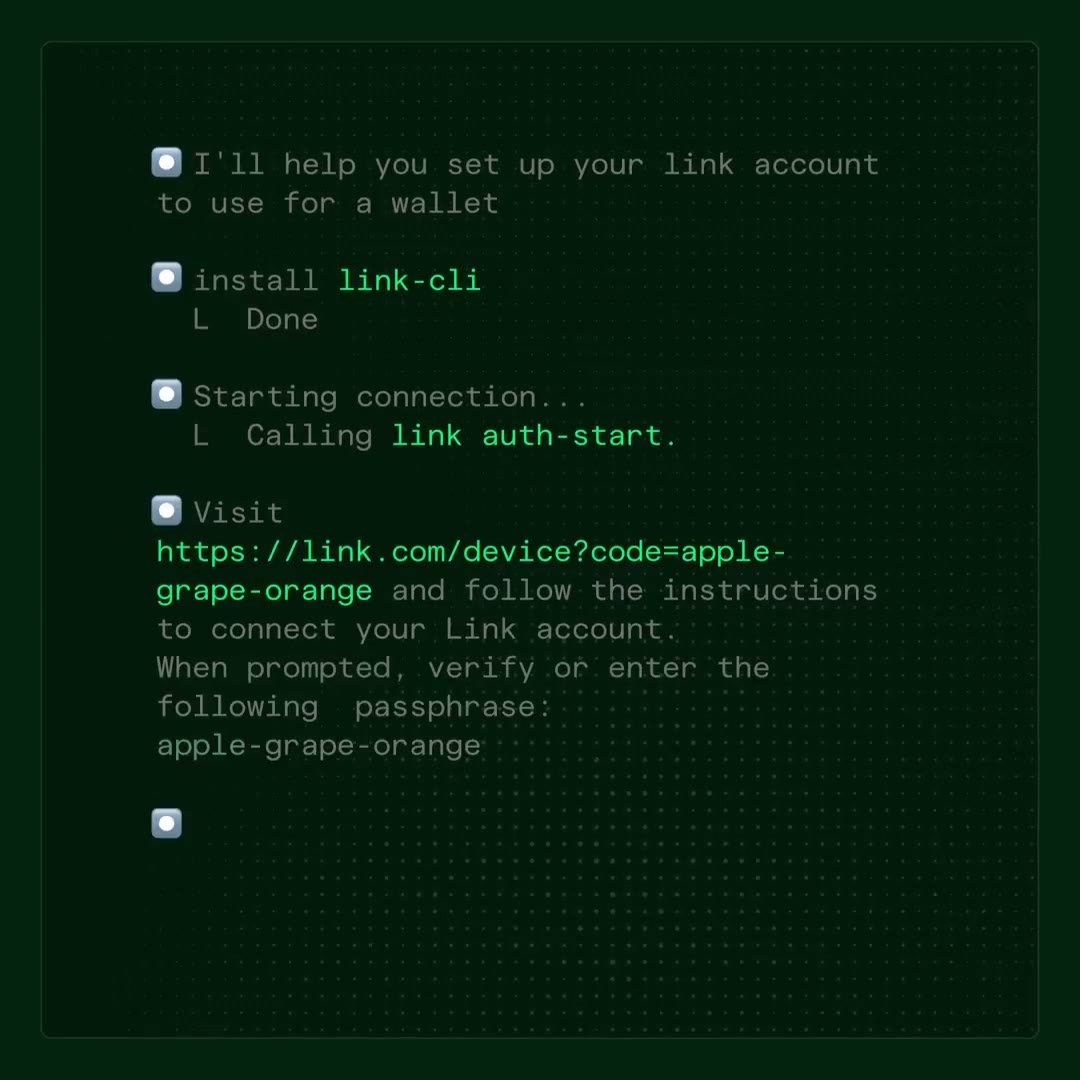
The film first shows where the task runs, with the local model setting and device state, then what it gets done. A report, a to-do list and a link to a local app widen the meaning of running locally step by step.
- Kind
- Product demo
- Length
- 69 s
- Shape
- 16:9
- Posted
- 2026-10-20
- By
- Perplexity (@perplexity_ai)
- Look
- Product UIDark
- Colours
What happens
Times are estimates from watching the film.
| Time | On screen |
|---|---|
| 0:00–0:05 | Local claim |
| 0:05–0:14 | Local model settings |
| 0:14–0:20 | Read the task |
| 0:20–0:28 | Submit the request |
| 0:28–0:36 | Process documents |
| 0:36–0:42 | Analysis result |
| 0:42–0:48 | Second task |
| 0:48–0:53 | Local device state |
| 0:53–0:59 | To-do result |
| 0:59–1:04 | App link |
| 1:04–1:08 | Brand |
The rules it keeps
- 1Show the local option and the device state before any task is typed, with the device mark near the input.
- 2Hand over in order: the request is sent, then the processing state, then the report text.
- 3Move the focus frame to the area that is working, and flash the thin light edge only at a state change.
- 4Use a different kind of output in the second part (to-dos, an app link) through the same task entry.
The look
Dark interface with thin cyan lines on the current choice, serif claim titles and sans-serif settings and file text, wide margins.
To make it yours
Choose an input file, a report and a next action from one work setting, such as a design file with a design check and to-dos; keep device choice → task → usable output.
Make a film like this
Make It Like This Film is a skill for Claude Code, Codex or Cursor. Give it this brief and your own material: it studies the reference, plans your film against its frames and checks the result side by side. It follows the structure, pacing and motion; the product, words, logo and pictures are yours.
Make a film for my product (product demo) like this reference: https://claude-motion.com/motion-references/perplexity-pick-the-local-machine-first-then-run-tasks
The reference film itself, to study: https://media.claude-motion.com/gallery/ref-2112571597798461920.mp4 (3.5 MB, about 45 seconds). Download that file and work from it.
What happens in it: Local claim → Local model settings → Read the task → Submit the request → Process documents → Analysis result → Second task → Local device state → To-do result → App link → Brand.
Rules it keeps:
- Show the local option and the device state before any task is typed, with the device mark near the input.
- Hand over in order: the request is sent, then the processing state, then the report text.
- Move the focus frame to the area that is working, and flash the thin light edge only at a state change.
- Use a different kind of output in the second part (to-dos, an app link) through the same task entry.
Look: Dark interface with thin cyan lines on the current choice, serif claim titles and sans-serif settings and file text, wide margins.
Use my own product, words, logo and pictures. Here is my material: [your product, screens, logo, the lines that must appear].