Product demo · Perplexity
Perplexity Computer: three tasks, three kinds of output
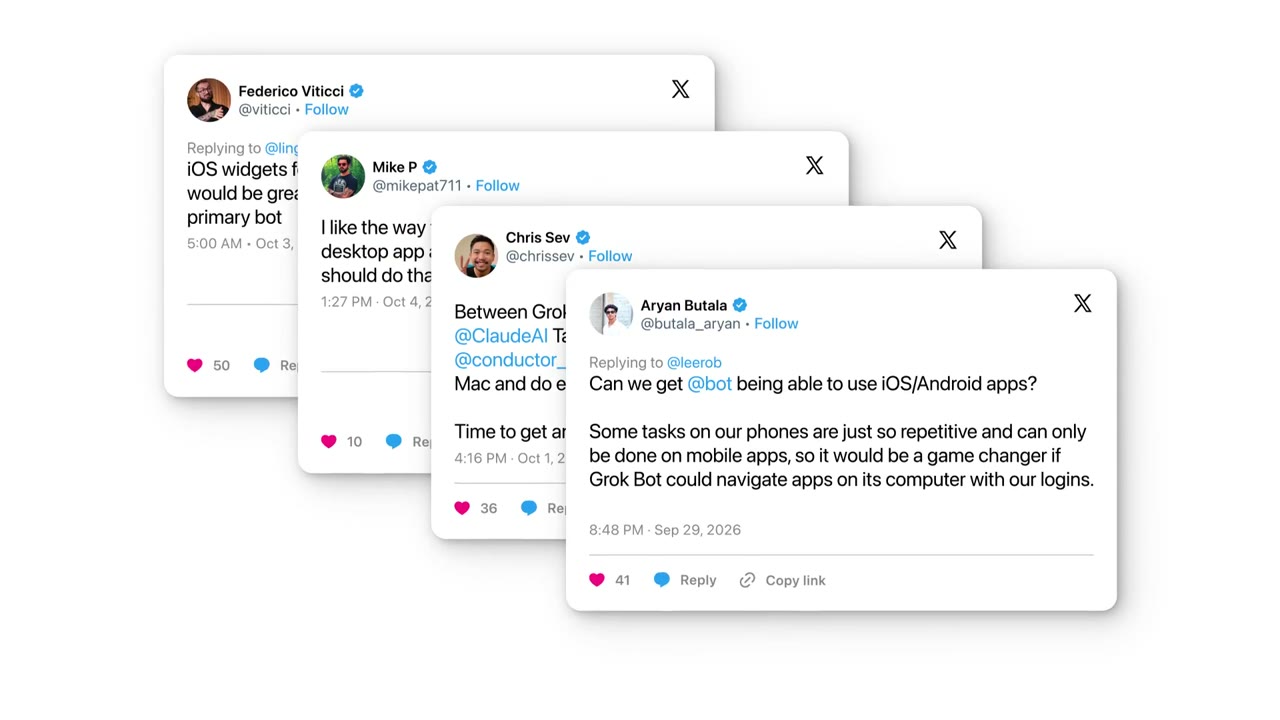
The same task box produces a report, a video and a follow-up answer, each shown in a way that fits it. App icons then spread around the claim and a wall of results closes the film.
- Kind
- Product demo
- Length
- 94 s
- Shape
- 16:9
- Posted
- 2026-02-25
- By
- Perplexity (@perplexity_ai)
- Look
- Product UILightMinimal
- Colours
What happens
Times are estimates from watching the film.
| Time | On screen |
|---|---|
| 0:00–0:07 | Mode switch |
| 0:07–0:18 | Complex task |
| 0:18–0:26 | Full report |
| 0:26–0:33 | Attachment updates it |
| 0:33–0:41 | Visual result |
| 0:41–0:49 | Second task |
| 0:49–0:57 | Video clip |
| 0:57–1:06 | Third task |
| 1:06–1:13 | Follow-up question |
| 1:13–1:21 | App ecosystem |
| 1:21–1:29 | Wall of results |
| 1:29–1:34 | Brand |
The rules it keeps
- 1Choose cases by output type, so each new task brings a new kind of result.
- 2Keep each input paired with its output and cut repeated steps at the same entry point.
- 3Let the result decide the framing: zoom in on a report, go wide for a chart, give video a clear player area.
- 4Show icons first for reach, then result columns for real deliveries, one after the other.
- 5Align every case to the same visual centre.
The look
Light warm background, teal accent, dark high-contrast text; serif claim pages, sans-serif tool UI, thin borders.
To make it yours
Replace the whole set of tasks and results: pick three truly different outputs, such as a document, a prototype and a demo video, each with its input; reuse them in the results wall and use icons of tools your product really connects.
Make a film like this
Make It Like This Film is a skill for Claude Code, Codex or Cursor. Give it this brief and your own material: it studies the reference, plans your film against its frames and checks the result side by side. It follows the structure, pacing and motion; the product, words, logo and pictures are yours.
Make a film for my product (product demo) like this reference: https://claude-motion.com/motion-references/perplexity-computer-three-tasks-three-kinds-of-output
The reference film itself, to study: https://media.claude-motion.com/gallery/ref-2026695550771540489.mp4 (6.6 MB, about 45 seconds). Download that file and work from it.
What happens in it: Mode switch → Complex task → Full report → Attachment updates it → Visual result → Second task → Video clip → Third task → Follow-up question → App ecosystem → Wall of results → Brand.
Rules it keeps:
- Choose cases by output type, so each new task brings a new kind of result.
- Keep each input paired with its output and cut repeated steps at the same entry point.
- Let the result decide the framing: zoom in on a report, go wide for a chart, give video a clear player area.
- Show icons first for reach, then result columns for real deliveries, one after the other.
- Align every case to the same visual centre.
Look: Light warm background, teal accent, dark high-contrast text; serif claim pages, sans-serif tool UI, thin borders.
Use my own product, words, logo and pictures. Here is my material: [your product, screens, logo, the lines that must appear].