Product demo · Manus
Manus: a website leaves the browser as a desktop app
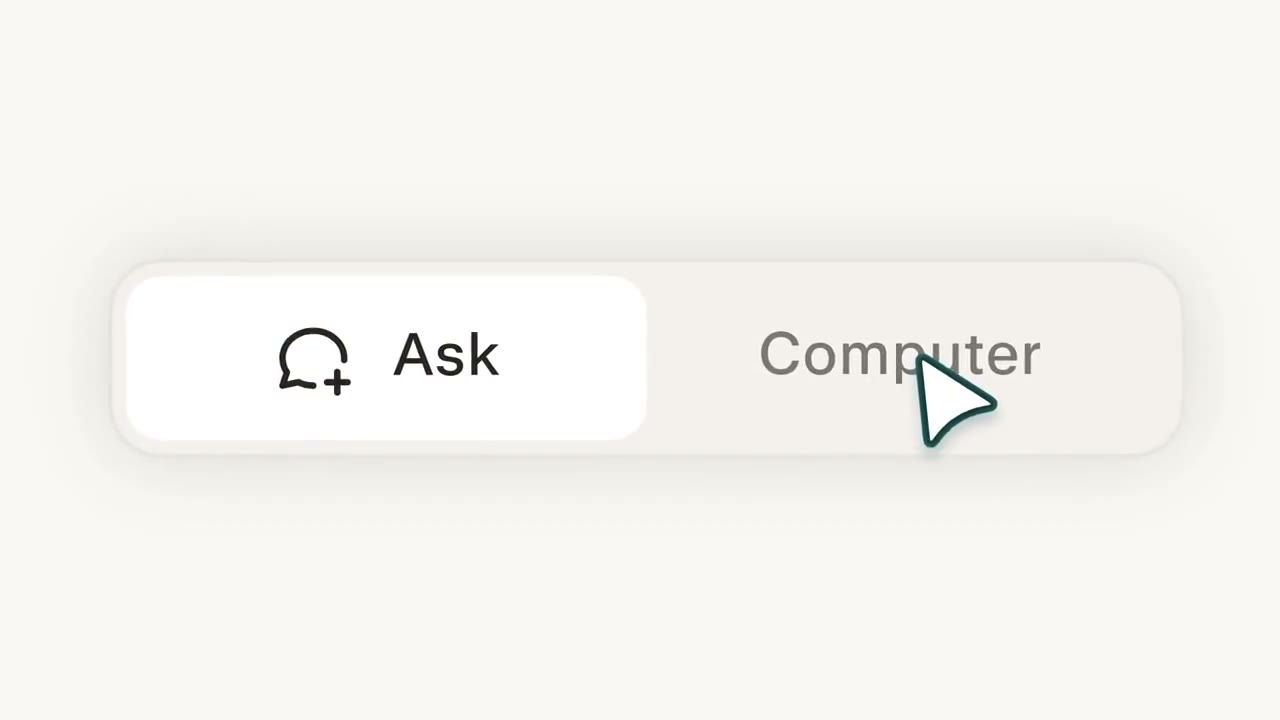
The same website moves from a browser tab into its own window after an install click. A dock icon, a system search, a shortcut switch and side-by-side windows then show how it is used as an app, with the content unchanged.
- Kind
- Product demo
- Length
- 19 s
- Shape
- 16:9
- Posted
- 2026-10-27
- By
- Manus (@ManusAI)
- Look
- Product UILightMinimal
- Colours
What happens
Times are estimates from watching the film.
| Time | On screen |
|---|---|
| 0:00–0:01 | Web-to-app claim |
| 0:01–0:03 | Several sites |
| 0:03–0:05 | Install button |
| 0:05–0:07 | Standalone app |
| 0:07–0:09 | Launch from system search |
| 0:09–0:12 | Shortcut switch |
| 0:12–0:15 | Windows side by side |
| 0:15–0:17 | App queue |
| 0:17–0:19 | Brand |
The rules it keeps
- 1Change only the container at install: the page content leaves the browser frame and stays the same.
- 2Add the matching dock icon right after the standalone window appears, and keep icon and window the same in every later scene.
- 3Show the search term before the window opens, and the selection state before the switch.
- 4Keep window edges clear in the side-by-side part so the layout explains itself.
The look
Light background, thin borders and soft shadows to layer windows, clear sans-serif UI text, accent colour only for install and current selection.
To make it yours
Replace the website: prepare its browser state and app state, plus icon, app name and search term; keep the four actions install, launch, switch, side by side, and change system entry points and shortcuts to your platform.
Make a film like this
Make It Like This Film is a skill for Claude Code, Codex or Cursor. Give it this brief and your own material: it studies the reference, plans your film against its frames and checks the result side by side. It follows the structure, pacing and motion; the product, words, logo and pictures are yours.
Make a film for my product (product demo) like this reference: https://claude-motion.com/motion-references/manus-a-website-leaves-the-browser-as-a-desktop-app
The reference film itself, to study: https://media.claude-motion.com/gallery/ref-2115110045977583909.mp4 (4.2 MB, about 19 seconds). Download that file and work from it.
What happens in it: Web-to-app claim → Several sites → Install button → Standalone app → Launch from system search → Shortcut switch → Windows side by side → App queue → Brand.
Rules it keeps:
- Change only the container at install: the page content leaves the browser frame and stays the same.
- Add the matching dock icon right after the standalone window appears, and keep icon and window the same in every later scene.
- Show the search term before the window opens, and the selection state before the switch.
- Keep window edges clear in the side-by-side part so the layout explains itself.
Look: Light background, thin borders and soft shadows to layer windows, clear sans-serif UI text, accent colour only for install and current selection.
Use my own product, words, logo and pictures. Here is my material: [your product, screens, logo, the lines that must appear].