Brand film · Kimi
Kimi: code strips link machines, nature and 3D objects
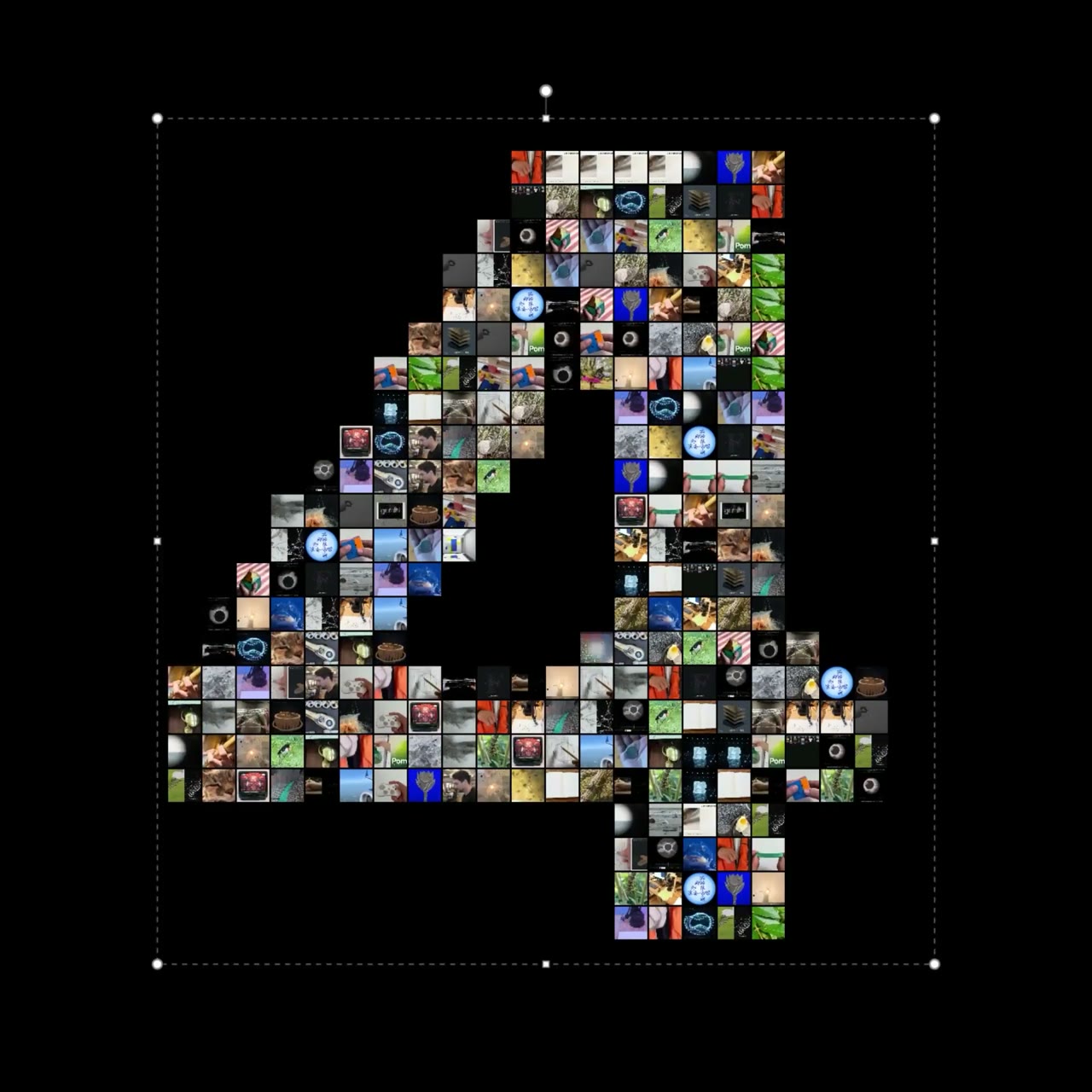
A teaser with no copy: old computers, machines, nature and 3D objects are joined by strips of code and by shapes that repeat from shot to shot. The first half cuts fast and the end settles on one globe and the brand name.
- Kind
- Brand film
- Length
- 24 s
- Shape
- 16:9
- Posted
- 2026-10-23
- By
- Kimi.ai (@Kimi_Moonshot)
- Look
- CollagePhoto3D
- Colours
What happens
Times are estimates from watching the film.
| Time | On screen |
|---|---|
| 0:00–0:02 | Old computer code |
| 0:02–0:04 | Machine parts |
| 0:04–0:06 | Nature with code glitches |
| 0:06–0:09 | Moon and fluid |
| 0:09–0:12 | Glacier and materials |
| 0:12–0:16 | Body and ecology |
| 0:16–0:19 | Nature details |
| 0:19–0:22 | Settles on a globe |
| 0:22–0:24 | Brand |
The rules it keeps
- 1Choose footage by shared shape (ring, spiral, sphere) and pair shots by shape before you edit.
- 2Cut the last shot into offset strips, let the next shot show through, then let it take the full frame.
- 3Run the strips in the direction of the subject's shape or of the code lines, and keep the centre object in place.
- 4Let the code layer pass briefly; it should never cover the whole subject.
- 5Lower the density at the end: one globe, fewer strips, then black with a short wordmark.
The look
Collage of retro computers, science and nature images with glitch strips, switching between light grey paper and deep black, small monospaced code.
To make it yours
Replace the images with a set from your own field that shares shapes; keep the retro opening, the code layer and the single-object ending, and do not join shots by colour alone.
Make a film like this
Make It Like This Film is a skill for Claude Code, Codex or Cursor. Give it this brief and your own material: it studies the reference, plans your film against its frames and checks the result side by side. It follows the structure, pacing and motion; the product, words, logo and pictures are yours.
Make a film for my product (brand film) like this reference: https://claude-motion.com/motion-references/kimi-code-strips-link-machines-nature-and-3d-objects
The reference film itself, to study: https://media.claude-motion.com/gallery/ref-2113445757185606062.mp4 (27 MB, about 24 seconds). Download that file and work from it.
What happens in it: Old computer code → Machine parts → Nature with code glitches → Moon and fluid → Glacier and materials → Body and ecology → Nature details → Settles on a globe → Brand.
Rules it keeps:
- Choose footage by shared shape (ring, spiral, sphere) and pair shots by shape before you edit.
- Cut the last shot into offset strips, let the next shot show through, then let it take the full frame.
- Run the strips in the direction of the subject's shape or of the code lines, and keep the centre object in place.
- Let the code layer pass briefly; it should never cover the whole subject.
- Lower the density at the end: one globe, fewer strips, then black with a short wordmark.
Look: Collage of retro computers, science and nature images with glitch strips, switching between light grey paper and deep black, small monospaced code.
Use my own product, words, logo and pictures. Here is my material: [your product, screens, logo, the lines that must appear].