Product demo · Figma
Figma: three photo edits, each from selection to result
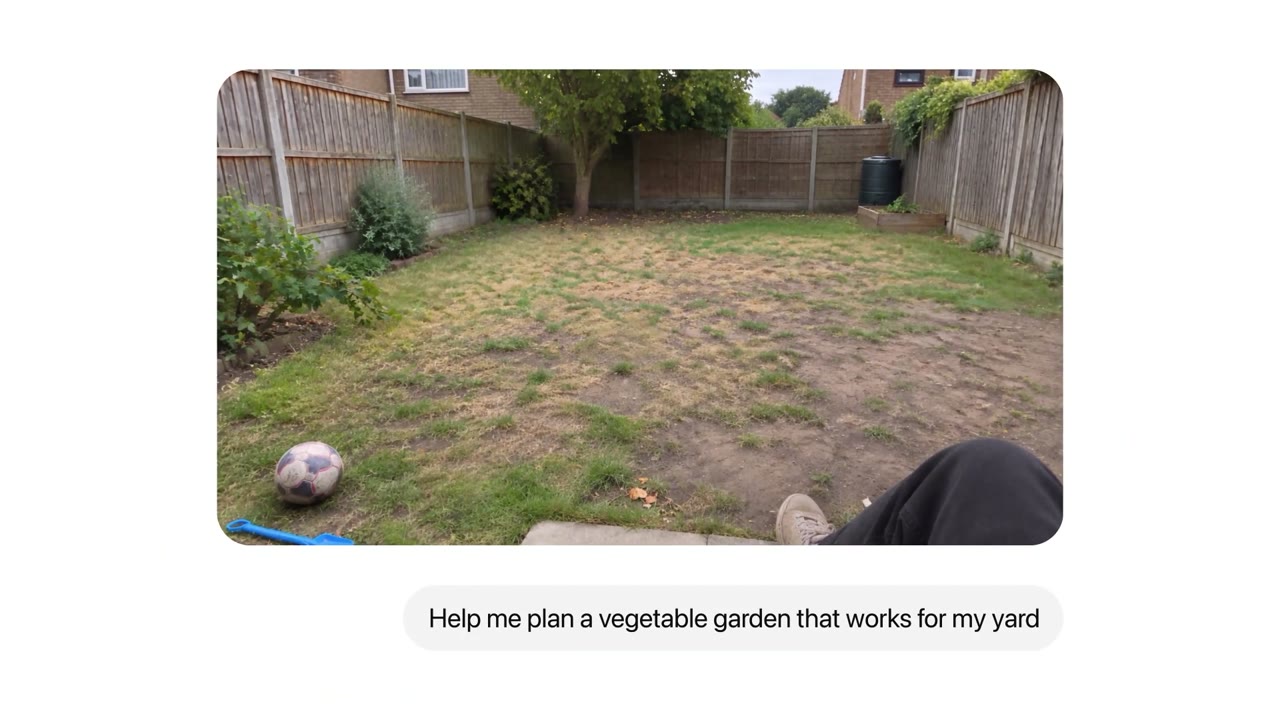
Three short examples separate three edits: adjust the subject, delete an object, remove the background. Each one shows the selection, the action and the final picture in full.
- Kind
- Product demo
- Length
- 24 s
- Shape
- 16:9
- Posted
- 2026-11-06
- By
- Figma (@figma)
- Look
- Product UIPhotoLight
- Colours
What happens
Times are estimates from watching the film.
| Time | On screen |
|---|---|
| 0:00–0:03 | Select the subject |
| 0:03–0:06 | Subject highlighted |
| 0:06–0:09 | Subject adjusted |
| 0:09–0:12 | Second photo |
| 0:12–0:15 | Delete an object |
| 0:15–0:18 | Filled result |
| 0:18–0:21 | Third photo |
| 0:21–0:23 | Remove background |
| 0:23–0:24 | Transparent cut-out |
The rules it keeps
- 1Build every example as selection → action → result, and return to the normal picture after the highlight.
- 2Lay the highlight over the object and keep the background still so the selected area is clear.
- 3Reset the selection between examples; do not carry one mask to the end.
- 4Keep the photo's scale and position the same before and after, so framing does not hide the edit.
- 5Show only the needed tools in the toolbar.
The look
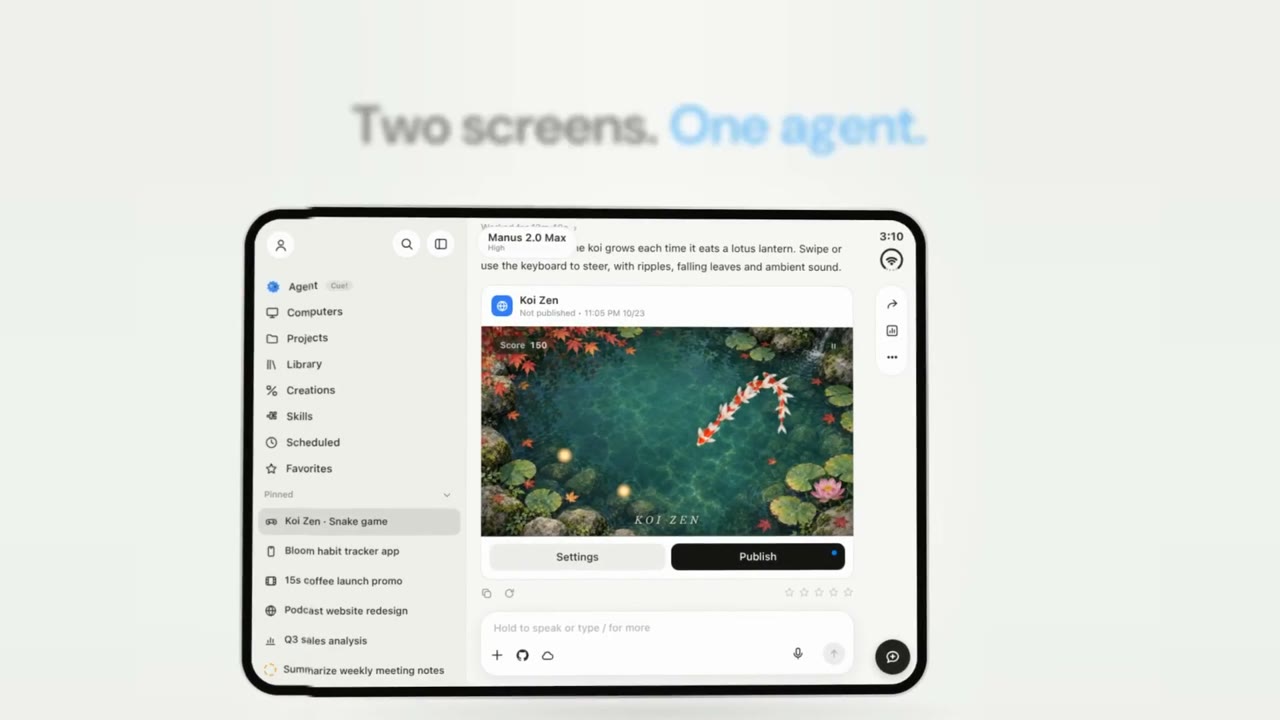
Light blue and cyan interface and selection hints, dark sans-serif text, with the photo filling most of the frame.
To make it yours
Use photos with a clear subject and background and prepare a result for each edit; a checkerboard can show the transparent result.
Make a film like this
Make It Like This Film is a skill for Claude Code, Codex or Cursor. Give it this brief and your own material: it studies the reference, plans your film against its frames and checks the result side by side. It follows the structure, pacing and motion; the product, words, logo and pictures are yours.
Make a film for my product (product demo) like this reference: https://claude-motion.com/motion-references/figma-three-photo-edits-each-from-selection-to-result
The reference film itself, to study: https://media.claude-motion.com/gallery/ref-2118751599312937096.mp4 (5.1 MB, about 24 seconds). Download that file and work from it.
What happens in it: Select the subject → Subject highlighted → Subject adjusted → Second photo → Delete an object → Filled result → Third photo → Remove background → Transparent cut-out.
Rules it keeps:
- Build every example as selection → action → result, and return to the normal picture after the highlight.
- Lay the highlight over the object and keep the background still so the selected area is clear.
- Reset the selection between examples; do not carry one mask to the end.
- Keep the photo's scale and position the same before and after, so framing does not hide the edit.
- Show only the needed tools in the toolbar.
Look: Light blue and cyan interface and selection hints, dark sans-serif text, with the photo filling most of the frame.
Use my own product, words, logo and pictures. Here is my material: [your product, screens, logo, the lines that must appear].