Announcement · Figma
Figma Make-a-thon: replies from people lead to a teaser
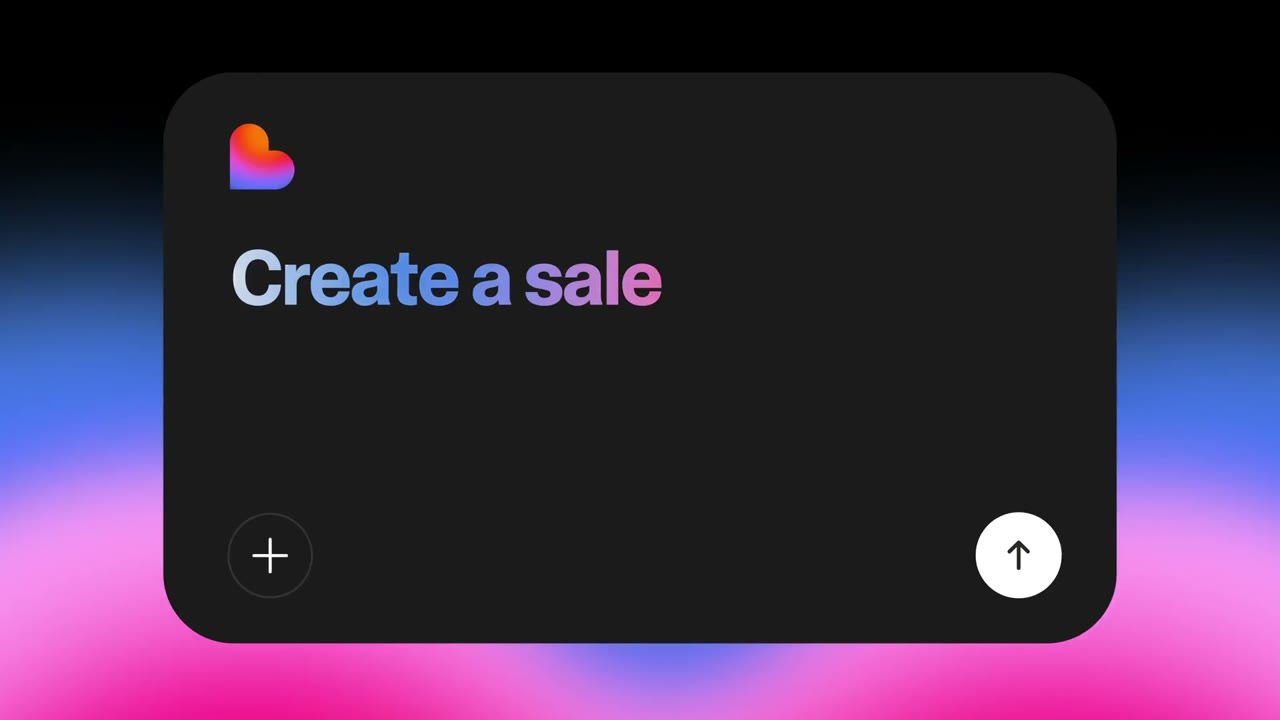
Two brands sit in the centre while coloured cursors and short chat bubbles come in around them. The replies build up to the event tag and a "Coming soon", then the material gathers into a simple two-brand card.
- Kind
- Announcement
- Length
- 16 s
- Shape
- 16:9
- Posted
- 2025-08-28
- By
- Figma (@figma)
- Look
- LogoDarkKinetic type
- Colours
What happens
Times are estimates from watching the film.
| Time | On screen |
|---|---|
| 0:00–0:01 | Partner brands |
| 0:01–0:05 | Chat bubbles enter |
| 0:05–0:07 | Many people reply |
| 0:07–0:08 | Event tag |
| 0:08–0:10 | Coming soon |
| 0:10–0:13 | Material gathers |
| 0:13–0:15 | Two-brand end card |
The rules it keeps
- 1Keep the brands in the centre and bring cursors and bubbles in from the edges, never over the main title.
- 2Build up the replies first, then show the event tag and the teaser.
- 3When the teaser appears, calm the bubbles and leave a pause to read.
- 4Give the two marks similar visual weight and steady spacing, even if one is wider.
The look
Black background, light medium-weight sans-serif for the brands and event name, and green, purple and orange markers for the people.
To make it yours
Replace the partners, the event name, the teaser state and the short replies together, and use surrounding material that fits the event type.
Make a film like this
Make It Like This Film is a skill for Claude Code, Codex or Cursor. Give it this brief and your own material: it studies the reference, plans your film against its frames and checks the result side by side. It follows the structure, pacing and motion; the product, words, logo and pictures are yours.
Make a film for my product (announcement) like this reference: https://claude-motion.com/motion-references/figma-make-a-thon-replies-from-people-lead-to-a-teaser
The reference film itself, to study: https://media.claude-motion.com/gallery/ref-1961186497606132154.mp4 (3.6 MB, about 16 seconds). Download that file and work from it.
What happens in it: Partner brands → Chat bubbles enter → Many people reply → Event tag → Coming soon → Material gathers → Two-brand end card.
Rules it keeps:
- Keep the brands in the centre and bring cursors and bubbles in from the edges, never over the main title.
- Build up the replies first, then show the event tag and the teaser.
- When the teaser appears, calm the bubbles and leave a pause to read.
- Give the two marks similar visual weight and steady spacing, even if one is wider.
Look: Black background, light medium-weight sans-serif for the brands and event name, and green, purple and orange markers for the people.
Use my own product, words, logo and pictures. Here is my material: [your product, screens, logo, the lines that must appear].