Product demo · Figma
Figma Draw: each tool makes a visible change to one artwork
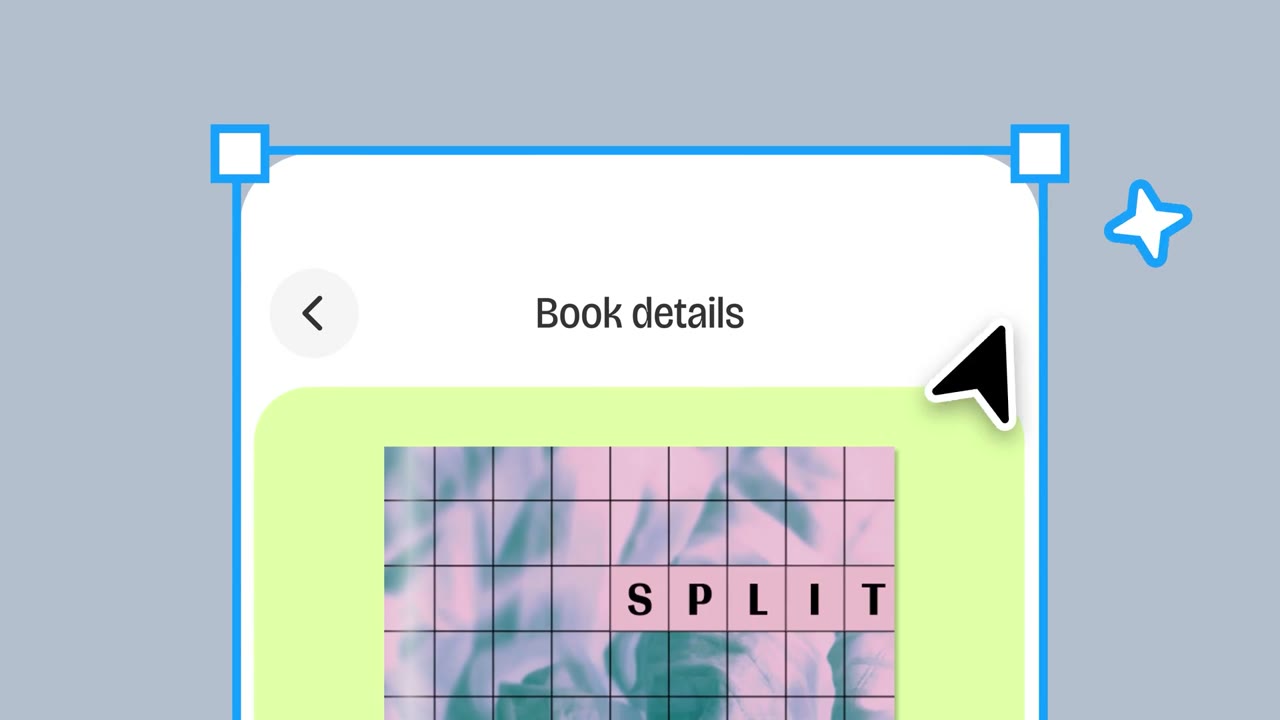
The film starts from the appeal of the artwork, goes into editing details such as text on a path, texture and gradient, and returns to the full poster. Every tool demo changes the work in a way you can see.
- Kind
- Product demo
- Length
- 53 s
- Shape
- 16:9
- Posted
- 2025-05-07
- By
- Figma (@figma)
- Look
- Product UIIllustrationBold colourDark
- Colours
What happens
Times are estimates from watching the film.
| Time | On screen |
|---|---|
| 0:00–0:05 | Shapes open |
| 0:05–0:09 | Creative claim |
| 0:09–0:14 | Illustration interface |
| 0:14–0:19 | Text on a path |
| 0:19–0:24 | Text effects |
| 0:24–0:28 | Textured text |
| 0:28–0:32 | Patterns |
| 0:32–0:37 | Butterfly vector |
| 0:37–0:42 | Gradient edit |
| 0:42–0:46 | Poster |
| 0:46–0:50 | Material gathers |
| 0:50–0:53 | Brand |
The rules it keeps
- 1Show the artwork first, then the control points and settings that change it.
- 2For each tool, hold a clear starting state, change one setting, then show the result.
- 3Keep one main shape through outline, gradient and poster; the outline stays still while the gradient changes.
- 4Let the artwork take most of the frame, with points and panels standing out only during an action.
- 5Carry the edited shape into the final poster, so each local action lands in a whole piece.
The look
Dark grey stage with green, purple and orange artwork, light tool windows with thin borders, medium-weight sans-serif titles.
To make it yours
Replace the main illustration and the typeface (a flower, a mark, an abstract shape); check which path, fill and texture changes it can take, then make the matching poster.
Make a film like this
Make It Like This Film is a skill for Claude Code, Codex or Cursor. Give it this brief and your own material: it studies the reference, plans your film against its frames and checks the result side by side. It follows the structure, pacing and motion; the product, words, logo and pictures are yours.
Make a film for my product (product demo) like this reference: https://claude-motion.com/motion-references/figma-draw-each-tool-makes-a-visible-change-to-one-artwork
The reference film itself, to study: https://media.claude-motion.com/gallery/ref-1920168282751185360.mp4 (19 MB, about 45 seconds). Download that file and work from it.
What happens in it: Shapes open → Creative claim → Illustration interface → Text on a path → Text effects → Textured text → Patterns → Butterfly vector → Gradient edit → Poster → Material gathers → Brand.
Rules it keeps:
- Show the artwork first, then the control points and settings that change it.
- For each tool, hold a clear starting state, change one setting, then show the result.
- Keep one main shape through outline, gradient and poster; the outline stays still while the gradient changes.
- Let the artwork take most of the frame, with points and panels standing out only during an action.
- Carry the edited shape into the final poster, so each local action lands in a whole piece.
Look: Dark grey stage with green, purple and orange artwork, light tool windows with thin borders, medium-weight sans-serif titles.
Use my own product, words, logo and pictures. Here is my material: [your product, screens, logo, the lines that must appear].