Product demo · Figma
Figma Code Layers: code enters the canvas and goes back
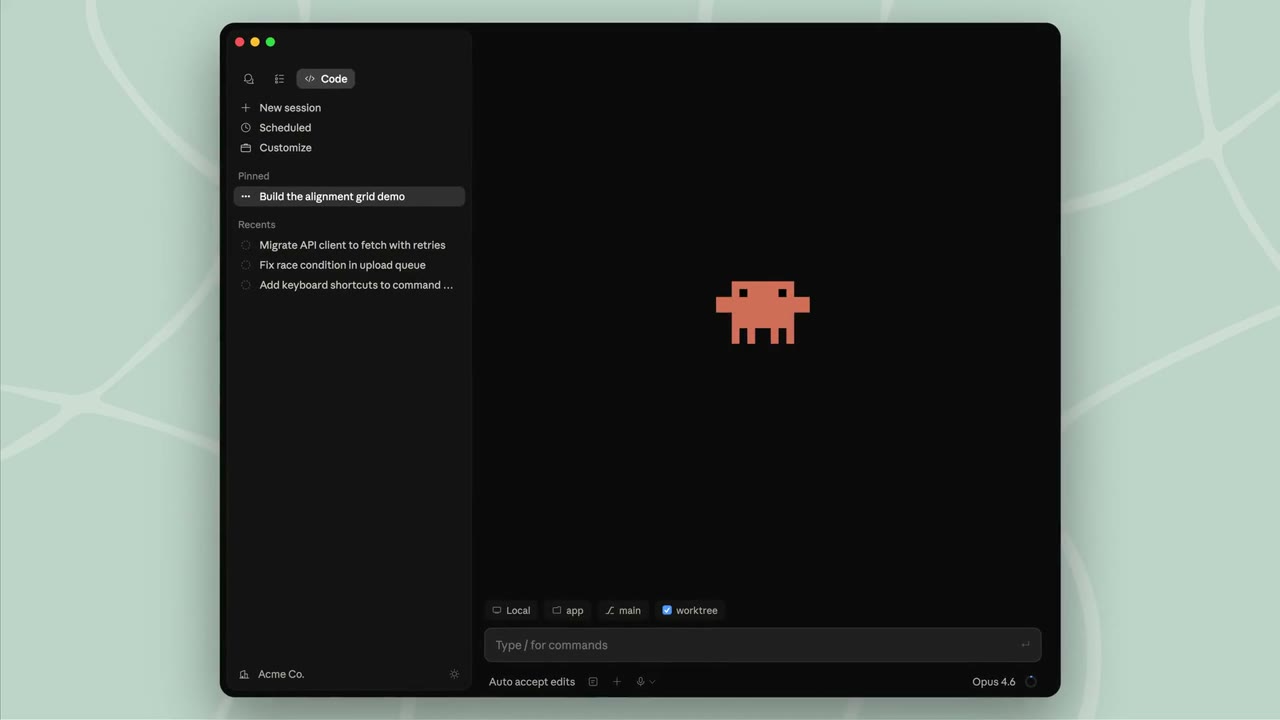
An interface made from code enters the design canvas as an object, sits beside design variants for comparison, and is then updated as the same code layer. Build and design are shown as a round trip.
- Kind
- Product demo
- Length
- 35 s
- Shape
- 16:9
- Posted
- 2026-10-15
- By
- Figma (@figma)
- Look
- Product UIDark
- Colours
What happens
Times are estimates from watching the film.
| Time | On screen |
|---|---|
| 0:00–0:04 | Claim |
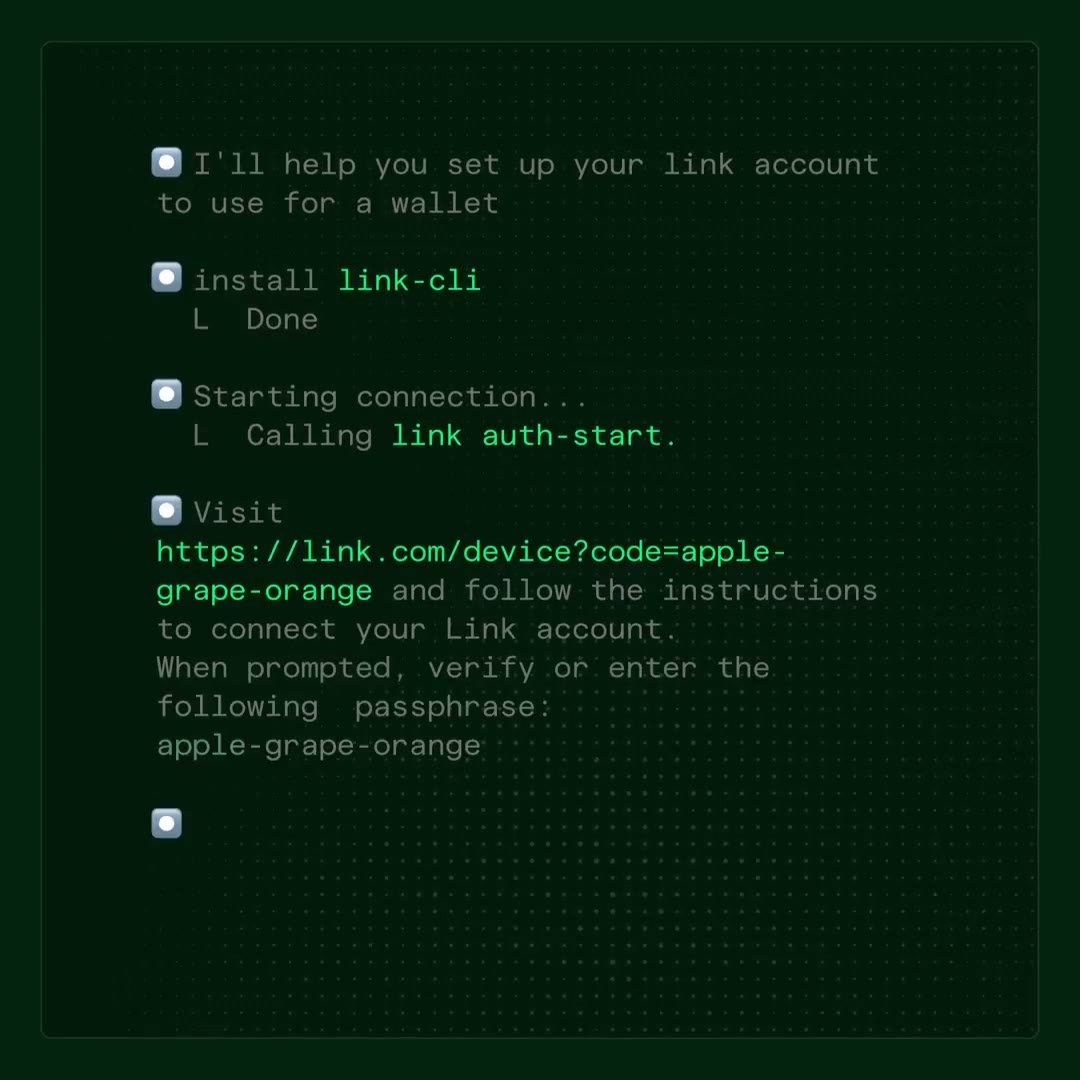
| 0:04–0:07 | MCP input |
| 0:07–0:10 | Code layer arrives |
| 0:10–0:13 | Team cursors |
| 0:13–0:18 | Explore several frames |
| 0:18–0:22 | Choose a result |
| 0:22–0:27 | Update the code layer |
| 0:27–0:31 | Results in many scenes |
| 0:31–0:33 | Summary |
| 0:33–0:34 | Brand |
The rules it keeps
- 1Make the code-made interface a selectable object with its title, border or layer name always visible.
- 2Bring the team cursors in first, then open the variants, choose one and only then update.
- 3After the update, show the change in several scenes of the same product.
- 4Use one style of selection border for all variants, and a shared baseline and spacing when screens sit side by side.
The look
Dark outer layer with a light canvas, medium-weight sans-serif titles, thin interface text, and green, purple and orange for variants.
To make it yours
Replace the code entry, the canvas tool and the product content; keep import build → compare on canvas → choose → update build, with pointer and update always on a real object.
Make a film like this
Make It Like This Film is a skill for Claude Code, Codex or Cursor. Give it this brief and your own material: it studies the reference, plans your film against its frames and checks the result side by side. It follows the structure, pacing and motion; the product, words, logo and pictures are yours.
Make a film for my product (product demo) like this reference: https://claude-motion.com/motion-references/figma-code-layers-code-enters-the-canvas-and-goes-back
The reference film itself, to study: https://media.claude-motion.com/gallery/ref-2110600144525853007.mp4 (5.3 MB, about 35 seconds). Download that file and work from it.
What happens in it: Claim → MCP input → Code layer arrives → Team cursors → Explore several frames → Choose a result → Update the code layer → Results in many scenes → Summary → Brand.
Rules it keeps:
- Make the code-made interface a selectable object with its title, border or layer name always visible.
- Bring the team cursors in first, then open the variants, choose one and only then update.
- After the update, show the change in several scenes of the same product.
- Use one style of selection border for all variants, and a shared baseline and spacing when screens sit side by side.
Look: Dark outer layer with a light canvas, medium-weight sans-serif titles, thin interface text, and green, purple and orange for variants.
Use my own product, words, logo and pictures. Here is my material: [your product, screens, logo, the lines that must appear].