Product demo · ElevenLabs
ElevenLabs Flows: a prompt grows into an editable node graph
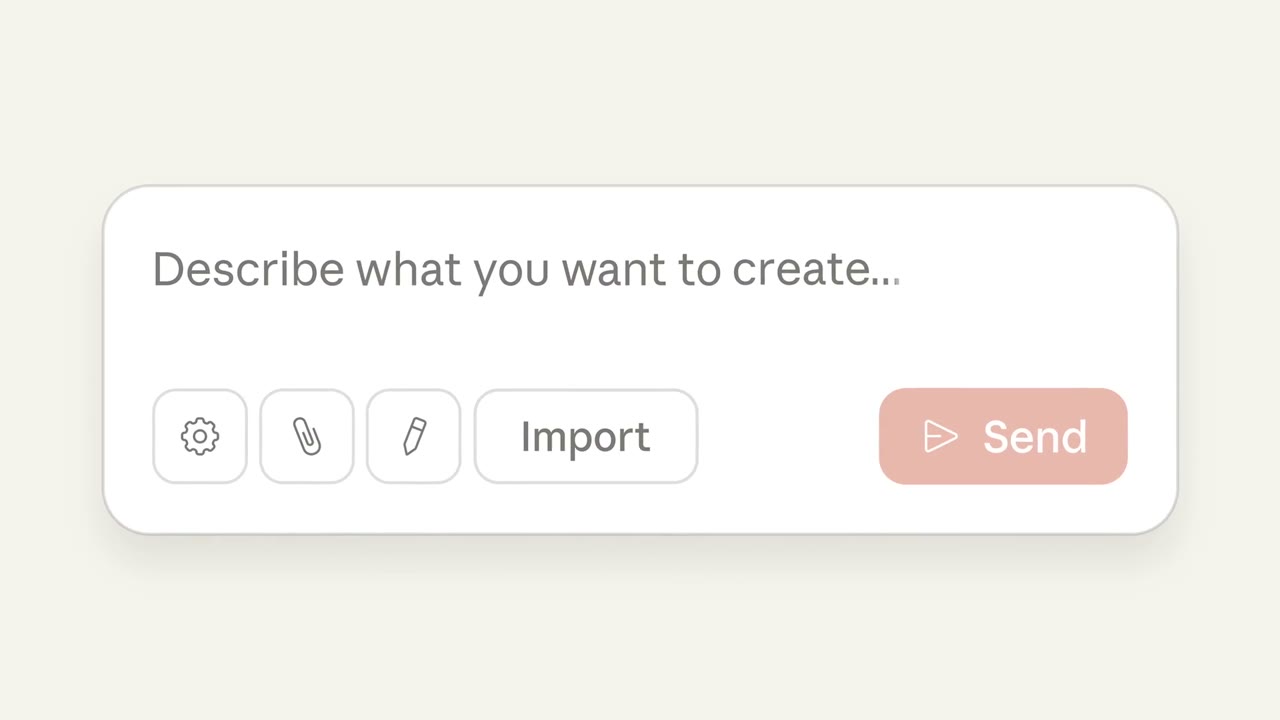
A plain-language request becomes a task list, then nodes on a canvas with lines that show which output feeds which. Later edits replace only the related nodes, and the film ends on the finished ad and the whole graph.
- Kind
- Product demo
- Length
- 49 s
- Shape
- 16:9
- Posted
- 2026-06-04
- By
- ElevenLabs (@ElevenLabs)
- Look
- Product UILight
- Colours
What happens
Times are estimates from watching the film.
| Time | On screen |
|---|---|
| 0:00–0:03 | Orange opening |
| 0:03–0:09 | Plain-language input |
| 0:09–0:13 | Task breakdown |
| 0:13–0:17 | Nodes are made |
| 0:17–0:20 | Results and lines |
| 0:20–0:24 | Change the idea |
| 0:24–0:28 | Swap the product |
| 0:28–0:31 | Choose the format |
| 0:31–0:35 | Choose the voice |
| 0:35–0:39 | Finished ad |
| 0:39–0:44 | Whole workflow |
| 0:44–0:48 | Entry and brand |
The rules it keeps
- 1Turn the prompt into a task list first, then place the nodes on the canvas in order of dependence.
- 2Light a node only after the node before it is done; never show an unfinished result as final.
- 3Make each line a real flow of material (image into motion, voice into edit, edit into film), with few lines crossing text.
- 4For an edit, highlight the affected nodes and keep the others and their lines as they are.
- 5Show the finished piece first, then pull back to the whole graph.
The look
Light nodes and thin lines on a work area with orange fluid light at the edges, clear sans-serif titles and smaller status text.
To make it yours
Replace the product, the prompt, the media and the voice together; keep plan → dependence → local edit → final output, and use node types that match real media steps.
Make a film like this
Make It Like This Film is a skill for Claude Code, Codex or Cursor. Give it this brief and your own material: it studies the reference, plans your film against its frames and checks the result side by side. It follows the structure, pacing and motion; the product, words, logo and pictures are yours.
Make a film for my product (product demo) like this reference: https://claude-motion.com/motion-references/elevenlabs-flows-a-prompt-grows-into-an-editable-node-graph
The reference film itself, to study: https://media.claude-motion.com/gallery/ref-2062563982452408526.mp4 (9.1 MB, about 45 seconds). Download that file and work from it.
What happens in it: Orange opening → Plain-language input → Task breakdown → Nodes are made → Results and lines → Change the idea → Swap the product → Choose the format → Choose the voice → Finished ad → Whole workflow → Entry and brand.
Rules it keeps:
- Turn the prompt into a task list first, then place the nodes on the canvas in order of dependence.
- Light a node only after the node before it is done; never show an unfinished result as final.
- Make each line a real flow of material (image into motion, voice into edit, edit into film), with few lines crossing text.
- For an edit, highlight the affected nodes and keep the others and their lines as they are.
- Show the finished piece first, then pull back to the whole graph.
Look: Light nodes and thin lines on a work area with orange fluid light at the edges, clear sans-serif titles and smaller status text.
Use my own product, words, logo and pictures. Here is my material: [your product, screens, logo, the lines that must appear].