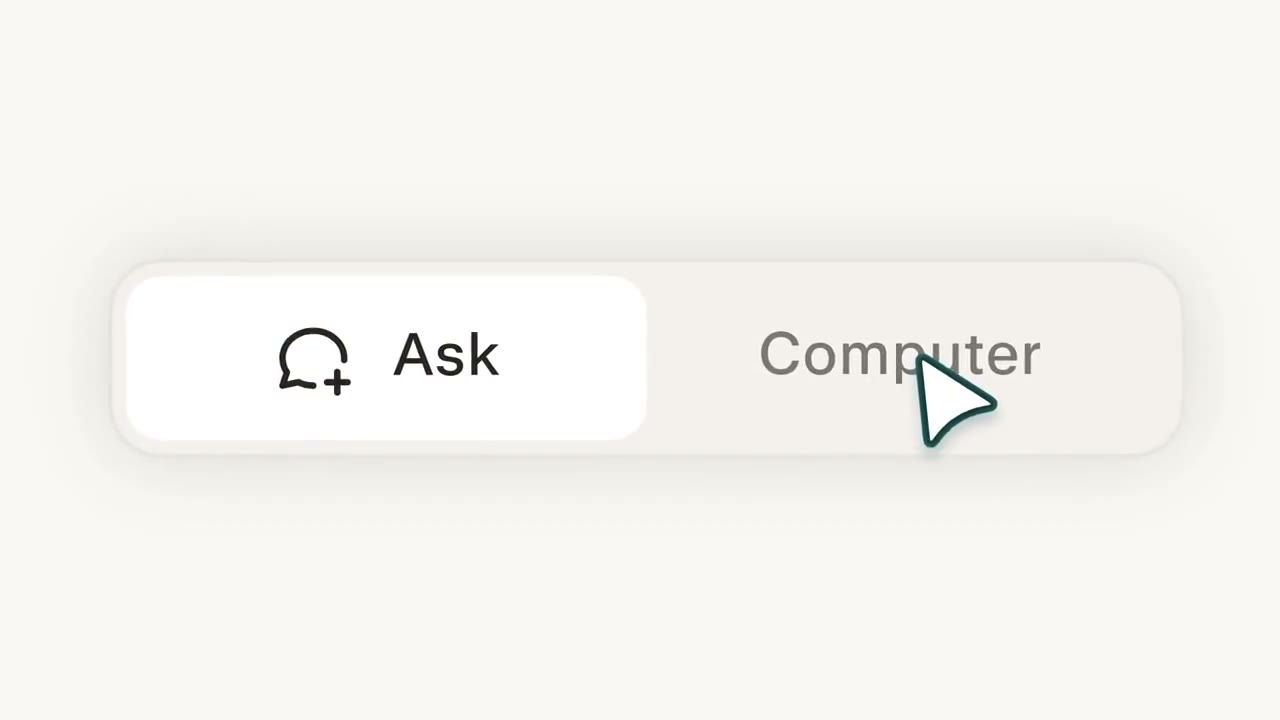
Product demo · Cursor
Cursor: each update gets one black claim and one white demo
A set of updates is introduced in a steady rhythm: one sentence on black, then one short action on a light interface. Each feature has its own object; what they share is the way of reading.
- Kind
- Product demo
- Length
- 44 s
- Shape
- 16:9
- Posted
- 2026-08-19
- By
- Cursor (@cursor_ai)
- Look
- Product UIKinetic typeMinimal
- Colours
What happens
Times are estimates from watching the film.
| Time | On screen |
|---|---|
| 0:00–0:03 | Update title |
| 0:03–0:07 | Subscriptions explained |
| 0:07–0:12 | Subscribe to a thread |
| 0:12–0:15 | Custom modes explained |
| 0:15–0:19 | Mode input |
| 0:19–0:24 | Isolated subagents explained |
| 0:24–0:27 | Parallel tasks |
| 0:27–0:31 | Lasting goals explained |
| 0:31–0:34 | Goal command |
| 0:34–0:38 | Steering without stopping |
| 0:38–0:41 | Feature summary |
| 0:41–0:43 | Brand |
The rules it keeps
- 1Give every feature two beats: one claim on black, then one short action on white.
- 2Finish the sentence and leave time to read it before cutting to the interface.
- 3Give each feature its own kind of action (a thread reply, a mode tag, a list of work items, a goal command), not one input box with new text.
- 4End with a list that names only the features already shown.
The look
Black pages with centred sans-serif sentences and light pages with interface actions, accent colour only on mode tags, the current command and status.
To make it yours
Use it for any changelog: rewrite each item as claim → proof by action; the sentence must match the action after it, and each action needs time to be understood once.
Make a film like this
Make It Like This Film is a skill for Claude Code, Codex or Cursor. Give it this brief and your own material: it studies the reference, plans your film against its frames and checks the result side by side. It follows the structure, pacing and motion; the product, words, logo and pictures are yours.
Make a film for my product (product demo) like this reference: https://claude-motion.com/motion-references/cursor-each-update-gets-one-black-claim-and-one-white-demo
The reference film itself, to study: https://media.claude-motion.com/gallery/ref-2090136956101414982.mp4 (1.2 MB, about 44 seconds). Download that file and work from it.
What happens in it: Update title → Subscriptions explained → Subscribe to a thread → Custom modes explained → Mode input → Isolated subagents explained → Parallel tasks → Lasting goals explained → Goal command → Steering without stopping → Feature summary → Brand.
Rules it keeps:
- Give every feature two beats: one claim on black, then one short action on white.
- Finish the sentence and leave time to read it before cutting to the interface.
- Give each feature its own kind of action (a thread reply, a mode tag, a list of work items, a goal command), not one input box with new text.
- End with a list that names only the features already shown.
Look: Black pages with centred sans-serif sentences and light pages with interface actions, accent colour only on mode tags, the current command and status.
Use my own product, words, logo and pictures. Here is my material: [your product, screens, logo, the lines that must appear].