Product demo · Anthropic
Claude Design: ask, get a result, adjust it, export it
A long demo made of short rounds: type a request, see the result, change a parameter, add a note, export. The camera shows the workspace first and then moves close to the action, so request and result always match.
- Kind
- Product demo
- Length
- 82 s
- Shape
- 16:9
- Posted
- 2026-04-17
- By
- Claude (@claudeai)
- Look
- Product UILight
- Colours
What happens
Times are estimates from watching the film.
| Time | On screen |
|---|---|
| 0:00–0:02 | Opening title |
| 0:02–0:08 | Type the request |
| 0:08–0:14 | Send, result appears |
| 0:14–0:21 | Add parameter controls |
| 0:21–0:28 | Adjust the globe |
| 0:28–0:31 | Wall of results |
| 0:31–0:39 | Mobile prototype |
| 0:39–0:47 | Comment and change |
| 0:47–0:59 | Toolbar tour |
| 0:59–1:10 | Comment and export |
| 1:10–1:17 | Results review |
| 1:17–1:21 | Brand close |
The rules it keeps
- 1Show the result only after the send action, and link each result to the request before it.
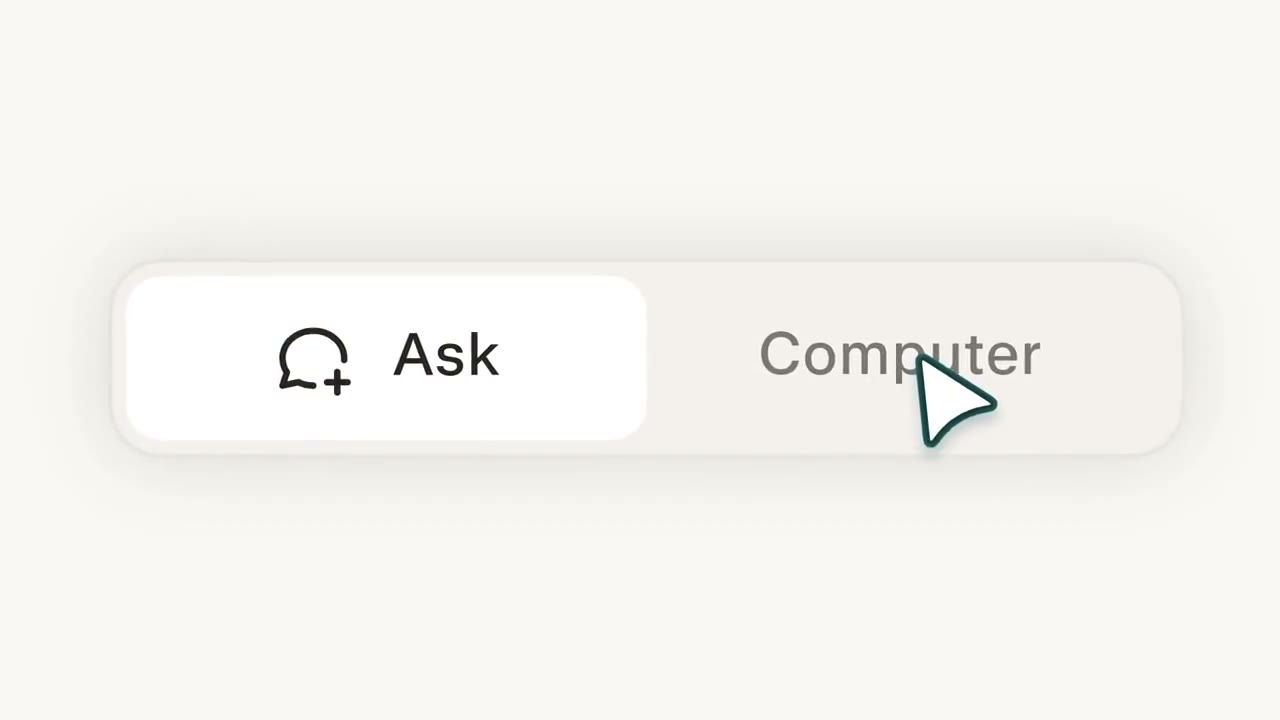
- 2Let the zoom follow the action: full layout, then the tool button, then the detail of the result.
- 3Do not make large moves with the pointer and the camera at the same time.
- 4Attach the parameter panel to the side of the canvas and change the same object the viewer just saw.
- 5Use the wall of results only as a break between sections, after a stage is finished.
The look
Warm white workspace, light grey toolbar and clay-coloured action buttons, with serif for large titles and sans-serif in the interface.
To make it yours
Replace the result images, the typed text and the button labels; keep the chain input → generate → change → export as several short rounds, not one long pop-up.
Make a film like this
Make It Like This Film is a skill for Claude Code, Codex or Cursor. Give it this brief and your own material: it studies the reference, plans your film against its frames and checks the result side by side. It follows the structure, pacing and motion; the product, words, logo and pictures are yours.
Make a film for my product (product demo) like this reference: https://claude-motion.com/motion-references/claude-design-ask-get-a-result-adjust-it-export-it
The reference film itself, to study: https://media.claude-motion.com/gallery/ref-2045156267690213649.mp4 (21 MB, about 45 seconds). Download that file and work from it.
What happens in it: Opening title → Type the request → Send, result appears → Add parameter controls → Adjust the globe → Wall of results → Mobile prototype → Comment and change → Toolbar tour → Comment and export → Results review → Brand close.
Rules it keeps:
- Show the result only after the send action, and link each result to the request before it.
- Let the zoom follow the action: full layout, then the tool button, then the detail of the result.
- Do not make large moves with the pointer and the camera at the same time.
- Attach the parameter panel to the side of the canvas and change the same object the viewer just saw.
- Use the wall of results only as a break between sections, after a stage is finished.
Look: Warm white workspace, light grey toolbar and clay-coloured action buttons, with serif for large titles and sans-serif in the interface.
Use my own product, words, logo and pictures. Here is my material: [your product, screens, logo, the lines that must appear].