Product demo · Bolt
Bolt Templates: browse a grid, open one, remix it by prompt
A grid of full web page thumbnails shows the range, one template grows from its place in the grid and is scrolled, and a prompt turns it into a site for another business. Key areas stay in place so the change is easy to see.
- Kind
- Product demo
- Length
- 31 s
- Shape
- 16:9
- Posted
- 2026-08-04
- By
- bolt.new (@boltdotnew)
- Look
- Product UIDarkBold colour
- Colours
What happens
Times are estimates from watching the film.
| Time | On screen |
|---|---|
| 0:00–0:03 | Template strip in perspective |
| 0:03–0:06 | Template grid |
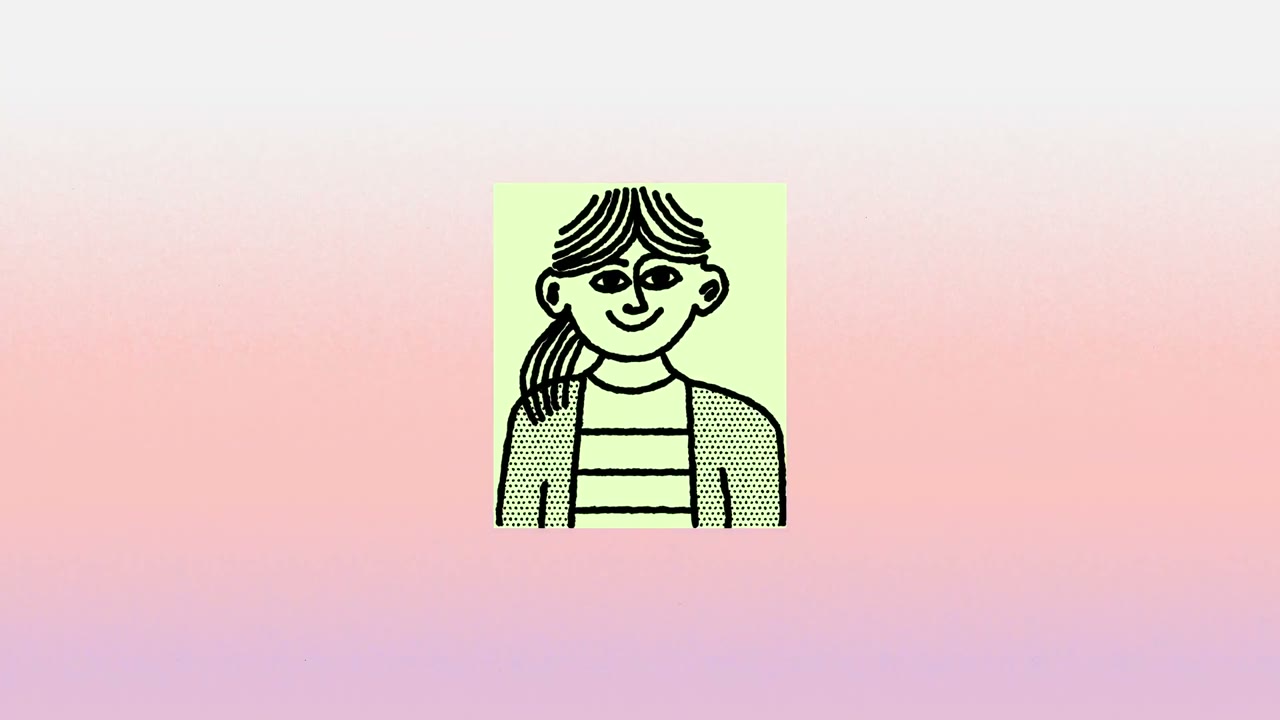
| 0:06–0:08 | Pick the portfolio |
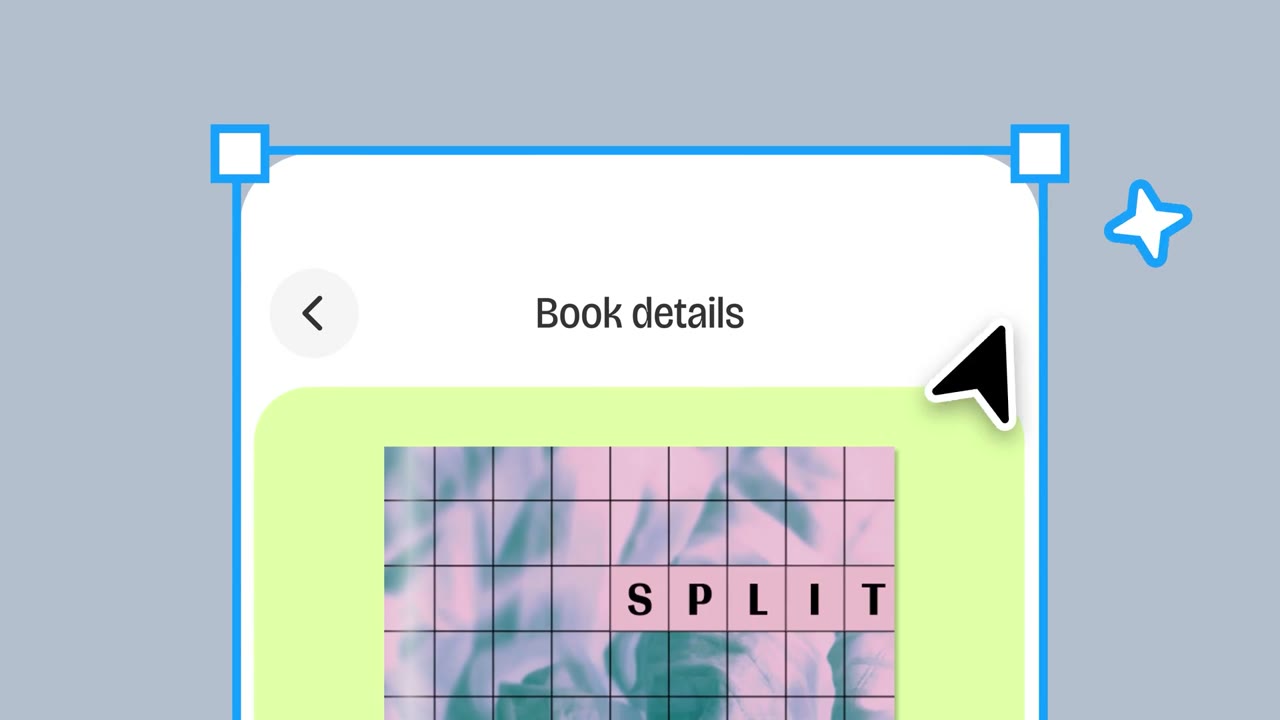
| 0:08–0:13 | Browse the page |
| 0:13–0:17 | Categories |
| 0:17–0:21 | Edit prompt |
| 0:21–0:25 | Remixed result |
| 0:25–0:28 | Value line |
| 0:28–0:31 | Start entry |
The rules it keeps
- 1Use the grid for choosing and one single page for proof.
- 2Enlarge the chosen template from its own position in the grid while the others step back.
- 3Keep the page scrolling inside its window while it is browsed.
- 4After the prompt, change topic, palette and images on the same page and keep key areas in the same places.
- 5Show many templates only at the start and end; go deep on one in the middle.
The look
Blue-black light field in dark blue, bright blue and white; white sans-serif notes; templates keep their own titles and image styles.
To make it yours
Replace the template categories and the business case: at least three kinds of template and one full remix, with copy, images and main colour changed as a set; keep set, single, remix, result.
Make a film like this
Make It Like This Film is a skill for Claude Code, Codex or Cursor. Give it this brief and your own material: it studies the reference, plans your film against its frames and checks the result side by side. It follows the structure, pacing and motion; the product, words, logo and pictures are yours.
Make a film for my product (product demo) like this reference: https://claude-motion.com/motion-references/bolt-templates-browse-a-grid-open-one-remix-it-by-prompt
The reference film itself, to study: https://media.claude-motion.com/gallery/ref-2084656555400765913.mp4 (15 MB, about 31 seconds). Download that file and work from it.
What happens in it: Template strip in perspective → Template grid → Pick the portfolio → Browse the page → Categories → Edit prompt → Remixed result → Value line → Start entry.
Rules it keeps:
- Use the grid for choosing and one single page for proof.
- Enlarge the chosen template from its own position in the grid while the others step back.
- Keep the page scrolling inside its window while it is browsed.
- After the prompt, change topic, palette and images on the same page and keep key areas in the same places.
- Show many templates only at the start and end; go deep on one in the middle.
Look: Blue-black light field in dark blue, bright blue and white; white sans-serif notes; templates keep their own titles and image styles.
Use my own product, words, logo and pictures. Here is my material: [your product, screens, logo, the lines that must appear].