Launch film · Anthropic
Anthropic Sonnet 5.5: macro shots cut on matching shapes
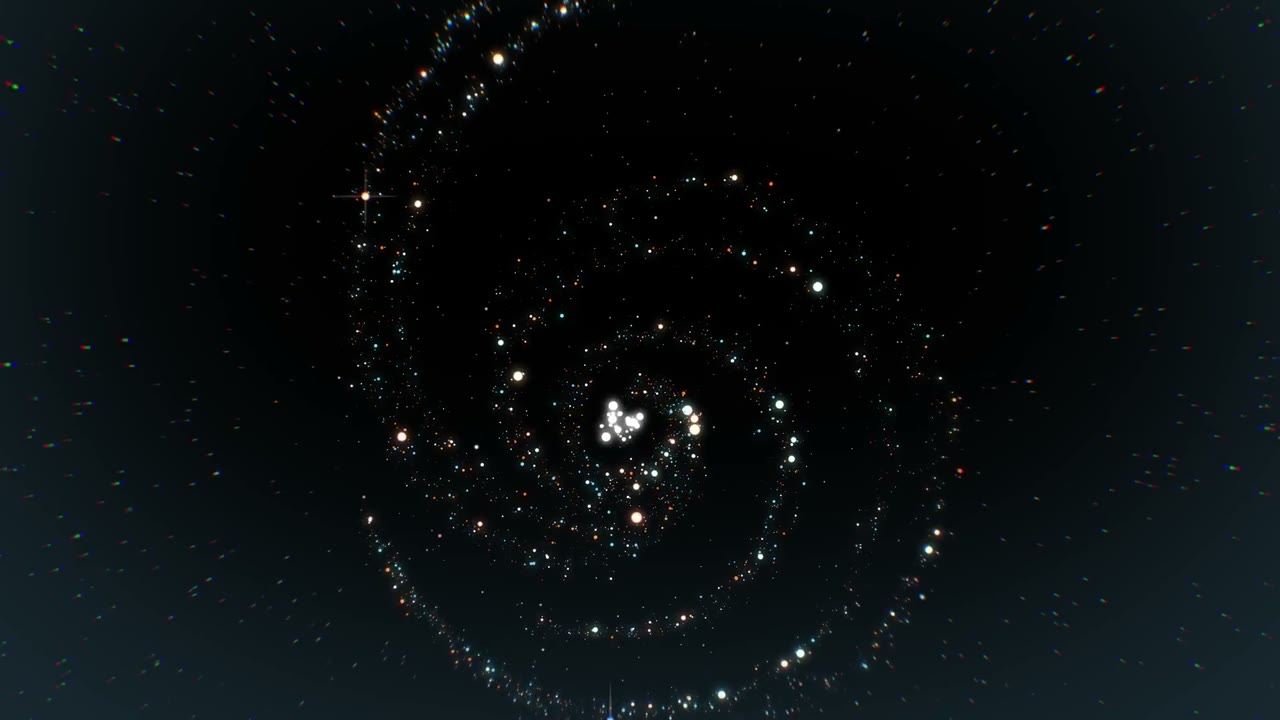
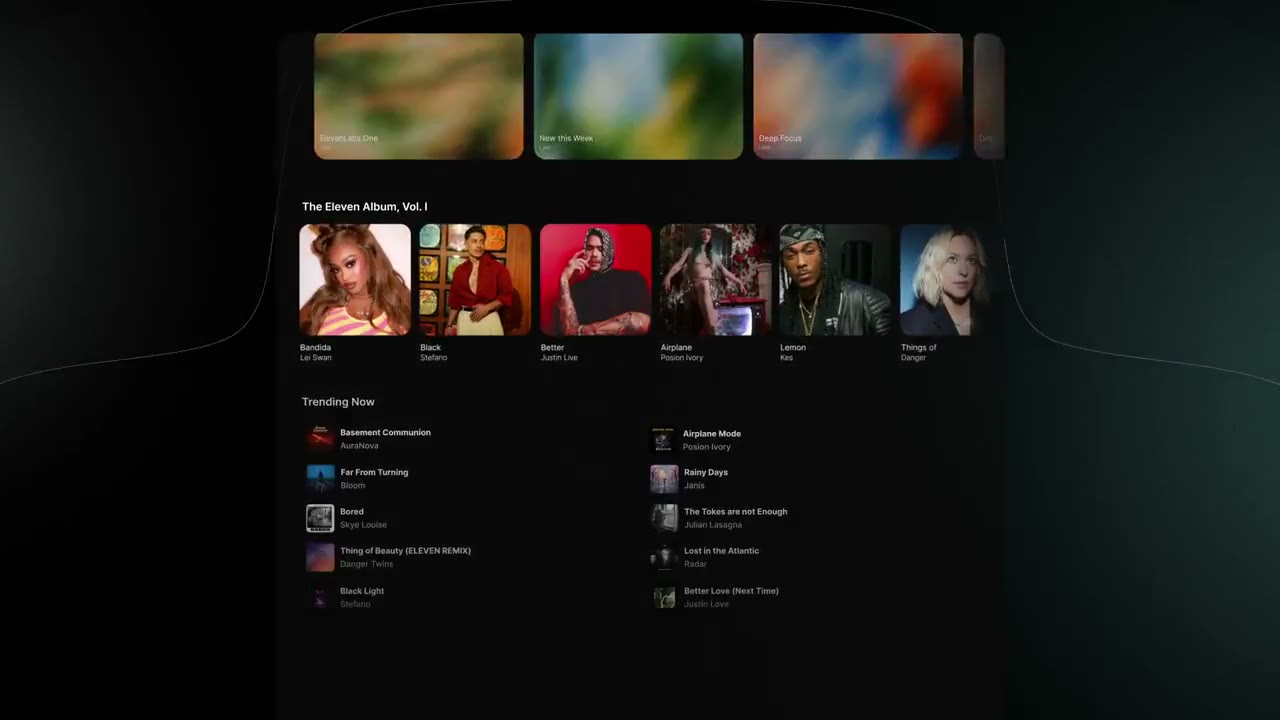
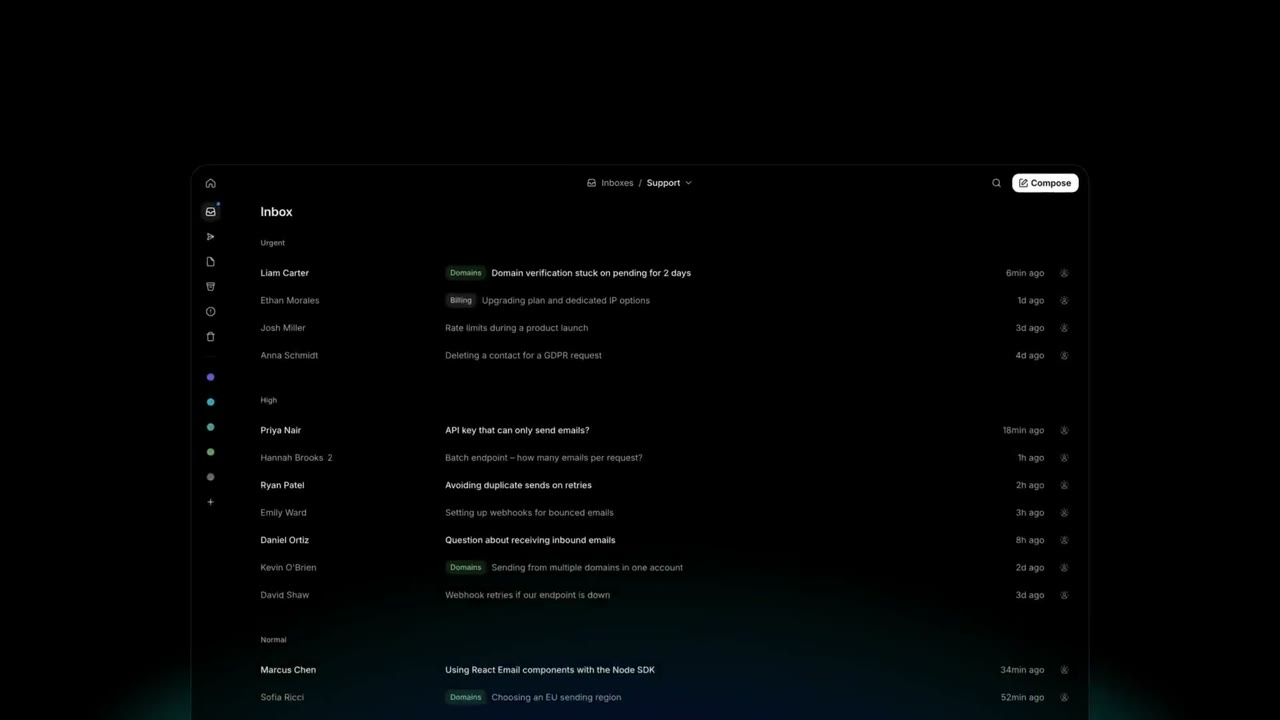
Short macro shots of dials, a metronome, a compass and metal curves cut quickly, each joined to the next by a similar arc or scale. The film starts and ends on a porthole, where a longer hold carries the product name.
- Kind
- Launch film
- Length
- 13 s
- Shape
- 16:9
- Posted
- 2026-09-28
- By
- Claude (@claudeai)
- Look
- PhotoDarkMinimal
- Colours
What happens
Times are estimates from watching the film.
| Time | On screen |
|---|---|
| 0:00–0:01 | Porthole and Earth |
| 0:01–0:01 | Dial and needle |
| 0:01–0:02 | Metronome |
| 0:02–0:03 | Arc and compass |
| 0:03–0:04 | Curved metal |
| 0:04–0:05 | Knob and colour ring |
| 0:05–0:06 | Crowd and fluid |
| 0:06–0:08 | Flame and scale |
| 0:08–0:10 | Porthole, product name |
| 0:10–0:13 | Brand close |
The rules it keeps
- 1Choose shots by shape: arcs, scale marks, round windows and repeating motion, whatever the material.
- 2Join neighbouring shots where their shapes line up; they are different objects, so do not fake one continuous path.
- 3Cut short and dense in the first two thirds, then hold the last shot much longer for the name.
- 4Open and close on the same image as an anchor.
The look
Low-light live-action macro; metal, paper and warm instrument tones; a little centred serif type.
To make it yours
Replace the footage with your own shots that share an arc, scale or repeating motion, not only the final title; keep the shape-match cutting and the short-shots-then-long-hold rhythm.
Make a film like this
Make It Like This Film is a skill for Claude Code, Codex or Cursor. Give it this brief and your own material: it studies the reference, plans your film against its frames and checks the result side by side. It follows the structure, pacing and motion; the product, words, logo and pictures are yours.
Make a film for my product (launch film) like this reference: https://claude-motion.com/motion-references/anthropic-sonnet-5-5-macro-shots-cut-on-matching-shapes
The reference film itself, to study: https://media.claude-motion.com/gallery/ref-2104633115620823187.mp4 (6.7 MB, about 13 seconds). Download that file and work from it.
What happens in it: Porthole and Earth → Dial and needle → Metronome → Arc and compass → Curved metal → Knob and colour ring → Crowd and fluid → Flame and scale → Porthole, product name → Brand close.
Rules it keeps:
- Choose shots by shape: arcs, scale marks, round windows and repeating motion, whatever the material.
- Join neighbouring shots where their shapes line up; they are different objects, so do not fake one continuous path.
- Cut short and dense in the first two thirds, then hold the last shot much longer for the name.
- Open and close on the same image as an anchor.
Look: Low-light live-action macro; metal, paper and warm instrument tones; a little centred serif type.
Use my own product, words, logo and pictures. Here is my material: [your product, screens, logo, the lines that must appear].