粘贴到 Claude Code、Codex、Cursor 或任何支持 Skills 的 Agent 中。
示例提示词
Use manus-style-launch to make a launch film for https://your-product.com: follow one thing it made through its main features.
风格提示词(Claude Motion 或 Opus 5.5)
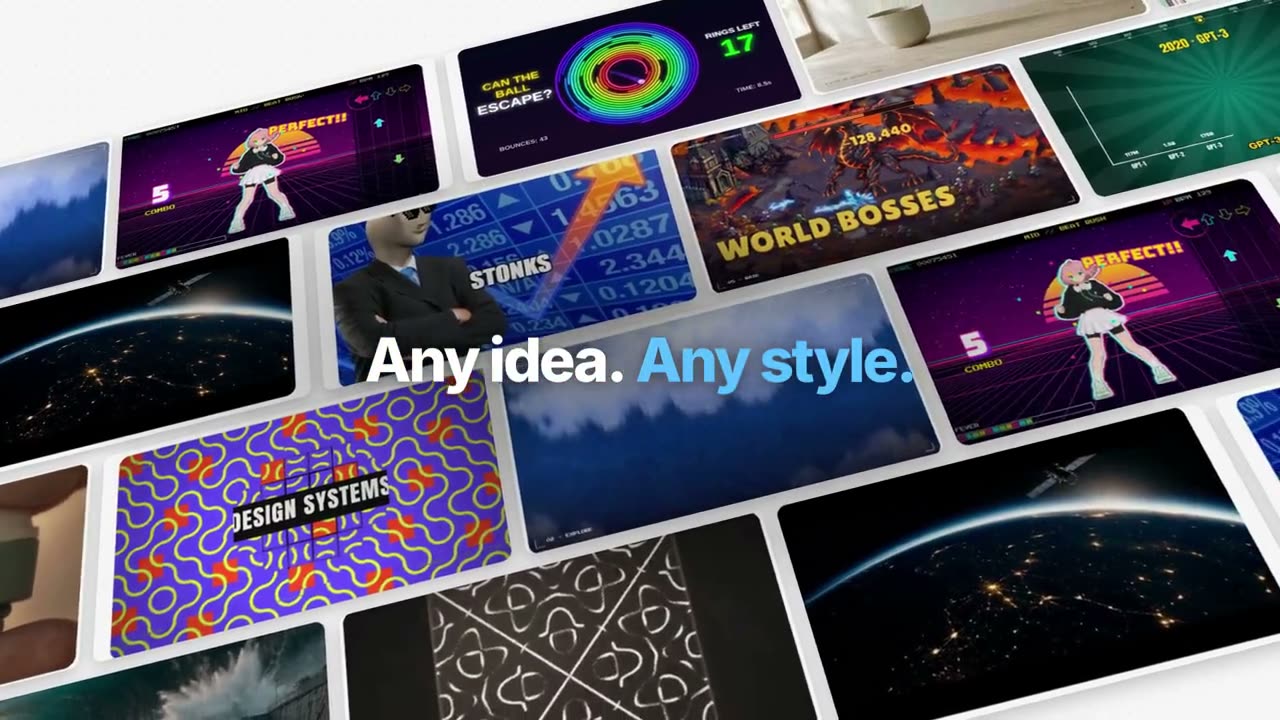
Make a 55-second 16:9 launch film for [who will watch, e.g. creators following our launch], playing [where, e.g. X and YouTube]. Use only the product name, lines and images I attach; don't change a word. Style: pale grey #f6f6f6 canvas with a faint dot grid; huge, tight, heavy sans lines at the top or bottom of the frame ending with a full stop, one or two key words in bright blue #1f9bf6, each line sharpening word by word out of a blur. Brisk, expo easing, blur transitions, nothing bounces.

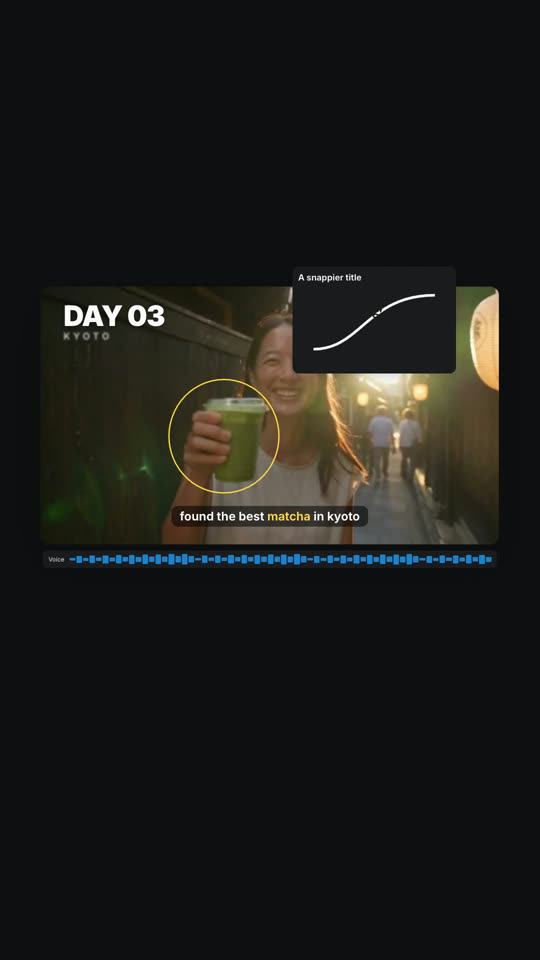
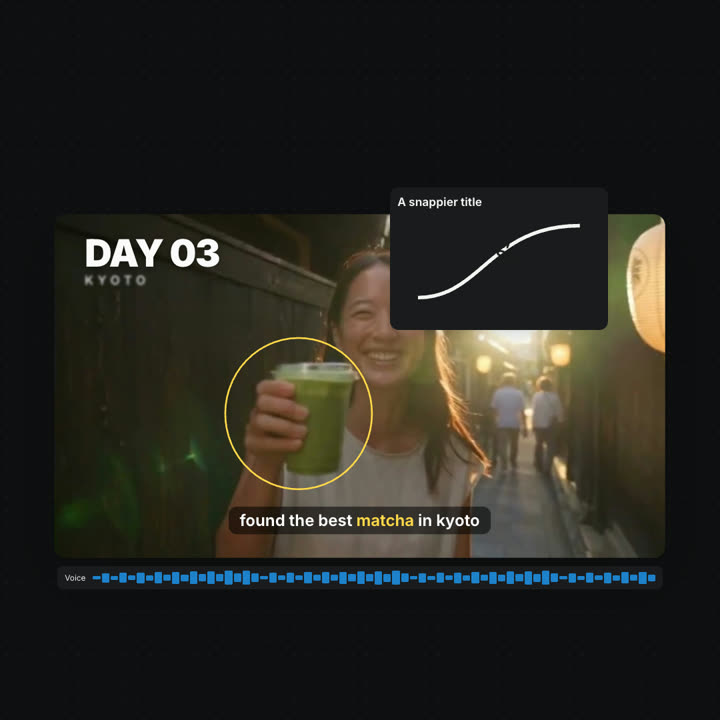
Scene 1: "[Product] now makes" and a giant "[thing]." whose letters are filled with one of my images. Scene 2: a tilted wall of finished examples drifting sideways. Scenes 3–8: one example card floats in 3D while each feature acts on it in place, each with its own short line (organize, generate, caption, track, title, code, photos, sounds). Scene 9: the card's layers lift apart in 3D, then come together with a play button. Scene 10: a 2×2 grid of results, then the editor with "Edit it yourself." and "Or just ask [Product]." End frame: the logo sharpening out of a blur.

Product: [name] (e.g. Manus 2.0 Video Editor)
Feature lines: [six to eight short lines] (e.g. "Every video is made of layers.", "Circle it. It tracks.")
Attach: [stills of your product and example outputs]
无需安装:粘贴到 Claude Motion(Team 或 Enterprise),或直接发给 Opus 5.5,就能得到相近的风格。每次运行结果会有差异;用 Skill 则每次结果一致。