← 场景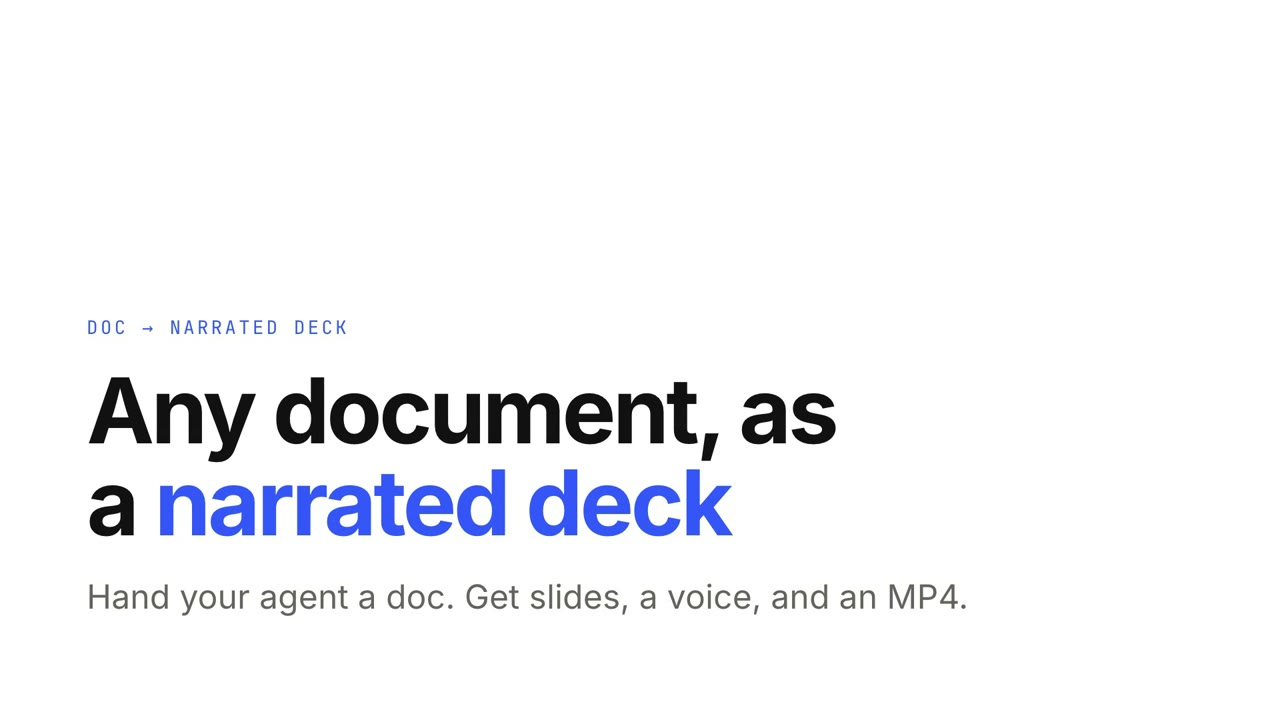
 付费
付费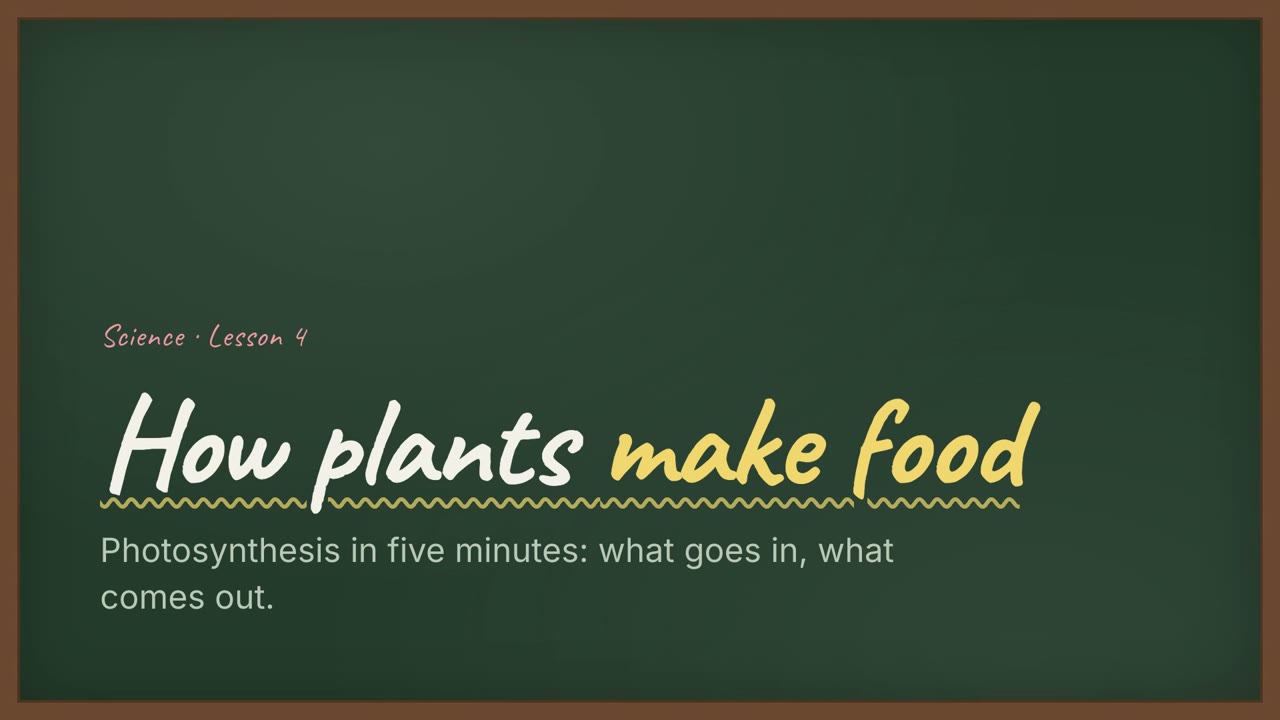 付费
付费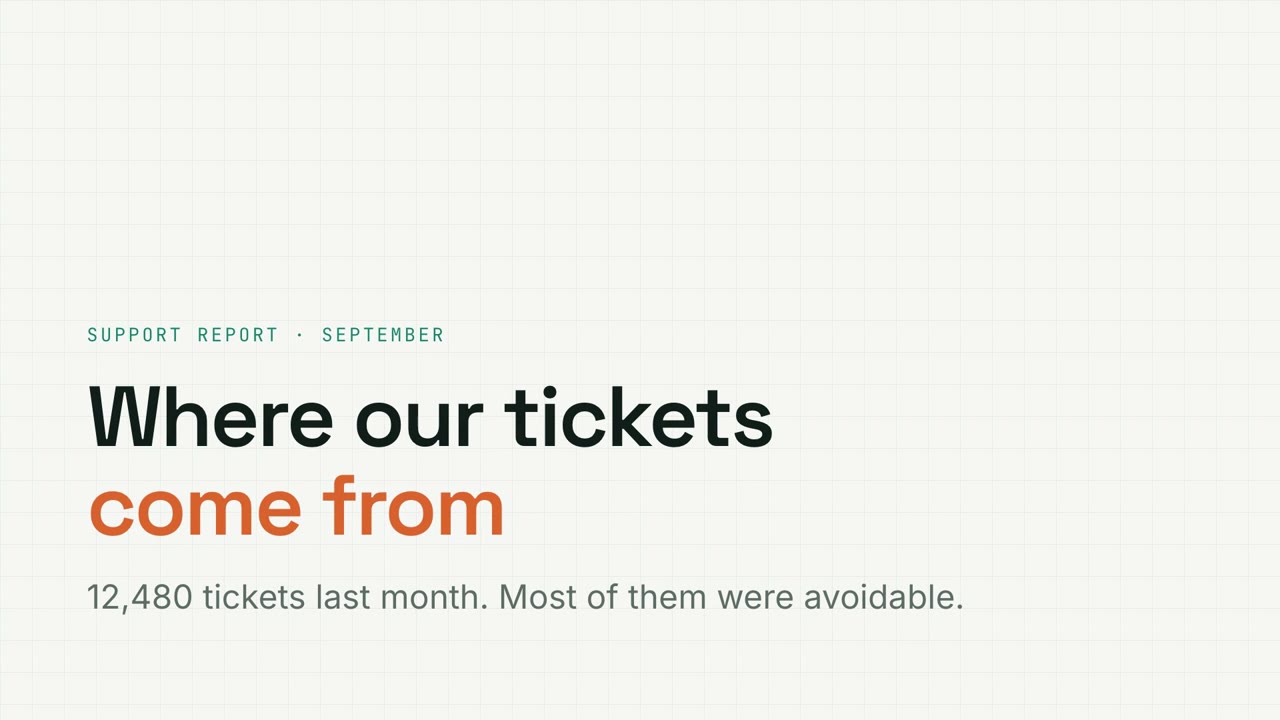 付费免费免费
 付费
付费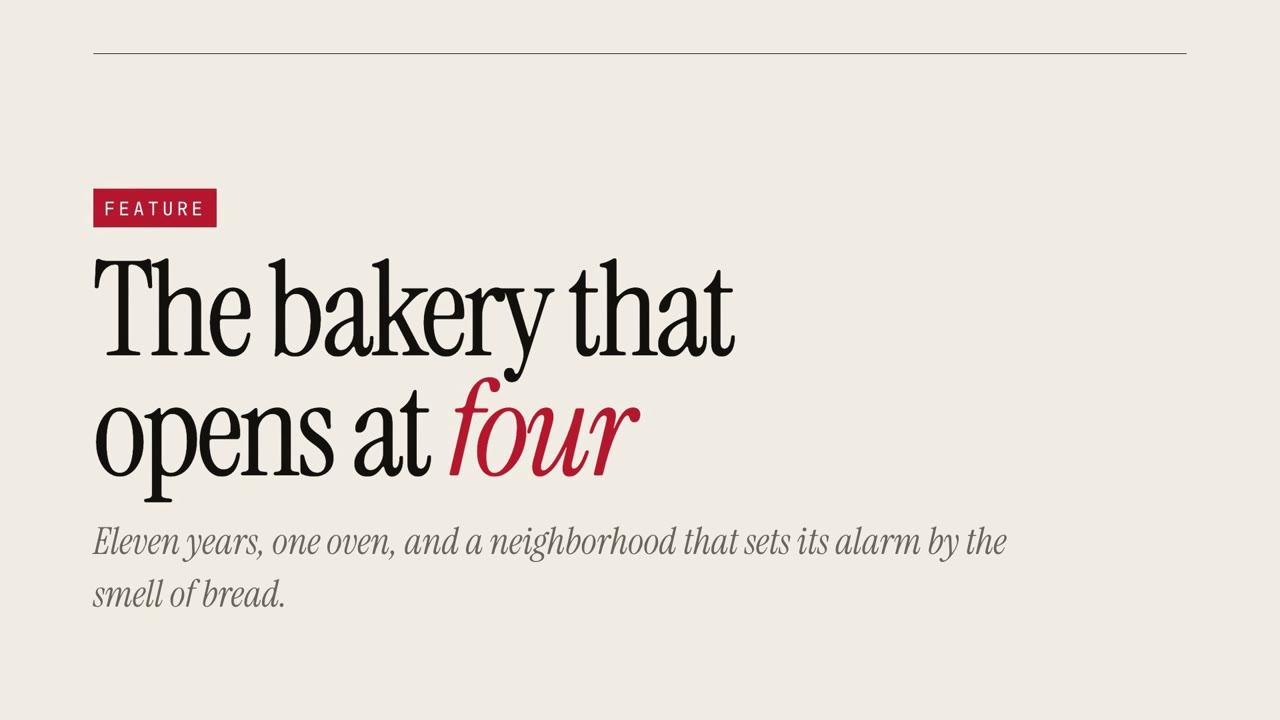 付费
付费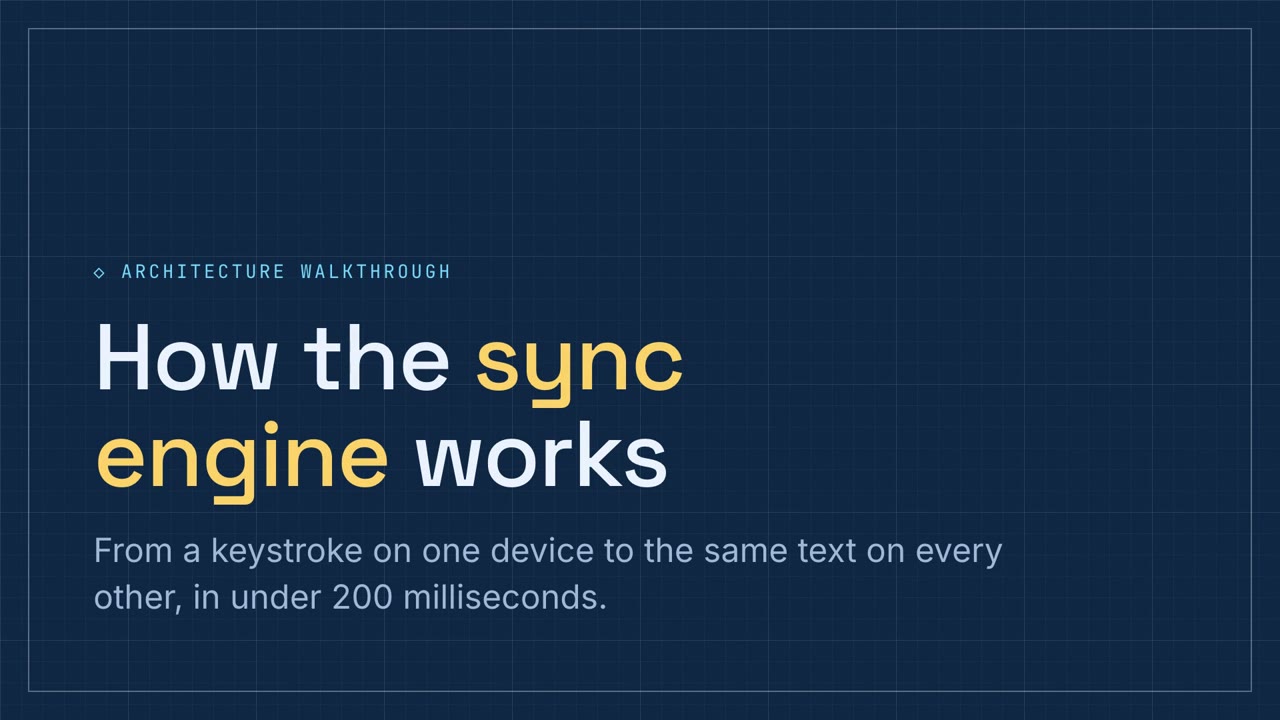 付费
付费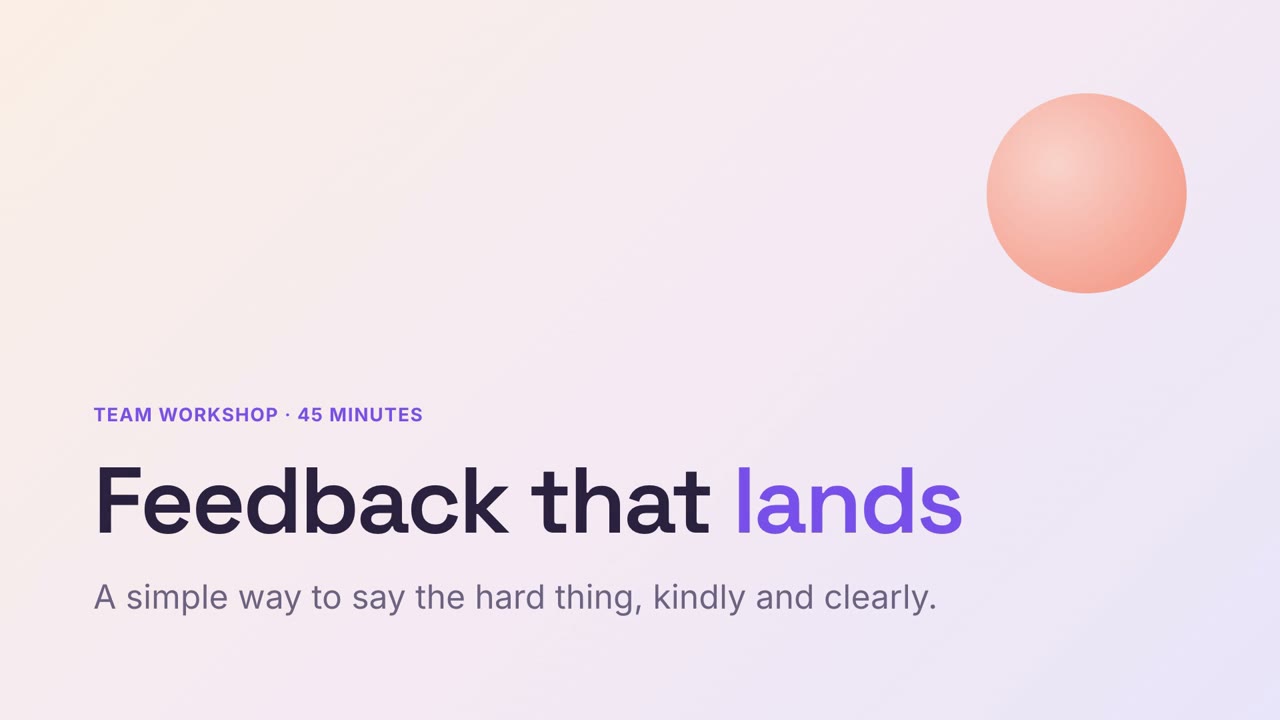 付费
付费 付费
付费
讲解演示稿
把文档交给 Agent,「文档变讲解演示稿」做出能点着看、也能直接播放的演示:一页一个观点,要点随讲解出现,还有动态图表、小测验、本地配音和 MP4。
从你的材料到成片
把手上的材料交给 Agent,工作流负责写稿、分镜和渲染 MP4。
从这些提示词开始
粘贴到 Claude Motion,或者安装对应的 Skill 后交给你的 Agent。
文档变讲解演示稿
查看 Skill →付费风格提示词(Claude Motion 或 Opus 5.5)
Turn the attached document into a 90-second 16:9 narrated explainer for [who will watch, e.g. new hires], playing [where, e.g. the onboarding portal]. Use only the facts and numbers in the document.

One idea per scene, with the key points appearing as they're spoken. Animate one chart for the main number. End on a closing scene with one clear next step.

Attach: [your document]
Next step: [e.g. "Book your first 1:1 with your manager"]
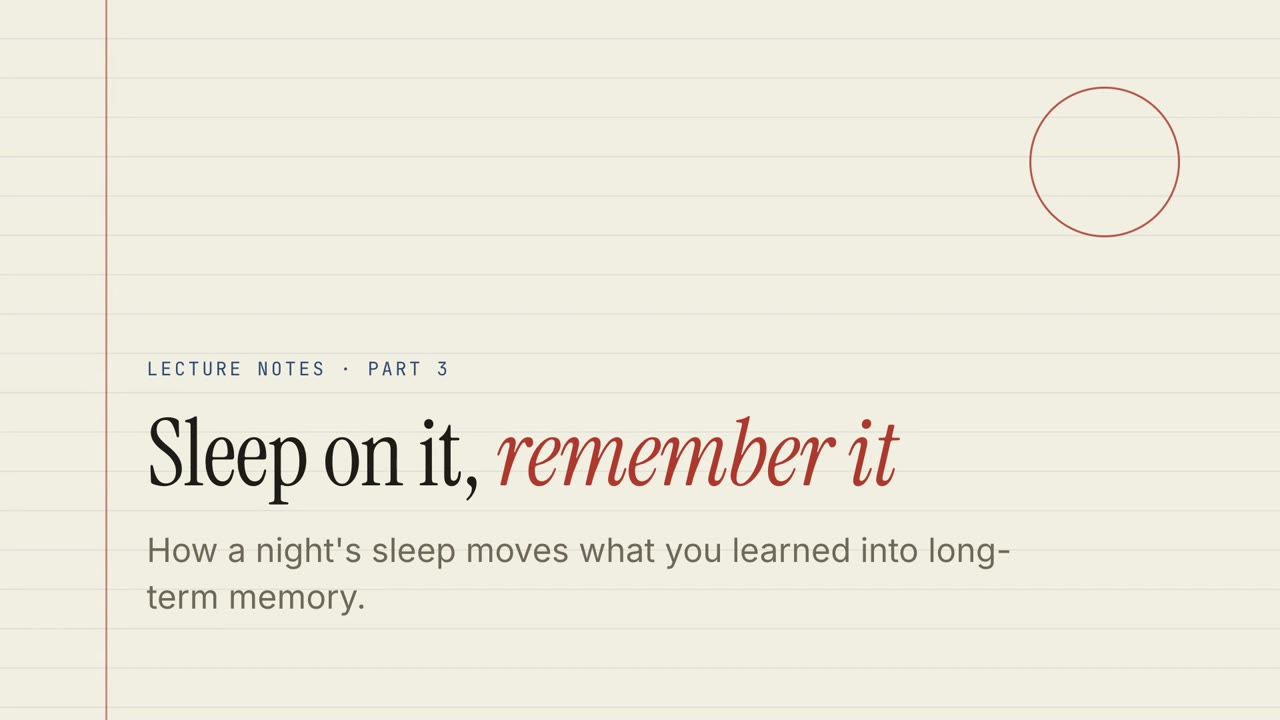
纸本讲义
查看 Skill →免费风格提示词(Claude Motion 或 Opus 5.5)
Turn the document I attach into a 60-second 16:9 narrated explainer for [who will watch, e.g. students], playing [where, e.g. the course page]. Use only the facts and numbers in the document. Paper lecture style.

One idea per slide, with points appearing one at a time as they're spoken. Animate one chart for the main number. End on a closing slide with one clear next step.

Topic: [your topic] (e.g. sleep and memory)
Attach: [your document, notes or data]
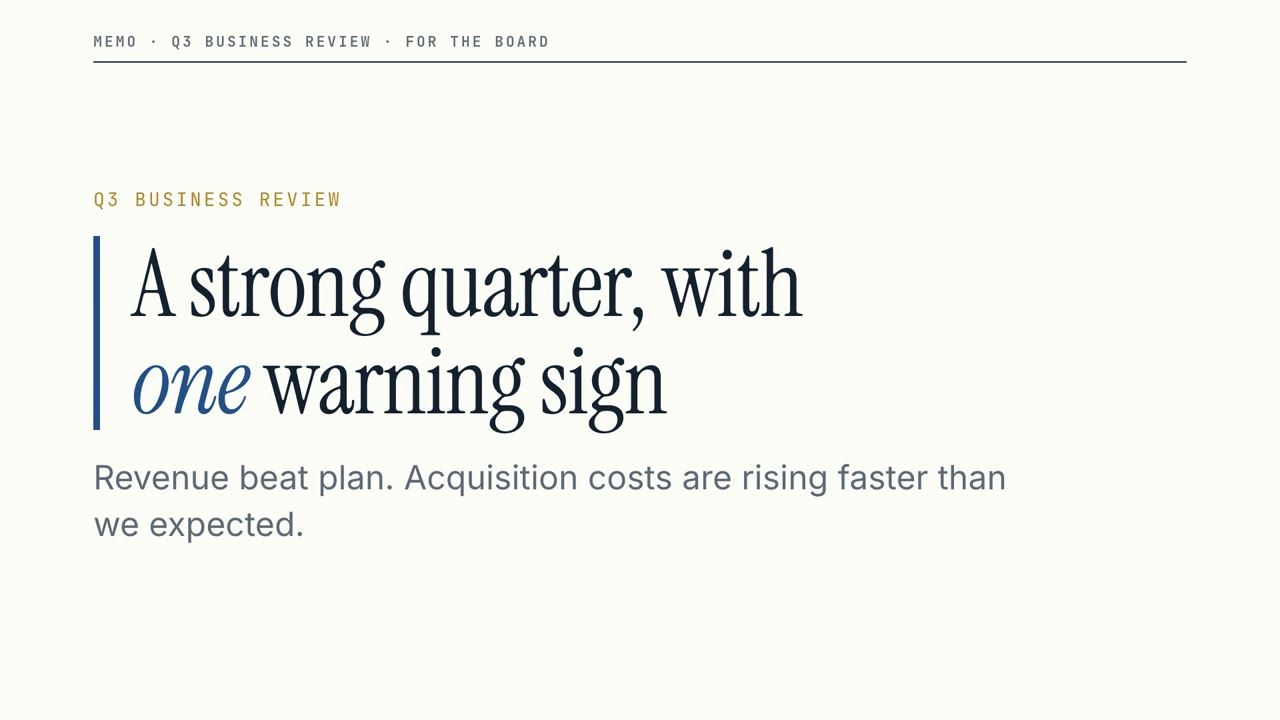
董事会备忘
查看 Skill →免费风格提示词(Claude Motion 或 Opus 5.5)
Turn the document I attach into a 60-second 16:9 narrated explainer for [who will watch, e.g. the leadership team], playing [where, e.g. the quarterly business review]. Use only the facts and numbers in the document. Boardroom memo style.

One idea per slide, with points appearing one at a time as they're spoken. Animate one chart for the main number. End on a closing slide with one clear next step.

Topic: [your topic] (e.g. our quarter)
Attach: [your document, notes or data]
可单独使用的场景
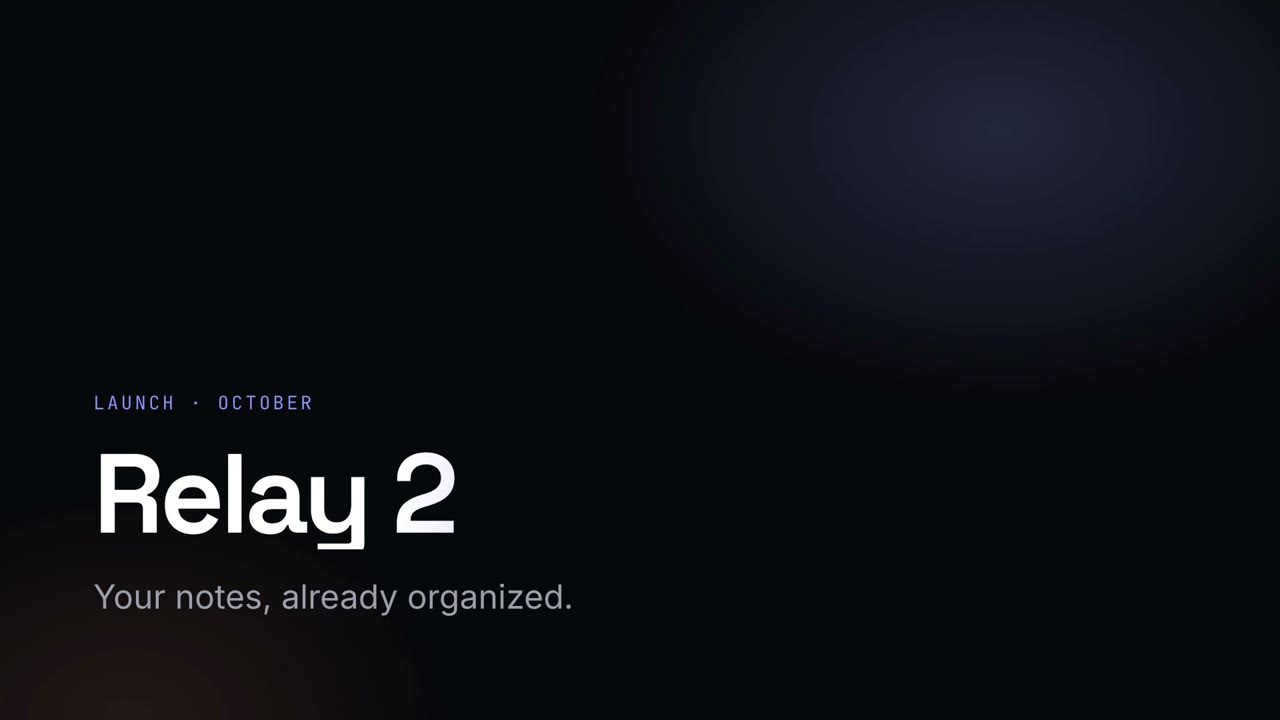
夜幕发布会
深色发光风格的发布会演讲稿,渐变大标题。
讲解演示稿16:9
黑板课堂
绿色黑板风格的课堂演示,手写体标题,配练习题。
讲解演示稿16:9
数据网格
方格纸风格的数据报告,带可筛选图表、漏斗图和环形图。
讲解演示稿16:9
纸本讲义
横线纸风格的课程讲义,带测验、拖拽练习和配音讲解。
讲解演示稿16:9
董事会备忘
利落的经营汇报:关键数字、明确的风险提示,以及需要拍板的决定。
讲解演示稿16:9
创业路演
钴蓝配珊瑚橙的大胆创业路演,从问题讲到融资需求。
讲解演示稿16:9
杂志专题
超大衬线字和引言的杂志专题式讲述。
讲解演示稿16:9
技术图纸
蓝图风格的技术方案讲解,带流程排序和组件配对练习。
讲解演示稿16:9
温和工作坊
柔和粉彩风格的工作坊演示,内置练习。
讲解演示稿16:9
调研手记
牛皮纸风格的调研报告,便利贴引言加主题图表。
讲解演示稿16:9