Free 3D mockup video generator
Put your screenshots on phones, laptops and browser windows, or into 3D rings, carousels, galleries and glass scenes, and export a seamless loop up to 4K at 60 fps. It all renders in your browser; your images stay on your device.
- ✓16 effects free, no sign-up
- ✓No upload, no watermark
- ✓MP4, WebM or PNG up to 4K at 60 fps
How it works
From flat screenshots to a 3D video in three steps
No keyframes, no 3D software, no queue for a cloud render. The scene is built and rendered on your computer as you watch.
- 01
Pick one of 125 effects
Device mockups, signature scenes, rings and orbits, carousels, stacks, galleries, glass, physics and sculptures. 16 export free; members export them all.
- 02
Drop in your screenshots or designs
App screens, dashboards, landing pages, posters or photos, up to 20. Each effect sizes the cards for you and reuses images when there are fewer than it needs. Nothing is uploaded.
- 03
Export the loop
16:9, 9:16, 4:3, 3:4, 1:1 or 4:5, as MP4 or WebM up to 4K at 60 fps, or a PNG still with a transparent background. Every video starts and ends on the same frame, so it loops cleanly.
11 families · 125 effects
125 3D effects in 11 families, 16 free to export
Every effect previews free. 16 of them also export free, without a watermark, up to 4K at 60 fps; a plan unlocks the rest.
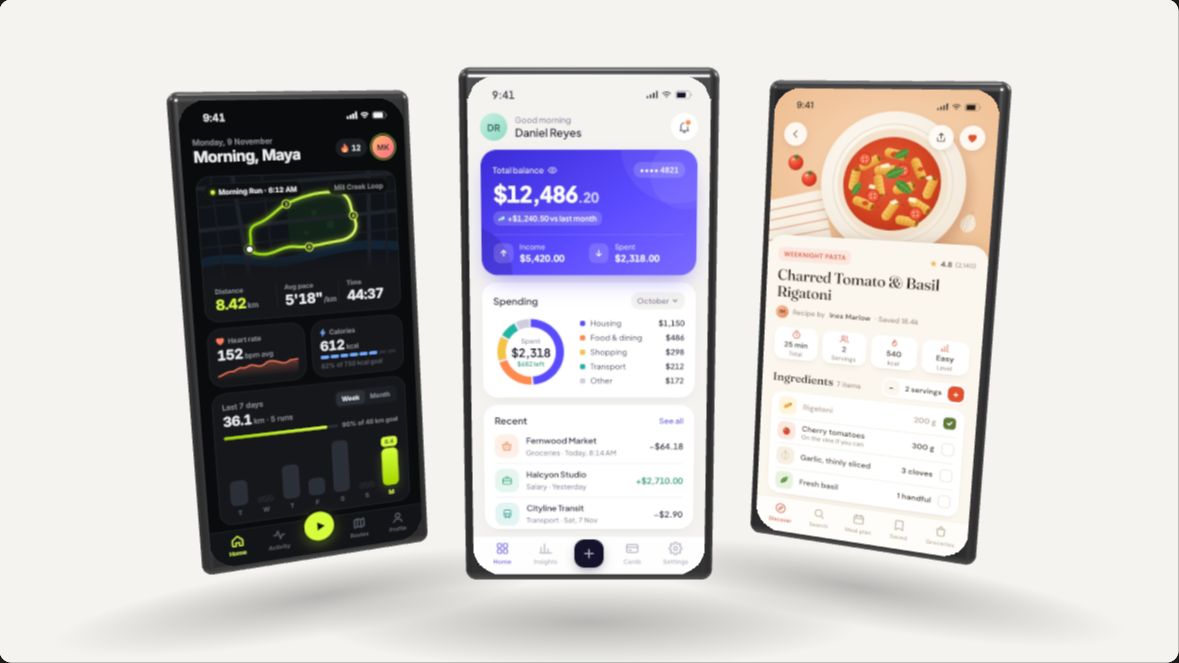
Device mockups (20)
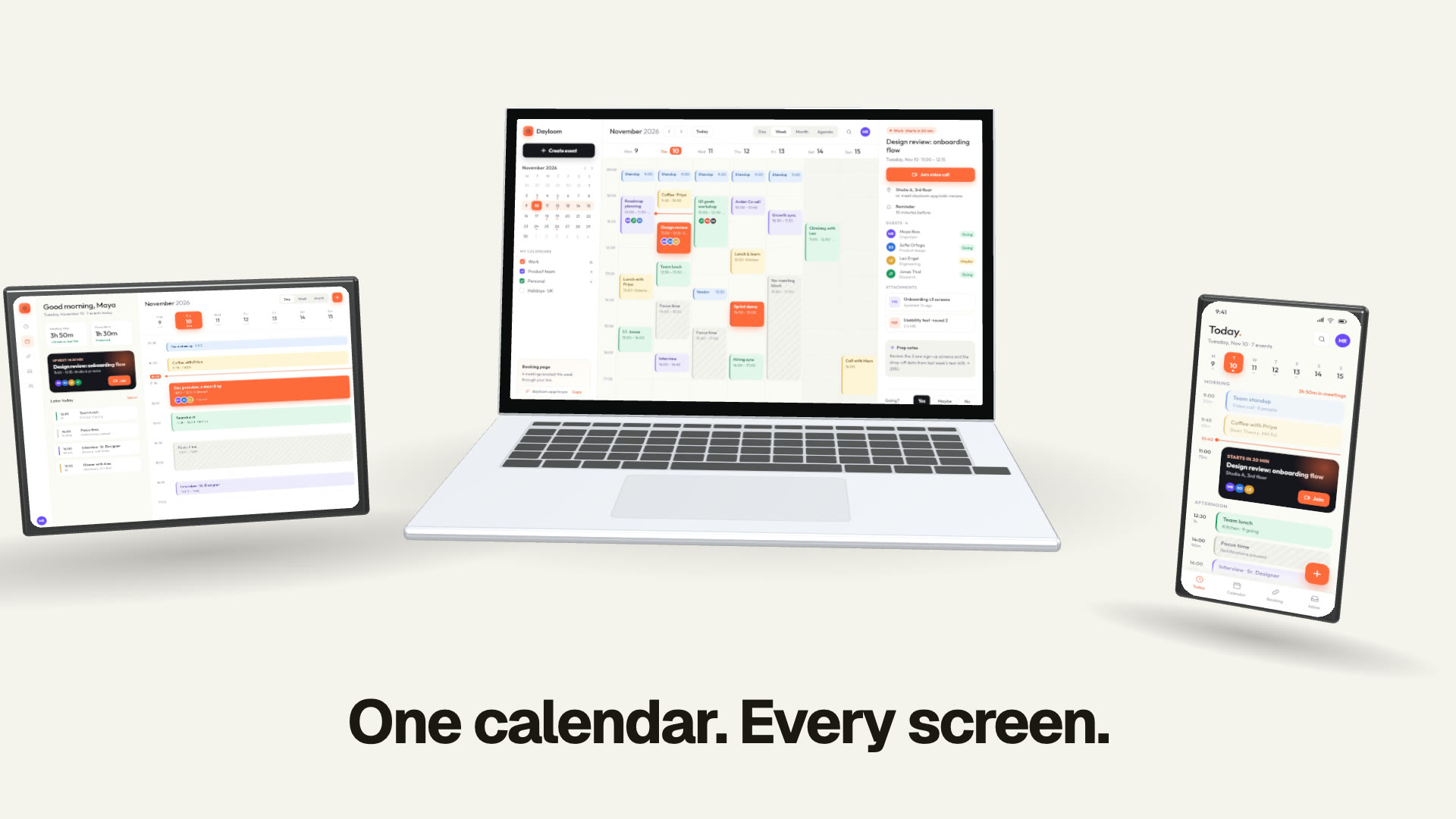
Your screens on generic phones, tablets, laptops and browser windows: swings, turntables, fans, page scrolls and every-screen line-ups.
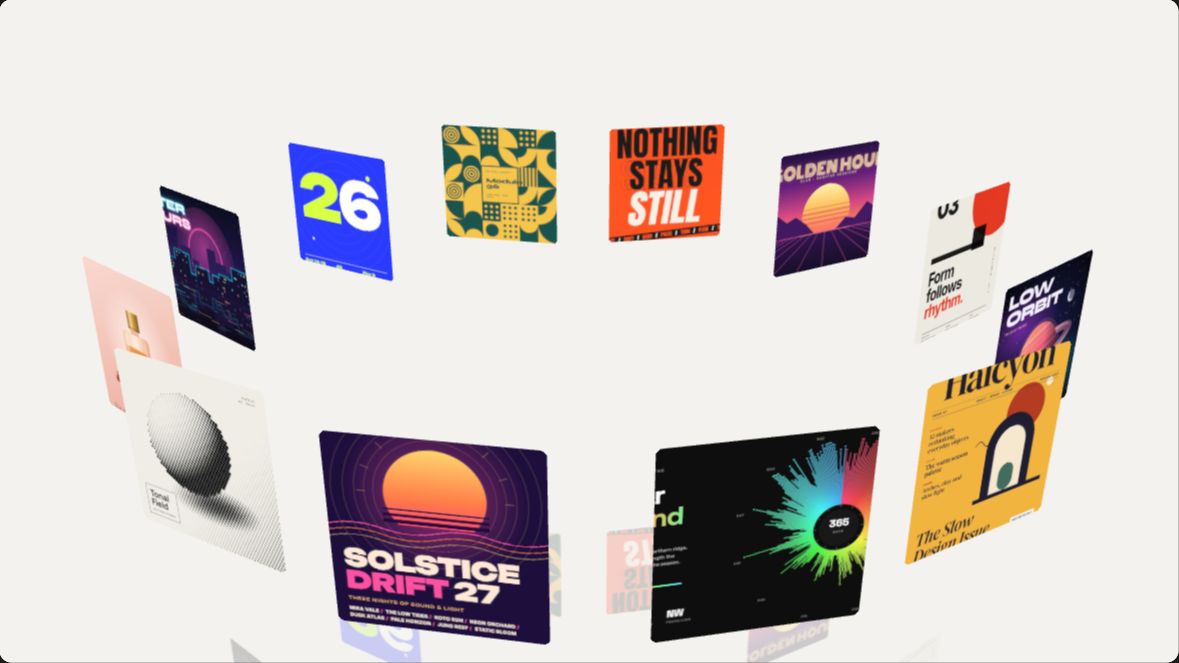
Signature (10)
The showpieces: formations that morph, spiral climbs, portals and parades, built to open a launch video.
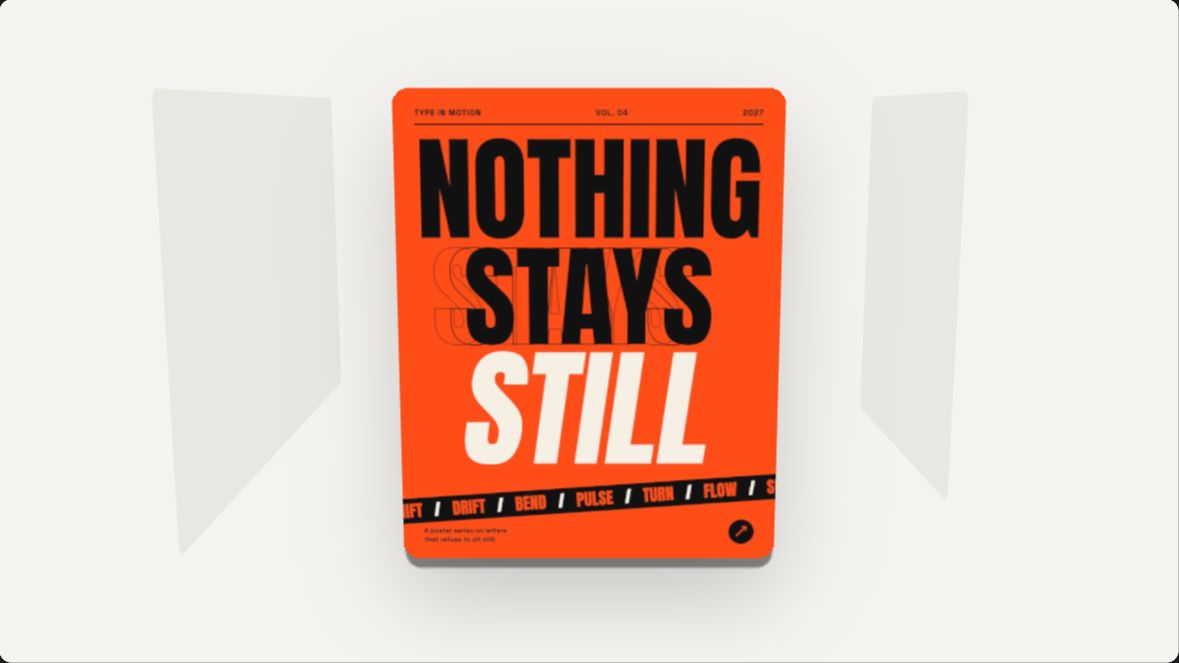
Transitions (10)
One image hands over to the next: flips, pushes, cube turns, fly-throughs and peels.
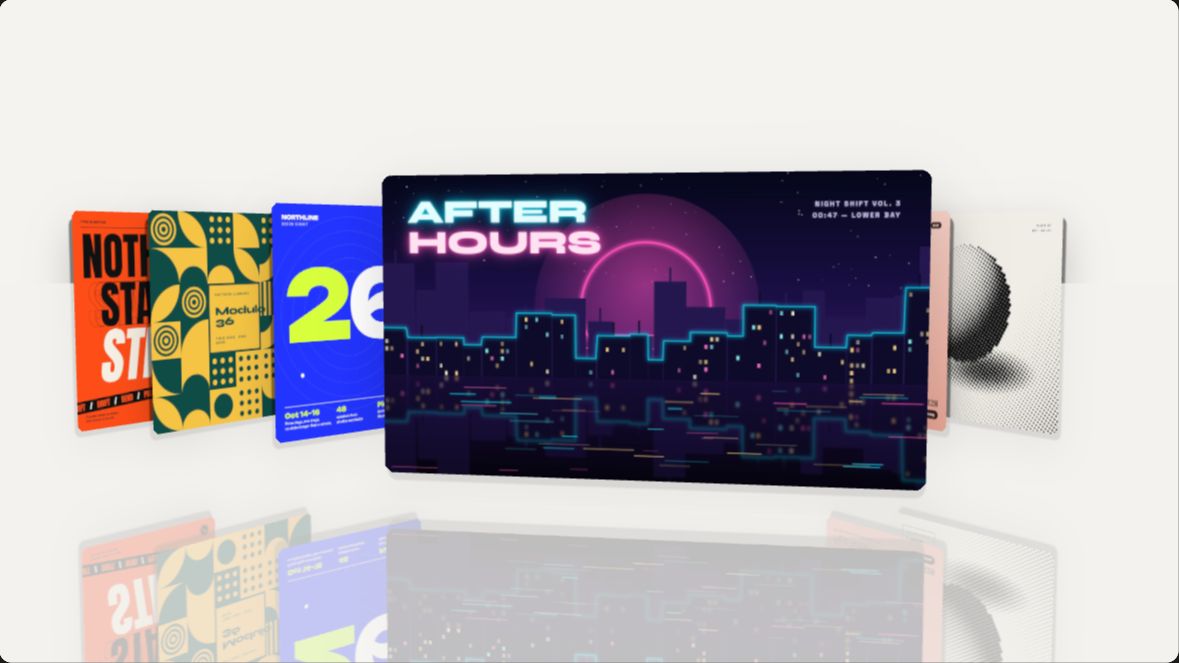
Carousels (14)
Images moving through a focus: cover flow, curved panoramas, jukebox selectors, belts and columns.
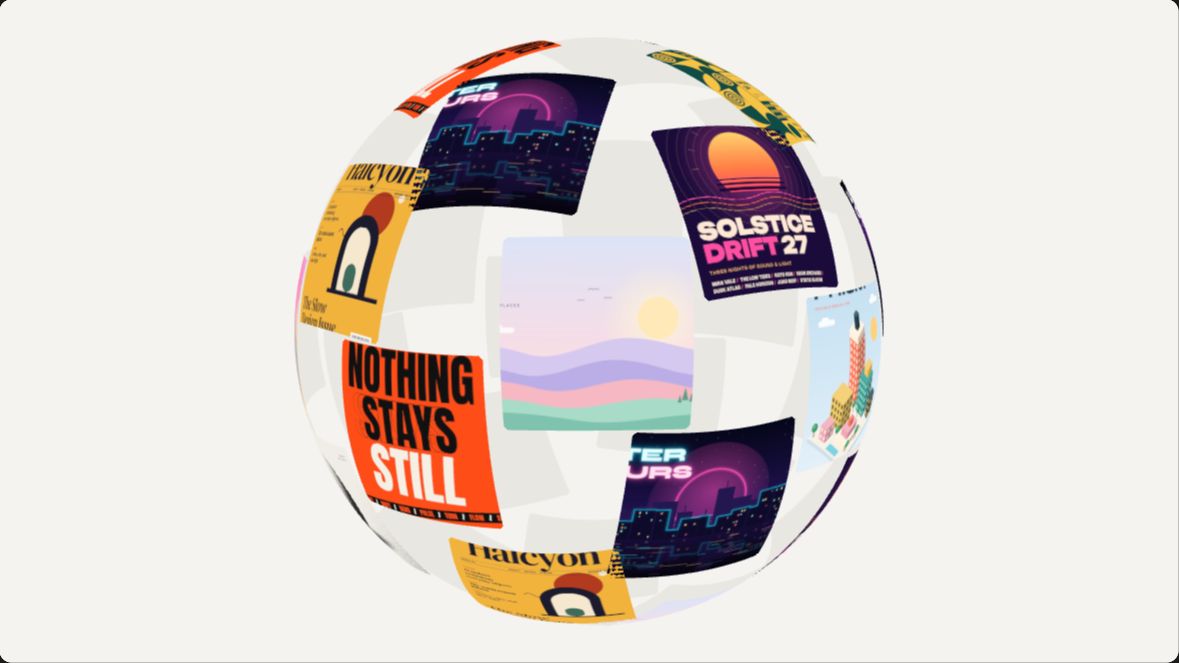
Rings & orbits (13)
Rings, helixes and globes of images turning in space, with depth fade on the far side.
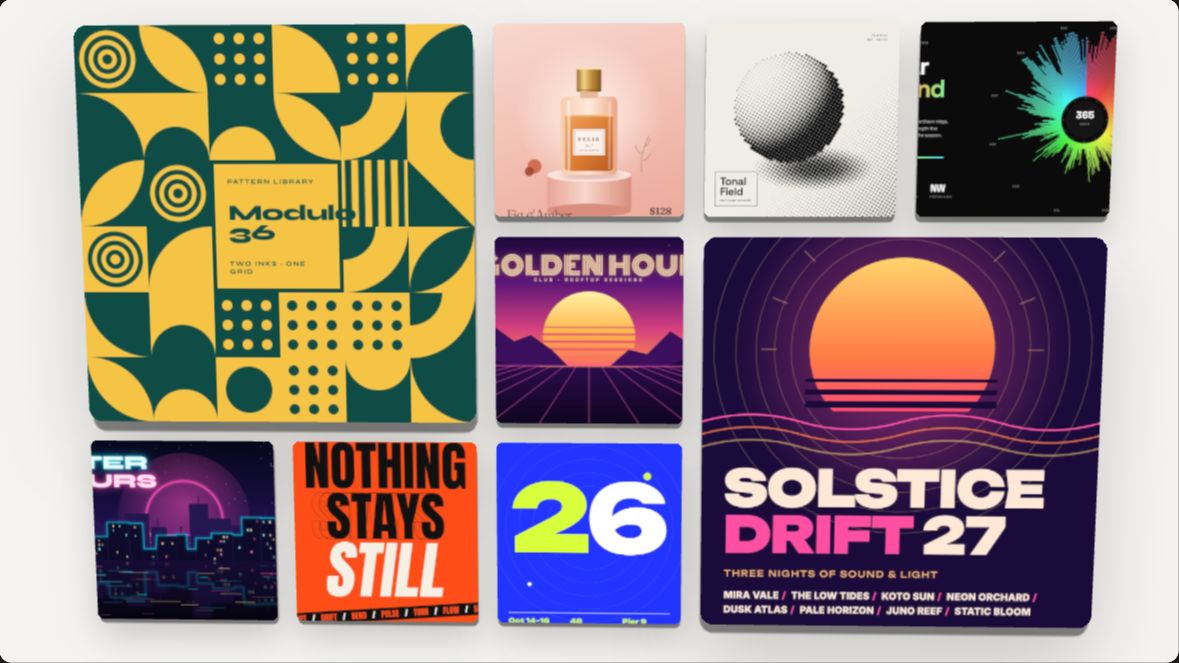
Stacks & grids (14)
Decks, piles and grids that shuffle, splay, cascade and reassemble.
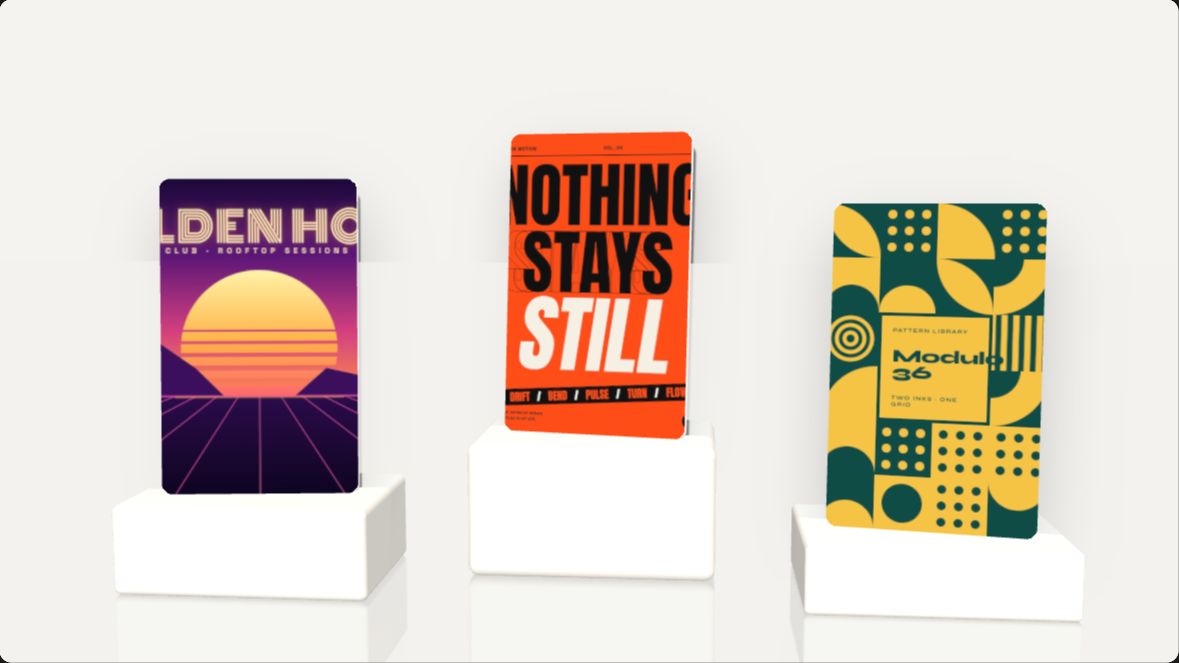
Showcase (10)
One image presented like a product: tilts, plinths, spotlights, gloss and pop-outs.
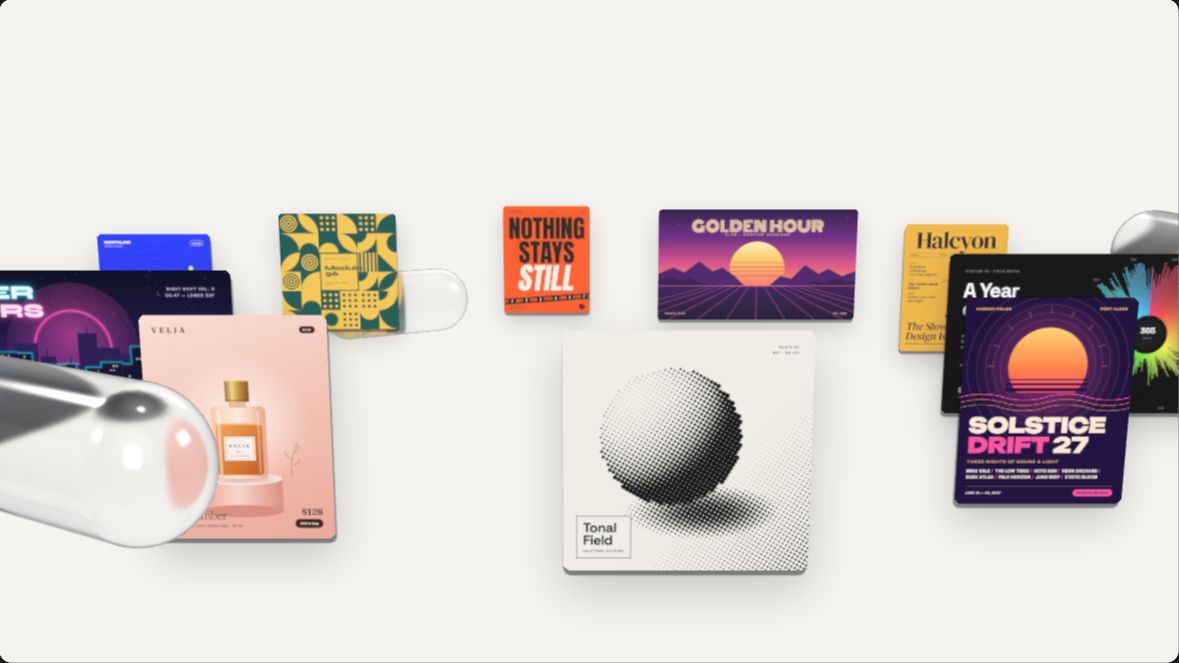
Glass (6)
Clear glass lenses, capsules and slabs that magnify and bend the images behind them.
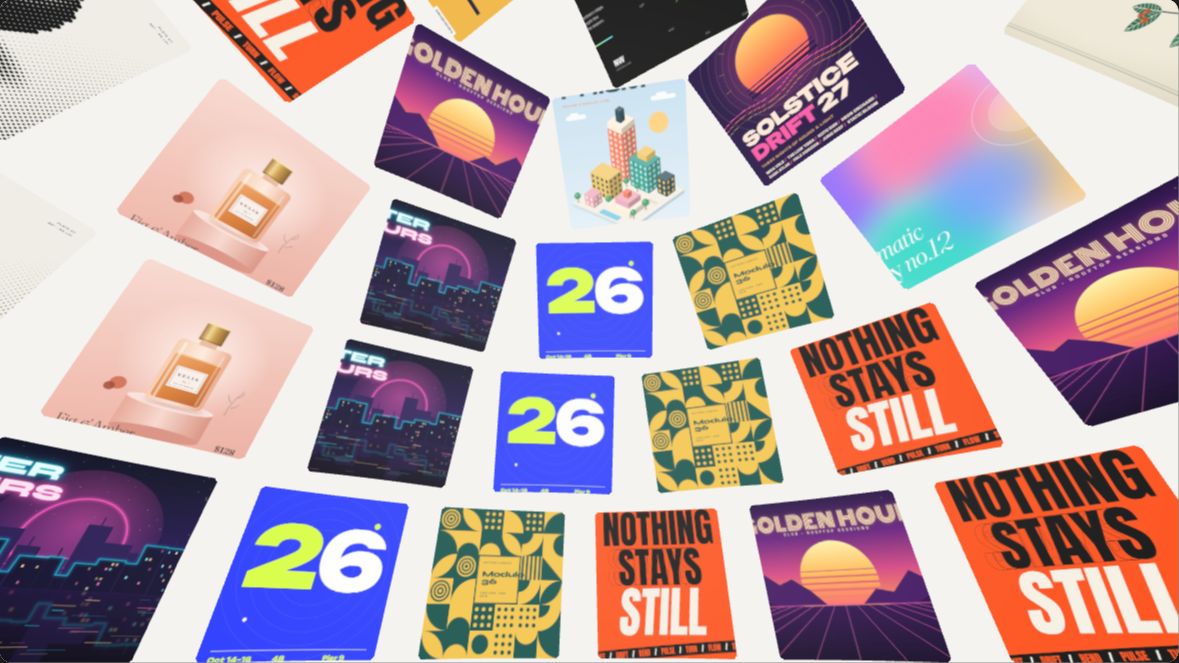
Galleries & walls (12)
Walls and spaces of images: rippling walls, mirror-floor halls, tunnels and drifting clouds.
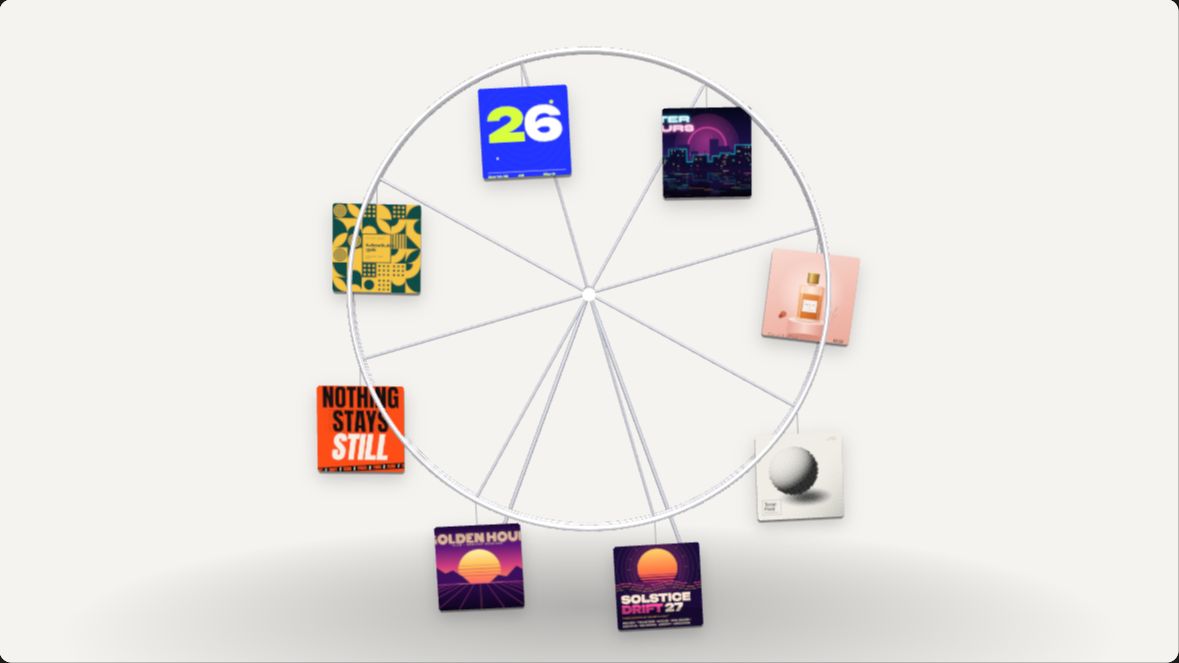
Physics (8)
Images that hang, swing, fall and collide: pendulums, dominoes, feathers and gears.
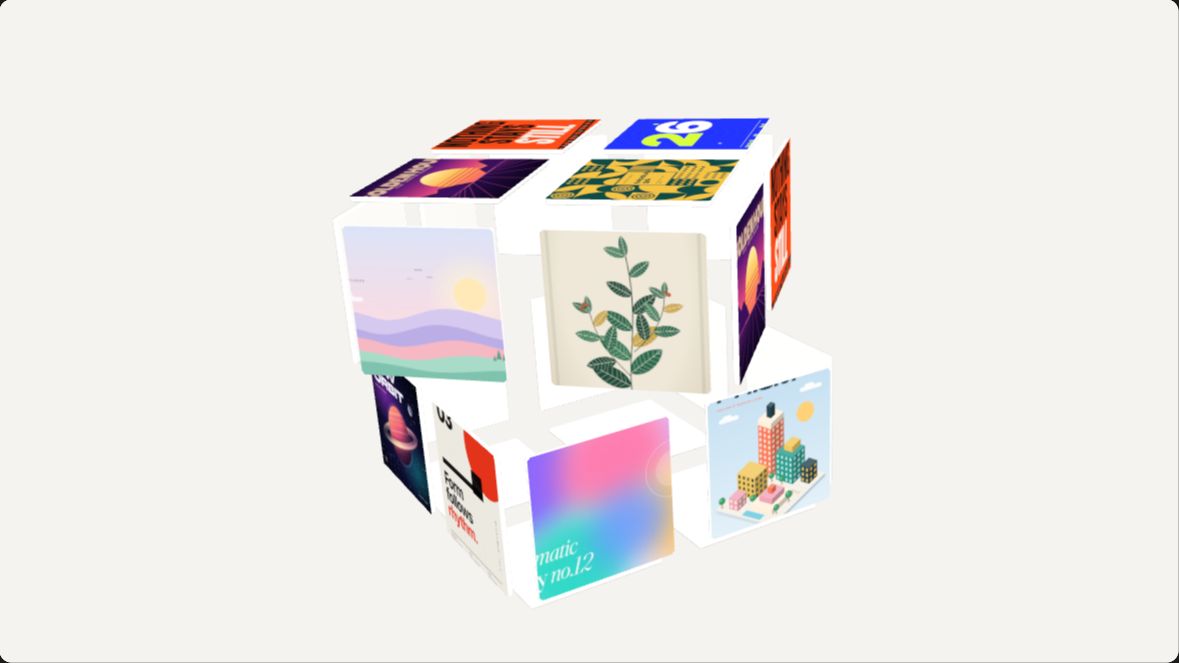
Sculptures (8)
Images formed into 3D objects that turn and transform: rosettes, petals, ribbons and towers.
Every format from one scene
One scene for Product Hunt, short video and your site
Switch between landscape, portrait and square without rebuilding anything; the camera refits the scene to the frame.
16:9 landscape
Up to 3840 × 2160 · 60 fps · MP4 or WebM
Product Hunt gallery videos, a site's hero section, YouTube and pitch decks.
9:16 portrait
Up to 2160 × 3840 · 60 fps · MP4
TikTok, Reels, Shorts, and app store previews on the app preview page.
1:1 · 4:3 · 3:4 · 4:5
Up to 2880 × 2160 · MP4 or a transparent PNG still
Feed posts, launch threads on X, update cards and slides.
Where it fits
Made for launches, app previews and portfolios
SaaS launches
A launch-day teaser
Put six screens of your product into Ring orbit or Phone trio and have a Product Hunt or social video in a few seconds.
iOS and Android apps
Store previews and vertical clips
Switch to portrait and show your app on Phone swing or Phone fan, or use the app preview page for App Store sizes.
Designers and studios
Portfolio and case-study reels
Show a project as a Cover flow on a mirror floor or a Sphere of cards instead of a row of flat screenshots.
Weekly changelogs
Feature updates for social
Drop in this week's screens, run Page scroll or Window cascade, and post an MP4 the same afternoon.
Why text stays sharp
Real 3D in your browser, not an AI-generated video
AI video models redraw your interface and blur small text and charts. Here your images are mapped pixel for pixel onto 3D geometry and encoded frame by frame.
Your pixels, unchanged
Screenshots are used as textures at full resolution, so labels, numbers and charts stay readable even in 4K.
Seamless loops, frame by frame
Every effect is a function of time that returns to its first frame, and the video is rendered one frame at a time (frame i at i ÷ fps), so there are no dropped frames or jumps at the loop.
Private and immediate
Unreleased screens never leave your computer. Your graphics card renders the scene and your browser's video encoder writes the file; there is no upload and no queue.
How it compares
| This tool | Template video editors | Motion design software | AI video generators | |
|---|---|---|---|---|
| Price and watermark | 16 effects free with no watermark; a plan unlocks the rest | Free tiers, usually with limits or a watermark | A paid licence | Credits per second of video |
| 3D screenshot effects | 125 ready-made 3D scenes | Mostly flat 2D templates | Anything, built by hand with keyframes | Camera paths you can't control precisely |
| UI text and detail | Pixel-true textures, sharp text | Sharp in 2D | Sharp | Small text often smeared or invented |
| Export | Up to 4K at 60 fps, MP4, WebM or PNG | Often HD; higher on paid tiers | Any size, with long renders | Often 720p or 1080p |
| Where your files go | Nowhere: rendered in your browser | Uploaded to the service | Stay on your computer | Uploaded to the service |
Beyond this tool
One 3D shot is a start. A skill cuts the whole promo.
This tool makes one looping shot from your screenshots. The 3D Mockup Promo skill uses the same 3D scenes to make a 20-second film: your agent picks a scene for each feature, writes the lines, adds the end card and the music, and renders the MP4.
- ✓One feature per shot, cut on the beat
- ✓Your name, call to action and colours at the end
- ✓16:9, 9:16, 1:1 and App Store sizes
Skills that pick up from here
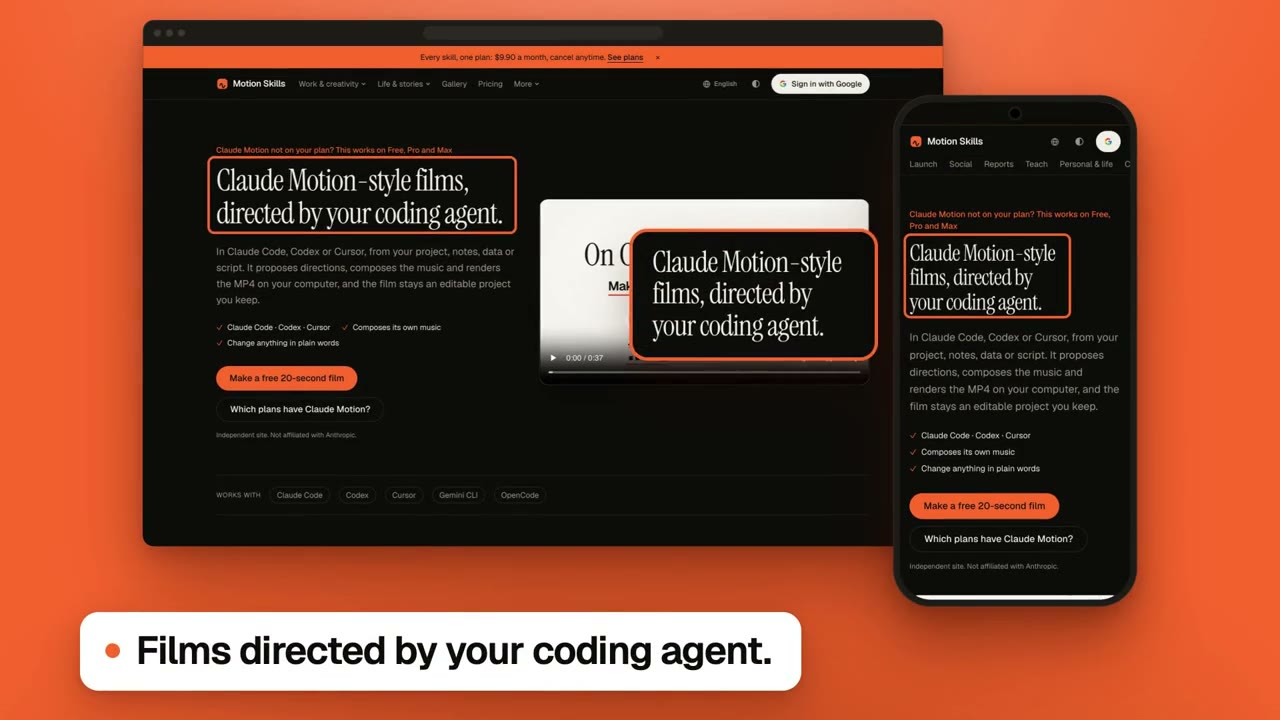
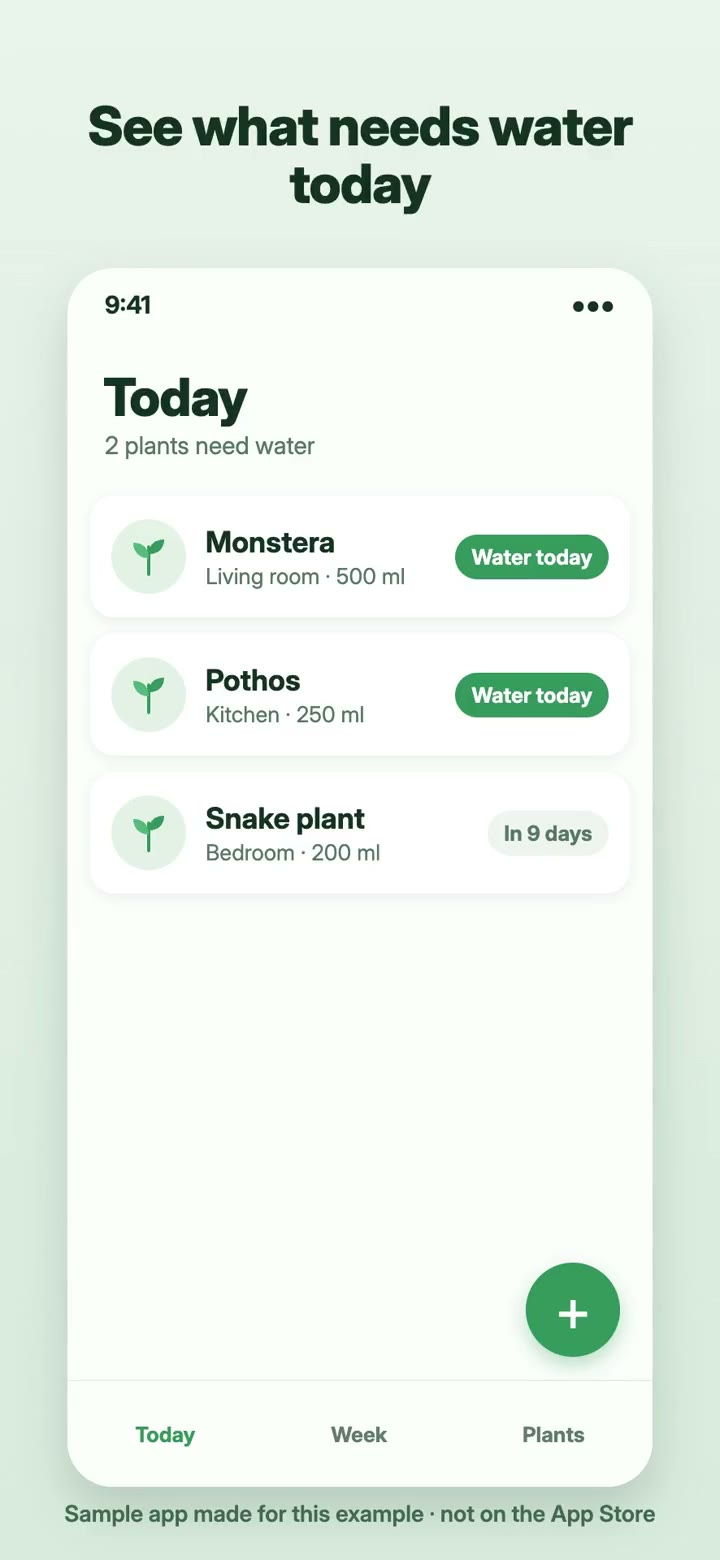
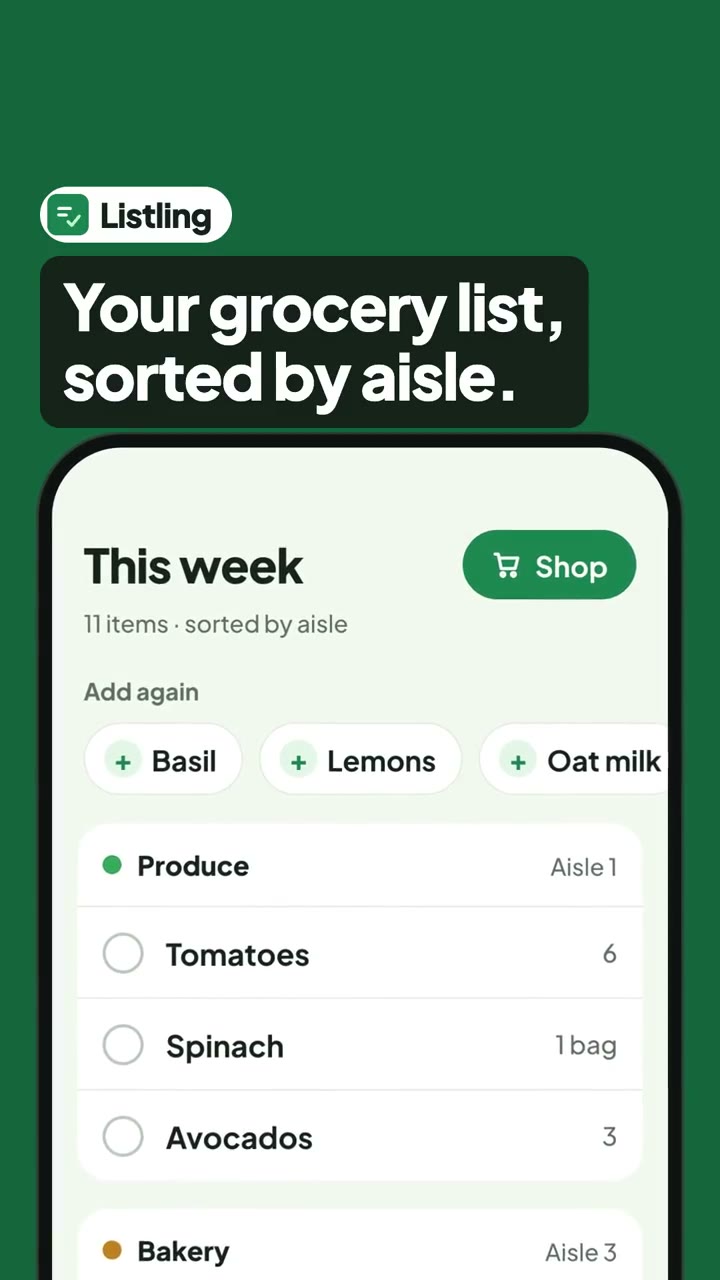
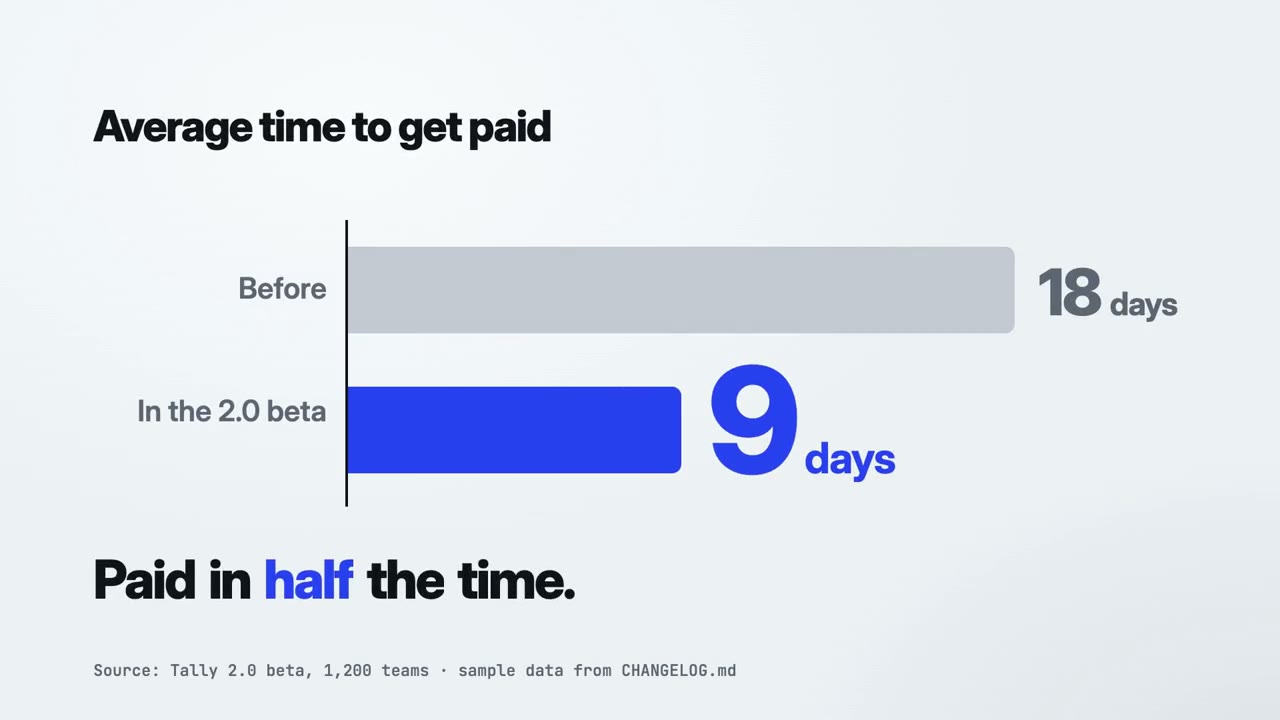
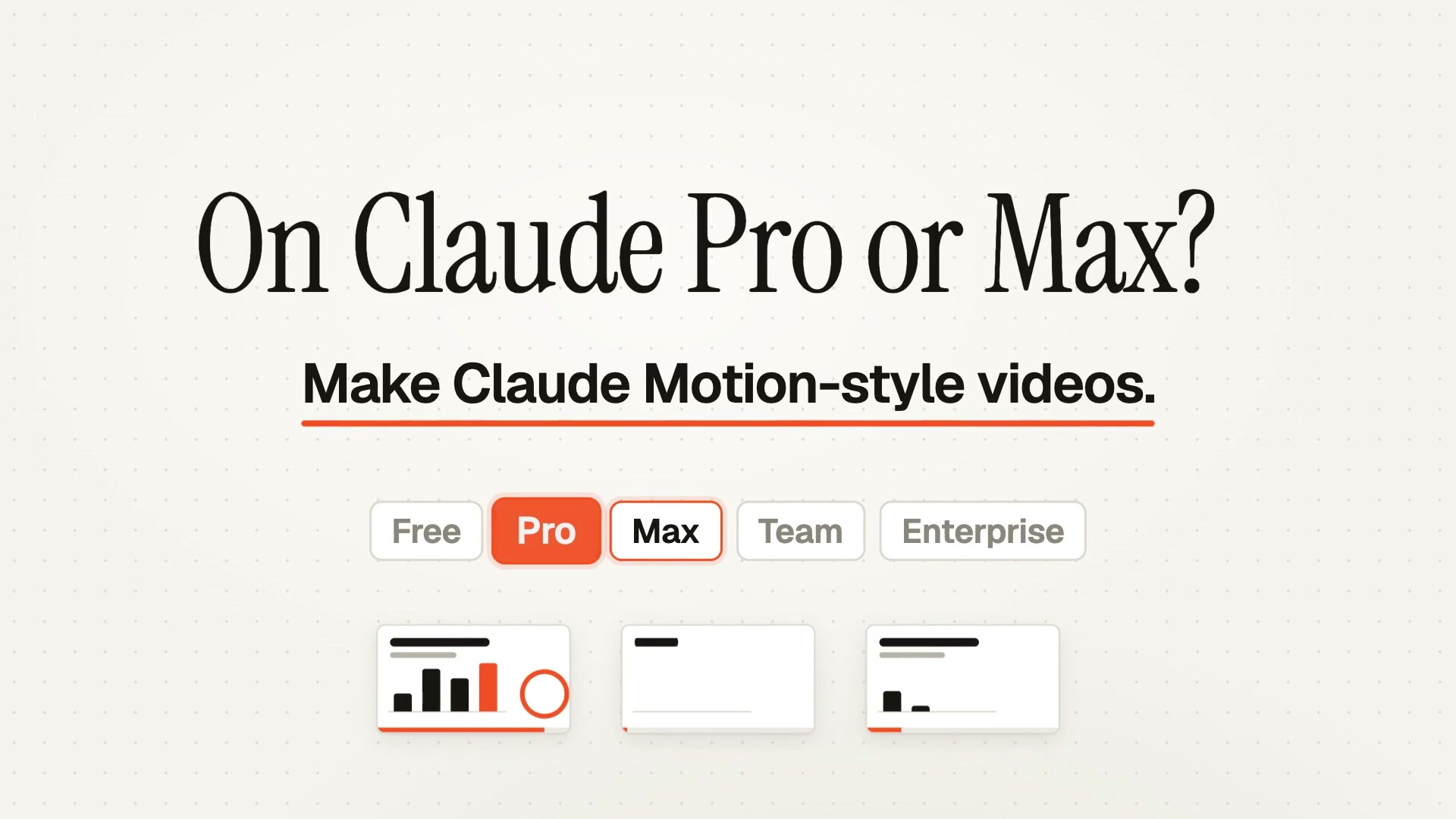
Each one makes a different kind of film. The first is the closest to this page.
Making more than one kind of film?
Start free with Motion Director. One skill is $4.90; a plan unlocks every skill, and the new ones as they arrive.
Monthly
$9.90/ month
- ✓Every full-film skill, styles built in
- ✓New skills as they ship
- ✓Updates to existing skills
- ✓Commercial use of what you render
Yearly
Save 34%$79/ year
- ✓Every full-film skill, styles built in
- ✓New skills as they ship
- ✓Updates to existing skills
- ✓Commercial use of what you render
Founding lifetime
Founding offer$169one-time
- ✓Every full-film skill, styles built in
- ✓New skills as they ship
- ✓Updates to existing skills
- ✓Commercial use of what you render
- ✓One payment, no renewals
Get Motion Director (free) →One skill $4.90 · Pick a skill →
Questions
Which effects are free, and what does a plan unlock?
Every effect previews free. 16 of them, at least one in most families, export free as MP4, WebM or PNG up to 4K at 60 fps, with no watermark and no sign-up. The other effects are marked Members; exporting them needs a Motion Skills plan, which also includes every skill on the site.
Are my screenshots uploaded?
No. Images are read in your browser, the scene is rendered by your graphics card and the video is encoded on your computer. Nothing is sent to us.
Why doesn't the text get blurry like in AI videos?
Because nothing is generated: your image is placed on 3D geometry as it is, at full resolution, and only the camera and the cards move.
How do the videos loop without a jump?
Each effect is written so its last frame leads straight back into its first, and the video is rendered frame by frame instead of recorded, so no frames are skipped.
Which browsers can export 4K at 60 fps?
Chrome and Edge on a computer encode every size. Other browsers grey out any size they can't encode; where frame-by-frame encoding isn't available at all, the preview is recorded in real time instead, which can be less smooth.
Can I use the videos commercially?
Yes. The videos are yours to use; the images in them are the ones you add.
Are the phones and laptops real models?
No. They're generic shapes drawn in code, not any brand's design.
How is this different from the skills on the site?
This tool makes one looping 3D shot from your images. The skills work with your coding agent to make a whole film: they read your product, write the script, render it scene by scene with music and narration, and export the finished video.
Make your screenshots move
16 effects export free. For the whole film, hand it to a skill.