← Skills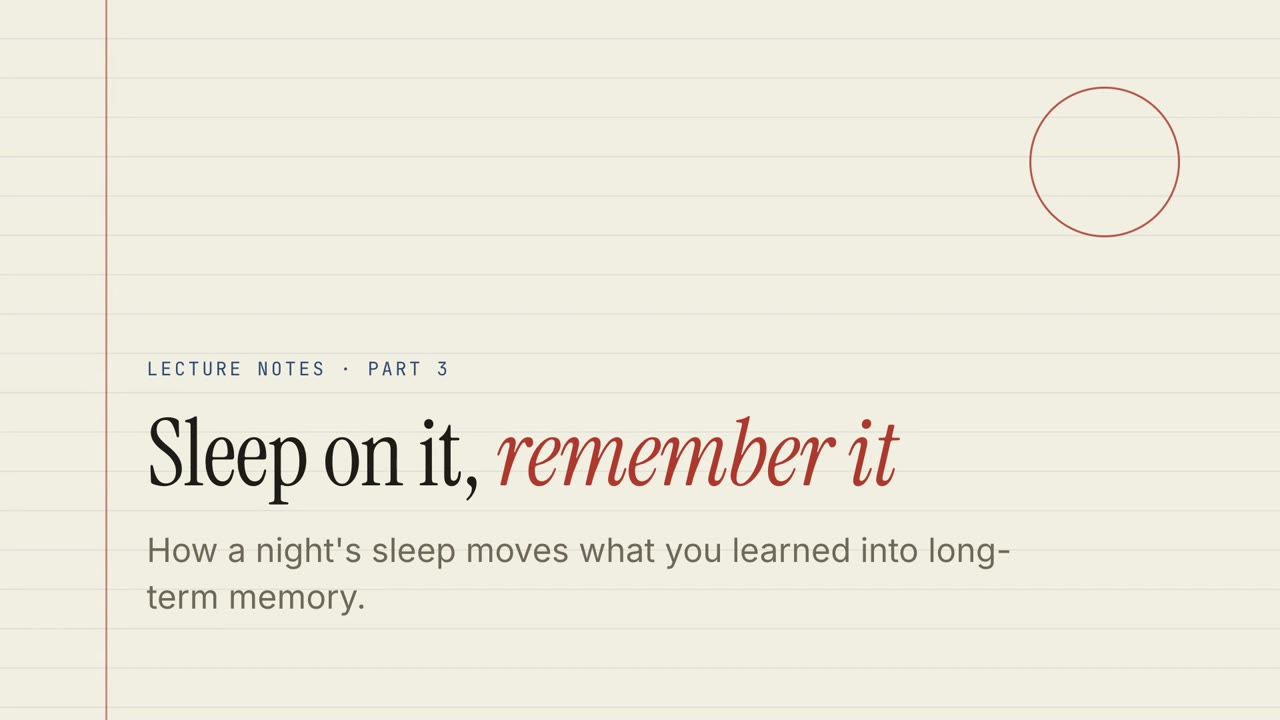 무료
무료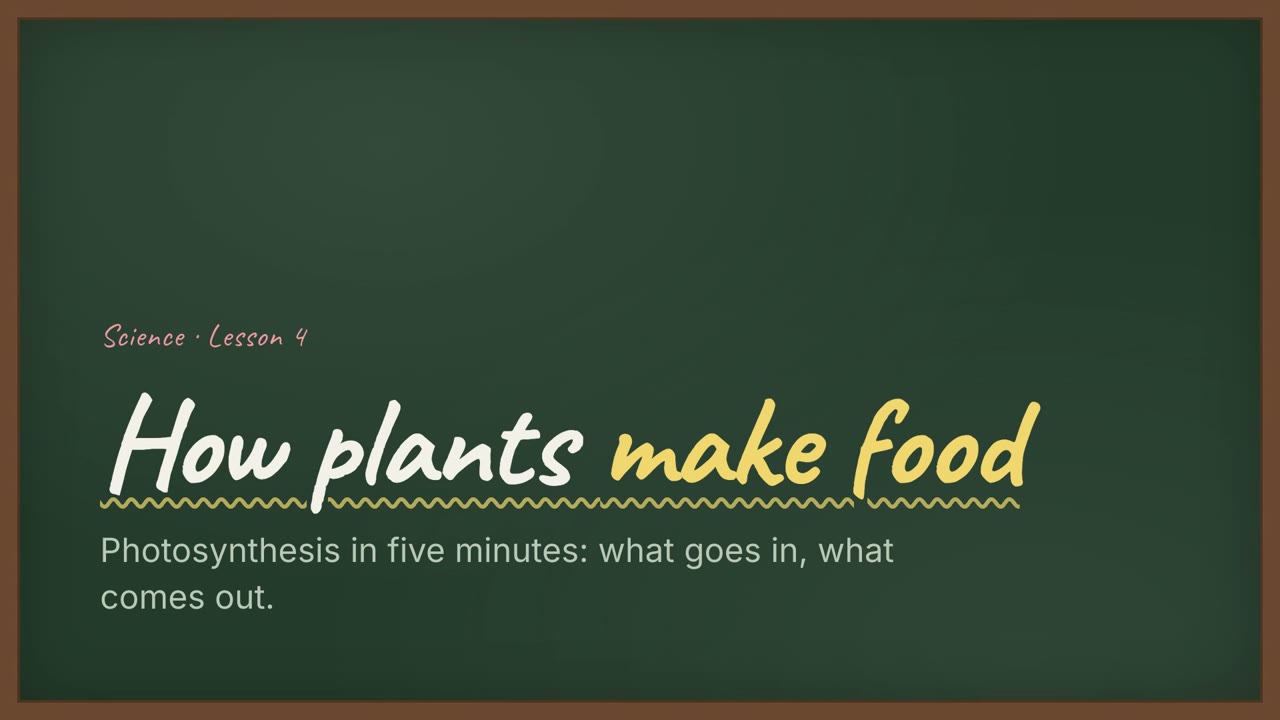 Premium
 무료
무료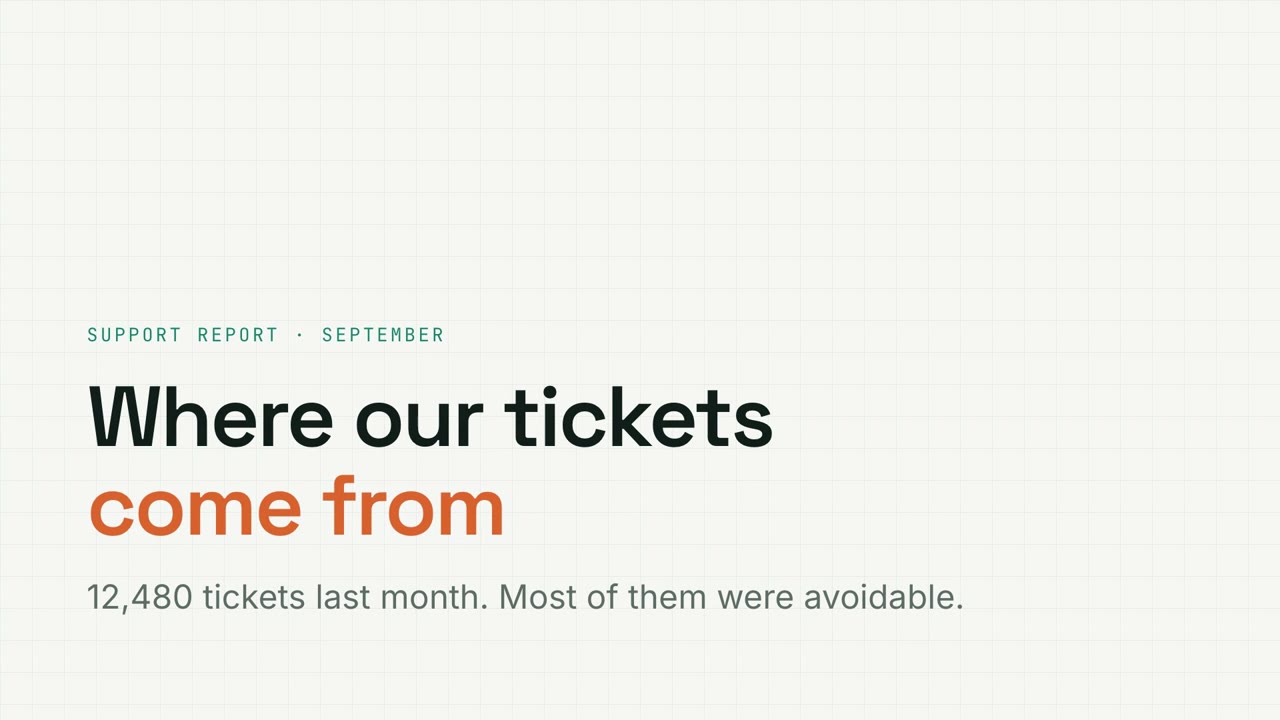 Premium
 Premium
 Premium
 Premium
 Premium
Premium내레이션 슬라이드
Doc → 내레이션 슬라이드
문서를 건네면 내레이션이 있는 인터랙티브 슬라이드와 MP4가 나옵니다.
Claude Code, Codex, Cursor 등 Skill을 지원하는 에이전트에 붙여 넣으세요.
필요 환경: Node.js 22+. 선택: 로컬 음성(약 1 GB), MP4 내보내기용 FFmpeg와 Chrome. API 키 불필요.
직접 해 보기
전체 화면으로 열기 ↗샘플 슬라이드를 직접 넘겨 보세요: 차트를 바꾸고, 퀴즈를 풀고, 카드를 드래그해 보세요. P 키를 누르면 내레이션이 재생됩니다.
설치 프롬프트
https://claude-motion.com/skills/doc-to-narrated-deck/install.md 를 읽고 안내대로 "doc-to-narrated-deck" 스킬을 설치한 다음, 그 스킬로 첫 영상을 만들어 주세요.
Claude Code, Codex, Cursor 등 Skill을 지원하는 에이전트에 붙여 넣으세요.
프롬프트 예시
Use doc-to-narrated-deck on onboarding-guide.pdf: make a narrated training deck with a quiz every few slides, and export an MP4.
스타일 프롬프트 (Claude Motion 또는 Opus 5.5)
Turn the attached document into a 90-second 16:9 narrated explainer for [who will watch, e.g. new hires], playing [where, e.g. the onboarding portal]. Use only the facts and numbers in the document.

One idea per scene, with the key points appearing as they're spoken. Animate one chart for the main number. End on a closing scene with one clear next step.

Attach: [your document]
Next step: [e.g. "Book your first 1:1 with your manager"]
설치 불필요: Claude Motion(Team 또는 Enterprise)에 붙여 넣거나 Opus 5.5에 주면 비슷한 스타일이 나옵니다. 결과는 실행마다 달라지며, Skill은 매번 같은 결과를 냅니다.
다른 슬라이드 스타일
Motion Deck →페이퍼 렉처
퀴즈, 드래그 연습, 내레이션이 있는 줄 공책 강의.
내레이션 슬라이드16:9
칠판 교실
손글씨 제목과 연습 문제가 있는 초록 칠판 수업.
내레이션 슬라이드16:9
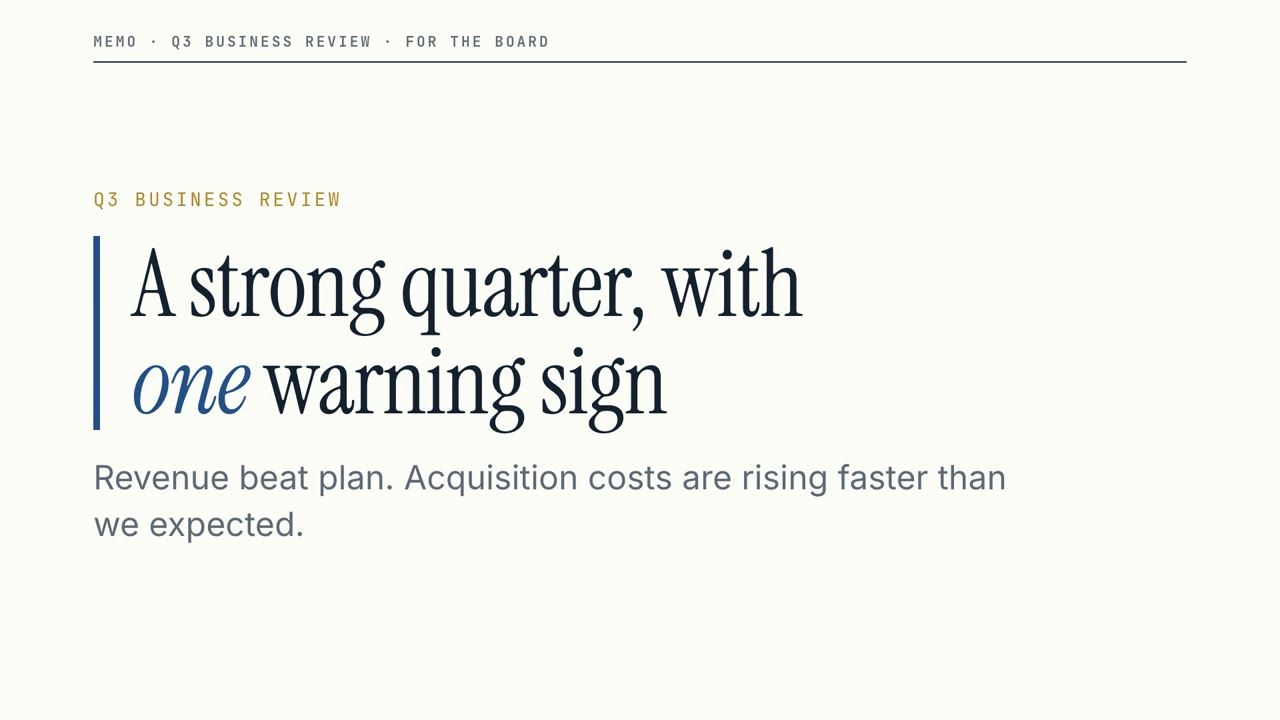
보드룸 메모
명확한 비즈니스 리뷰: 큰 숫자, 분명한 경고, 그리고 필요한 결정.
내레이션 슬라이드16:9
메트릭 그리드
필터가 되는 차트, 퍼널, 도넛이 있는 모눈종이 데이터 리포트.
내레이션 슬라이드16:9
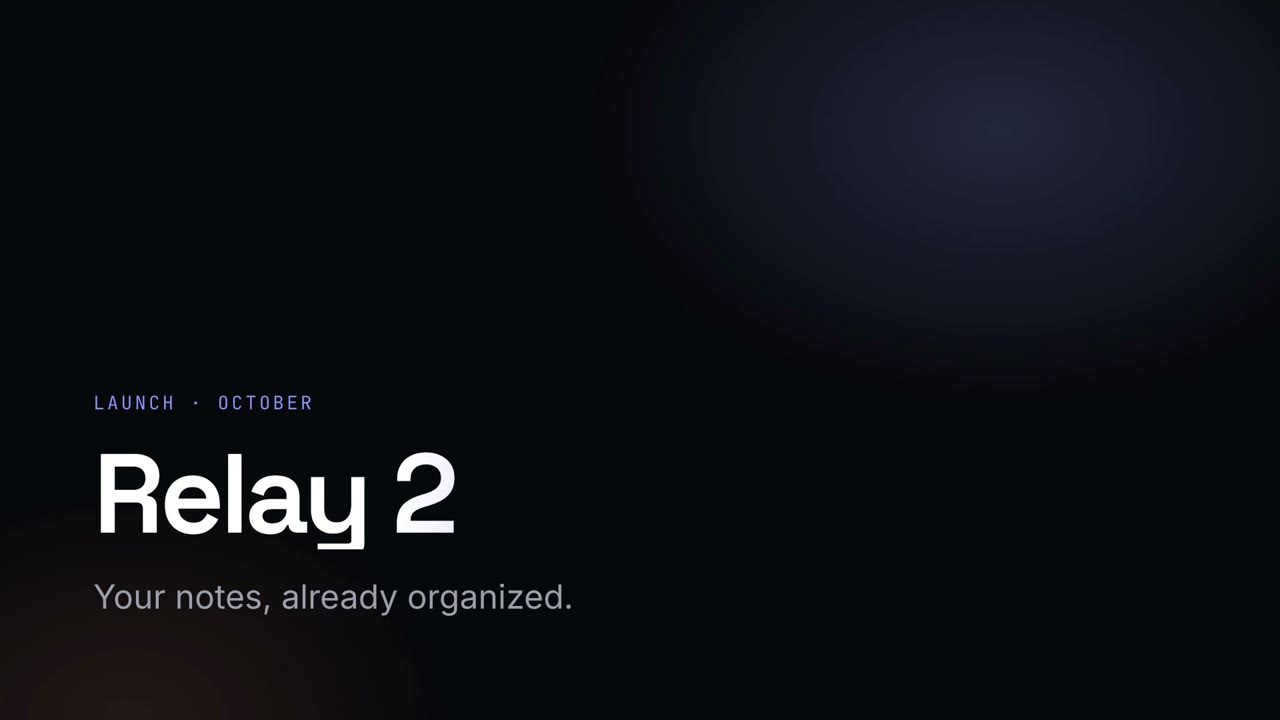
나이트 키노트
그라데이션 헤드라인이 빛나는 어두운 런칭 키노트.
내레이션 슬라이드16:9
스튜디오 피치
코발트와 코랄의 대담한 스타트업 피치. 문제부터 요청까지.
내레이션 슬라이드16:9
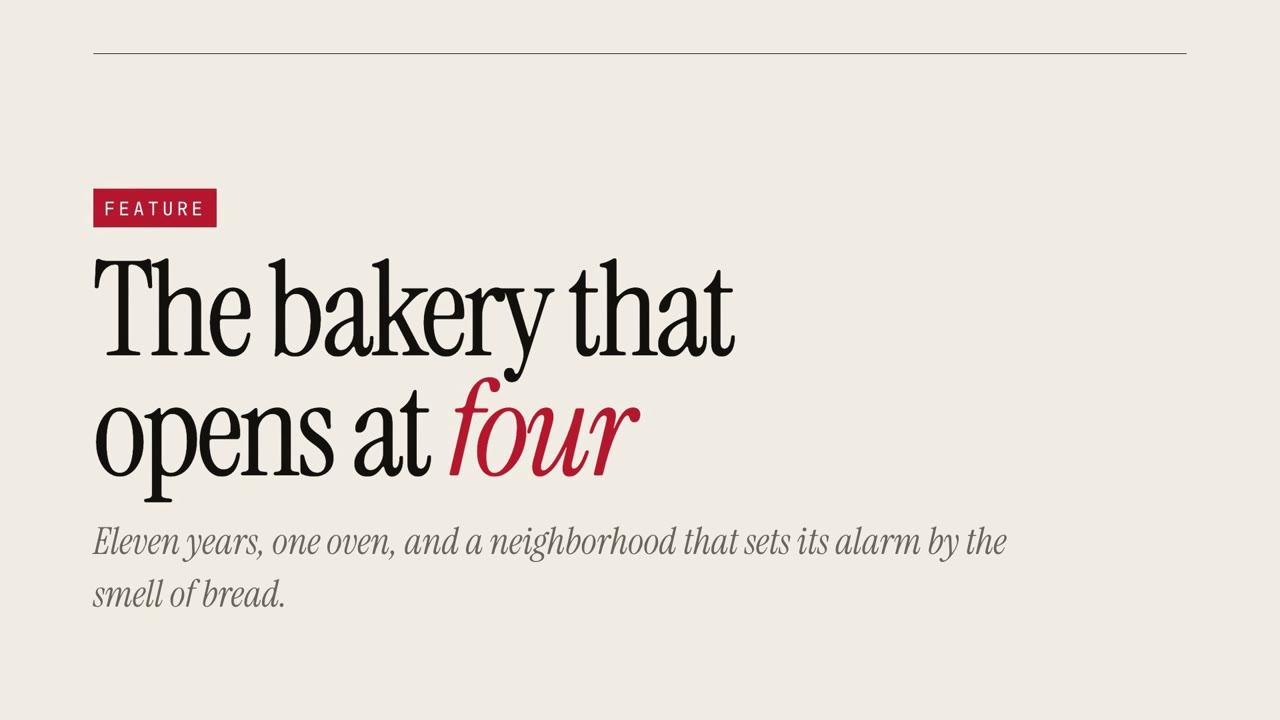
매거진 스토리
큰 세리프체와 인용문으로 보여 주는 에디토리얼 특집.
내레이션 슬라이드16:9
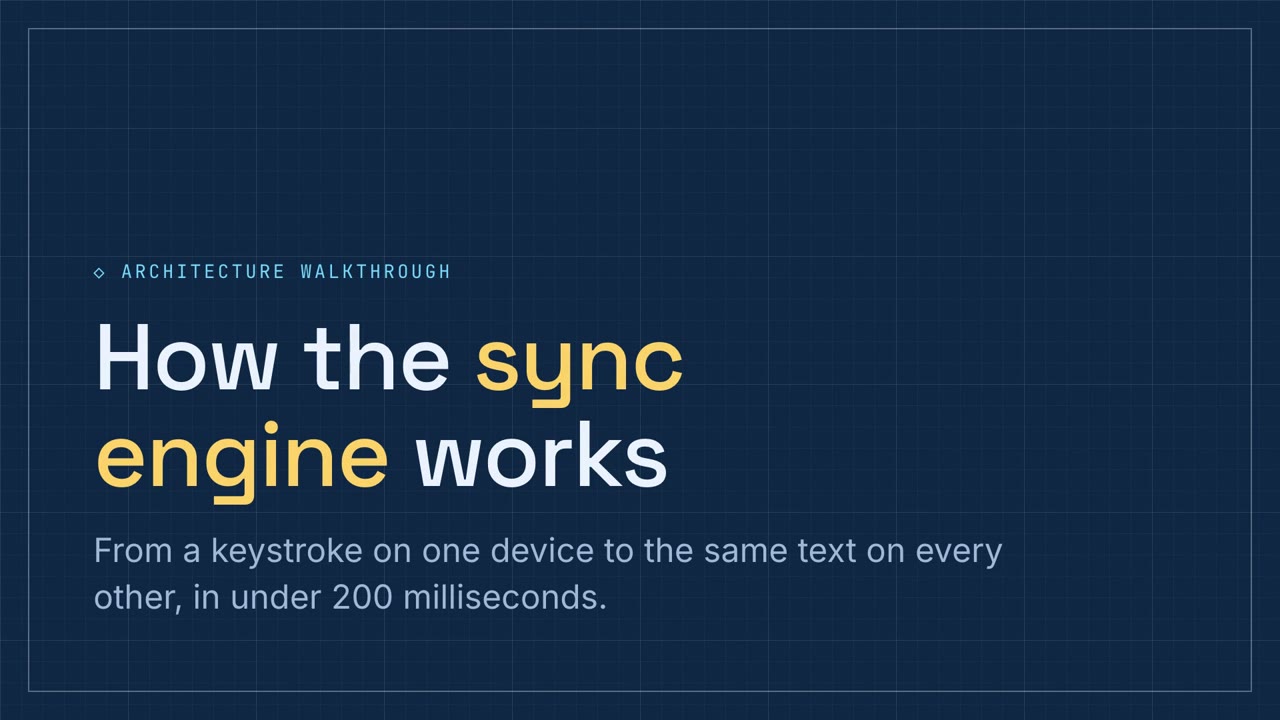
스키매틱 워크스루
파이프라인과 컴포넌트 연습이 있는 블루프린트 파란색 기술 설명.
내레이션 슬라이드16:9