← Skills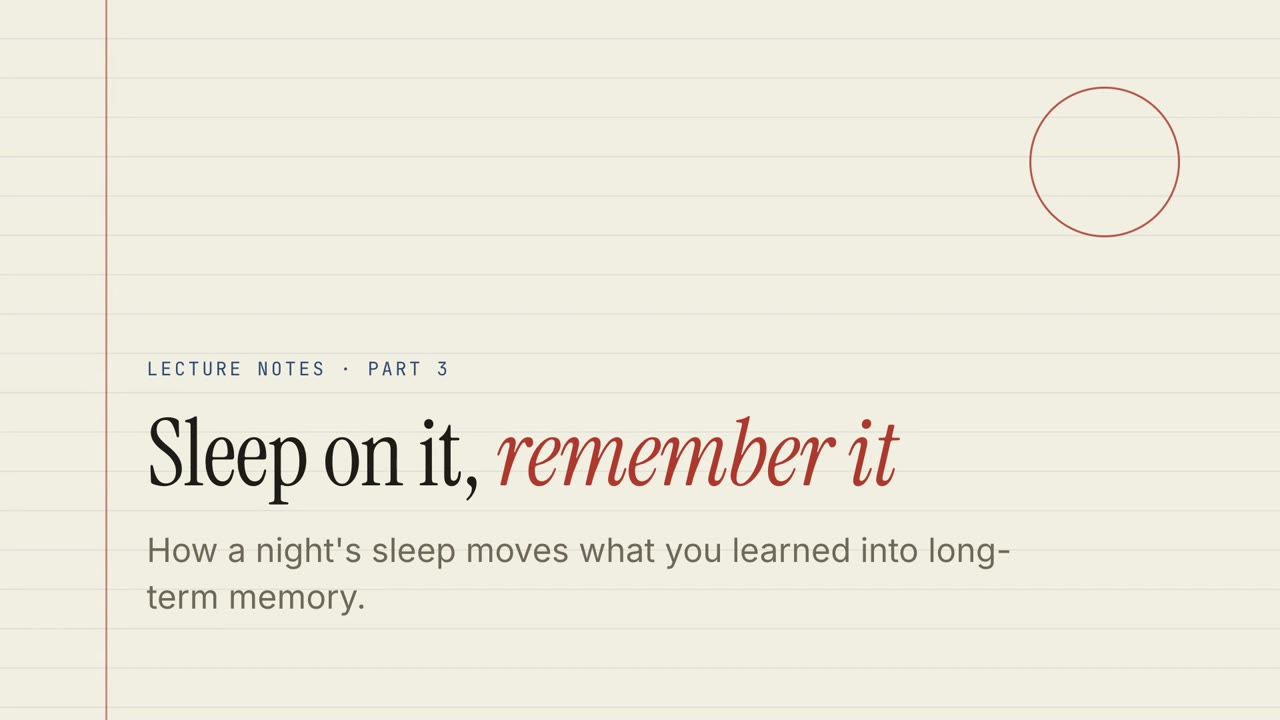 免费
免费 付费
付费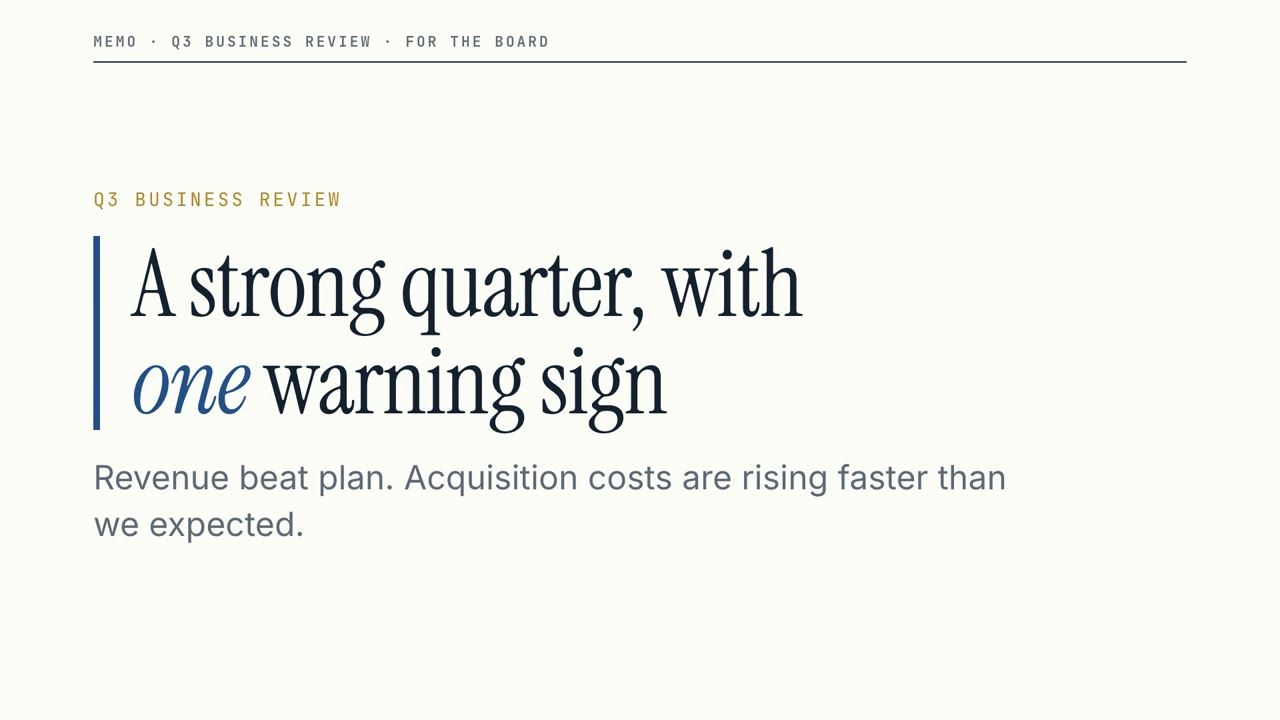 免费
免费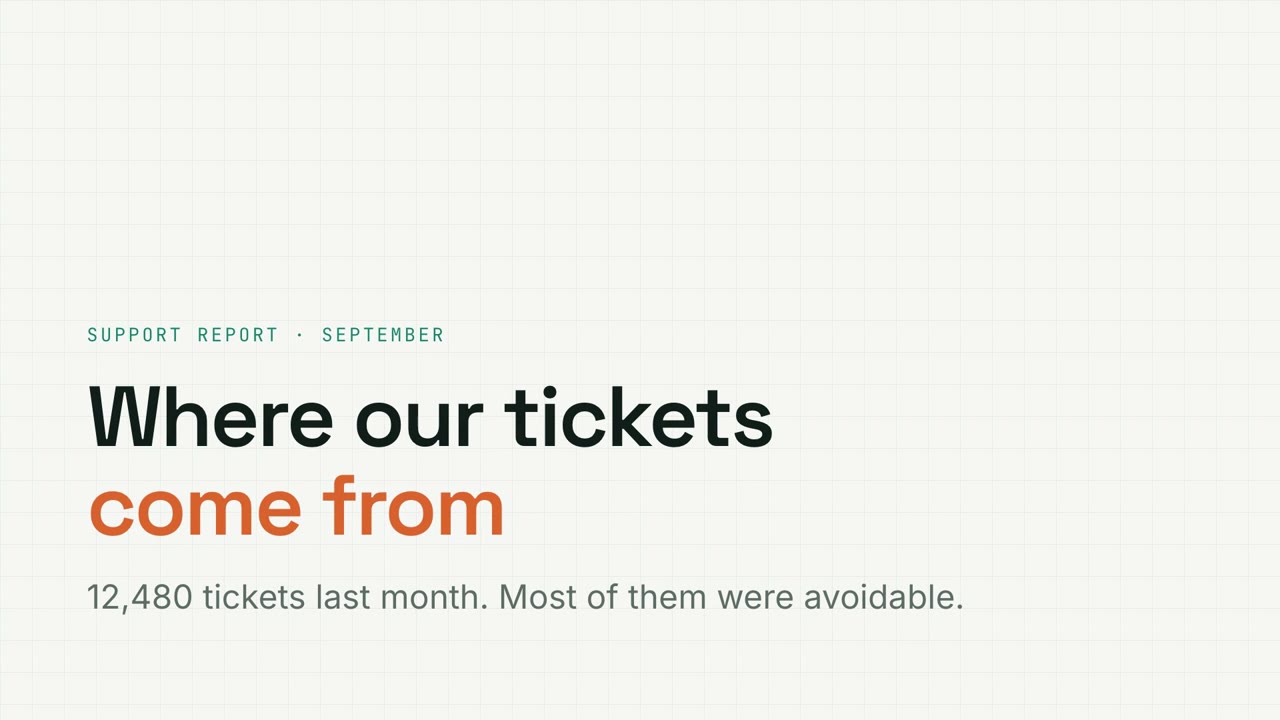 付费
付费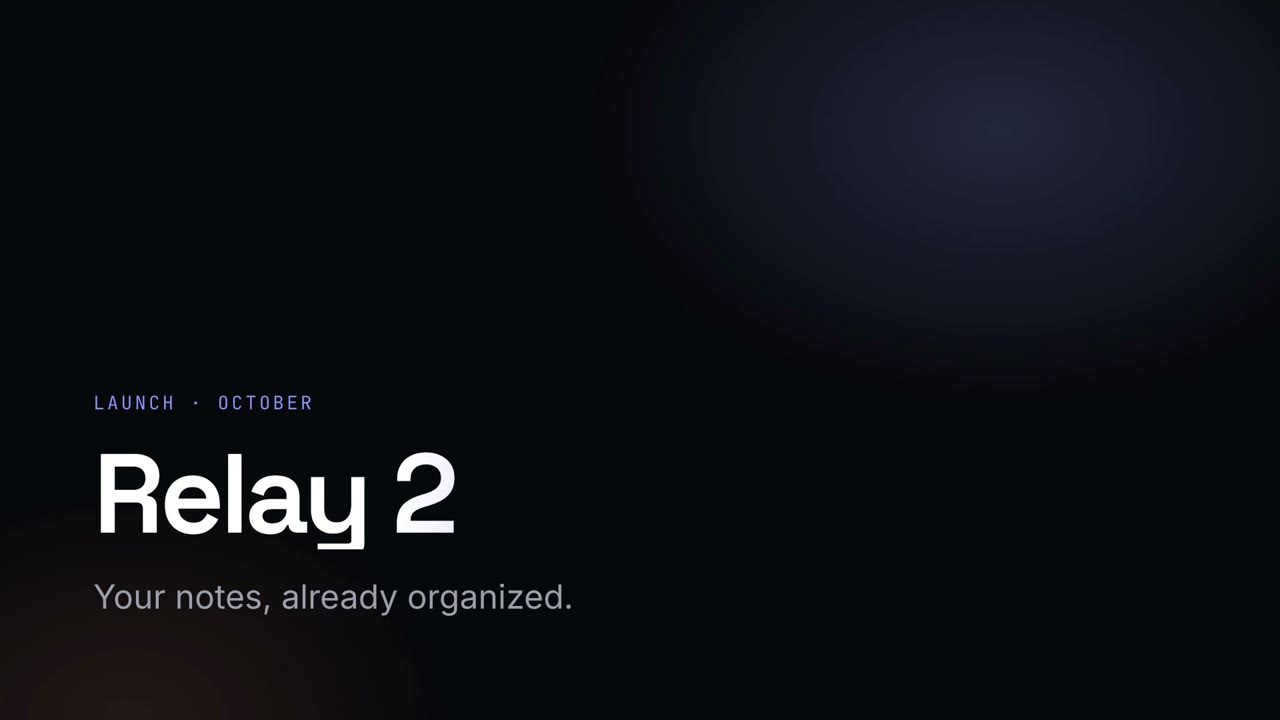 付费
付费 付费
付费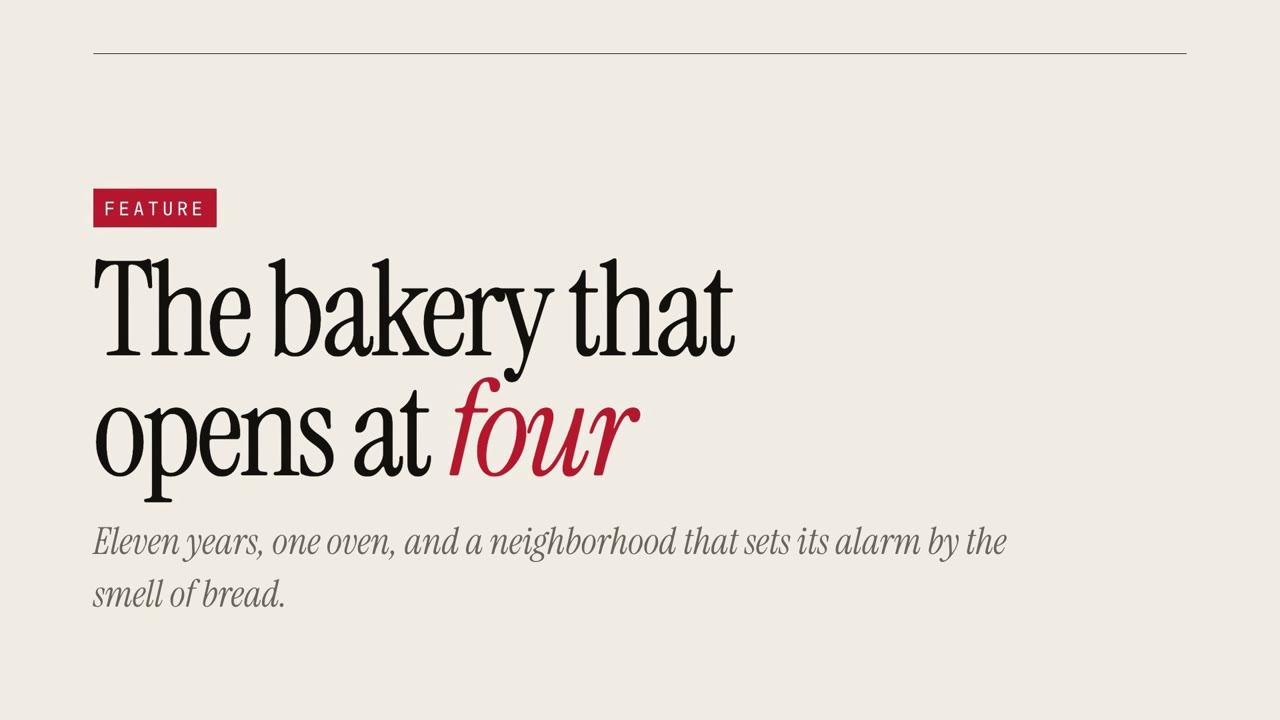 付费
付费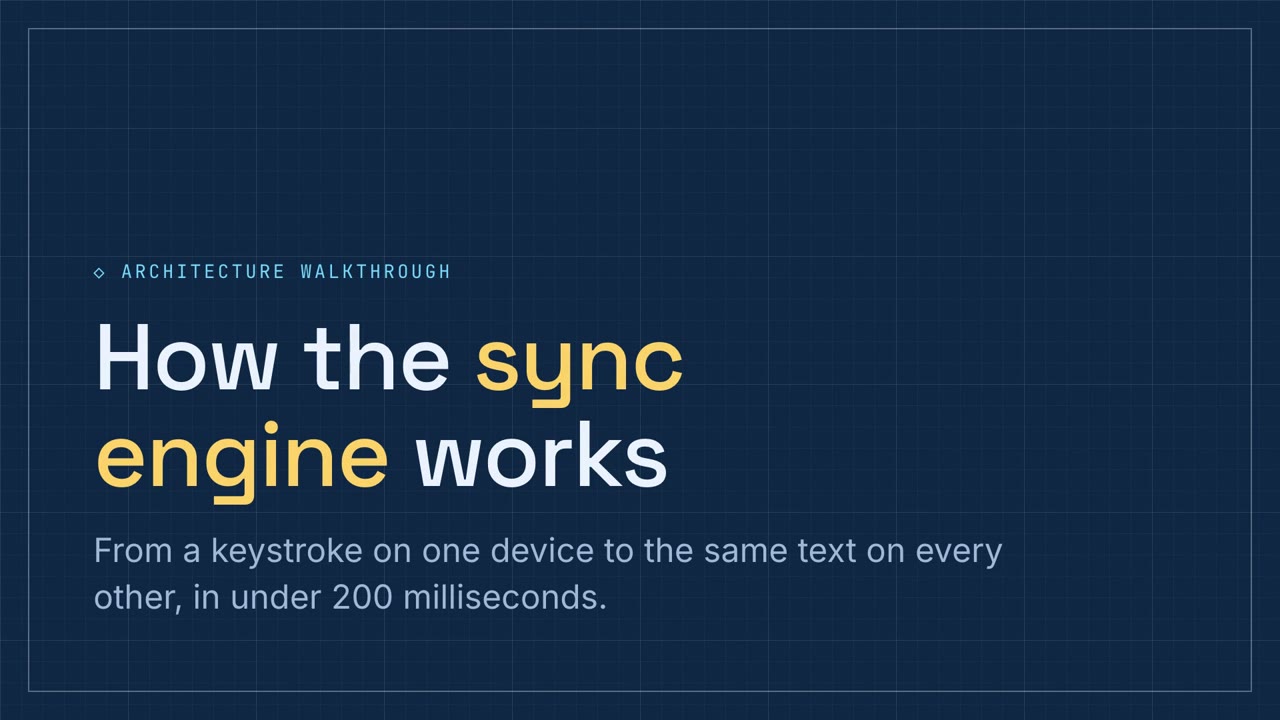 付费
付费
付费讲解演示稿
文档变讲解演示稿
把文档交给 Agent,得到一份带配音、可互动的演示稿和 MP4。
粘贴到 Claude Code、Codex、Cursor 或任何支持 Skills 的 Agent 中。
需要: Node.js 22+。可选:本地配音(约 1 GB);导出 MP4 需要 FFmpeg 和 Chrome。不需要 API Key。
在线试用
全屏打开 ↗直接点着看样例:切换图表、回答测验、拖动卡片。按 P 收听配音讲解。
安装提示词
阅读 https://claude-motion.com/skills/doc-to-narrated-deck/install.md,按说明安装「doc-to-narrated-deck」Skill,然后用它做出第一个视频。
粘贴到 Claude Code、Codex、Cursor 或任何支持 Skills 的 Agent 中。
示例提示词
Use doc-to-narrated-deck on onboarding-guide.pdf: make a narrated training deck with a quiz every few slides, and export an MP4.
风格提示词(Claude Motion 或 Opus 5.5)
Turn the attached document into a 90-second 16:9 narrated explainer for [who will watch, e.g. new hires], playing [where, e.g. the onboarding portal]. Use only the facts and numbers in the document.

One idea per scene, with the key points appearing as they're spoken. Animate one chart for the main number. End on a closing scene with one clear next step.

Attach: [your document]
Next step: [e.g. "Book your first 1:1 with your manager"]
无需安装:粘贴到 Claude Motion(Team 或 Enterprise),或直接发给 Opus 5.5,就能得到相近的风格。每次运行结果会有差异;用 Skill 则每次结果一致。
更多演示稿风格
Motion Deck →纸本讲义
横线纸风格的课程讲义,带测验、拖拽练习和配音讲解。
讲解演示稿16:9
黑板课堂
绿色黑板风格的课堂演示,手写体标题,配练习题。
讲解演示稿16:9
董事会备忘
利落的经营汇报:关键数字、明确的风险提示,以及需要拍板的决定。
讲解演示稿16:9
数据网格
方格纸风格的数据报告,带可筛选图表、漏斗图和环形图。
讲解演示稿16:9
夜幕发布会
深色发光风格的发布会演讲稿,渐变大标题。
讲解演示稿16:9
创业路演
钴蓝配珊瑚橙的大胆创业路演,从问题讲到融资需求。
讲解演示稿16:9
杂志专题
超大衬线字和引言的杂志专题式讲述。
讲解演示稿16:9
技术图纸
蓝图风格的技术方案讲解,带流程排序和组件配对练习。
讲解演示稿16:9