粘贴到 Claude Code、Codex、Cursor 或任何支持 Skills 的 Agent 中。
示例提示词
Use the milestone-particles skill: number "48,920", label "LinkedIn followers", 9:16, my brand accent #00b37e.
风格提示词(Claude Motion 或 Opus 5.5)
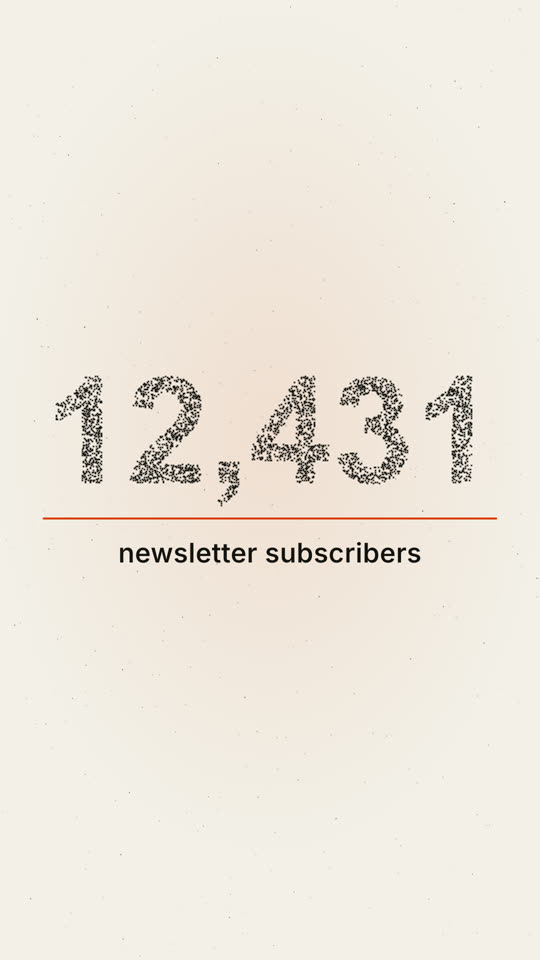
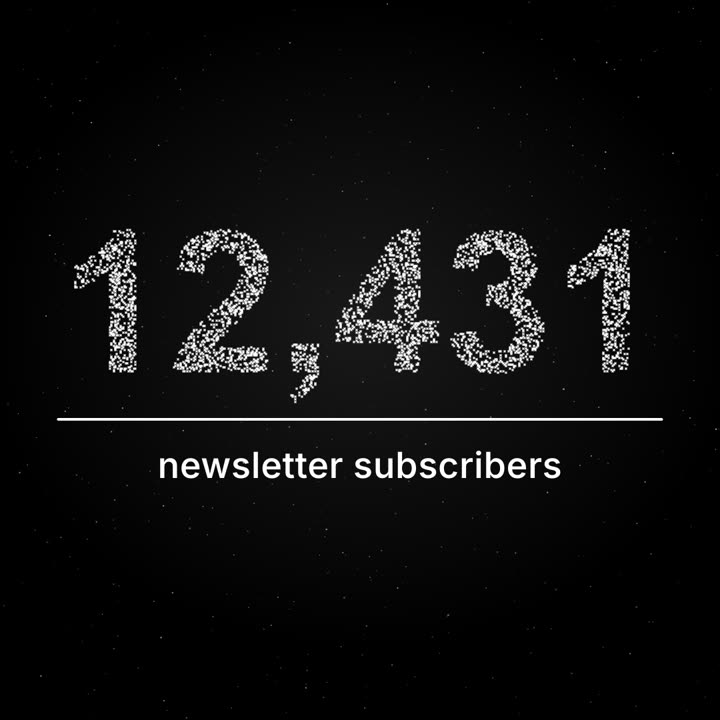
Make a 12-second 1:1 seamless loop for [who will watch, e.g. our subscribers], playing [where, e.g. the newsletter and Instagram]. Use only the number and label below; don't round the number. Deep navy background.

About four thousand tiny white points drift like a night sky with a faint twinkle. From 2 to 6.5 seconds they pull together, slowly and staggered like gravity, into the number in a bold grotesk; the remaining points stay as dim stars. A thin violet line draws left to right under the number, then the label fades in and rises into place. Hold with a gentle shimmer. End frame: the label and line fade and the points drift back to exactly where they started, so it loops.

Number: [e.g. "12,431"]
Label: [e.g. "newsletter subscribers"]
无需安装:粘贴到 Claude Motion(Team 或 Enterprise),或直接发给 Opus 5.5,就能得到相近的风格。每次运行结果会有差异;用 Skill 则每次结果一致。