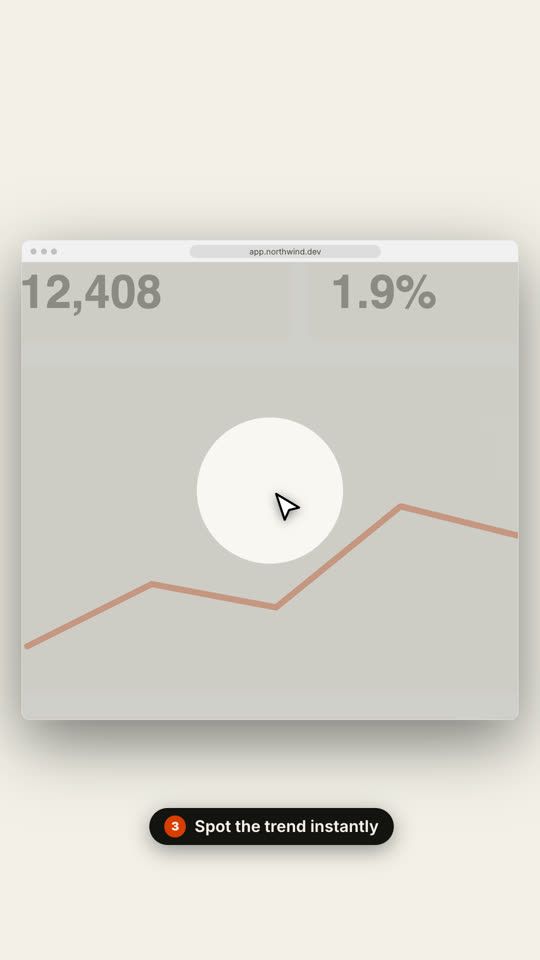
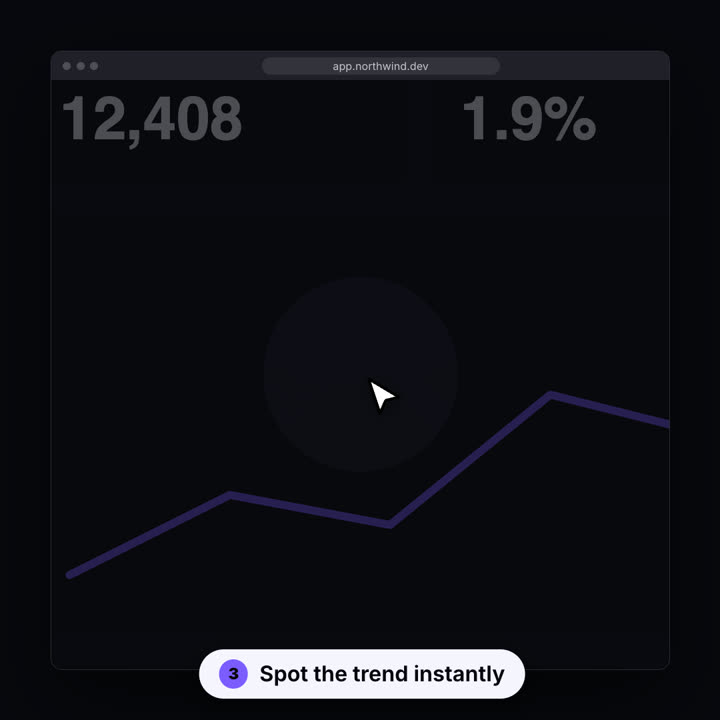
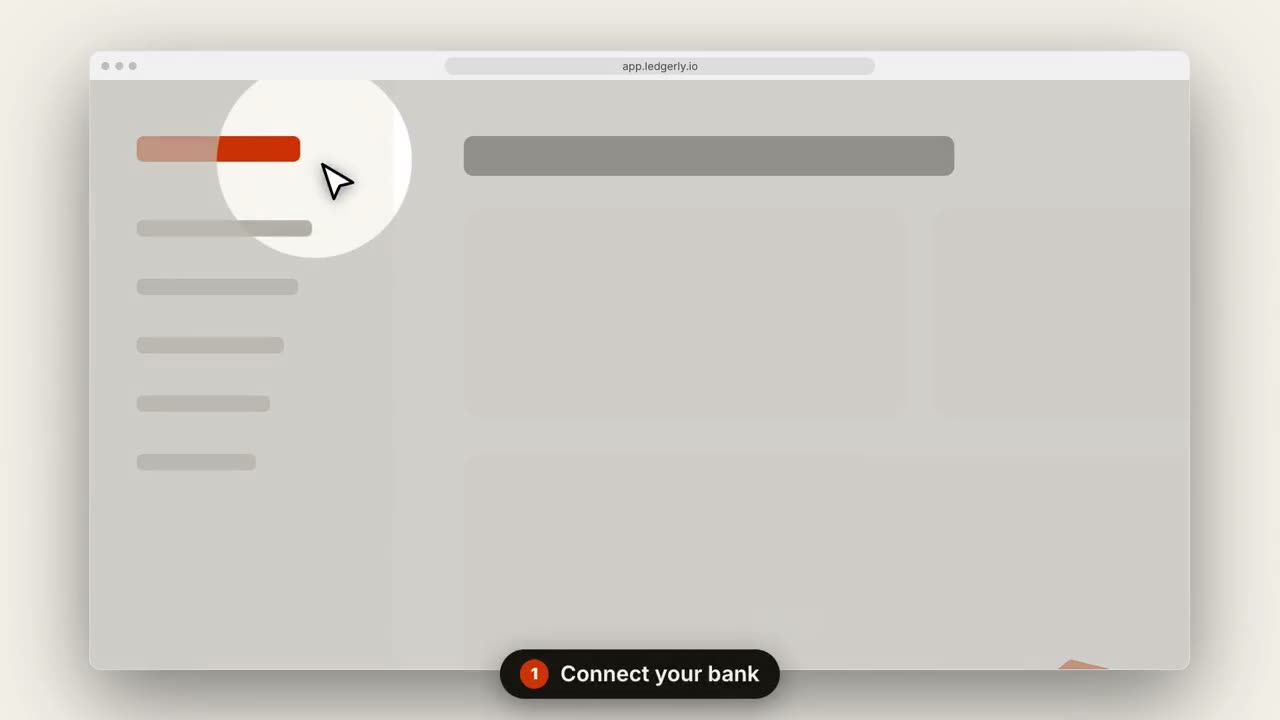
貼上到 Claude Code、Codex、Cursor 或任何支援 Skills 的 Agent 中。
範例提示詞
Use the saas-walkthrough skill with assets/dashboard.png, title "Invoices on autopilot", steps "0.15,0.2: Connect your bank | 0.7,0.35: Review drafts | 0.85,0.12: Send in one click", url "app.ledgerly.io".
風格提示詞(Claude Motion 或 Opus 5.5)
Make a 14-second 16:9 product walkthrough for [who will watch, e.g. new customers], playing [where, e.g. the onboarding email]. Use only the title, step captions and screenshot I give below; don't change a word. Near-black background.

Scene 1: the title appears word by word, then fades as a browser window with the screenshot rises into place. Scenes 2–4, one per step: a white cursor glides to the right spot, the view zooms in smoothly, a soft spotlight dims everything else, the cursor clicks with an orange ripple, and a white numbered pill caption slides up at the bottom. End frame: zoom back out to the whole screen.

Title: [e.g. "Ship a release in 3 clicks"]
Steps: [three captions and where each one points] (e.g. "Open your workspace" on the sidebar)
Attach: [a screenshot of your product]
無需安裝:貼到 Claude Motion(Team 或 Enterprise),或直接傳給 Opus 5.5,就能得到相近的風格。每次執行結果會有差異;用 Skill 則每次結果一致。