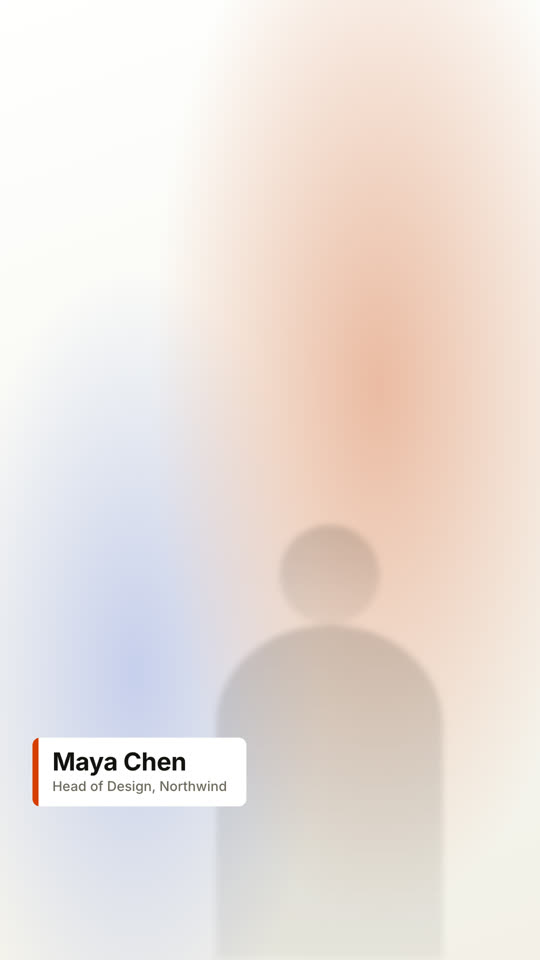
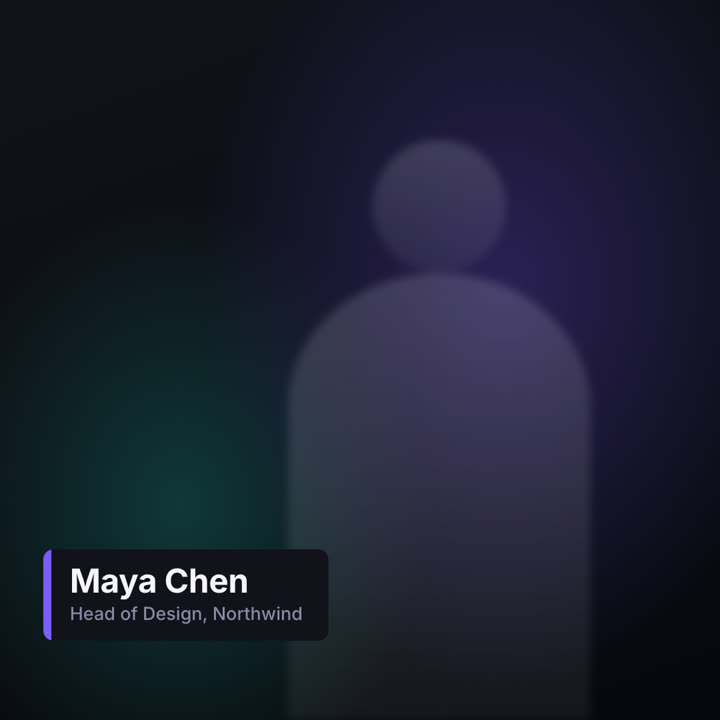
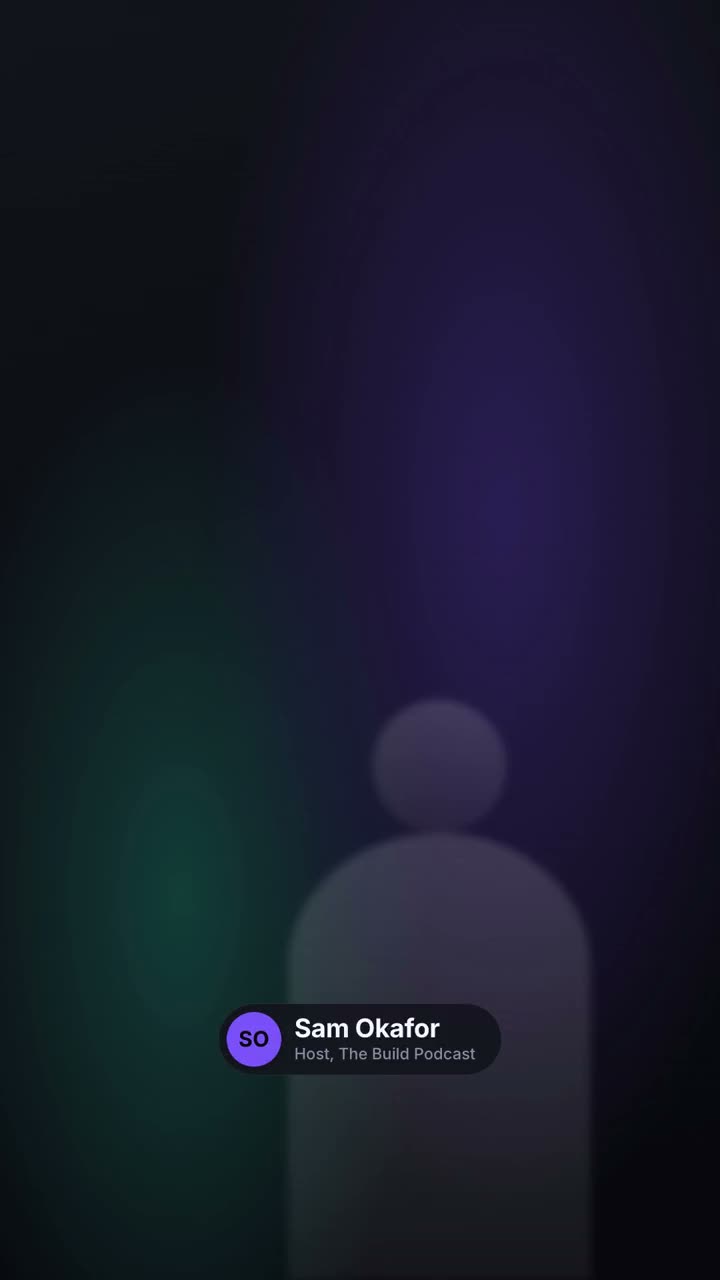
Barras de nombre y cargo en cuatro estilos de televisión.
Pégalo en Claude Code, Codex, Cursor o cualquier agente compatible con skills.
Necesita: Node.js 22+, FFmpeg, Chrome y unos 2 GB para el modelo de voz. Sin claves de API.
Otros temas y formatos
Tema: Papel · 9:16Tema: Eléctrico · 1:1
Fotogramas finales de la misma plantilla, renderizados con otro tema y formato.
5 temas
Aa
Tinta · predeterminado
ink
Aa
Papel
paper
Aa
Eléctrico
electric
Aa
Noir
Aa
Arena
sand
Indica un tema en tu prompt o define tus propios colores de acento, fondo y texto.
Prompt de instalación
Lee https://claude-motion.com/skills/lower-thirds/install.md, sigue sus pasos para instalar la skill "lower-thirds" y luego haz un primer video con ella.
Pégalo en Claude Code, Codex, Cursor o cualquier agente compatible con skills.
Prompt de ejemplo
Use the lower-thirds skill to make a transparent overlay for our interview: name "Dr. Lena Ortiz", role "Chief Scientist, Helix", pill style, bottom left. Render it as a MOV with transparency.
Prompt de estilo (Claude Motion u Opus 5.5)
Make a 6-second 16:9 lower third for [who will watch, e.g. viewers of our interview video], playing [where, e.g. over the speaker's first appearance]. Use only the name and title below. Over a softly blurred, warm-toned video backdrop, or over the clip I attach.

At 0.4s a slim orange vertical tab grows, then a dark rounded card wipes open from the left, revealing the name in bold white sans and the title in muted gray beneath, each sliding up slightly. Hold. End: the card wipes closed to the left at 4.7s.

Name and title: [e.g. Maya Chen, Head of Design, Northwind]
Attach (optional): [the clip it goes over]
Sin instalar nada: pégalo en Claude Motion (Team o Enterprise) o dáselo a Opus 5.5 para un estilo parecido. El resultado cambia en cada ejecución; la skill da siempre el mismo.