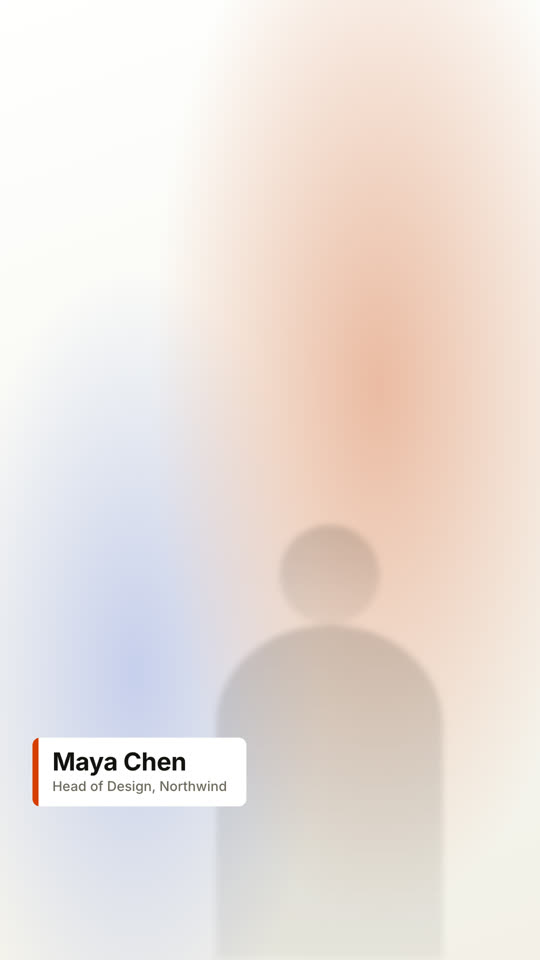
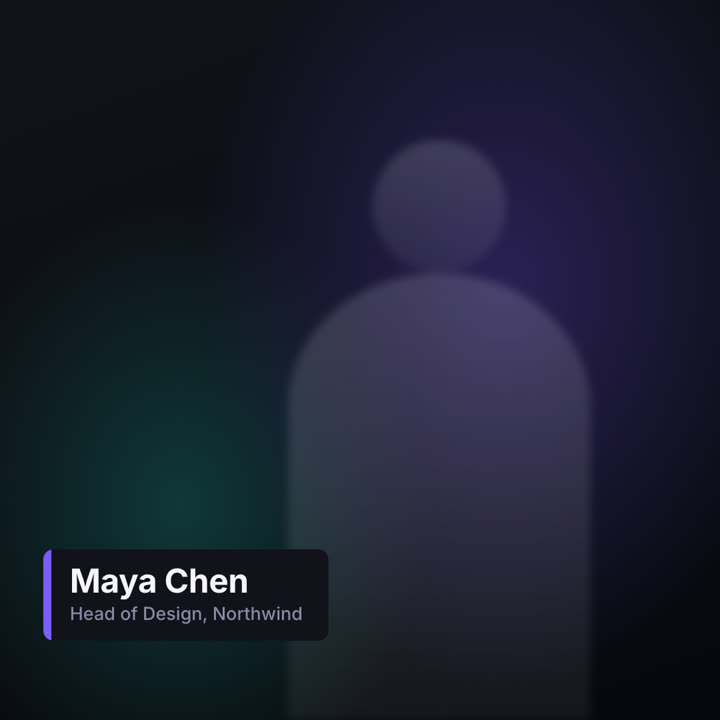
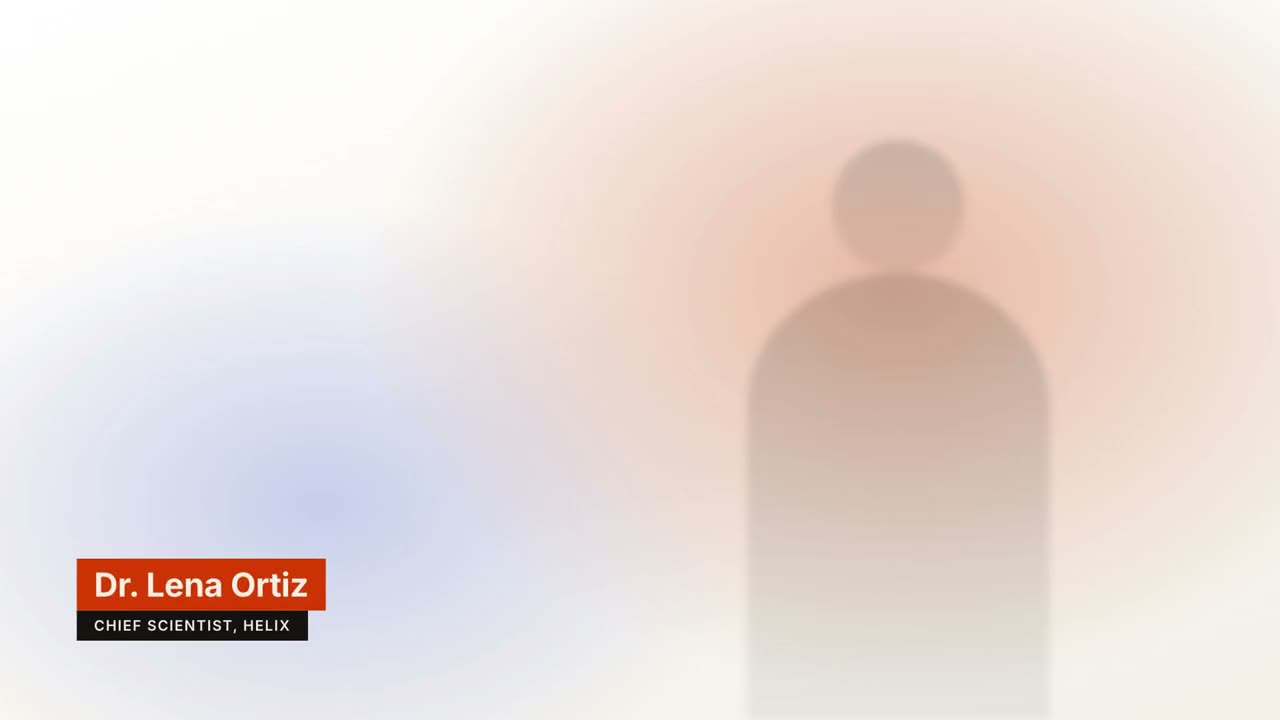
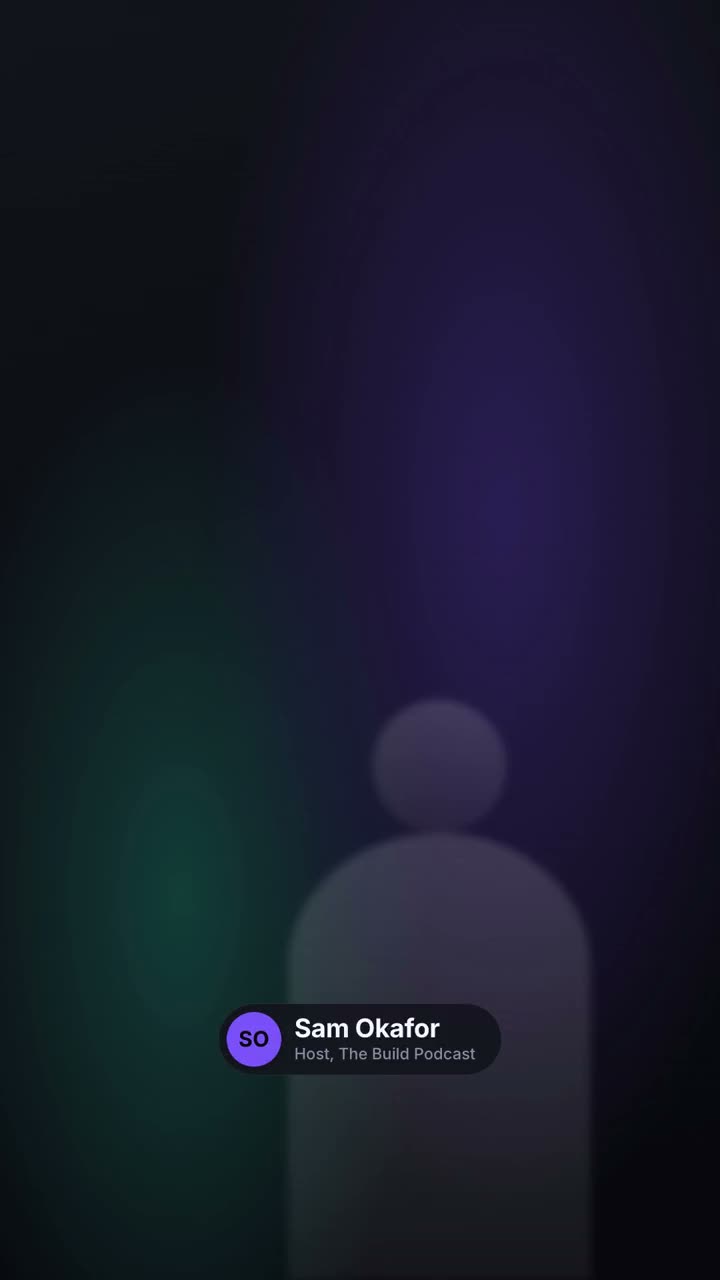
Des bandeaux nom et fonction dans quatre styles télé.
Collez-le dans Claude Code, Codex, Cursor ou tout agent compatible avec les skills.
Nécessite: Node.js 22+, FFmpeg, Chrome, environ 2 Go pour le modèle vocal. Aucune clé d’API.
Autres thèmes et formats
Thème: Papier · 9:16Thème: Électrique · 1:1
Images finales du même modèle, rendues avec un autre thème et un autre format.
5 thèmes
Aa
Encre · par défaut
ink
Aa
Papier
paper
Aa
Électrique
electric
Aa
Noir
Aa
Sable
sand
Indiquez un thème dans votre prompt, ou définissez vos propres couleurs d’accent, de fond et de texte.
Prompt d’installation
Lis https://claude-motion.com/skills/lower-thirds/install.md, suis ses étapes pour installer la skill « lower-thirds », puis fais une première vidéo avec.
Collez-le dans Claude Code, Codex, Cursor ou tout agent compatible avec les skills.
Exemple de prompt
Use the lower-thirds skill to make a transparent overlay for our interview: name "Dr. Lena Ortiz", role "Chief Scientist, Helix", pill style, bottom left. Render it as a MOV with transparency.
Prompt de style (Claude Motion ou Opus 5.5)
Make a 6-second 16:9 lower third for [who will watch, e.g. viewers of our interview video], playing [where, e.g. over the speaker's first appearance]. Use only the name and title below. Over a softly blurred, warm-toned video backdrop, or over the clip I attach.

At 0.4s a slim orange vertical tab grows, then a dark rounded card wipes open from the left, revealing the name in bold white sans and the title in muted gray beneath, each sliding up slightly. Hold. End: the card wipes closed to the left at 4.7s.

Name and title: [e.g. Maya Chen, Head of Design, Northwind]
Attach (optional): [the clip it goes over]
Rien à installer : collez-le dans Claude Motion (Team ou Enterprise) ou donnez-le à Opus 5.5 pour un rendu proche. Le résultat change à chaque exécution ; la skill donne toujours le même.