Sous-titres animés
Des sous-titres soignés pour les vidéos face caméra, avec un mot fort derrière l’intervenant.
Collez-le dans Claude Code, Codex, Cursor ou tout agent compatible avec les skills.
Nécessite: Node.js 22+, FFmpeg, Chrome, environ 2 Go pour le modèle vocal. Aucune clé d’API.
Lis https://claude-motion.com/skills/animated-captions/install.md, suis ses étapes pour installer la skill « animated-captions », puis fais une première vidéo avec.
Collez-le dans Claude Code, Codex, Cursor ou tout agent compatible avec les skills.
Use the animated-captions skill on assets/founder-update.mp4. It's a B2B update, keep it calm and readable.
Add captions to the attached [length, e.g. 30-second] talking-head clip for [who will watch, e.g. LinkedIn followers], playing muted in the feed. Use only the speaker's exact words; don't paraphrase.

A clean white lower-third subtitle follows the speech word for word. When the speaker says the key phrase, its short form appears huge behind them, partly hidden by their shoulders, then fades. End frame: the last caption clears with the clip.

Attach: [your clip]
Key phrase and short form: [e.g. "ten times faster" → "10×"]
Rien à installer : collez-le dans Claude Motion (Team ou Enterprise) ou donnez-le à Opus 5.5 pour un rendu proche. Le résultat change à chaque exécution ; la skill donne toujours le même.
Va bien avec
Voir les offres →Ces skills premium s’intègrent à Sous-titres animés : $4.99 chacune, ou toutes avec une offre.
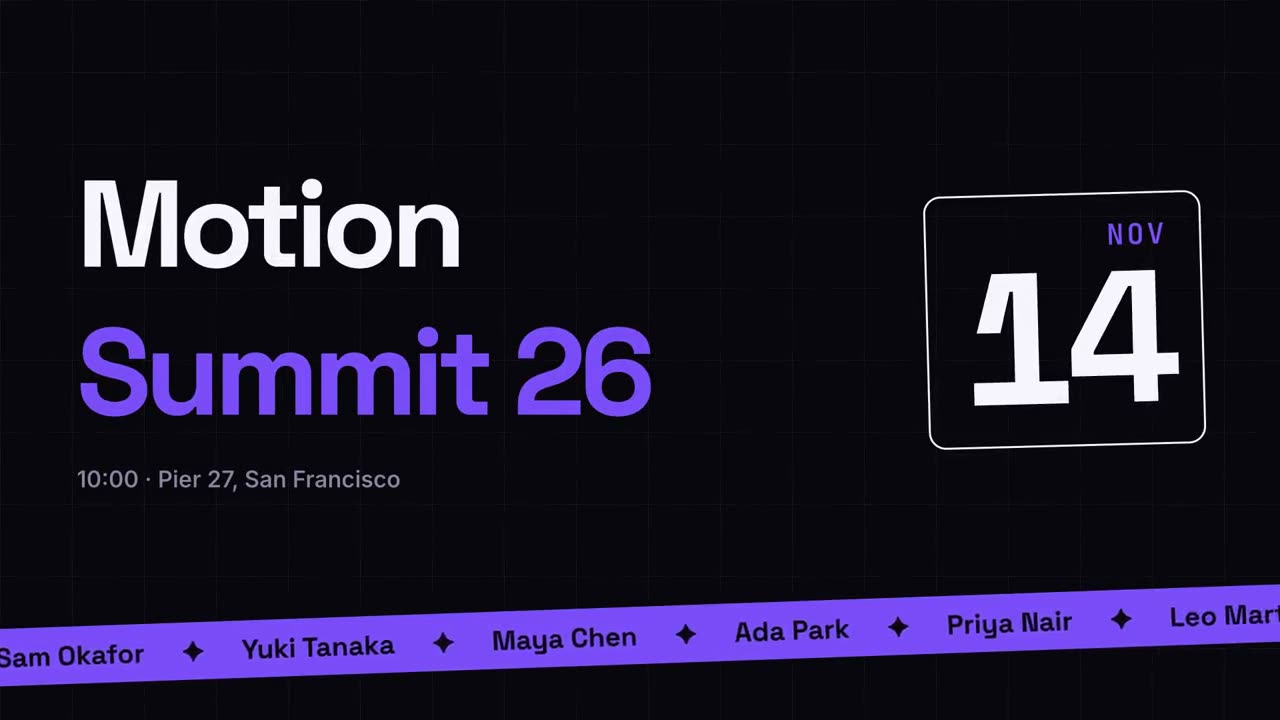
Promo d’événement
Une annonce d’événement façon affiche, avec un bandeau d’intervenants.
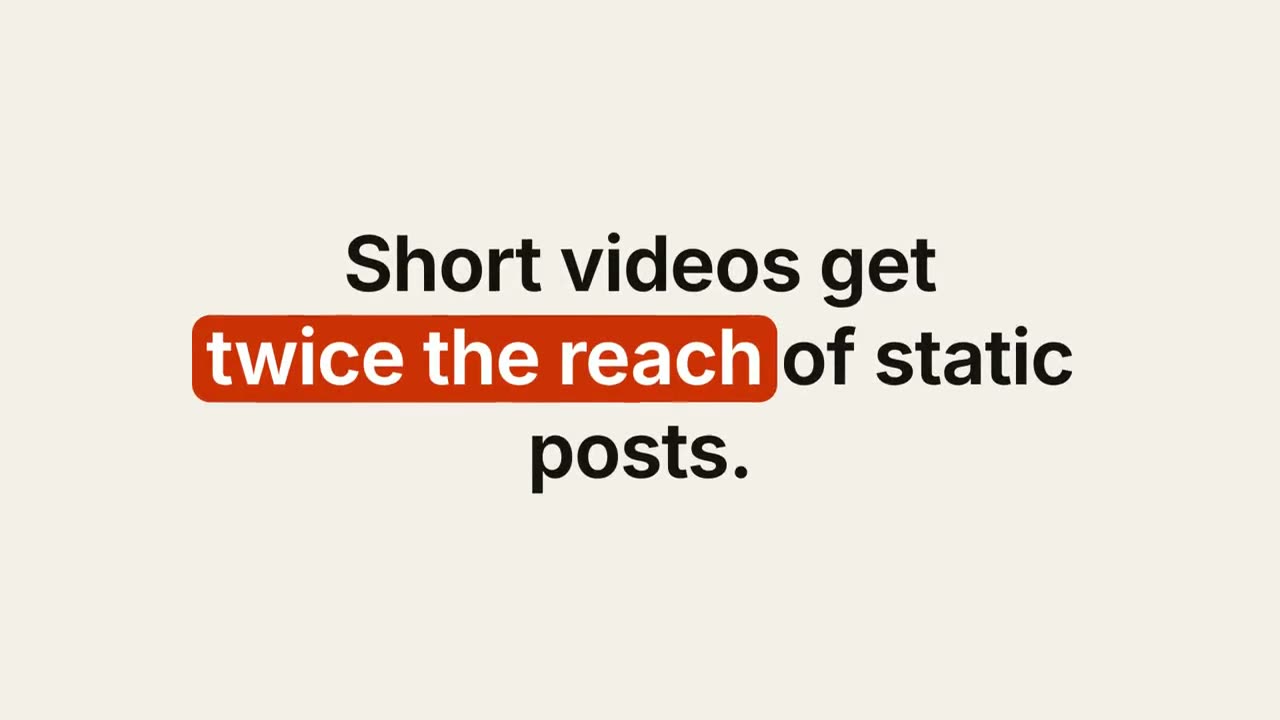
Sous-titre à mots-clés
Un sous-titre soigné dont les mots-clés reçoivent une pastille, un soulignement ou une couleur.
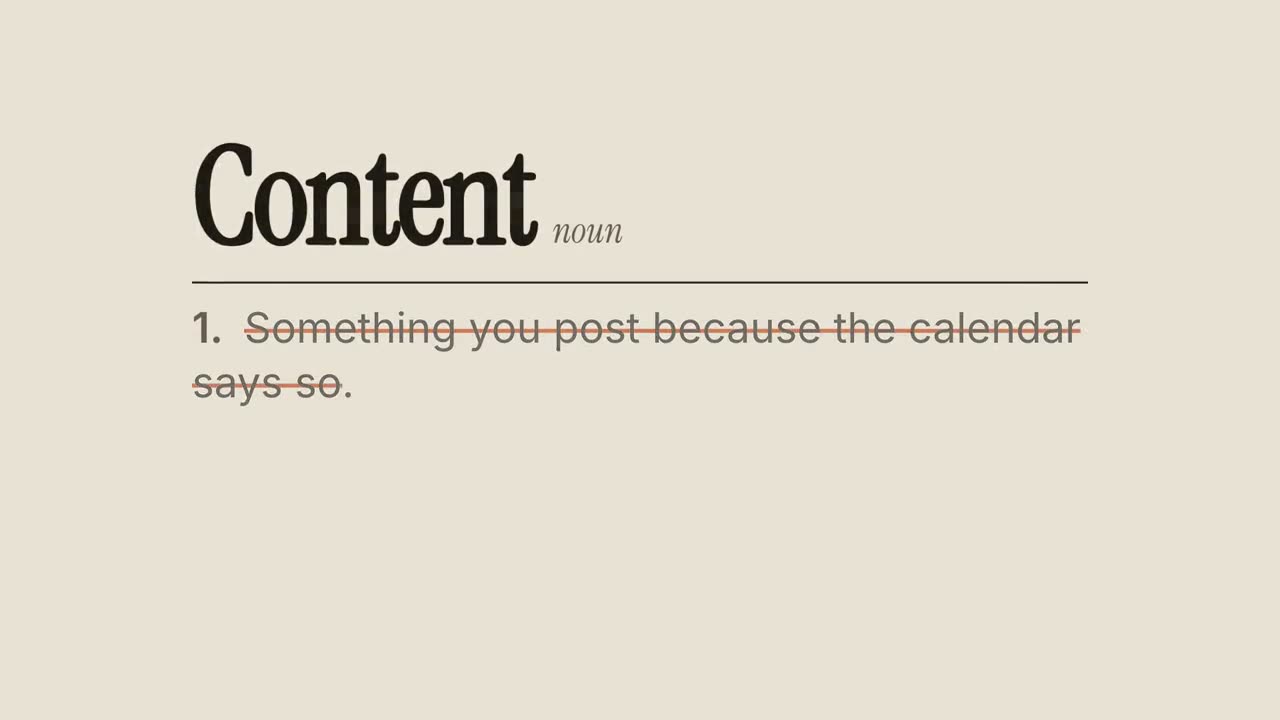
Définition revisitée
Une entrée de dictionnaire dont la définition habituelle est barrée puis réécrite.