Claude Code、Codex、Cursor など Skill に対応したエージェントに貼り付けてください。
プロンプト例
Use the project-to-launch skill to make a 20-second launch video for this project, polished tone, 16:9.
スタイルプロンプト(Claude Motion または Opus 5.5)
Make a 20-second 16:9 launch video for [who will watch, e.g. people who keep house plants], playing [where, e.g. our landing page and X]. Use only the product name, lines, screenshot and numbers I give below; don't change a word or number.

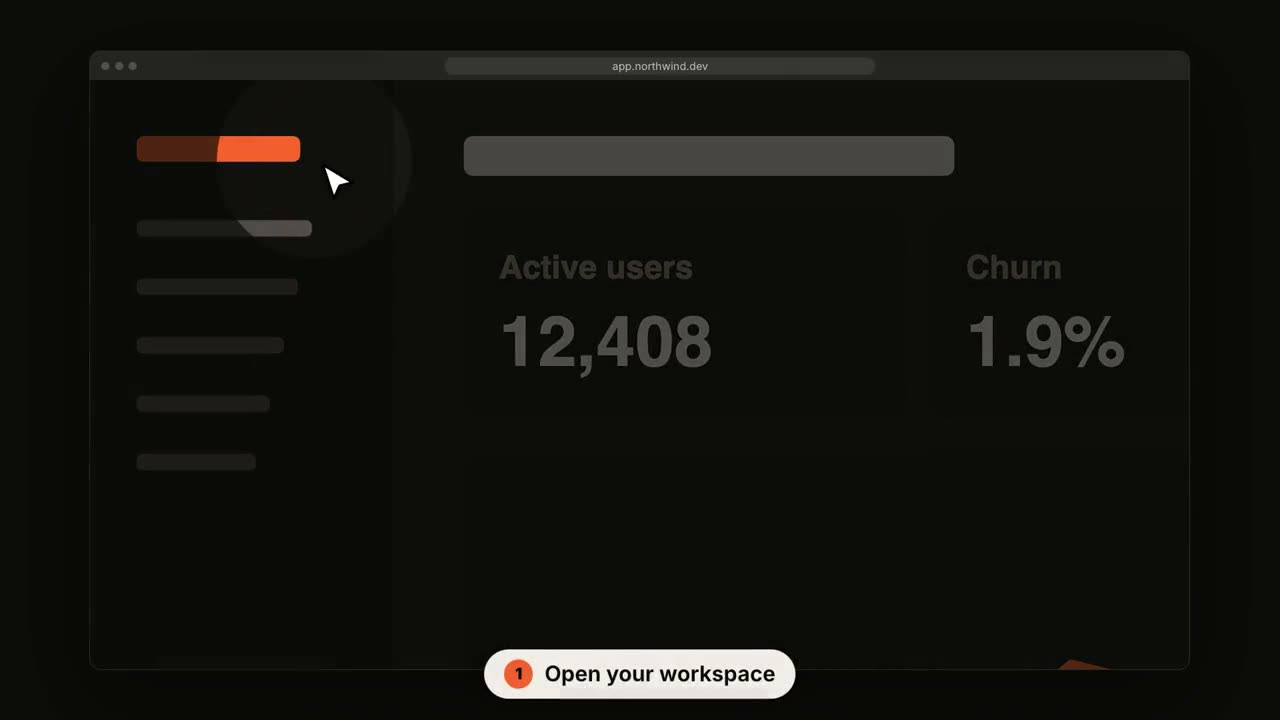
Scene 1: a two-line hook, the second line in the accent color. Scene 2: the logo and the one-line pitch. Scene 3: the app at work: a cursor types the example input, clicks the main button, and three results appear one by one. Scene 4: the proof number counts up. End frame: product name, tagline and a "Try it free" button, held for 2 seconds.

Product: [name and what it does] (e.g. Plantpal, turns a photo of a leaf into a care plan)
Hook: [two lines] (e.g. "Your plants" / "are not okay")
Example input and results: [e.g. "Monstera, yellow leaves, droopy" → three care tips]
Proof number: [e.g. "Knows 4,200 houseplants"]
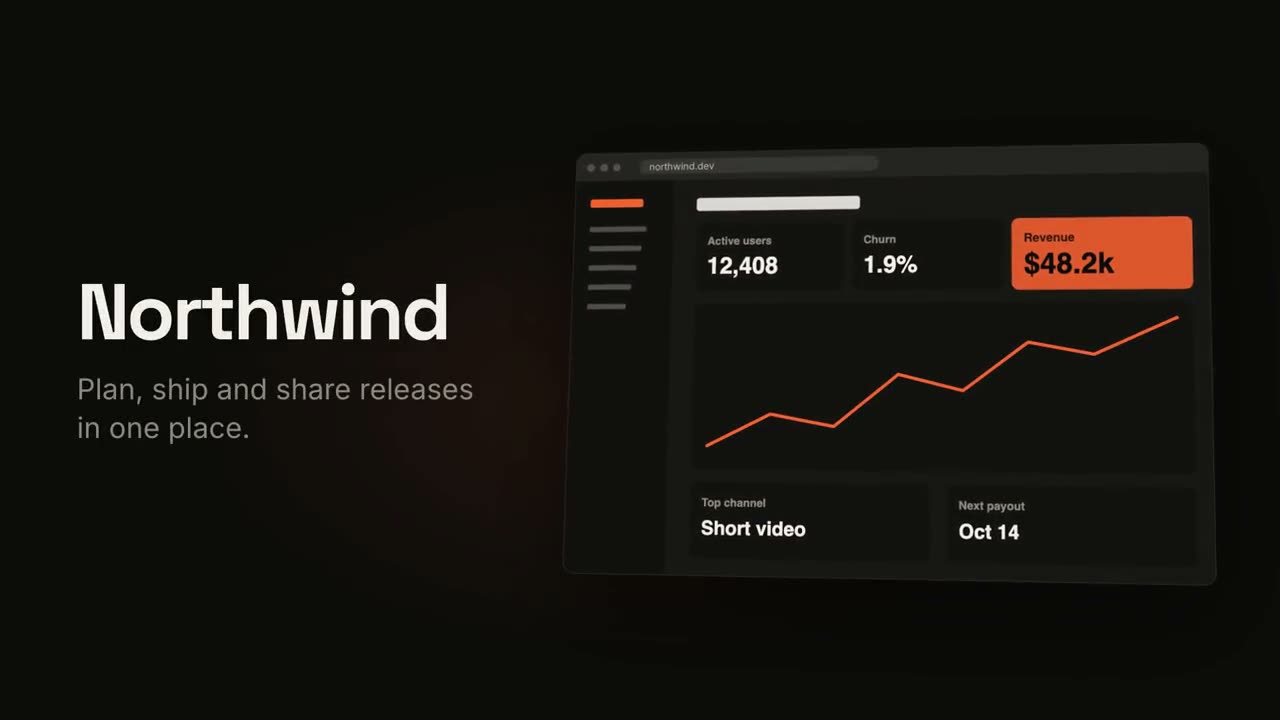
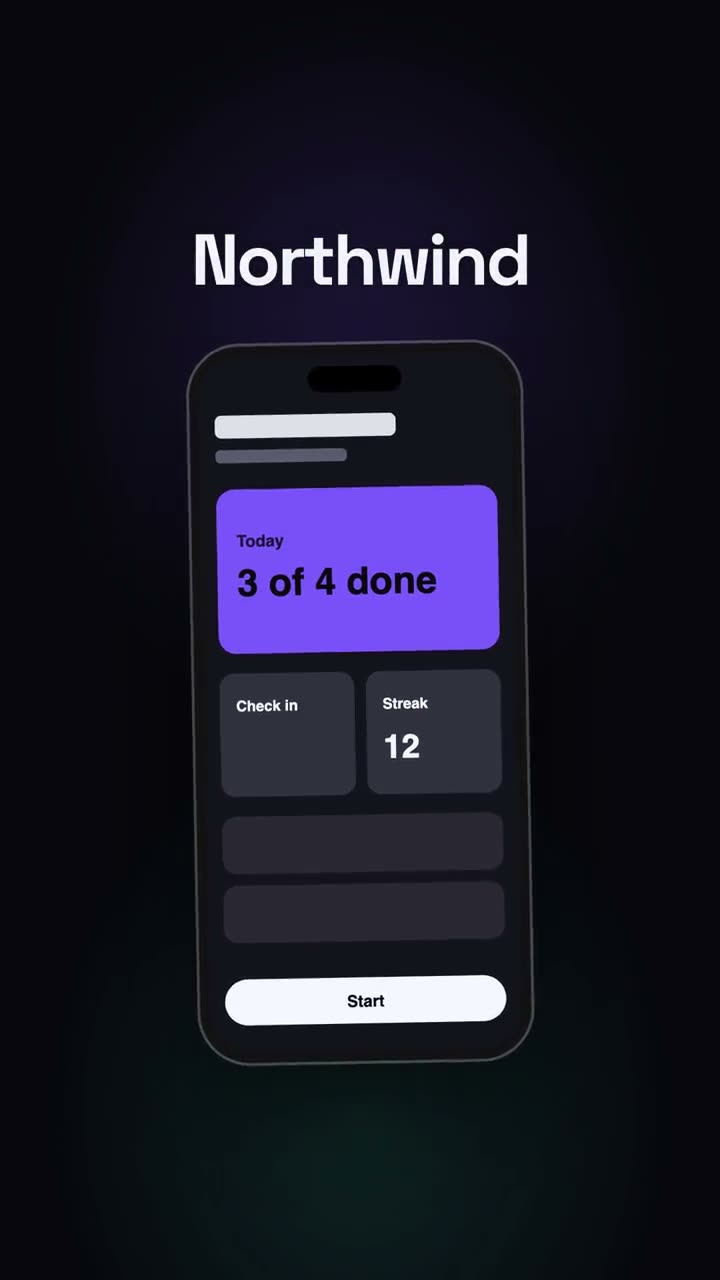
Attach: [a screenshot of your app]