Barra de proporções
Uma barra se divide em partes e a que importa ganha destaque.
Cole no Claude Code, no Codex, no Cursor ou em qualquer agente que suporte skills.
Requer: Node.js 22+, FFmpeg, Chrome. Sem chaves de API.
Outros temas e formatos
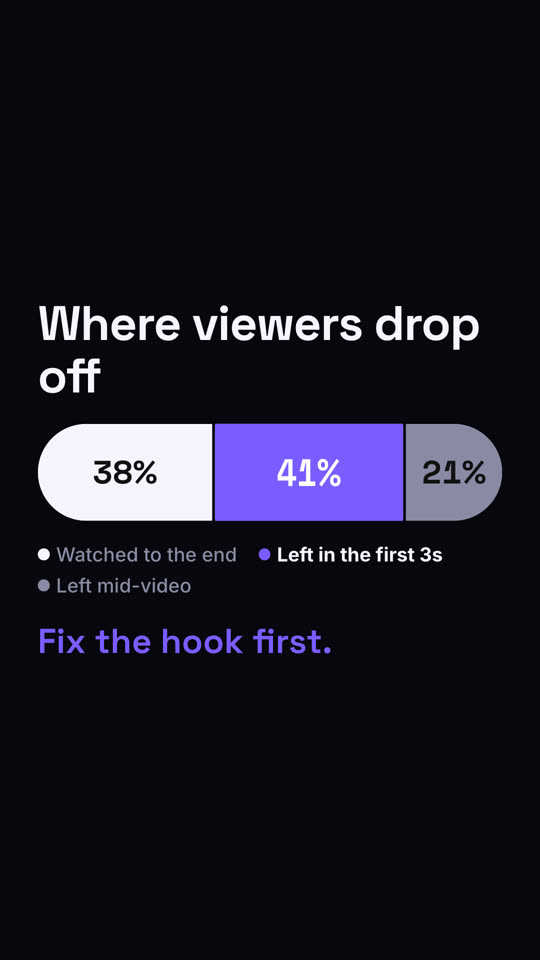
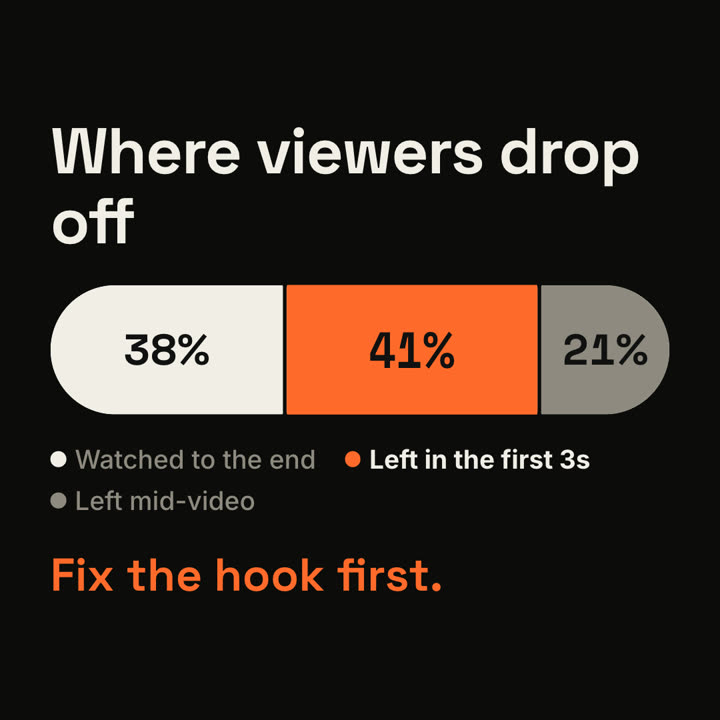
Quadros finais do mesmo template, renderizados com outro tema e formato.
5 temas
- Tinta
ink - Papel · padrão
paper - Elétrico
electric - Noir
- Areia
sand
Cite um tema no seu prompt ou defina suas próprias cores de destaque, fundo e texto.
Leia https://claude-motion.com/skills/ratio-bar/install.md, siga os passos para instalar a skill "ratio-bar" e depois faça um primeiro vídeo com ela.
Cole no Claude Code, no Codex, no Cursor ou em qualquer agente que suporte skills.
Use the ratio-bar skill: title "Our traffic", parts "Search: 52 | Social: 31 | Referral: 17", focus "Social", note "Up 3x since we started posting video." Ink theme.
Make a 7-second 16:9 scene for [who will watch, e.g. the video team], playing [where, e.g. the monthly retro]. Use only the three shares below; they must add up to 100%. Off-white background.

The title appears. Below, a thick rounded bar wipes in from the left and splits into three segments (black, rust orange, gray) with the numbers counting up, and a legend lists what each one means. Then the highlighted segment swells slightly and the other legend items fade to gray. End frame: the takeaway appears in orange below.

Title: [e.g. "Where viewers drop off"]
Three segments: [e.g. "Watched to the end" 38%, "Left in the first 3s" 41%, "Left mid-video" 21%]
Highlight and takeaway: [e.g. the 41% segment, "Fix the hook first."]
Nada para instalar: cole no Claude Motion (Team ou Enterprise) ou dê ao Opus 5.5 para um visual parecido. O resultado muda a cada execução; a skill dá sempre o mesmo.
Mais desta série
Comparar →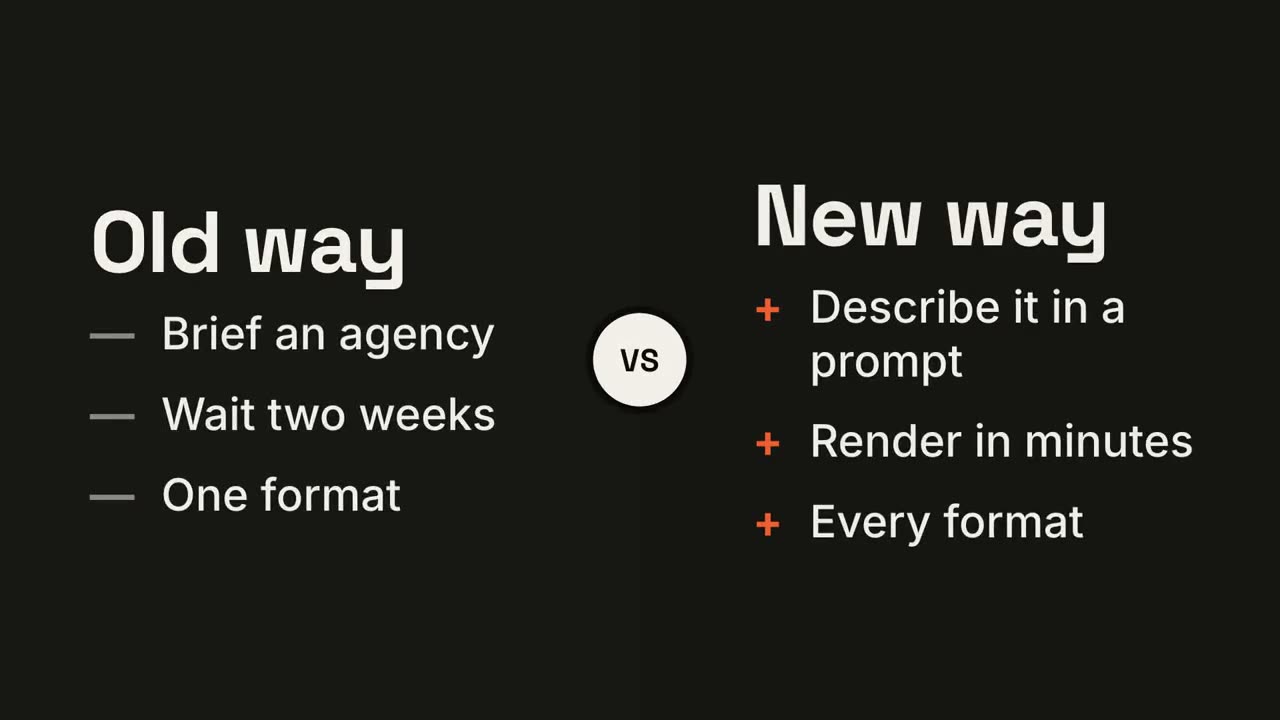
Tela dividida versus
Dois lados se abrem em volta de um selo VS, e o vencedor se ilumina.
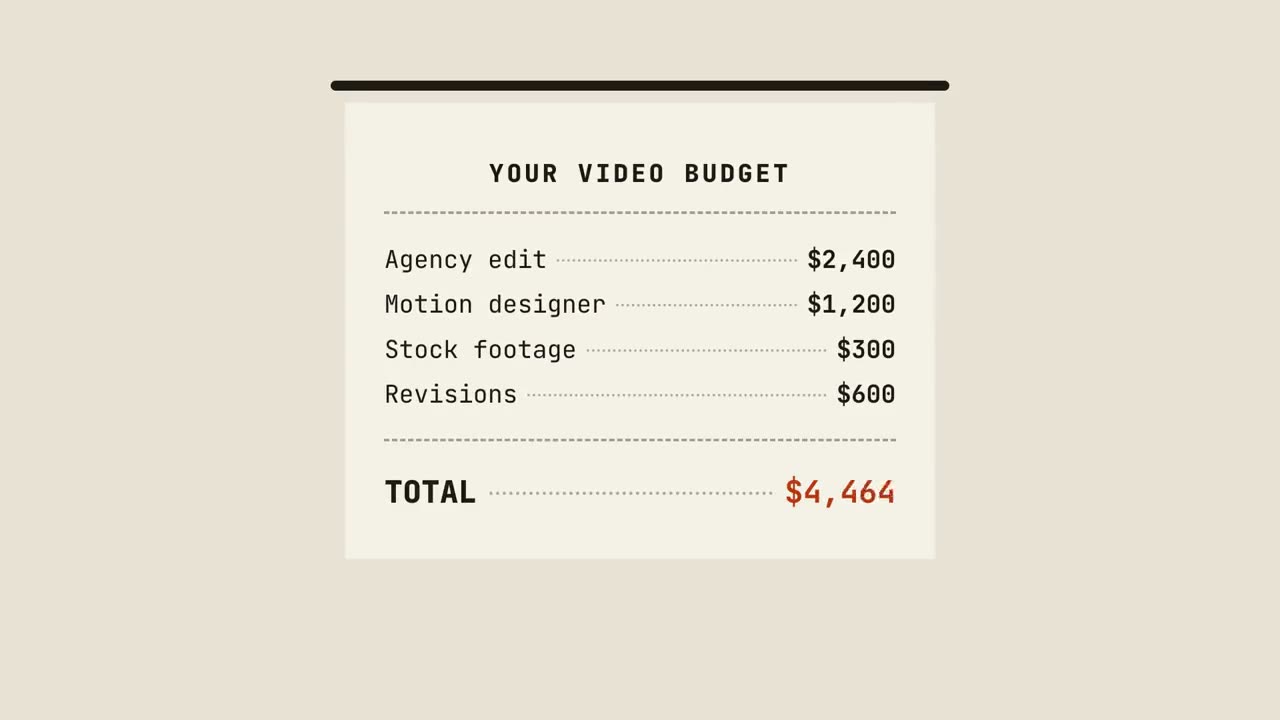
Cupom com total
Um cupom é impresso linha a linha, soma o total e recebe um carimbo.
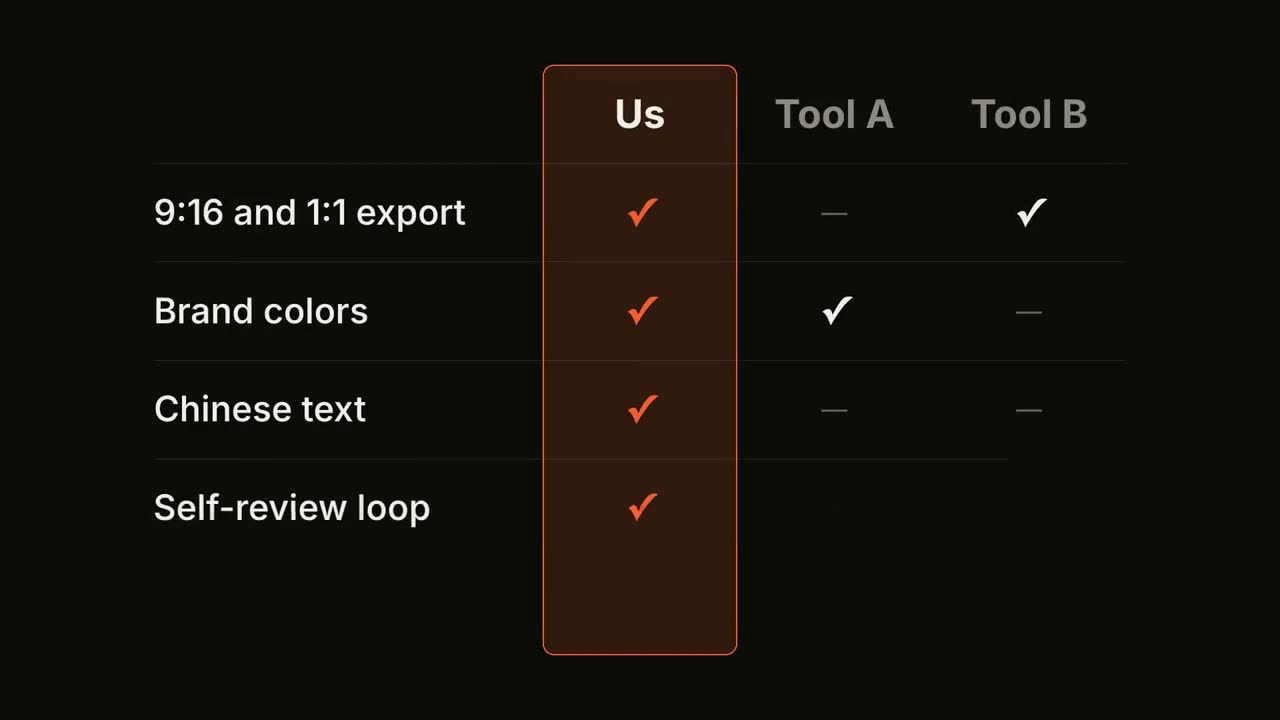
Matriz de recursos
Uma tabela comparativa se preenche linha a linha, com a sua coluna em destaque.
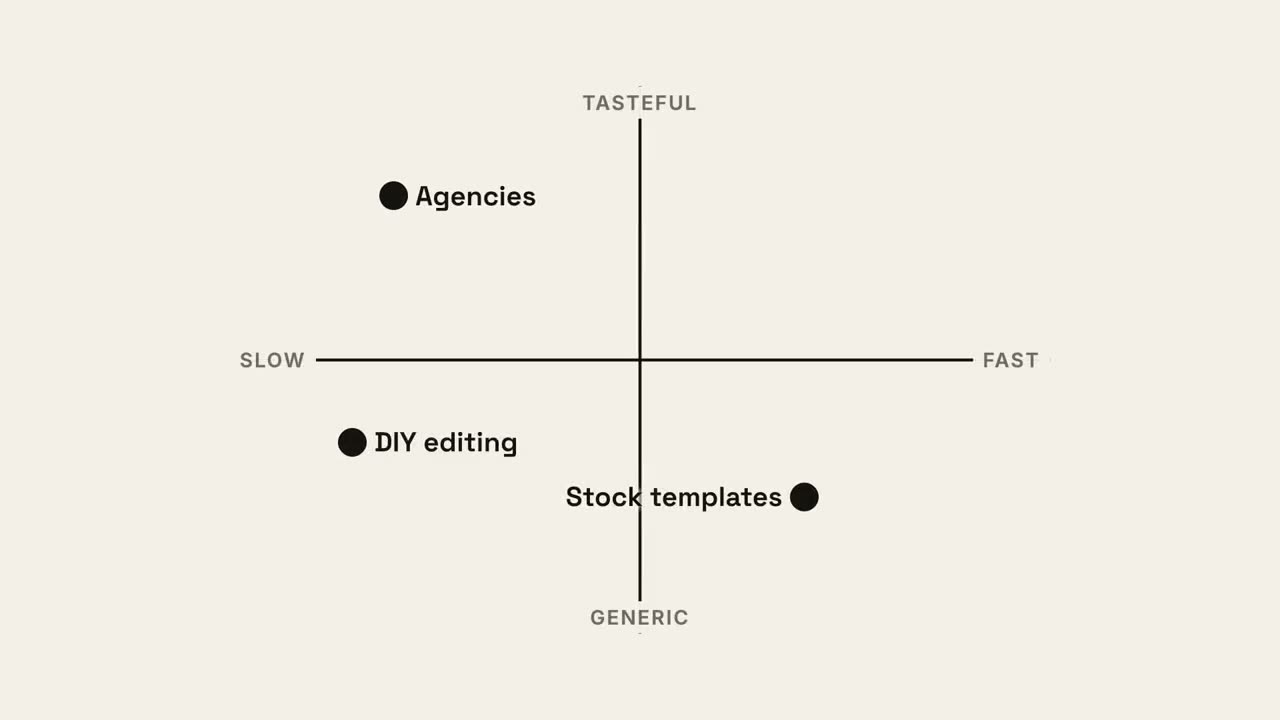
Mapa de quadrantes
Um mapa de posicionamento 2×2 em que o seu ponto fica com o melhor quadrante.