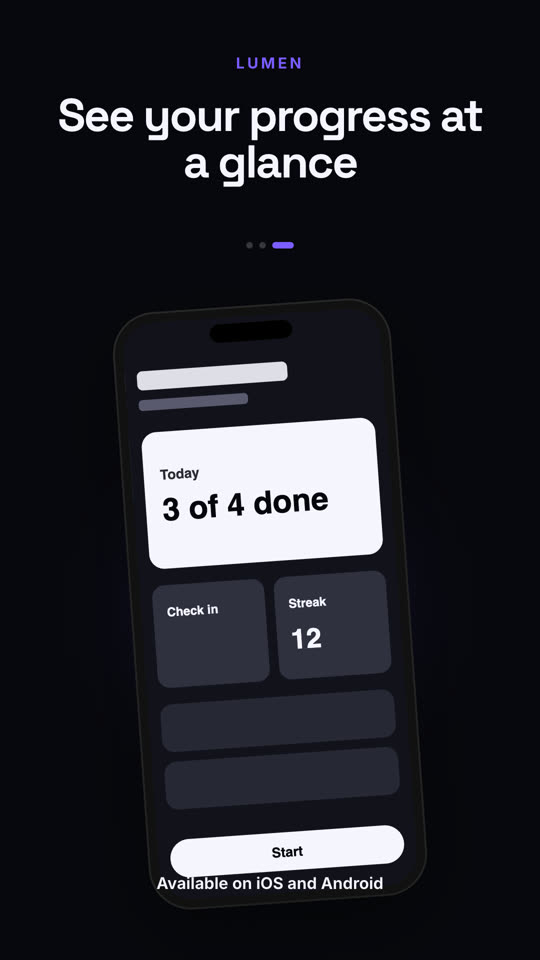
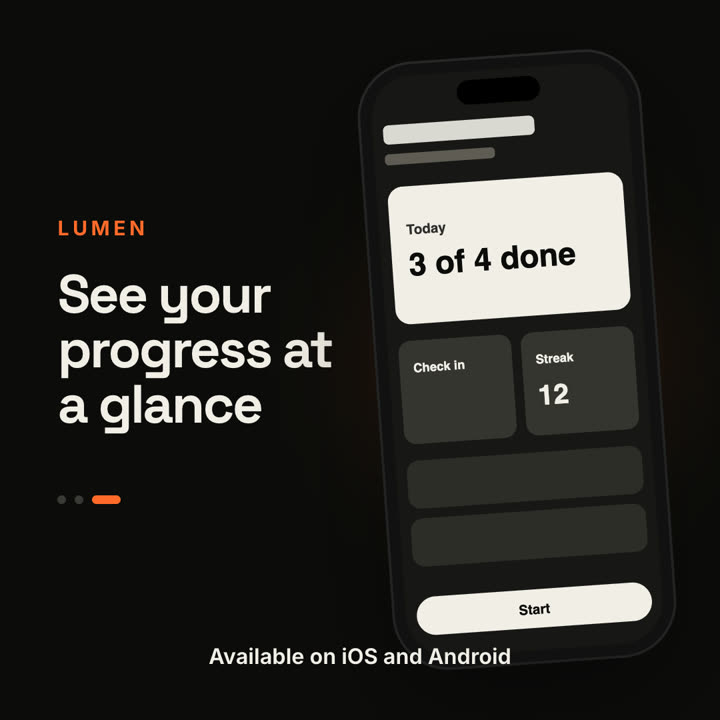
Claude Code、Codex、Cursor など Skill に対応したエージェントに貼り付けてください。
プロンプト例
Use the app-preview skill for our App Store video: app "Pace", screens "assets/s1.png | assets/s2.png | assets/s3.png", captions "Runs that adapt to you | Coach in your ear | Every PR celebrated", badge "Free on the App Store". 9:16.
スタイルプロンプト(Claude Motion または Opus 5.5)
Make a 12-second 16:9 app preview for [who will watch, e.g. people deciding whether to download], playing [where, e.g. the App Store page and our site]. Use only the screenshots and captions I give below; don't change a word. Warm sand background.

A modern phone mockup swings up from the bottom with a soft rust-colored glow behind it and floats gently. On the left, the app name in small rust uppercase sits above a bold caption. Every three seconds the phone screen swipes to the next screenshot while the caption changes and a pill-shaped page indicator moves along. End frame: where to get it, held for 2 seconds.

App name: [e.g. LUMEN]
Captions, one per screenshot: [e.g. "Plan your week in seconds", "Focus mode blocks the noise", "See your progress at a glance"]
End line: [e.g. "Available on iOS and Android"]
Attach: [three phone screenshots]