Claude Code、Codex、Cursor など Skill に対応したエージェントに貼り付けてください。
プロンプト例
Use the ui-morph-effects skill with the tabs effect for Ledger: tabs "Monthly | Yearly | Lifetime", second tab title "Yearly plan", rows "Every template: included | Commercial use: included | Updates: 12 months", 1:1, my accent #2563eb, no Example tag.
スタイルプロンプト(Claude Motion または Opus 5.5)
Make an 8-second 16:9 seamless loop for [who will watch, e.g. designers], playing [where, e.g. the hero of our product page]. Use only the query and three results below. Near-black background.

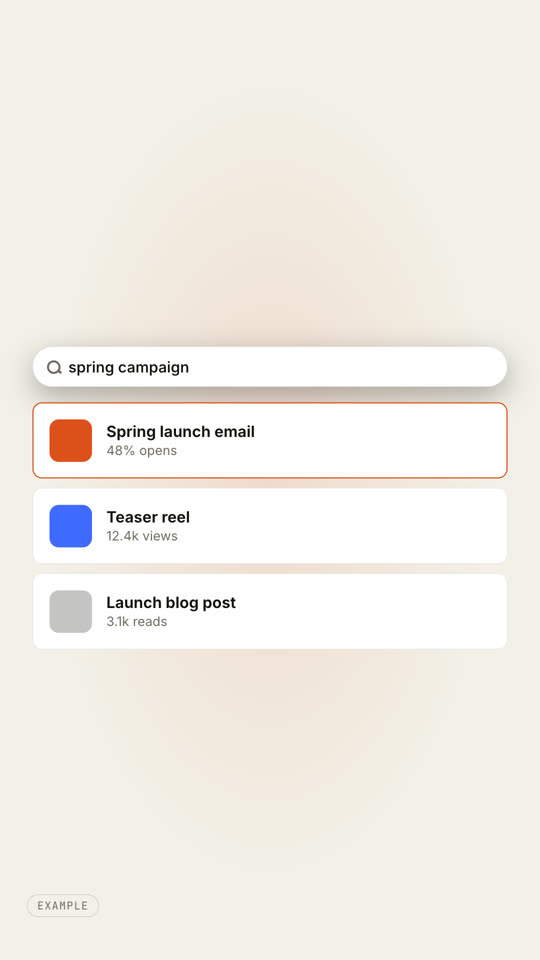
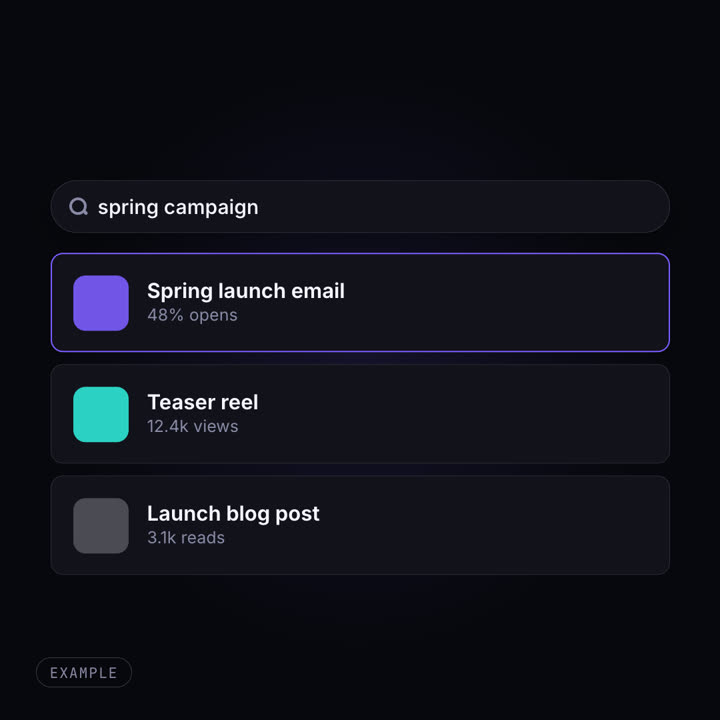
A small search pill with a magnifier and the gray word "Search" widens to full width, a caret appears and the query types itself. Three result cards rise into place one after another, each with a colored tile, a bold title and one metric. An orange hover outline moves from the first result to the second. End frame: at 6.6 seconds everything reverses, so the last frame matches the first.

Query: [e.g. "spring campaign"]
Three results: [title · metric] (e.g. "Spring launch email · 48% opens")