Tachar y corregir
Una frase se tacha y se escribe una corrección encima.
Pégalo en Claude Code, Codex, Cursor o cualquier agente compatible con skills.
Necesita: Node.js 22+, FFmpeg, Chrome. Sin claves de API.
Otros temas y formatos
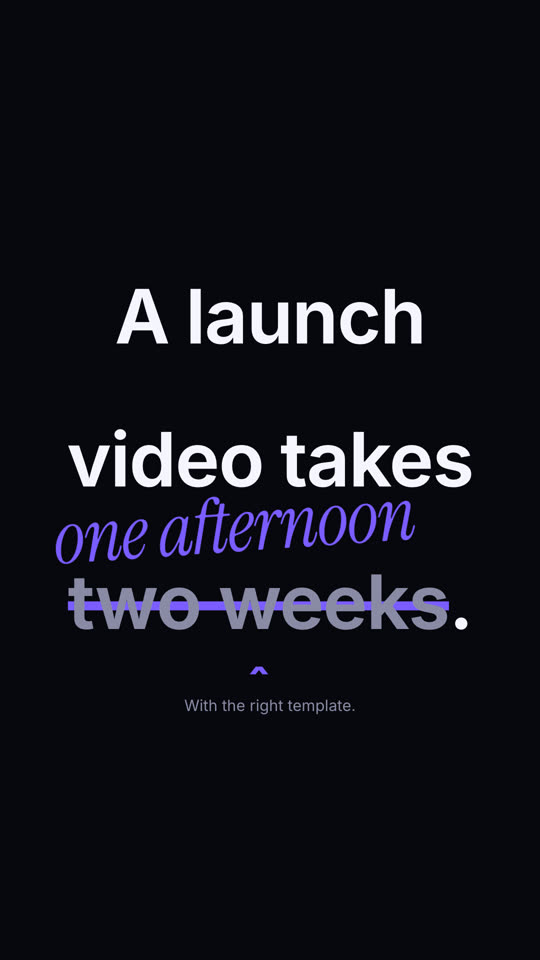

Fotogramas finales de la misma plantilla, renderizados con otro tema y formato.
5 temas
- Tinta
ink - Papel · predeterminado
paper - Eléctrico
electric - Noir
- Arena
sand
Indica un tema en tu prompt o define tus propios colores de acento, fondo y texto.
Lee https://claude-motion.com/skills/strike-correct/install.md, sigue sus pasos para instalar la skill "strike-correct" y luego haz un primer video con ella.
Pégalo en Claude Code, Codex, Cursor o cualquier agente compatible con skills.
Use the strike-correct skill: "Most users read {the docs|the first line}." Bold style, electric theme, 1:1.Make a 6-second 16:9 scene for [who will watch, e.g. marketers on LinkedIn], playing muted in the feed. Use only the sentence and correction below. Off-white background, bold black sans. The sentence builds in word by word. At 2 seconds an orange line strikes through the wrong phrase, which fades to gray, a small orange caret appears beneath it, and the correction pops in above in orange handwritten-style italic, slightly rotated. End frame: a small gray footnote sits below, held for 1.5 seconds. Sentence: [e.g. "A launch video takes two weeks."] Wrong phrase and correction: [e.g. "two weeks" → "one afternoon"] Footnote: [e.g. "With the right template."]
Sin instalar nada: pégalo en Claude Motion (Team o Enterprise) o dáselo a Opus 5.5 para un estilo parecido. El resultado cambia en cada ejecución; la skill da siempre el mismo.
Más de esta serie
Tipografía →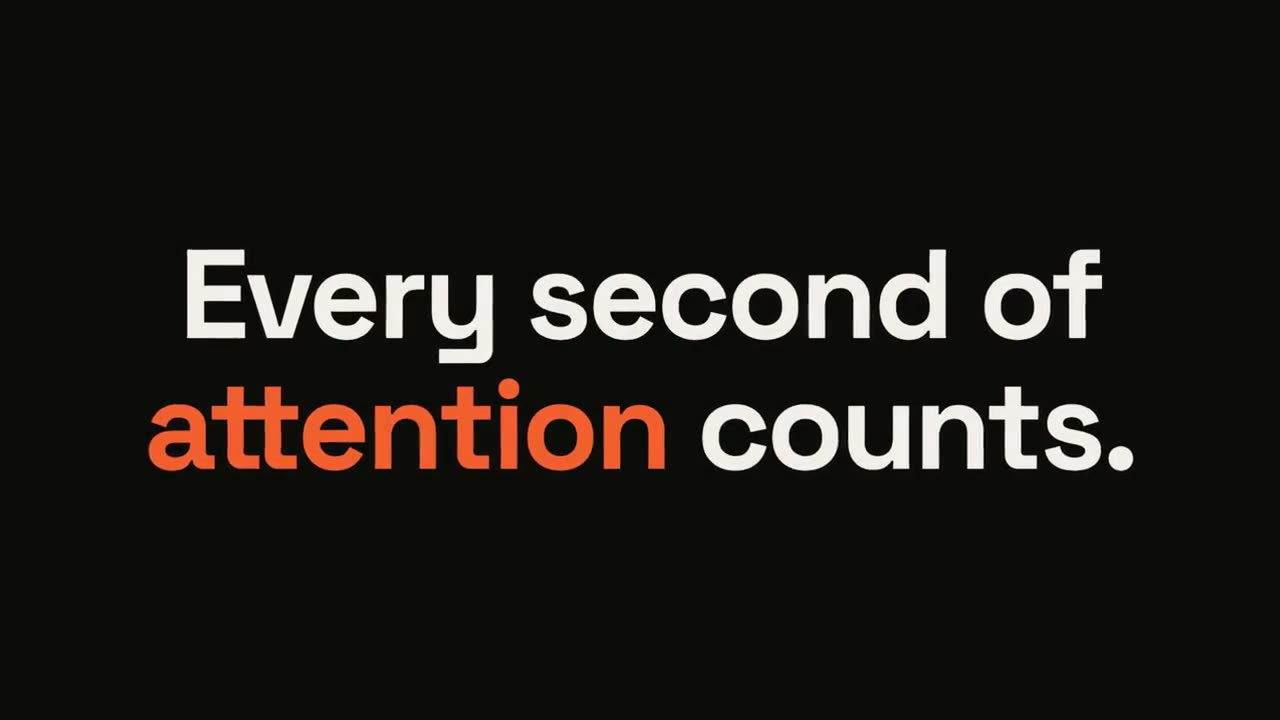
Frase que estalla
Una frase corta entra palabra por palabra y la palabra clave estalla.
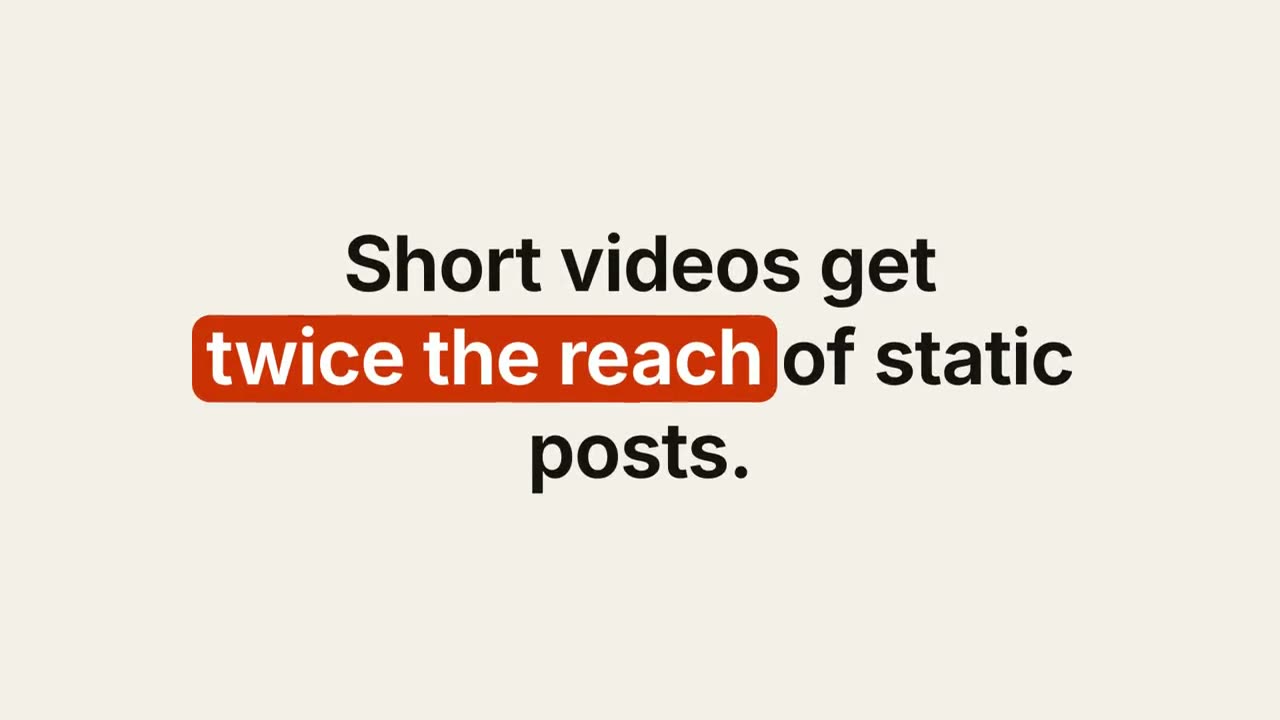
Subtítulo con palabras clave
Un subtítulo con diseño cuyas palabras clave reciben una píldora, un subrayado o color.
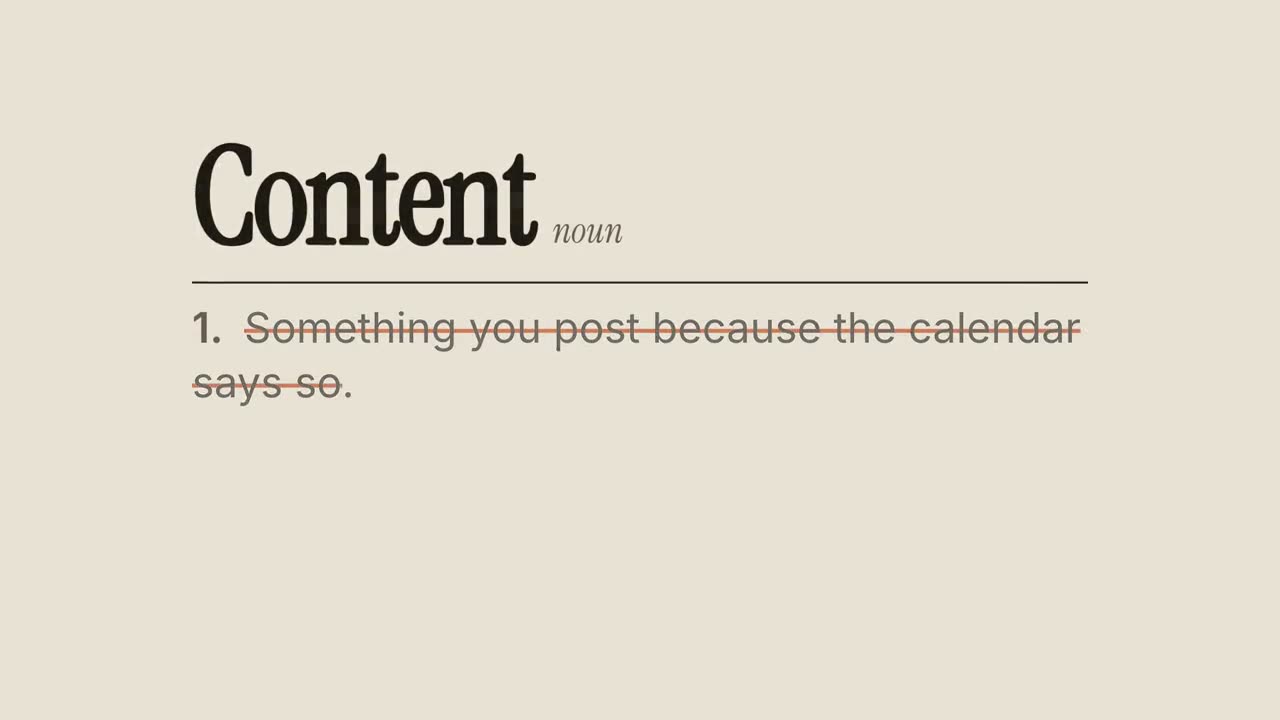
Redefinición
Una entrada de diccionario cuya definición habitual se tacha y se reescribe.
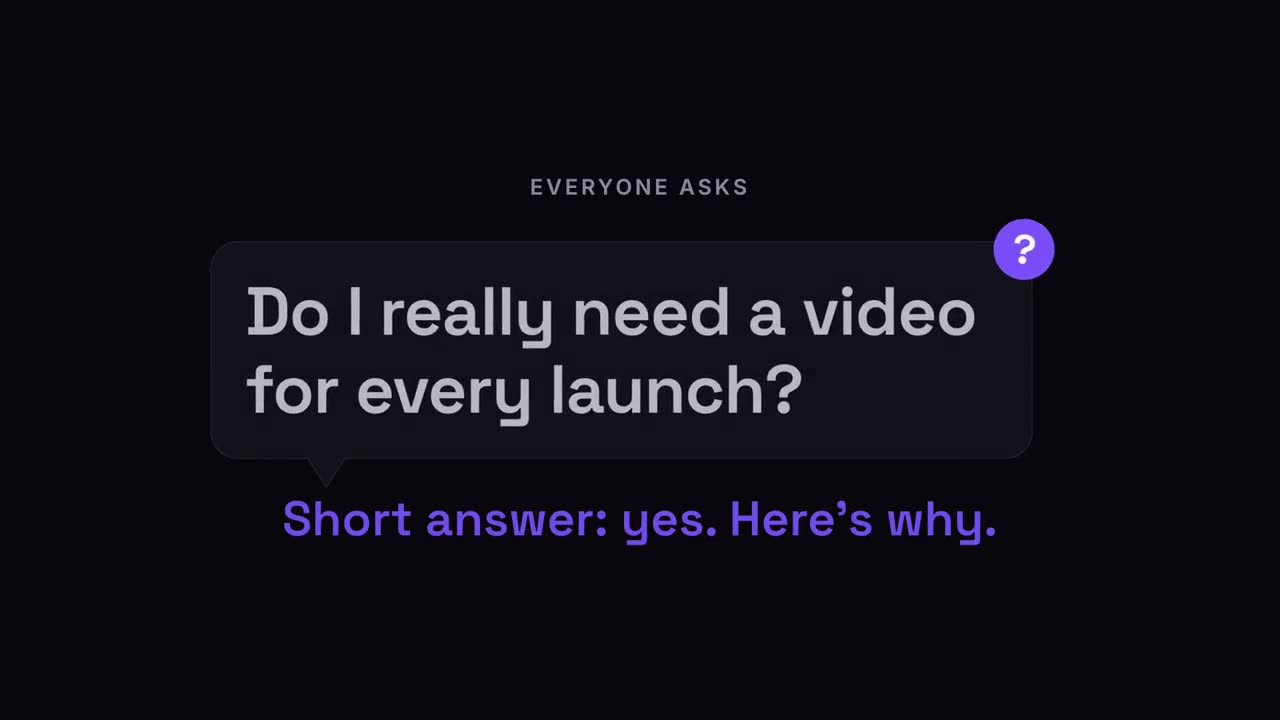
Pregunta emergente
La pregunta del público aparece en un globo de diálogo, y luego la respuesta.