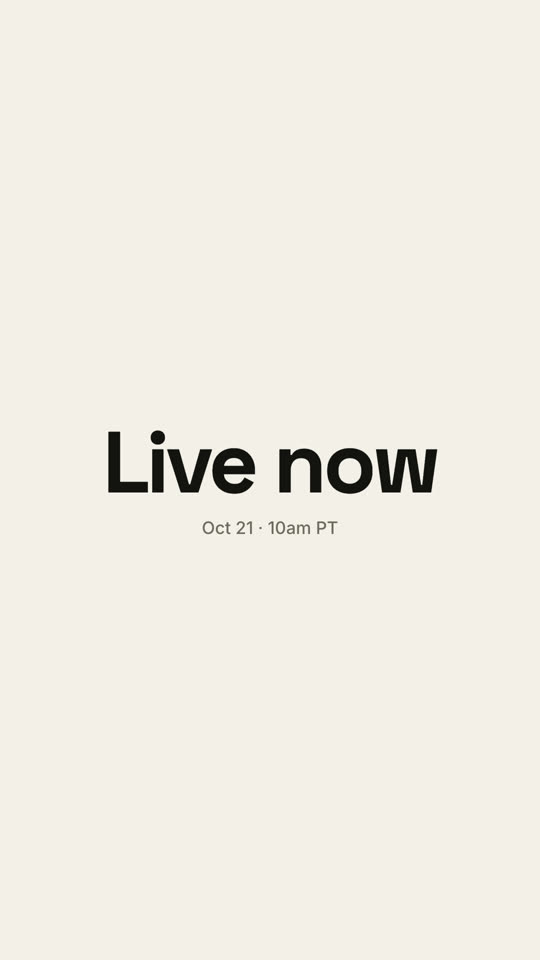
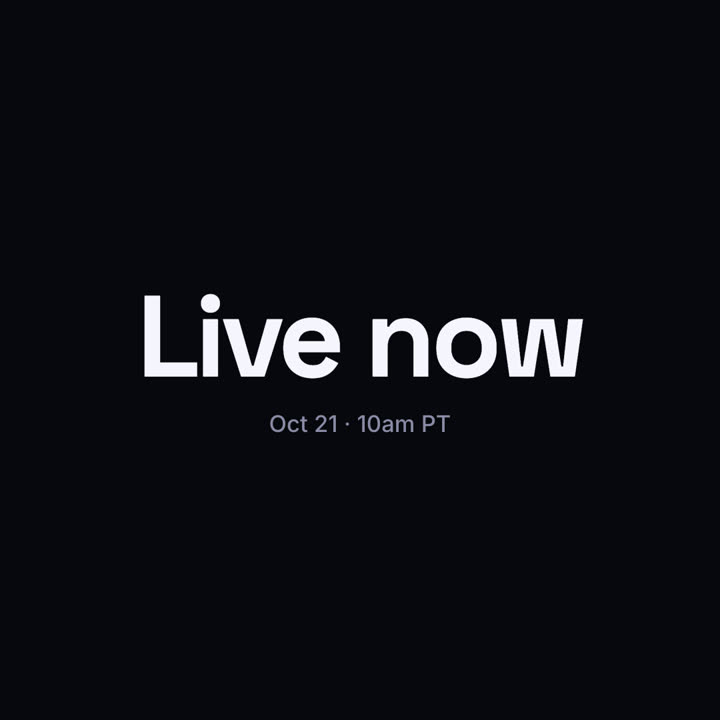
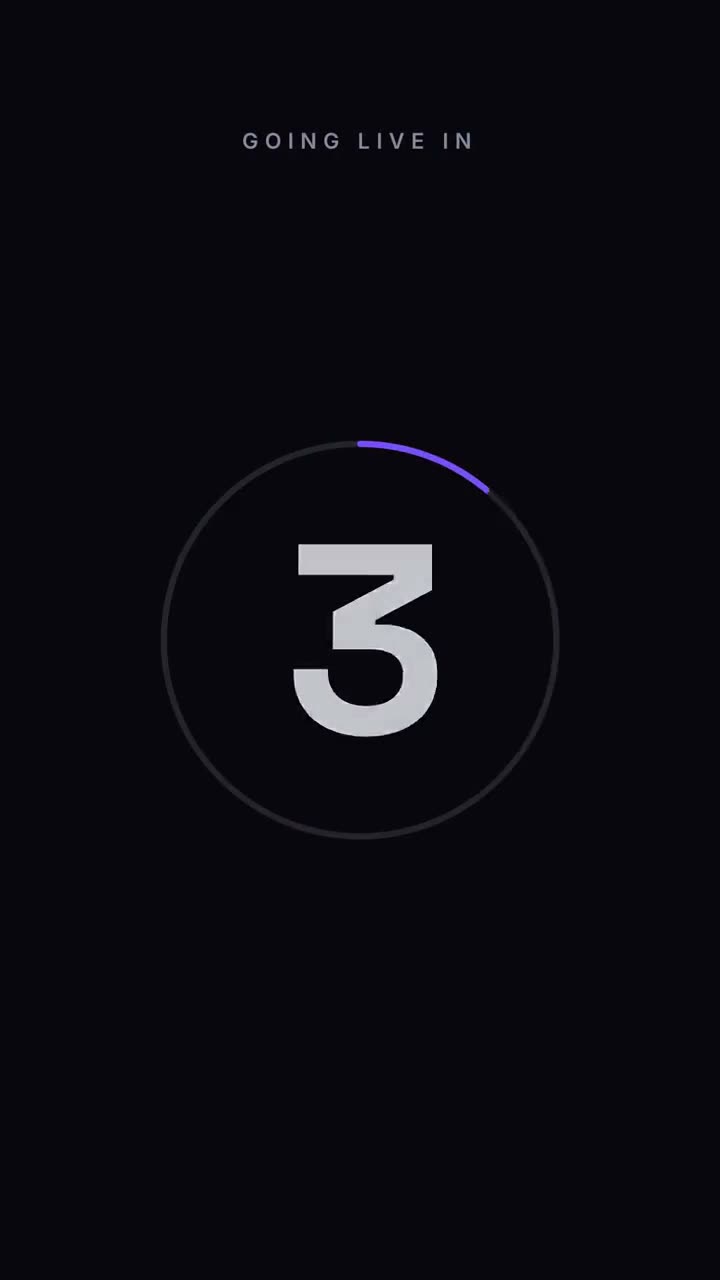
Images finales du même modèle, rendues avec un autre thème et un autre format.
5 thèmes
Aa
Encre
ink
Aa
Papier
paper
Aa
Électrique
electric
Aa
Noir · par défaut
Aa
Sable
sand
Indiquez un thème dans votre prompt, ou définissez vos propres couleurs d’accent, de fond et de texte.
Prompt d’installation
Lis https://claude-motion.com/skills/countdown/install.md, suis ses étapes pour installer la skill « countdown », puis fais une première vidéo avec.
Collez-le dans Claude Code, Codex, Cursor ou tout agent compatible avec les skills.
Exemple de prompt
Use the countdown skill for our livestream: label "Going live in", count from 5, final "We're live", detail "youtube.com/@acme". 9:16, electric theme.
Prompt de style (Claude Motion ou Opus 5.5)
Make a 7-second 16:9 launch countdown for [who will watch, e.g. our followers], playing [where, e.g. the livestream and X the hour before launch]. Use only the date and line below. Pure black background.

Small uppercase "LAUNCHING IN" sits at the top. A thin white ring drains clockwise around each number as huge white numerals 3, 2, 1 slam in from a blurred, oversized state and shrink away. After 1, the ring blows outward and an off-white flash fills the frame. End frame: the launch line settles in with tightening letter spacing above the date and time in gray.

Launch line: [e.g. "Live now"]
Date and time: [e.g. "Oct 21 · 10am PT"]
Rien à installer : collez-le dans Claude Motion (Team ou Enterprise) ou donnez-le à Opus 5.5 pour un rendu proche. Le résultat change à chaque exécution ; la skill donne toujours le même.