← Skills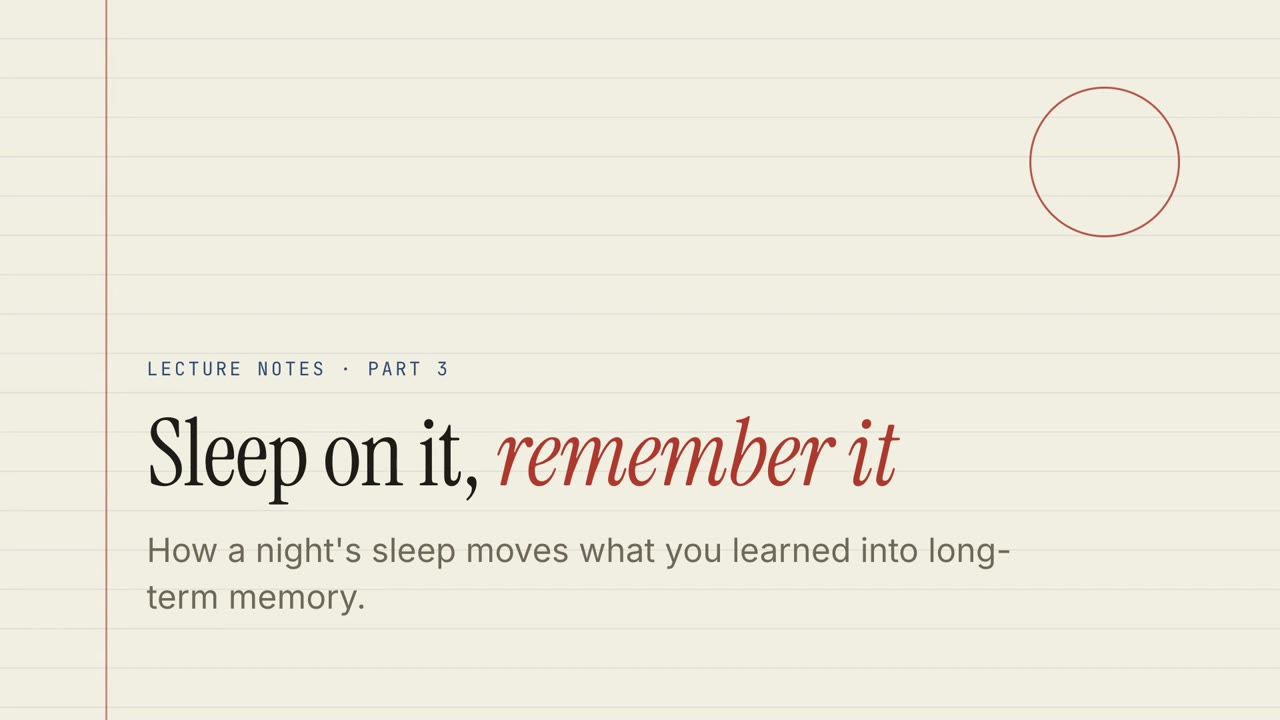 無料
無料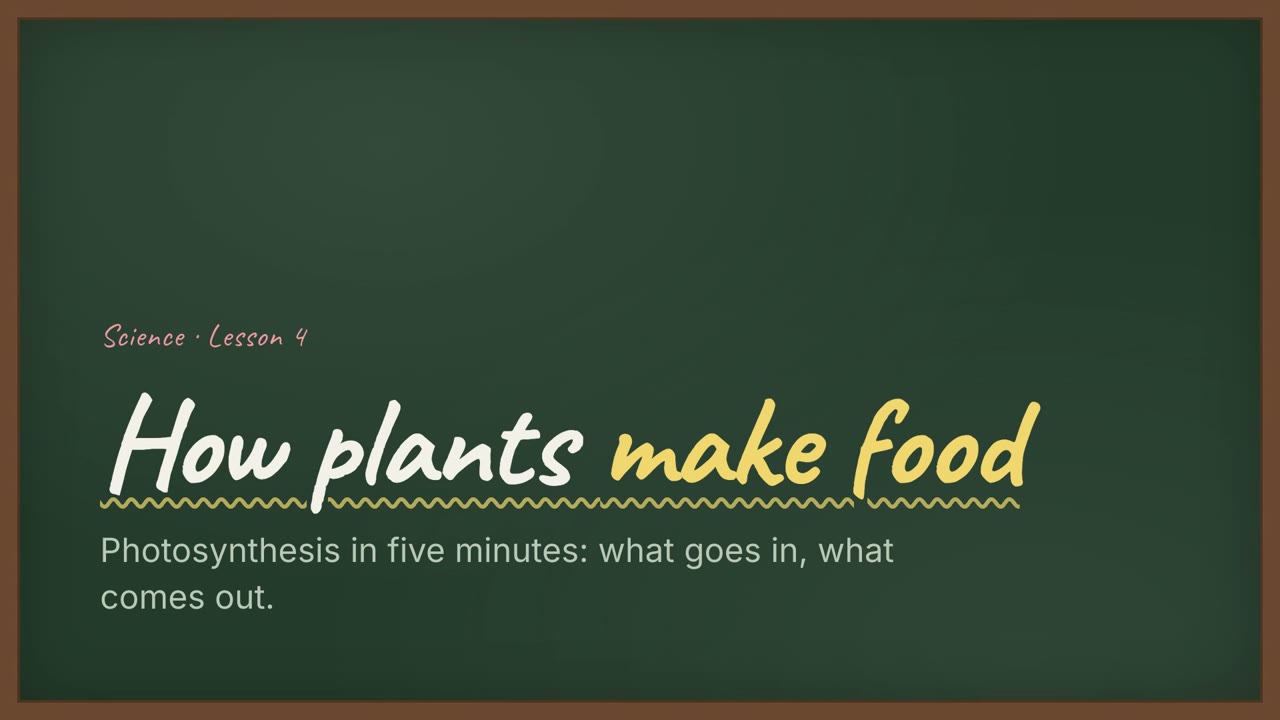 Premium
 無料
無料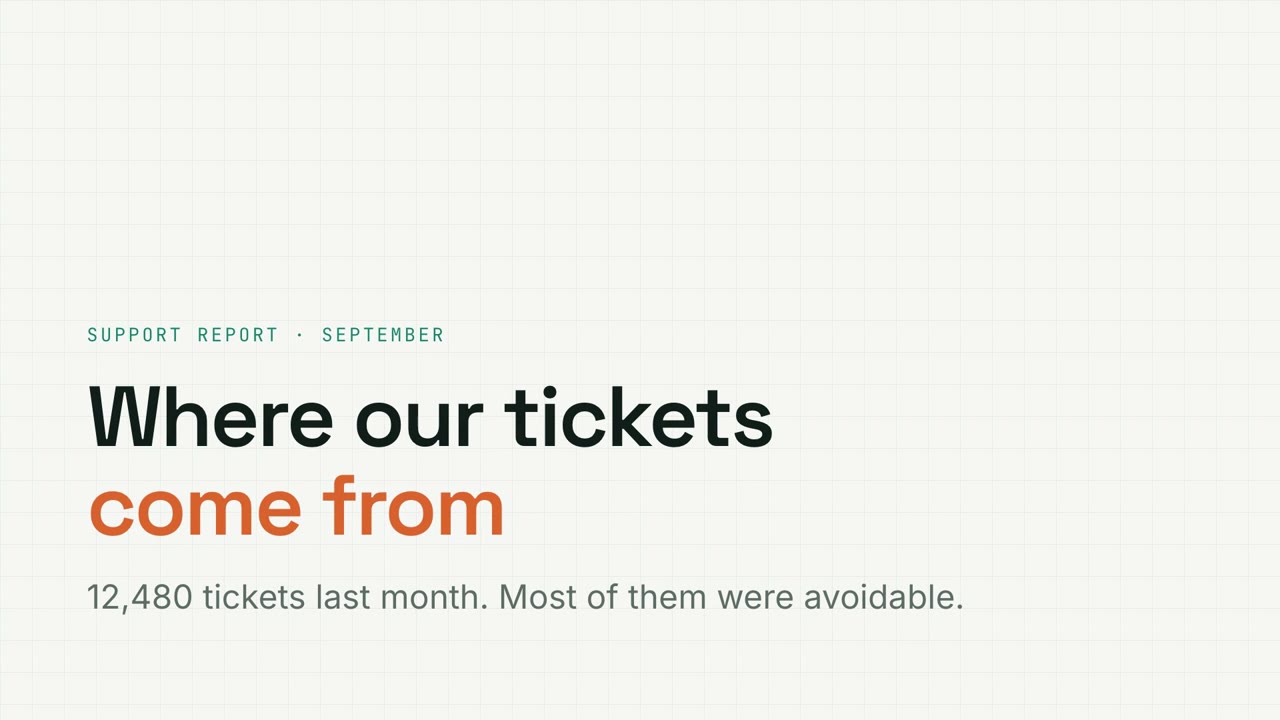 Premium
 Premium
 Premium
 Premium
 Premium
Premiumナレーション付きスライド
Doc → ナレーション付きスライド
ドキュメントを渡すだけで、ナレーション付きのインタラクティブなスライドと MP4 が完成。
Claude Code、Codex、Cursor など Skill に対応したエージェントに貼り付けてください。
必要なもの: Node.js 22+。任意:ローカル音声(約 1 GB)、MP4 書き出しに FFmpeg と Chrome。API キー不要。
実際に試す
全画面で開く ↗サンプルスライドを操作してみてください:チャートを切り替え、クイズに答え、カードをドラッグ。P キーでナレーションを再生します。
インストール用プロンプト
https://claude-motion.com/skills/doc-to-narrated-deck/install.md を読んで手順どおりに「doc-to-narrated-deck」スキルをインストールし、それを使って最初の動画を作ってください。
Claude Code、Codex、Cursor など Skill に対応したエージェントに貼り付けてください。
プロンプト例
Use doc-to-narrated-deck on onboarding-guide.pdf: make a narrated training deck with a quiz every few slides, and export an MP4.
スタイルプロンプト(Claude Motion または Opus 5.5)
Turn the attached document into a 90-second 16:9 narrated explainer for [who will watch, e.g. new hires], playing [where, e.g. the onboarding portal]. Use only the facts and numbers in the document.

One idea per scene, with the key points appearing as they're spoken. Animate one chart for the main number. End on a closing scene with one clear next step.

Attach: [your document]
Next step: [e.g. "Book your first 1:1 with your manager"]
インストール不要:Claude Motion(Team または Enterprise)に貼り付けるか、Opus 5.5 に渡すと近い雰囲気になります。結果は実行ごとに変わります。Skill なら毎回同じ結果です。
他のスライドスタイル
Motion Deck →ペーパー・レクチャー
クイズ、ドラッグ演習、ナレーション付きの罫線ノートの講義。
ナレーション付きスライド16:9
チョーク教室
手書き見出しと練習問題のある、緑の黒板の授業。
ナレーション付きスライド16:9
ボードルーム・メモ
明快なビジネスレビュー:大きな数字、はっきりした警告、そして必要な決定。
ナレーション付きスライド16:9
メトリクスグリッド
絞り込めるチャート、ファネル、ドーナツ付きの方眼紙データレポート。
ナレーション付きスライド16:9
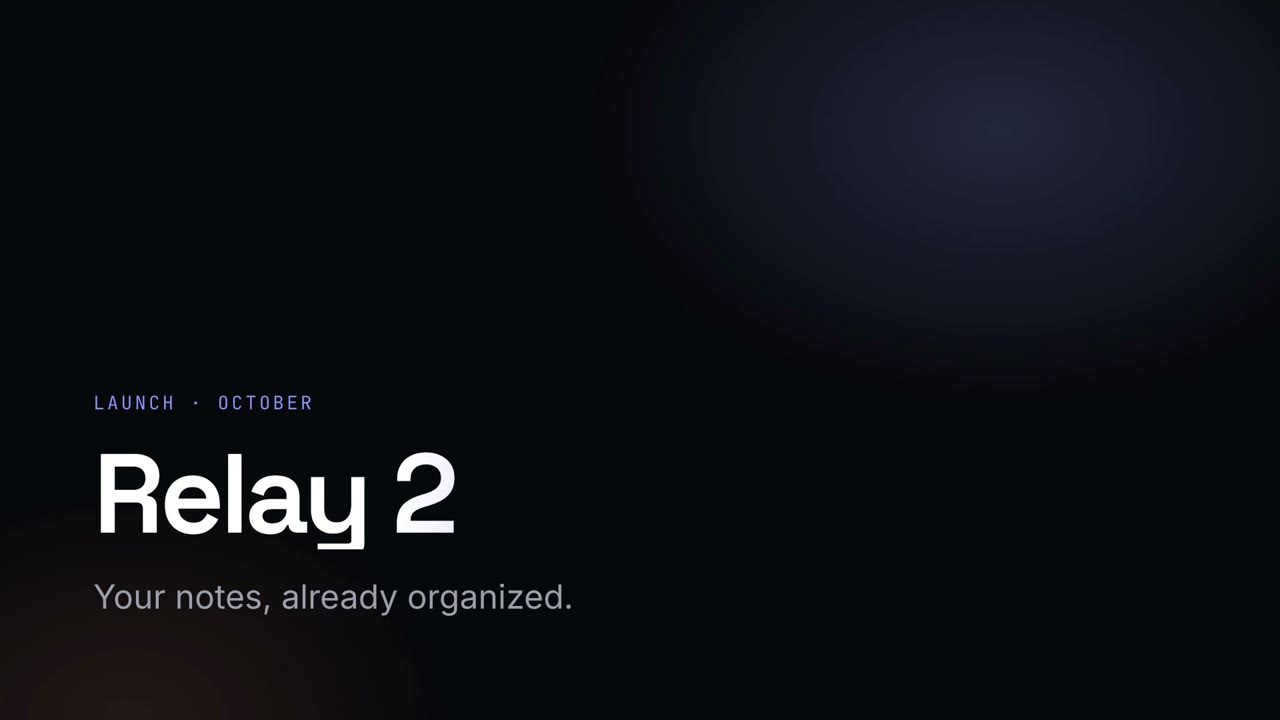
ナイト・キーノート
グラデーションの見出しが光る、暗いローンチ基調講演。
ナレーション付きスライド16:9
スタジオ・ピッチ
コバルトとコーラルの大胆なスタートアップのピッチ。課題から依頼事項まで。
ナレーション付きスライド16:9
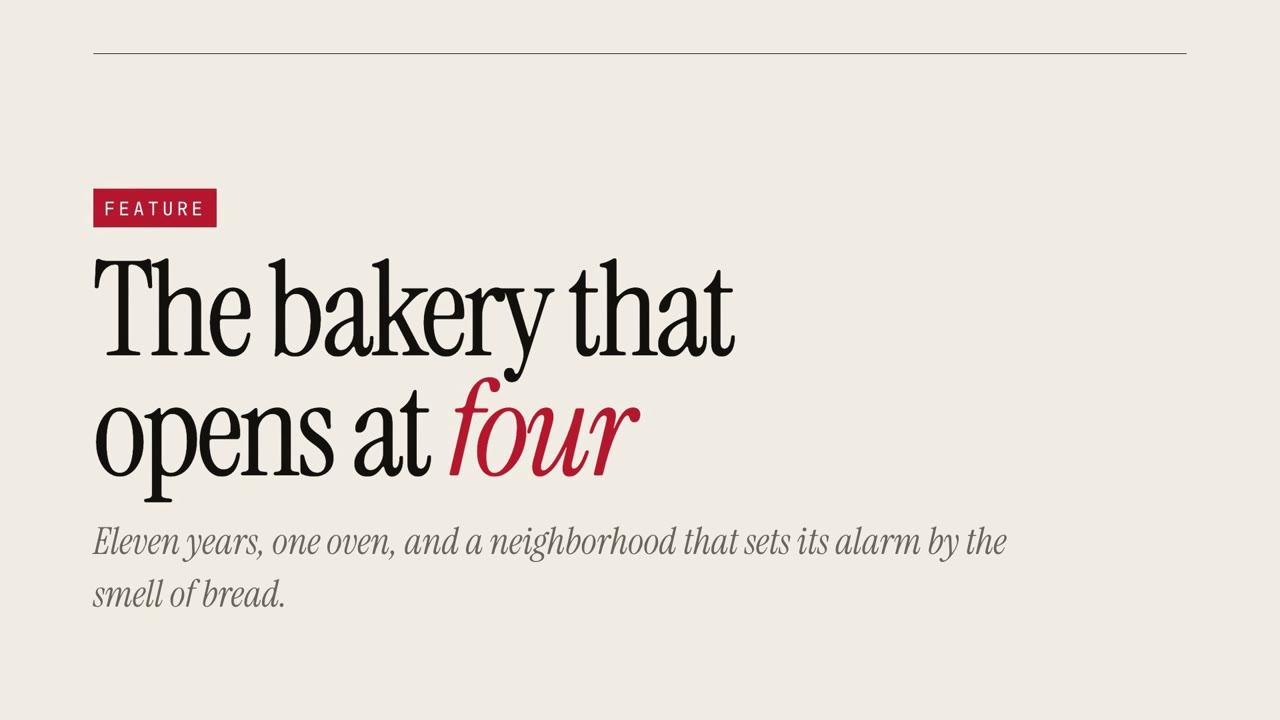
マガジンストーリー
大きなセリフ体と引用で見せるエディトリアルな特集。
ナレーション付きスライド16:9
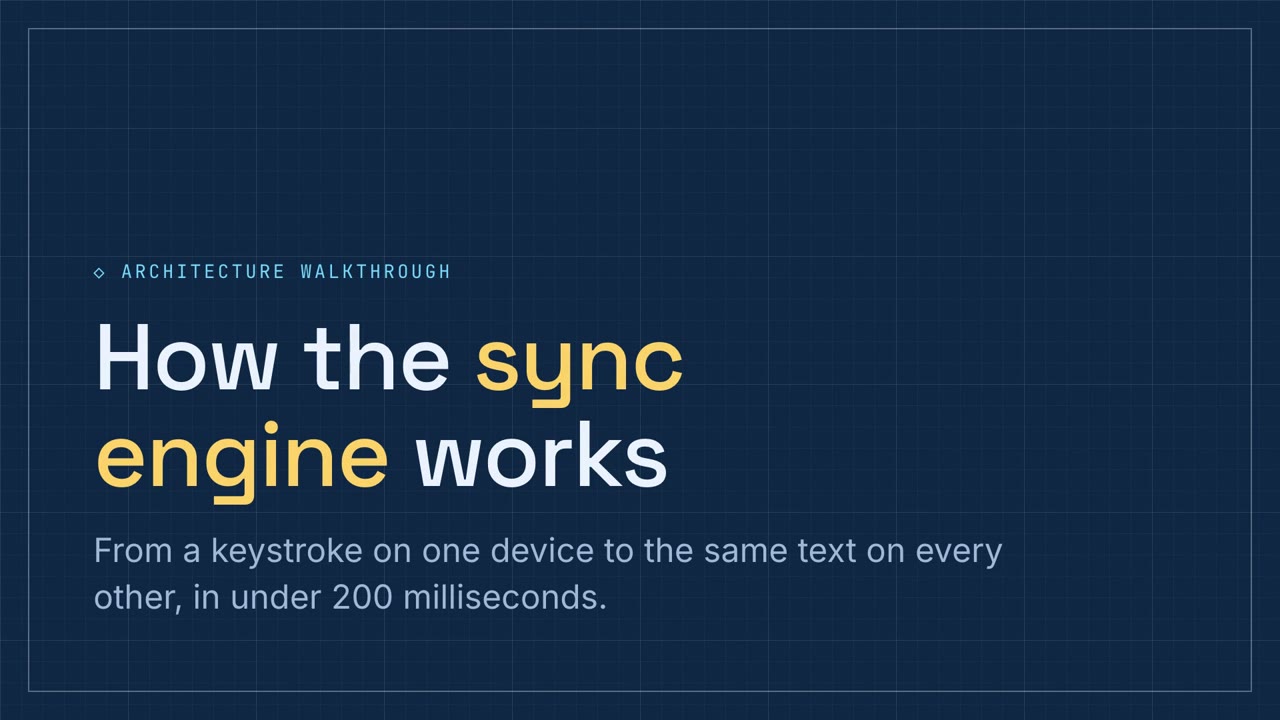
スキーマティック・ウォークスルー
パイプラインとコンポーネントの演習付き、ブループリントの青の技術解説。
ナレーション付きスライド16:9