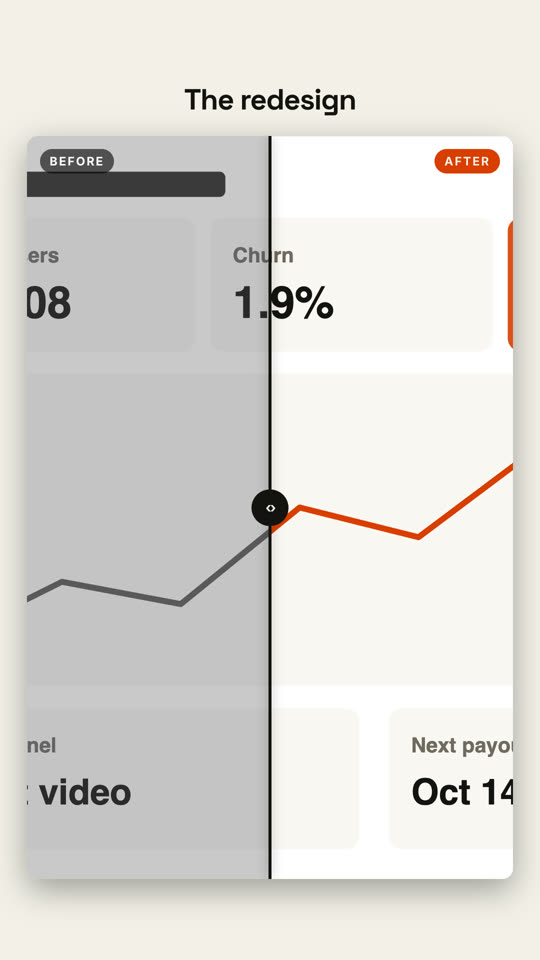
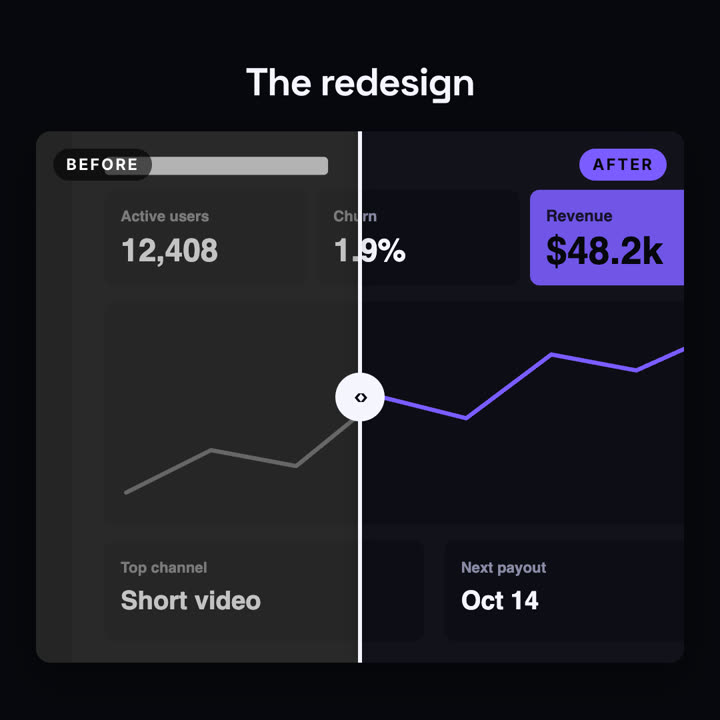
Una comparación con un divisor que barre la imagen.
Pégalo en Claude Code, Codex, Cursor o cualquier agente compatible con skills.
Necesita: Node.js 22+, FFmpeg, Chrome. Sin claves de API.
Otros temas y formatos
Tema: Papel · 9:16Tema: Eléctrico · 1:1
Fotogramas finales de la misma plantilla, renderizados con otro tema y formato.
5 temas
Aa
Tinta · predeterminado
ink
Aa
Papel
paper
Aa
Eléctrico
electric
Aa
Noir
Aa
Arena
sand
Indica un tema en tu prompt o define tus propios colores de acento, fondo y texto.
Prompt de instalación
Lee https://claude-motion.com/skills/before-after/install.md, sigue sus pasos para instalar la skill "before-after" y luego haz un primer video con ella.
Pégalo en Claude Code, Codex, Cursor o cualquier agente compatible con skills.
Prompt de ejemplo
Use the before-after skill with assets/old.png and assets/new.png, title "Checkout, rebuilt", labels "v1" and "v2". 16:9.
Prompt de estilo (Claude Motion u Opus 5.5)
Make an 8-second 16:9 before-and-after comparison for [who will watch, e.g. customers], playing [where, e.g. the redesign announcement]. Use only the two screenshots and the title I give. Dark background.

The title fades in above a large rounded frame showing the before screenshot in grayscale, labeled "BEFORE". A white vertical divider with a round handle sweeps from right to left, revealing the after screenshot in full color with an orange "AFTER" tag. End frame: the divider swings back to about three quarters and settles in the middle.

Title: [e.g. "The redesign"]
Attach: [a before screenshot and an after screenshot, same size]
Sin instalar nada: pégalo en Claude Motion (Team o Enterprise) o dáselo a Opus 5.5 para un estilo parecido. El resultado cambia en cada ejecución; la skill da siempre el mismo.