貼上到 Claude Code、Codex、Cursor 或任何支援 Skills 的 Agent 中。
範例提示詞
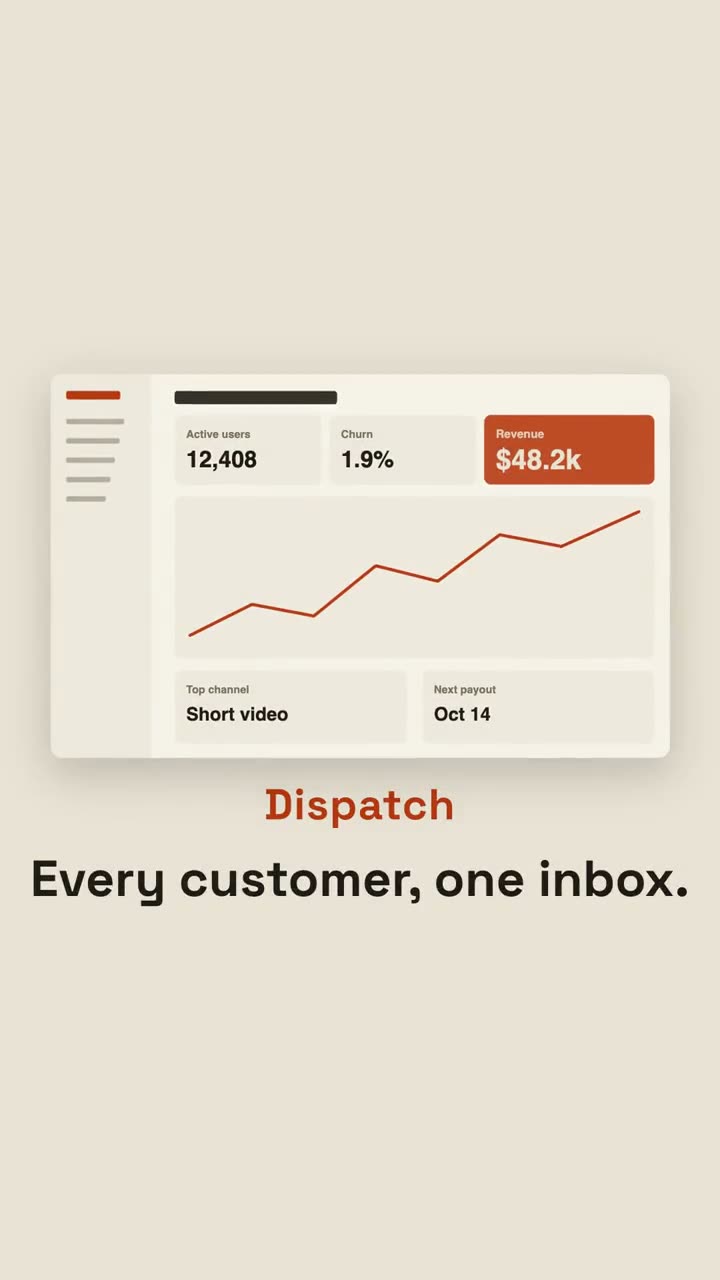
Use the pain-reveal-launch skill for Dispatch, a support inbox: pains "Tickets in 4 tools | Who replied? | Lost the thread | Angry follow-up", promise "Every customer, one inbox.", image assets/inbox.png.
風格提示詞(Claude Motion 或 Opus 5.5)
Make a 20-second 16:9 launch video for [who will watch, e.g. team leads drowning in chat], playing [where, e.g. LinkedIn ads, muted]. Use only the lines, benefits and screenshot I give; don't change a word. Off-white background.

Scene 1: white chips with red dots pop in all over the frame, tilted and jittering, each with a pain point. Scene 2: a black label slams into the center and the whole pile shakes. Scene 3: every chip is sucked into the center point, a white flash, and a calm screen appears: the product name in orange, the promise, and the screenshot rising into place. Scene 4: three benefits with orange check circles. End frame: the name with an orange call-to-action button, held for 2 seconds.

Pain points: [four short lines] (e.g. "37 unread pings", "Final_v7_REAL.pdf")
Label: [e.g. "Sound familiar?"]
Product and promise: [e.g. Calm, "One place. Zero chasing."]
Three benefits and call to action: [e.g. "Get Calm"]
Attach: [a screenshot of your product]
無需安裝:貼到 Claude Motion(Team 或 Enterprise),或直接傳給 Opus 5.5,就能得到相近的風格。每次執行結果會有差異;用 Skill 則每次結果一致。