← Skills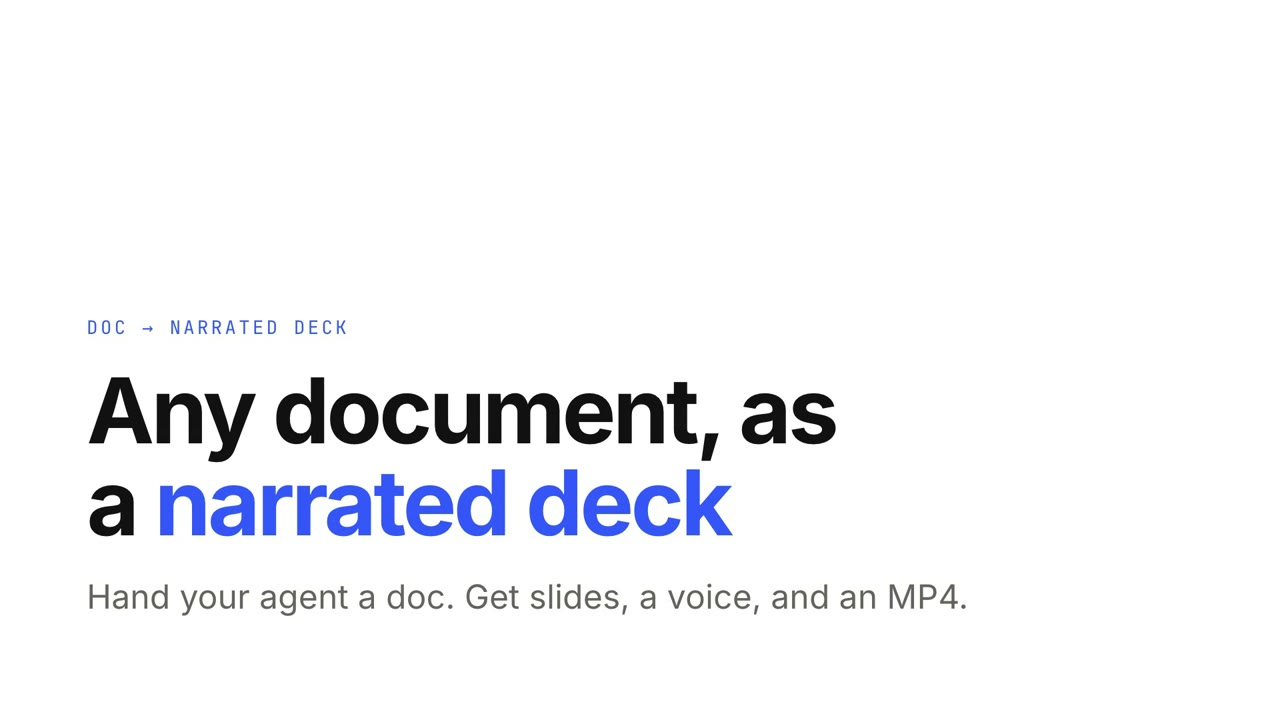 付費
付費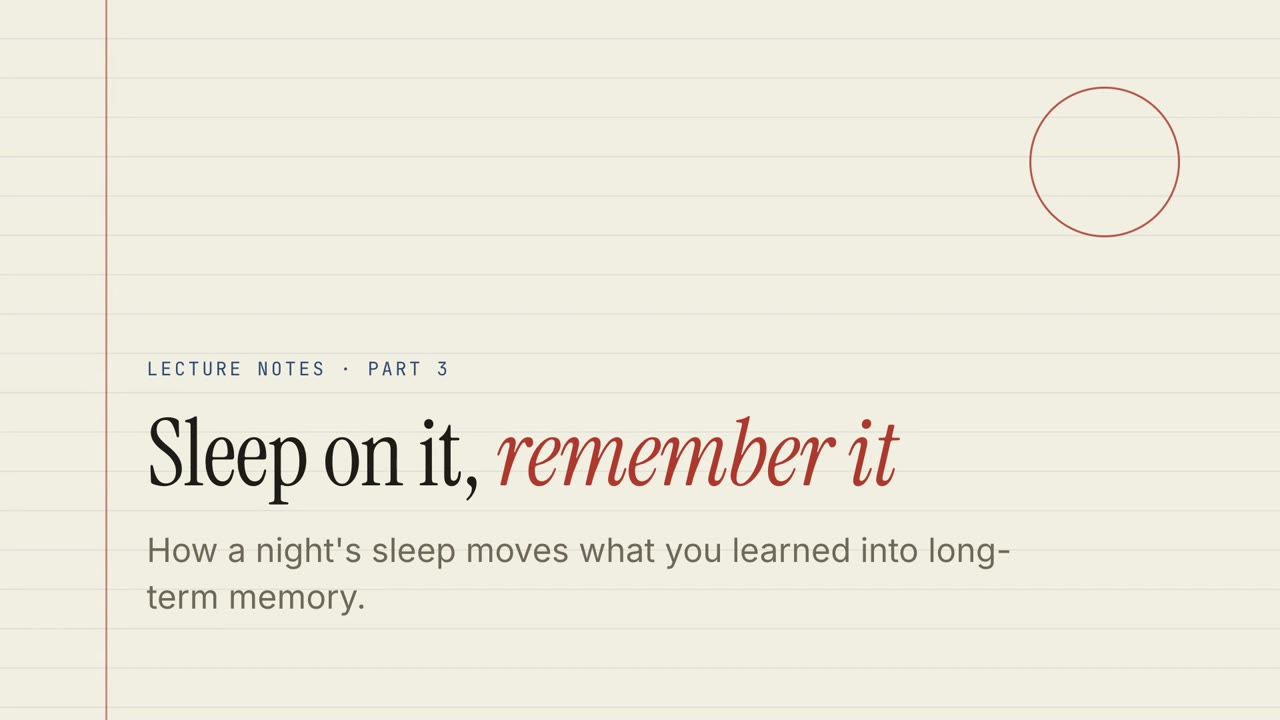 免費
免費 付費
付費 免費
免費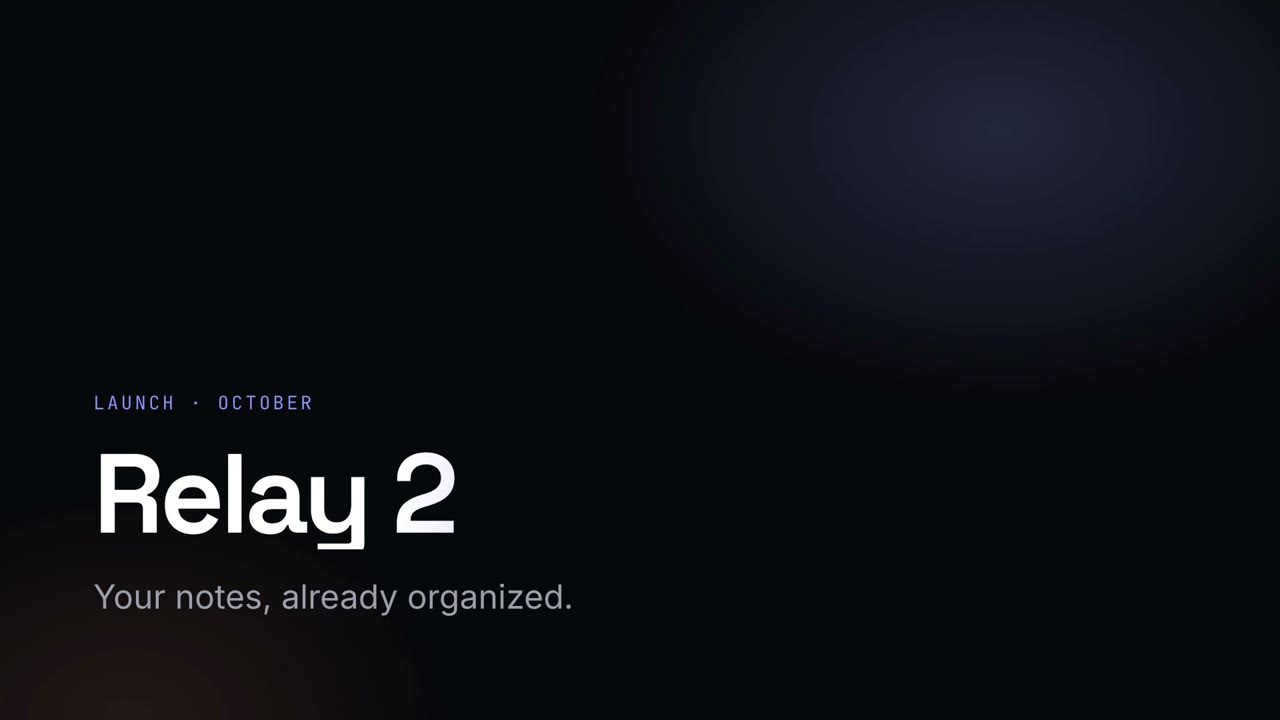 付費
付費 付費
付費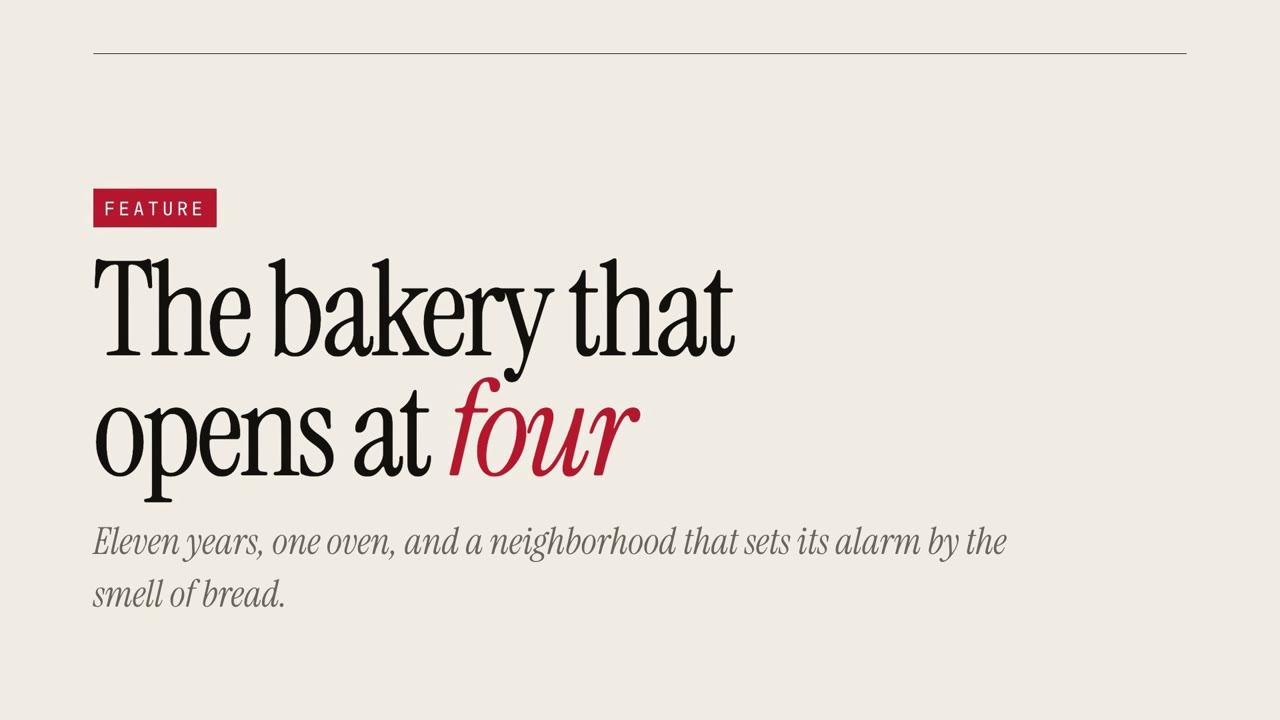 付費
付費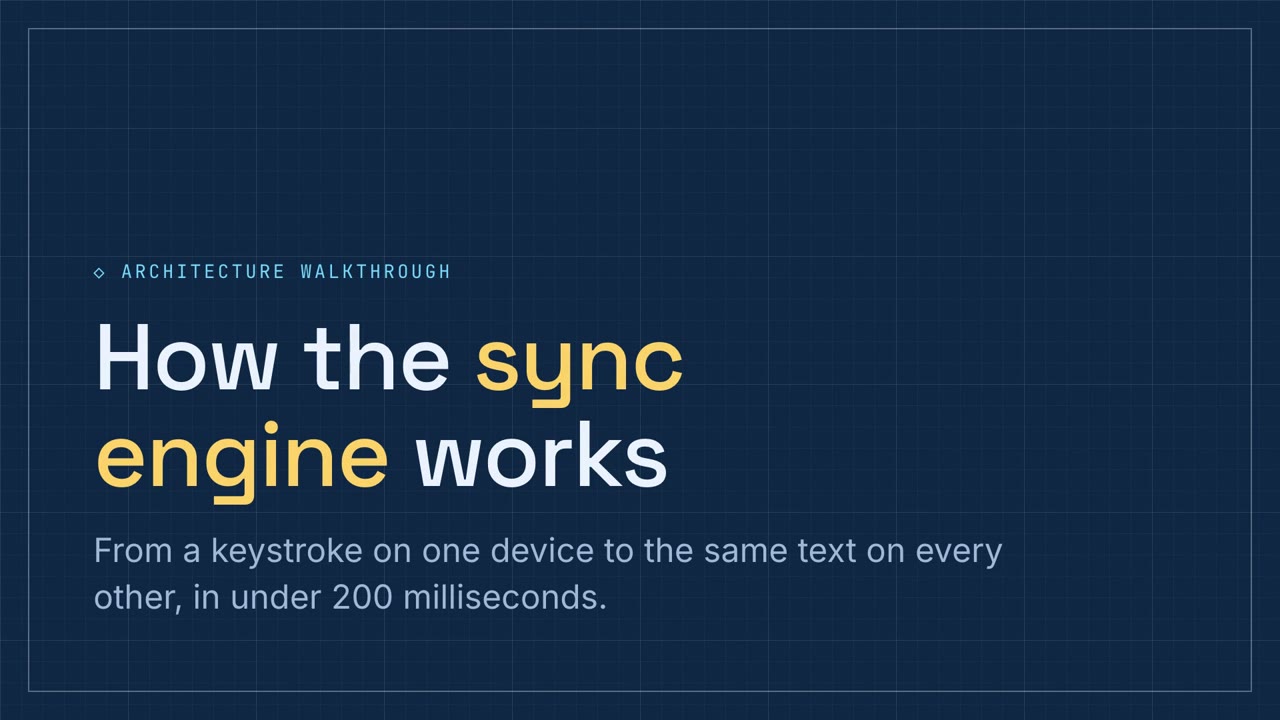 付費
付費
付費講解簡報
資料網格
方格紙風格的資料包告,帶可篩選圖表、漏斗圖和環形圖。
貼上到 Claude Code、Codex、Cursor 或任何支援 Skills 的 Agent 中。
需要: Node.js 22+。可選:本機配音(約 1 GB);匯出 MP4 需要 FFmpeg 和 Chrome。不需要 API Key。
線上試用
全螢幕開啟 ↗直接點著看樣例:切換圖表、回答測驗、拖動卡片。按 P 收聽配音講解。
安裝提示詞
閱讀 https://claude-motion.com/skills/metric-grid/install.md,依說明安裝「metric-grid」Skill,然後用它做出第一支影片。
貼上到 Claude Code、Codex、Cursor 或任何支援 Skills 的 Agent 中。
範例提示詞
Use metric-grid to explain tickets.csv: top categories, channels, weekly trend, and what to fix first.
風格提示詞(Claude Motion 或 Opus 5.5)
Turn the document I attach into a 60-second 16:9 narrated explainer for [who will watch, e.g. the support team], playing [where, e.g. the monthly ops review]. Use only the facts and numbers in the document. Metric grid style.

One idea per slide, with points appearing one at a time as they're spoken. Animate one chart for the main number. End on a closing slide with one clear next step.

Topic: [your topic] (e.g. support ticket data)
Attach: [your document, notes or data]
無需安裝:貼到 Claude Motion(Team 或 Enterprise),或直接傳給 Opus 5.5,就能得到相近的風格。每次執行結果會有差異;用 Skill 則每次結果一致。
更多簡報風格
Motion Deck →文件變講解簡報
把文件交給 Agent,得到一份帶配音、可互動的簡報和 MP4。
講解簡報16:9
紙本講義
橫線紙風格的課程講義,帶測驗、拖曳練習和配音講解。
講解簡報16:9
黑板課堂
綠色黑板風格的課堂簡報,手寫體標題,配練習題。
講解簡報16:9
董事會備忘
利落的經營彙報:關鍵數字、明確的風險提示,以及需要拍板的決定。
講解簡報16:9
夜幕發表會
深色發光風格的發表會演講稿,漸變大標題。
講解簡報16:9
創業路演
鈷藍配珊瑚橙的大膽創業路演,從問題講到融資需求。
講解簡報16:9
雜誌專題
超大襯線字和引言的雜誌專題式講述。
講解簡報16:9
技術圖紙
藍圖風格的技術方案講解,帶流程排序和元件配對練習。
講解簡報16:9