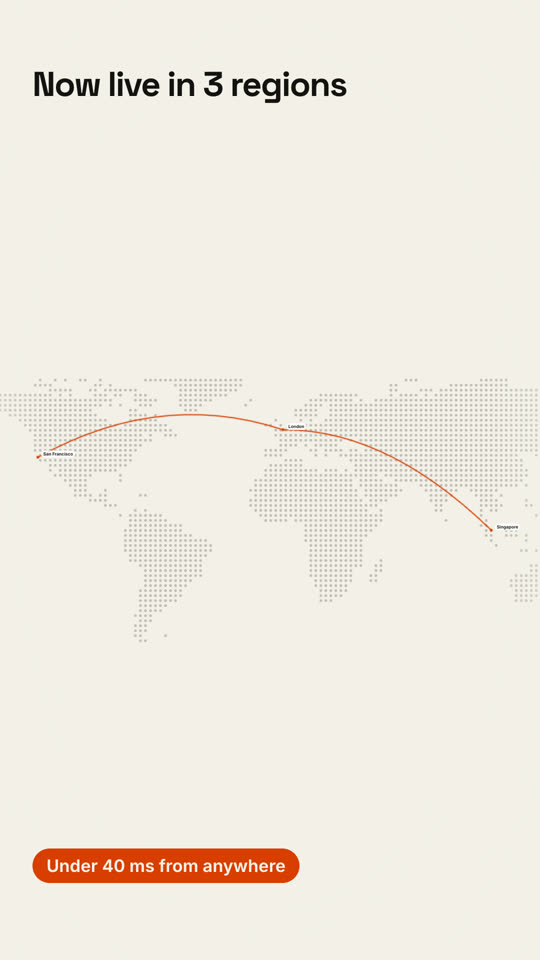
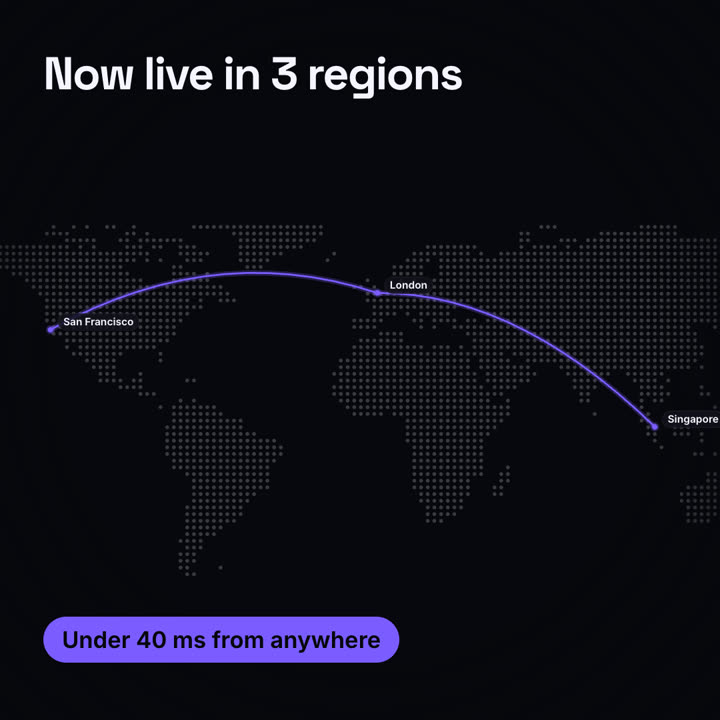
Images finales du même modèle, rendues avec un autre thème et un autre format.
5 thèmes
Aa
Encre · par défaut
ink
Aa
Papier
paper
Aa
Électrique
electric
Aa
Noir
Aa
Sable
sand
Indiquez un thème dans votre prompt, ou définissez vos propres couleurs d’accent, de fond et de texte.
Prompt d’installation
Lis https://claude-motion.com/skills/maps-routes/install.md, suis ses étapes pour installer la skill « maps-routes », puis fais une première vidéo avec.
Collez-le dans Claude Code, Codex, Cursor ou tout agent compatible avec les skills.
Exemple de prompt
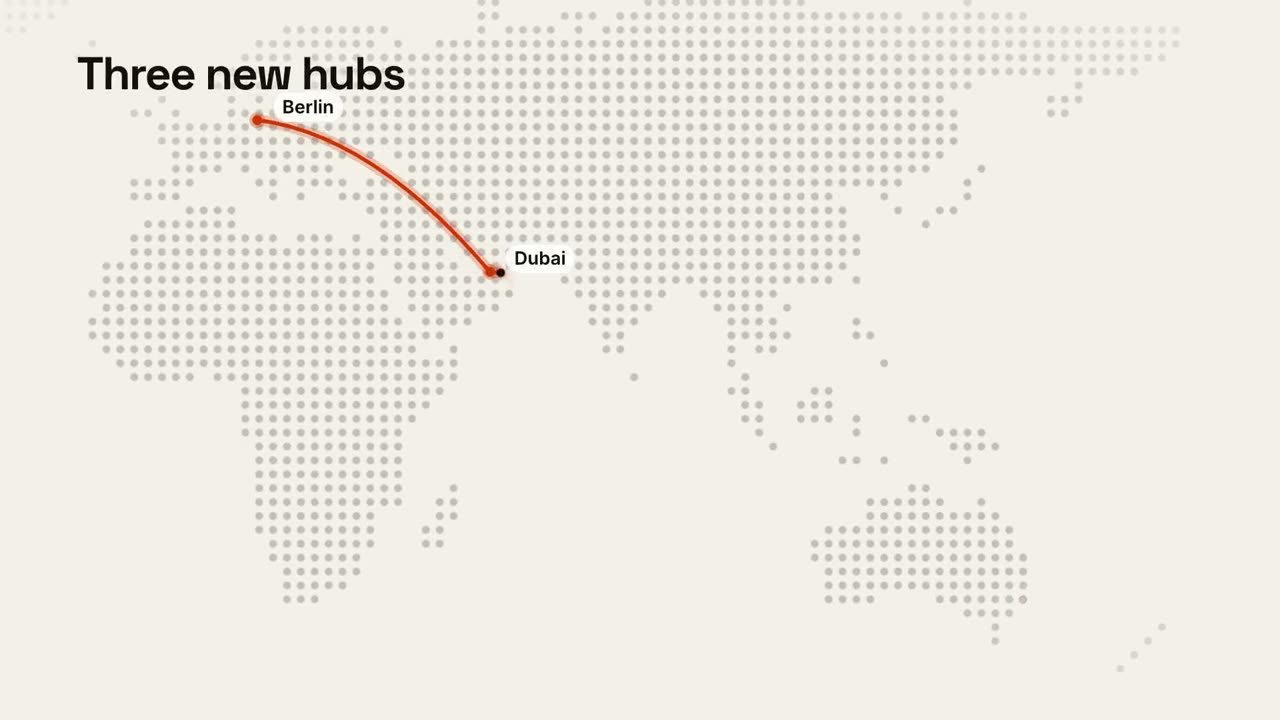
Use the maps-routes skill for our new offices: "Berlin: 52.52, 13.40 | Dubai: 25.20, 55.27 | Sydney: -33.87, 151.21", title "Three new hubs", caption "Hiring in all three".
Prompt de style (Claude Motion ou Opus 5.5)
Make a 12-second 16:9 map animation for [who will watch, e.g. enterprise prospects], playing [where, e.g. the sales deck]. Use only the places and claim below; don't add stops. Near-black background.

A dot-matrix world map fades in with the title at the top left. The camera glides in to frame the route. An orange pin pops at the first stop with a pulse ring and a label; an orange arc draws to the next stop with a glowing dot traveling along it, each stop popping a labeled pin. End frame: an orange pill with the claim slides in at the bottom left, held for 2 seconds.

Title: [e.g. "Now live in 3 regions"]
Stops in order: [e.g. San Francisco → London → Singapore]
Claim: [e.g. "Under 40 ms from anywhere"]
Rien à installer : collez-le dans Claude Motion (Team ou Enterprise) ou donnez-le à Opus 5.5 pour un rendu proche. Le résultat change à chaque exécution ; la skill donne toujours le même.