貼上到 Claude Code、Codex、Cursor 或任何支援 Skills 的 Agent 中。
範例提示詞
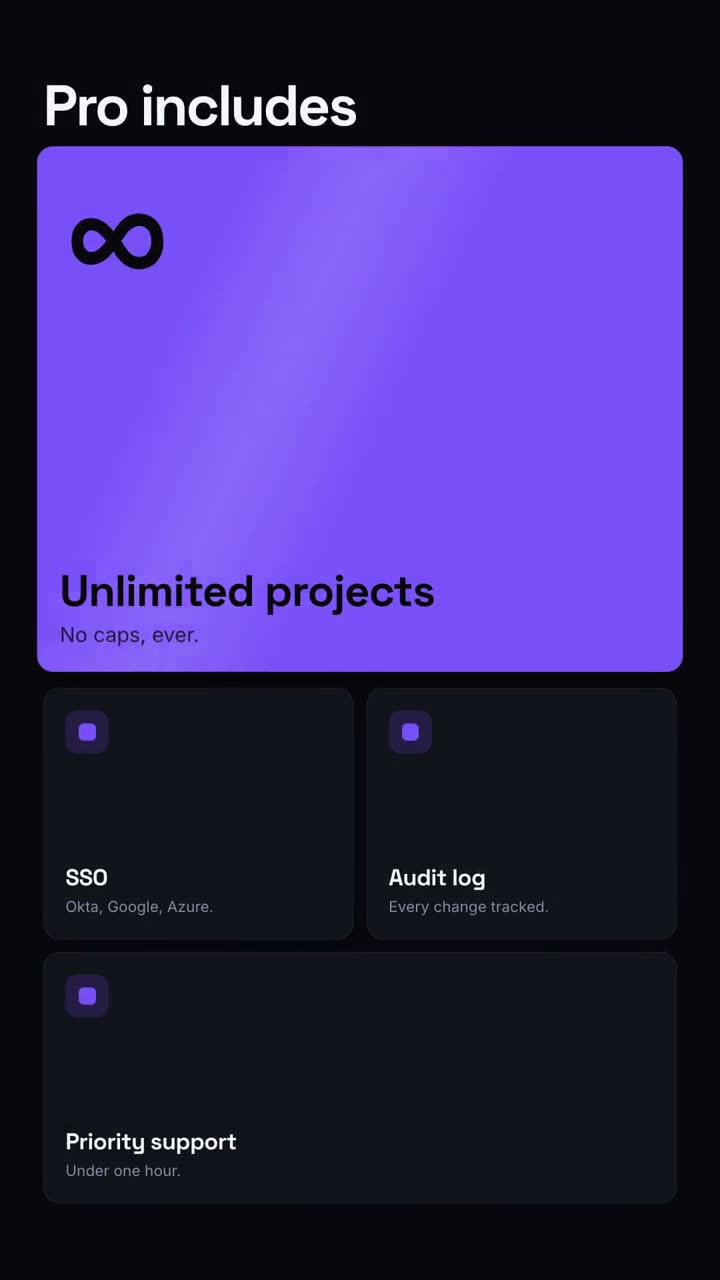
Use the feature-grid skill for our pricing page video: headline "Pro includes", stat "∞", features "Unlimited projects: No caps. | SSO: Okta, Google, Azure. | Audit log: Every change tracked. | Priority support: Under 1 hour."
風格提示詞(Claude Motion 或 Opus 5.5)
Make a 10-second 16:9 feature overview for [who will watch, e.g. trial users], playing [where, e.g. the pricing page]. Use only the headline, numbers and feature names below; don't change them. Near-black background.

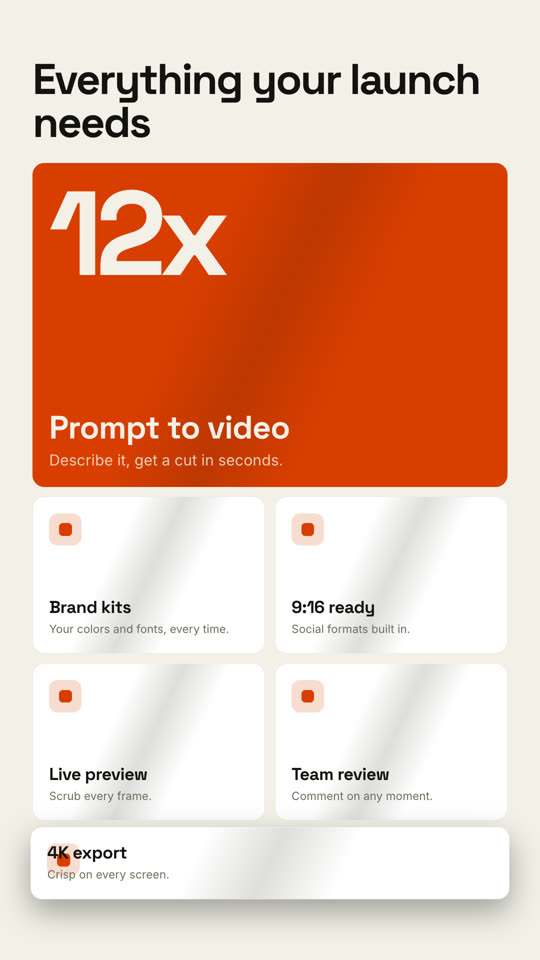
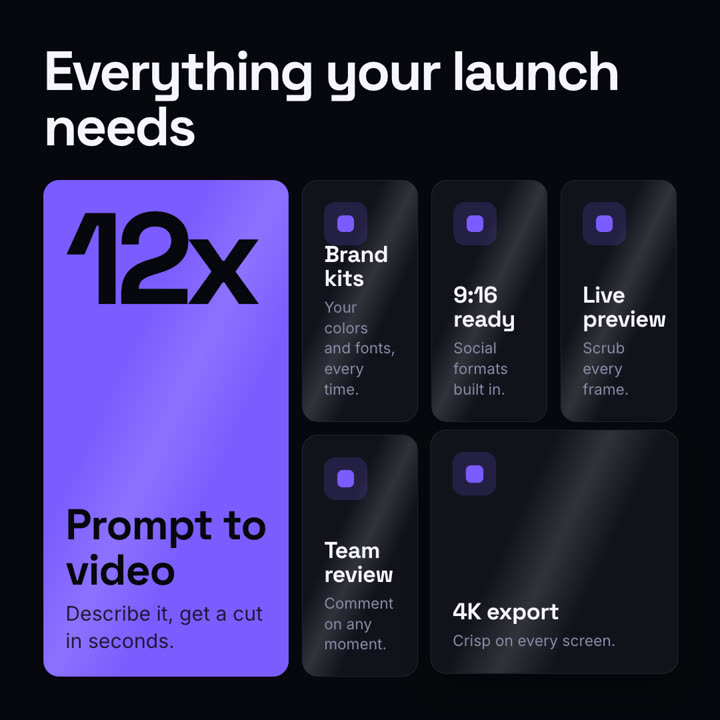
The headline rises word by word. Below it, a bento grid assembles from slightly scattered, rotated tiles: one large orange hero tile with a giant number counting up and a short label, plus five dark tiles with small orange icons and titles. End frame: each tile lifts slightly in turn with a light glint sweeping across it.

Headline: [e.g. "Everything your launch needs"]
Hero number and label: [e.g. "12x", "Prompt to video"]
Five features: [e.g. "Brand kits", "9:16 ready", "Live preview", "Team review", "4K export"]
無需安裝:貼到 Claude Motion(Team 或 Enterprise),或直接傳給 Opus 5.5,就能得到相近的風格。每次執行結果會有差異;用 Skill 則每次結果一致。