貼上到 Claude Code、Codex、Cursor 或任何支援 Skills 的 Agent 中。
範例提示詞
Use the editorial-launch skill for Field Notes, a research app: issue "Vol. 3 · Spring", headline "Your notes, finally in order.", image assets/cover.jpg, three features. Sand theme.
風格提示詞(Claude Motion 或 Opus 5.5)
Make a 20-second 16:9 magazine-style launch for [who will watch, e.g. readers who like long-form writing], playing [where, e.g. our newsletter and X]. Use only the name, lines and photo I give; don't change a word. Off-white paper.

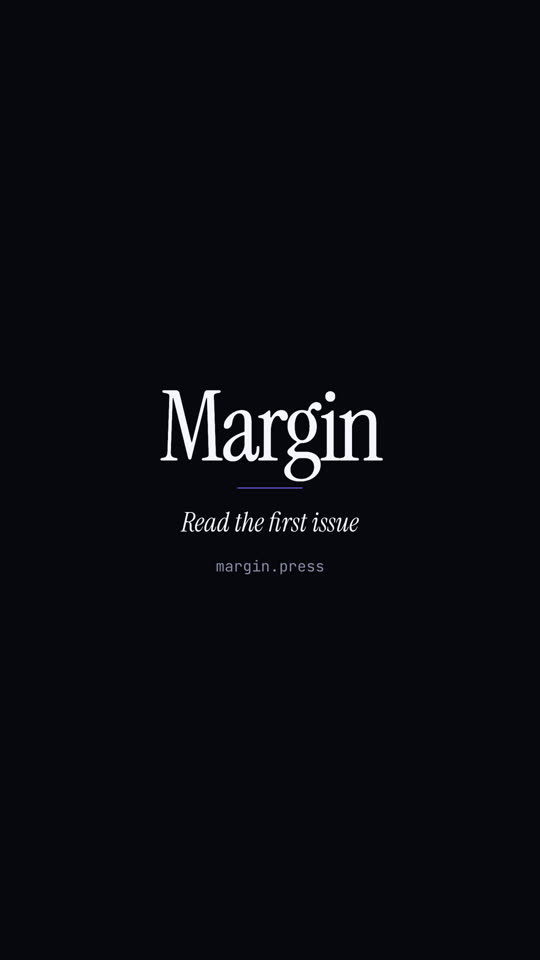
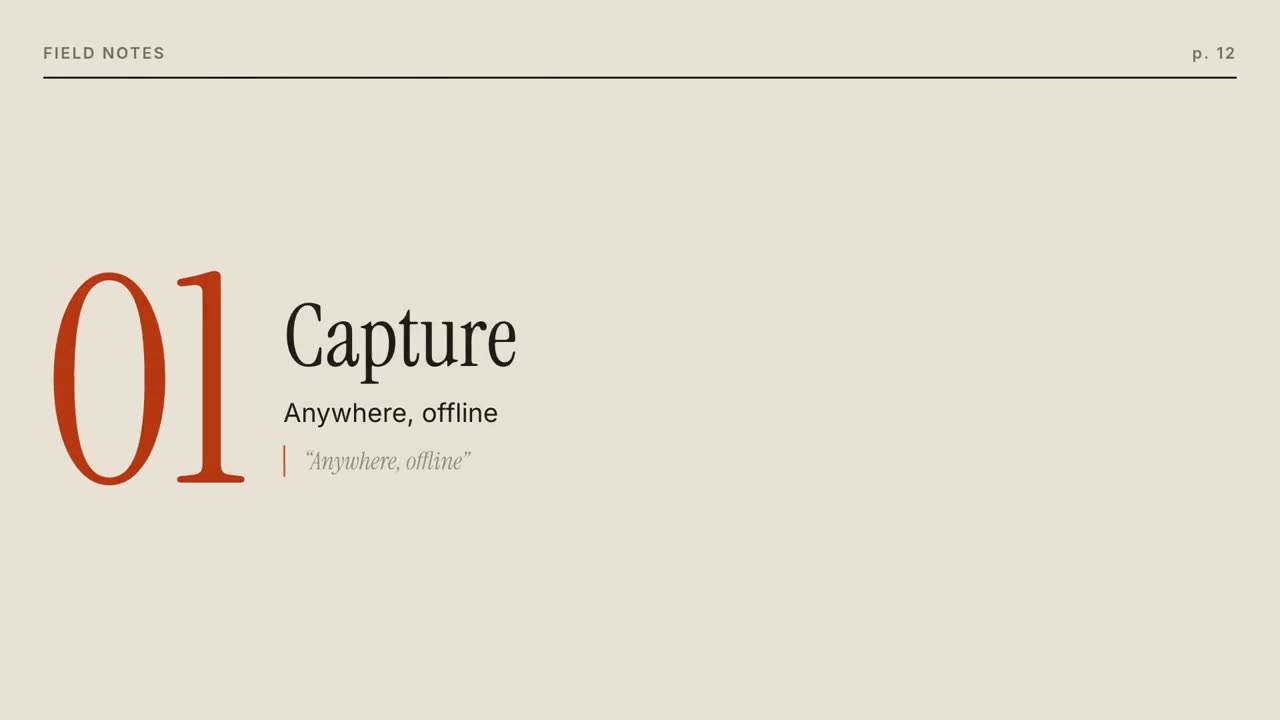
Scene 1: a large serif masthead with the issue line in small caps and a black rule, the cover photo wiping open, and the italic serif cover line. Scene 2: three pages turn in from the right, each with a running header, a giant orange serif numeral, a serif title, body text and an italic pull quote with an orange bar. End frame: the back cover with the name, a short orange rule, the italic call to action and the URL.

Name and issue line: [e.g. Margin, "ISSUE 01 · OCTOBER 2026"]
Cover line: [e.g. "The quiet return of good writing."]
Three features: [titles, one short paragraph and one pull quote each]
Call to action and URL: [e.g. "Read the first issue", margin.press]
Attach: [a cover photo]
無需安裝:貼到 Claude Motion(Team 或 Enterprise),或直接傳給 Opus 5.5,就能得到相近的風格。每次執行結果會有差異;用 Skill 則每次結果一致。