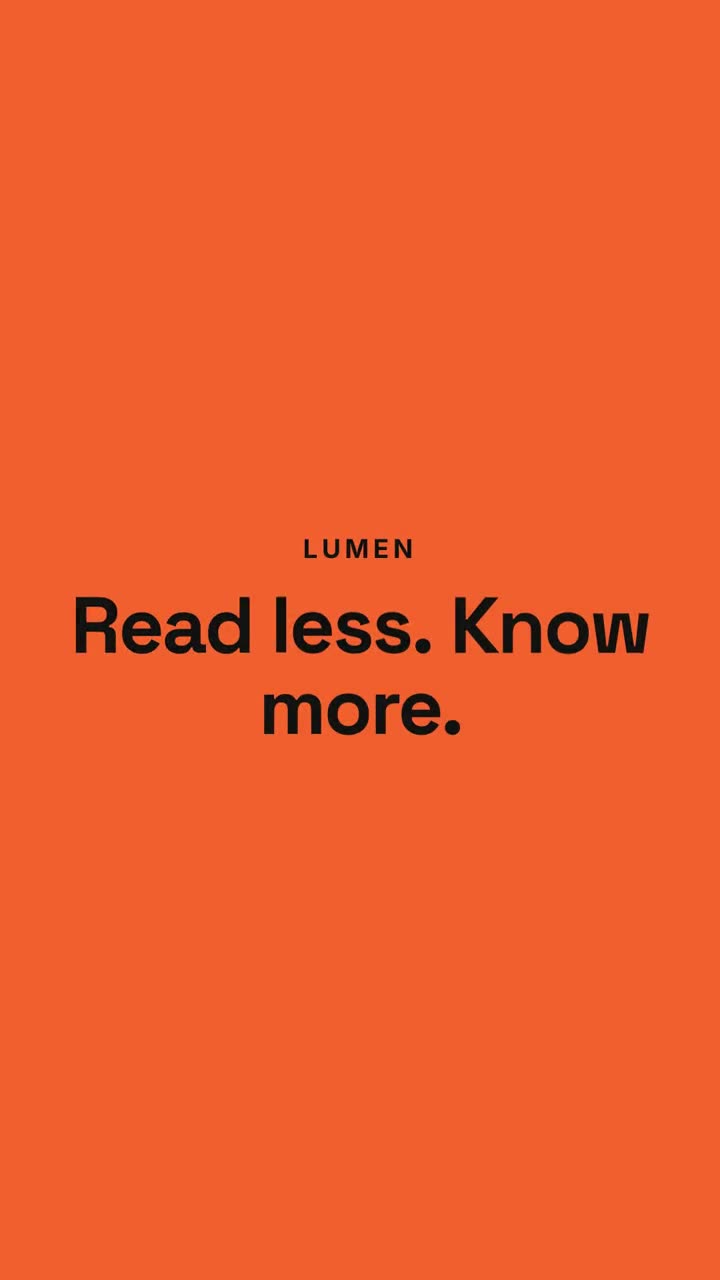
貼上到 Claude Code、Codex、Cursor 或任何支援 Skills 的 Agent 中。
範例提示詞
Use the chat-to-result-launch skill for our product Lumen: prompt "Summarize this 40-page contract.", reply "Here are the 5 clauses that matter.", hook "Read less. Know more.", three features, CTA "Try Lumen". Ink theme, 9:16.
風格提示詞(Claude Motion 或 Opus 5.5)
Make a 20-second 16:9 launch video for [who will watch, e.g. busy managers], playing [where, e.g. our homepage and LinkedIn]. Use only the product name, chat lines and features below; don't change a word. Off-white background.

Scene 1: a clean white chat window appears and the user's request types into the input, then is sent. A small orange avatar shows typing dots, then replies. Scene 2: the reply expands into a full orange frame with the product name and the headline rising word by word. Scene 3: three white feature cards follow. End frame: the product name with an orange call-to-action button and the URL, held for 2 seconds.

Product: [e.g. Orbit]
Request and reply: [e.g. "Plan my week around three deep-work blocks." → "Done. Meetings moved, focus time locked in."]
Headline: [e.g. "Your calendar, on autopilot."]
Three features: [e.g. Smart slots, Focus guard, Daily recap]
Call to action and URL: [e.g. "Try Orbit free", orbit.app]
無需安裝:貼到 Claude Motion(Team 或 Enterprise),或直接傳給 Opus 5.5,就能得到相近的風格。每次執行結果會有差異;用 Skill 則每次結果一致。