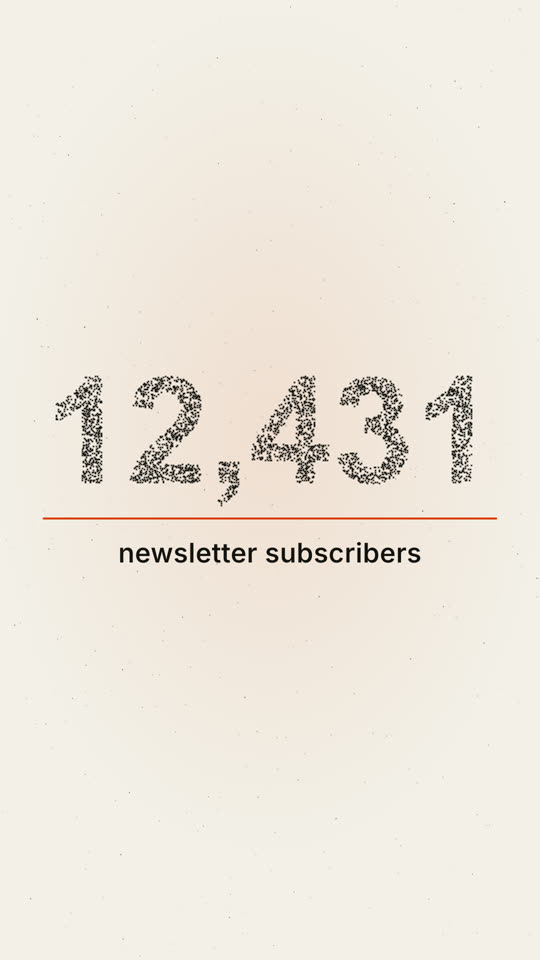
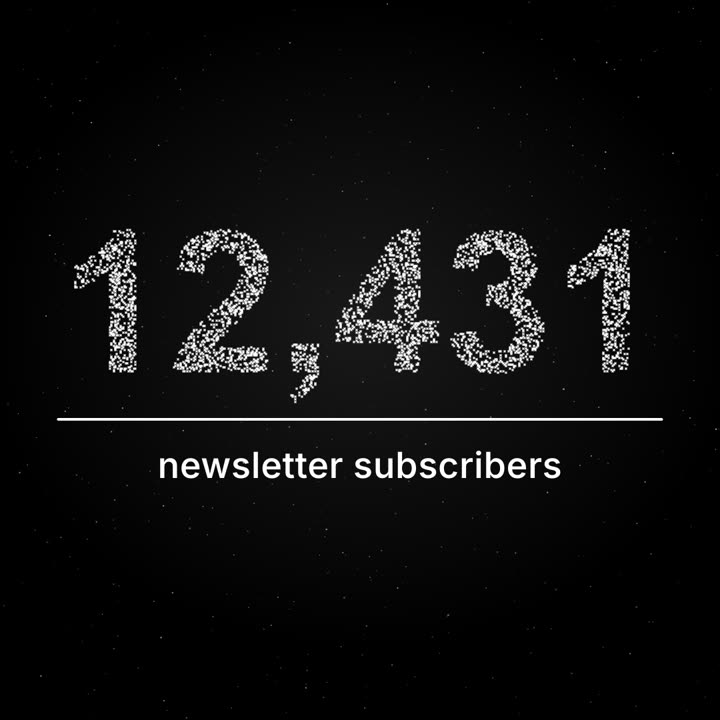
Images finales du même modèle, rendues avec un autre thème et un autre format.
5 thèmes
Aa
Encre
ink
Aa
Papier
paper
Aa
Électrique · par défaut
electric
Aa
Noir
Aa
Sable
sand
Indiquez un thème dans votre prompt, ou définissez vos propres couleurs d’accent, de fond et de texte.
Prompt d’installation
Lis https://claude-motion.com/skills/milestone-particles/install.md, suis ses étapes pour installer la skill « milestone-particles », puis fais une première vidéo avec.
Collez-le dans Claude Code, Codex, Cursor ou tout agent compatible avec les skills.
Exemple de prompt
Use the milestone-particles skill: number "48,920", label "LinkedIn followers", 9:16, my brand accent #00b37e.
Prompt de style (Claude Motion ou Opus 5.5)
Make a 12-second 1:1 seamless loop for [who will watch, e.g. our subscribers], playing [where, e.g. the newsletter and Instagram]. Use only the number and label below; don't round the number. Deep navy background.

About four thousand tiny white points drift like a night sky with a faint twinkle. From 2 to 6.5 seconds they pull together, slowly and staggered like gravity, into the number in a bold grotesk; the remaining points stay as dim stars. A thin violet line draws left to right under the number, then the label fades in and rises into place. Hold with a gentle shimmer. End frame: the label and line fade and the points drift back to exactly where they started, so it loops.

Number: [e.g. "12,431"]
Label: [e.g. "newsletter subscribers"]
Rien à installer : collez-le dans Claude Motion (Team ou Enterprise) ou donnez-le à Opus 5.5 pour un rendu proche. Le résultat change à chaque exécution ; la skill donne toujours le même.