貼上到 Claude Code、Codex、Cursor 或任何支援 Skills 的 Agent 中。
範例提示詞
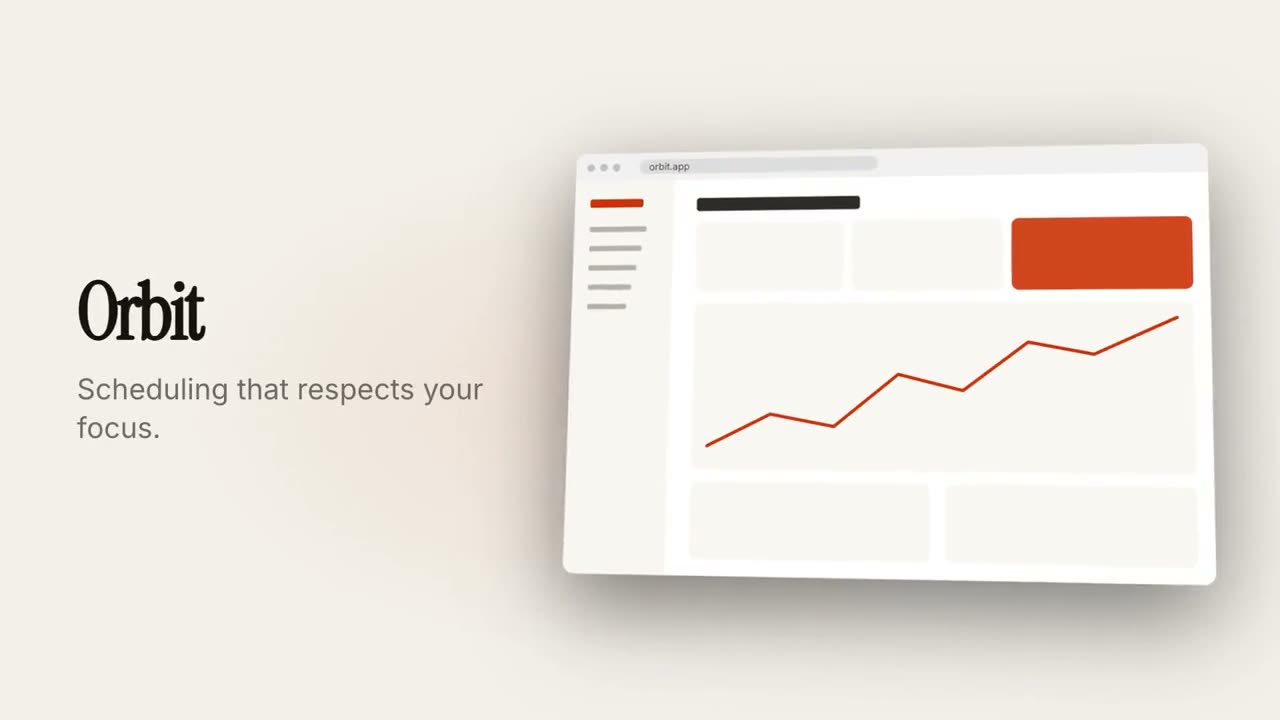
Use the product-launch-film skill for Orbit, our calendar app: hook "Meetings | that run themselves", tagline "Scheduling that respects your focus.", screenshot assets/app.png, features "Smart slots: Finds time without the back-and-forth. | Focus guard: Protects deep work. | Recaps: Notes and actions, automatically.", CTA "Try Orbit", url orbit.app.
風格提示詞(Claude Motion 或 Opus 5.5)
Make an 18-second 16:9 product launch film for [who will watch, e.g. product managers], playing [where, e.g. our homepage hero and X]. Use only the name, lines and screenshot I give below; don't change a word. Near-black background with a warm orange glow.

Scene 1 (0–3.4s): a two-line hook rises from masks, line one off-white, line two orange, slowly pushing in. An orange wipe cuts to Scene 2: the product name and tagline on the left while a browser window with the screenshot rises from below with a 3D tilt and settles. Scene 3: three features one at a time, each with a huge orange numeral (01, 02, 03), a bold title and a gray description, with a segmented progress bar at the bottom. End frame: the logo mark spins in, then the name, an orange call-to-action pill and the URL.

Hook: [two lines] (e.g. "Your roadmap" / "finally in motion")
Product and tagline: [e.g. Northwind, one line]
Features: [three titles with one-line descriptions]
Call to action and URL: [e.g. "Start free", northwind.dev]
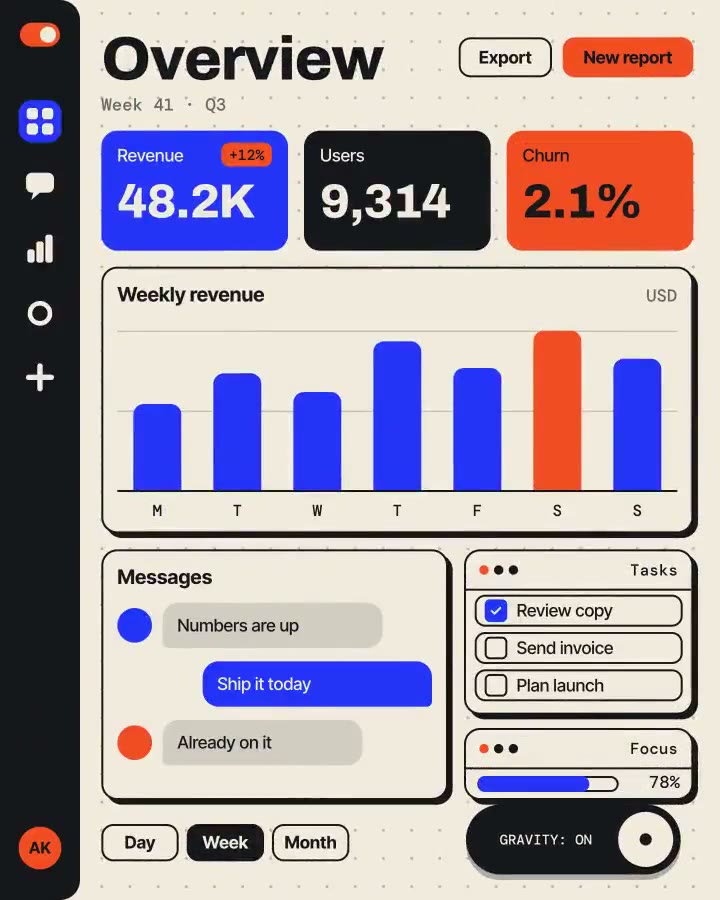
Attach: [a screenshot of your product]
無需安裝:貼到 Claude Motion(Team 或 Enterprise),或直接傳給 Opus 5.5,就能得到相近的風格。每次執行結果會有差異;用 Skill 則每次結果一致。