貼上到 Claude Code、Codex、Cursor 或任何支援 Skills 的 Agent 中。
範例提示詞
Use the halftone-launch skill for Brew, a coffee subscription: hook "Fresh beans, on repeat.", three features, CTA "Get your first bag", accent #1f6feb.
風格提示詞(Claude Motion 或 Opus 5.5)
Make a 20-second 16:9 retro print launch for [who will watch, e.g. writers and small teams], playing [where, e.g. our newsletter and X]. Use only the name, lines and screenshot I give; don't change a word. Warm paper background with fine grain.

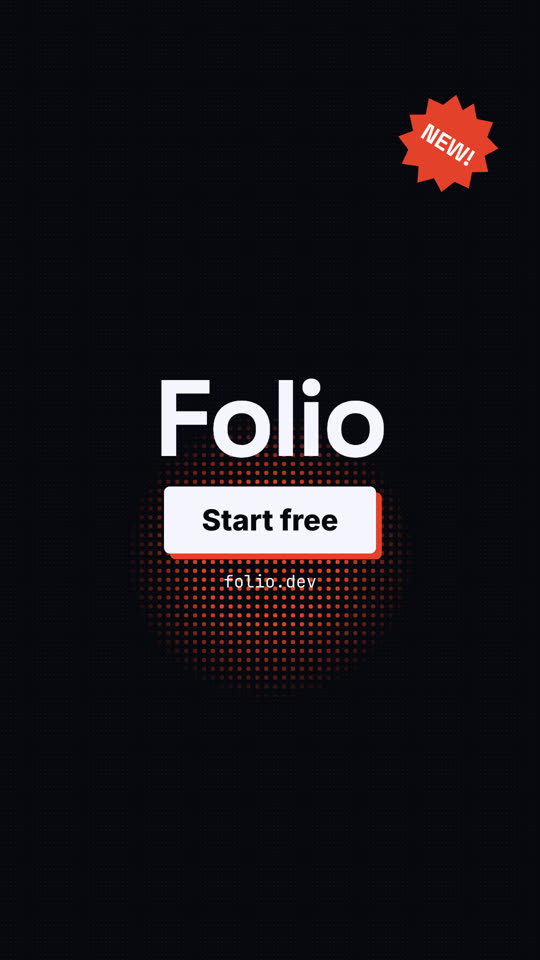
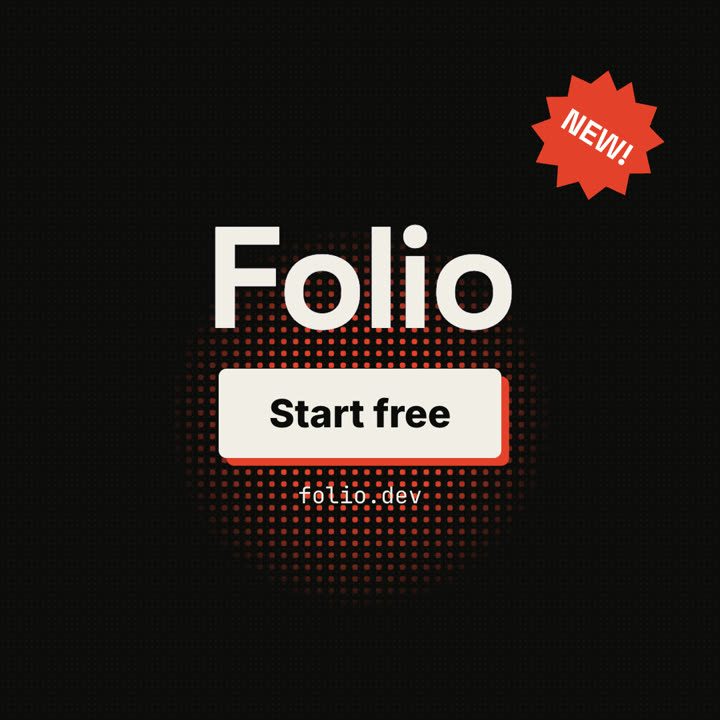
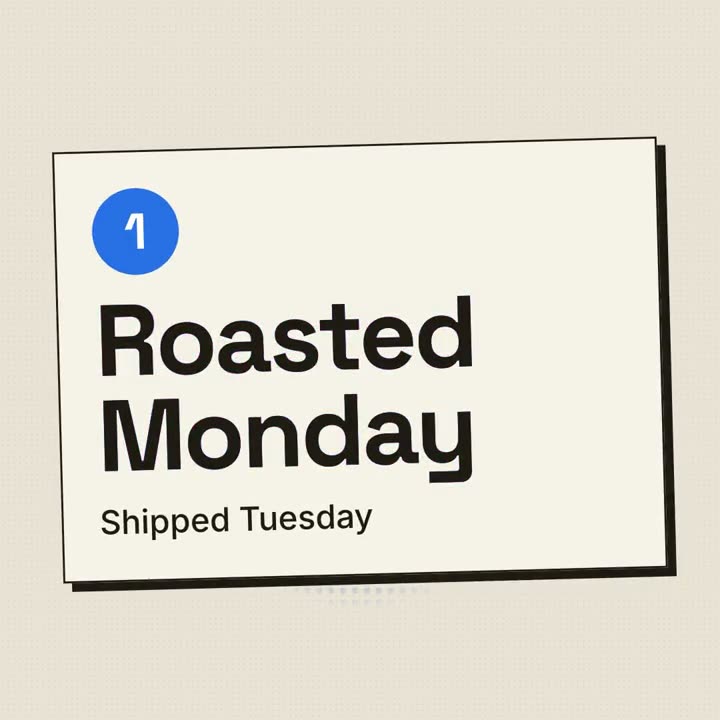
Scene 1: a red halftone-dot sun grows behind the huge black product name, whose cyan and magenta copies wobble out of register and snap into alignment. The tagline appears below. Scene 2: three cream posters with thick black borders and offset black shadows slide in one at a time, each with a red numbered circle and a feature title that snaps into register. Scene 3: the screenshot drops in with a halftone overlay. End frame: the name, a black call-to-action button with a red shadow, and a red starburst badge spinning slowly.

Product and tagline: [e.g. FOLIO, "Docs your team actually reads."]
Three features: [titles]
Call to action and badge: [e.g. "Start free", "NEW!"]
Attach: [a screenshot of your product]
無需安裝:貼到 Claude Motion(Team 或 Enterprise),或直接傳給 Opus 5.5,就能得到相近的風格。每次執行結果會有差異;用 Skill 則每次結果一致。