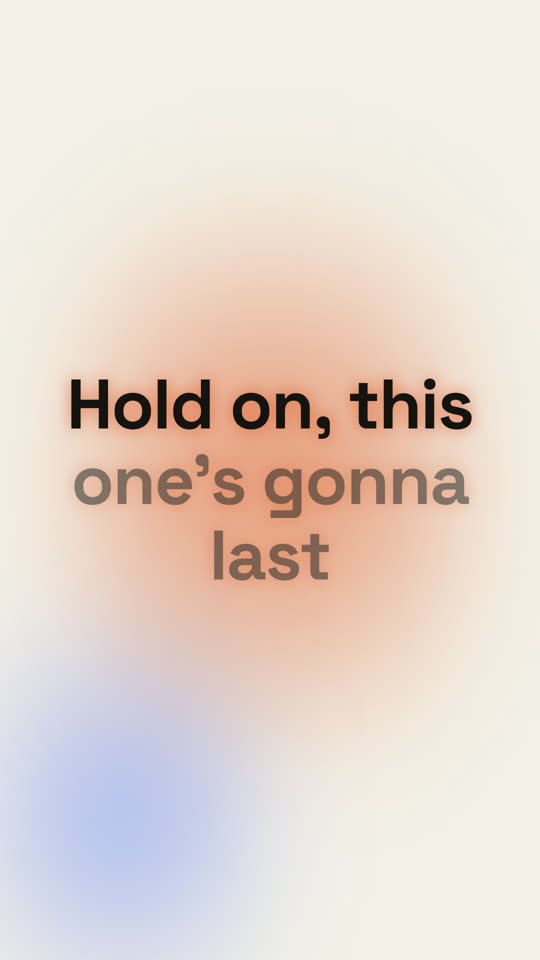
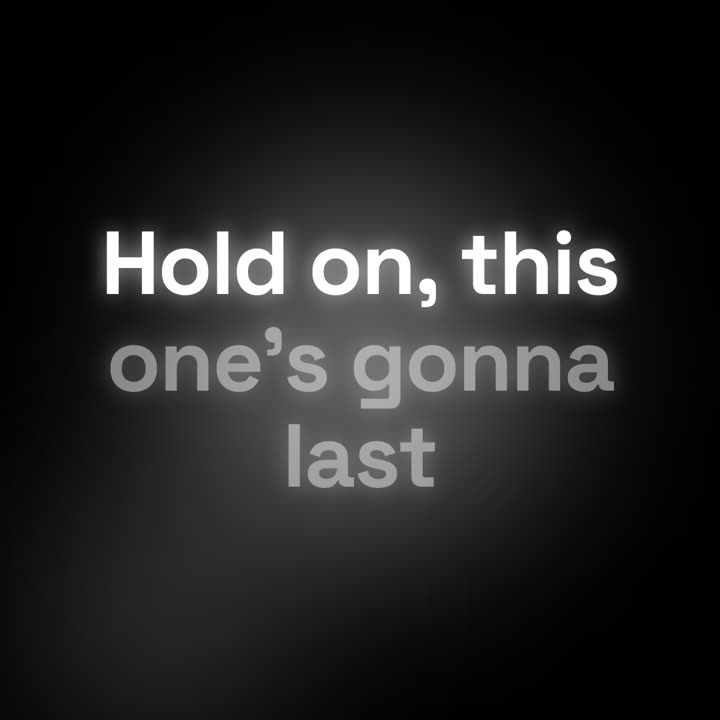
Images finales du même modèle, rendues avec un autre thème et un autre format.
5 thèmes
Aa
Encre
ink
Aa
Papier
paper
Aa
Électrique · par défaut
electric
Aa
Noir
Aa
Sable
sand
Indiquez un thème dans votre prompt, ou définissez vos propres couleurs d’accent, de fond et de texte.
Prompt d’installation
Lis https://claude-motion.com/skills/lyric-video/install.md, suis ses étapes pour installer la skill « lyric-video », puis fais une première vidéo avec.
Collez-le dans Claude Code, Codex, Cursor ou tout agent compatible avec les skills.
Exemple de prompt
Use the lyric-video skill with lyrics.lrc for our 2:40 song at 96 BPM, kinetic style, 9:16. Mux song.mp3 at the end.
Prompt de style (Claude Motion ou Opus 5.5)
Make a 16:9 lyric video for [who will watch, e.g. fans on YouTube], as long as the song I attach. Use only the lyrics and timestamps I give; don't change a word. Deep navy background with a violet glow that pulses at the song's tempo.

The title and artist appear first. Then each lyric line appears centered at its timestamp, words brightening from dim to full white in time with the singing. End frame: the title and artist again, held for 2 seconds.

Song and artist: [e.g. "City Light" by The Northern Rooms]
Tempo: [e.g. 112 BPM]
Attach: [the audio, and the lyrics with a timestamp per line]
Rien à installer : collez-le dans Claude Motion (Team ou Enterprise) ou donnez-le à Opus 5.5 pour un rendu proche. Le résultat change à chaque exécution ; la skill donne toujours le même.