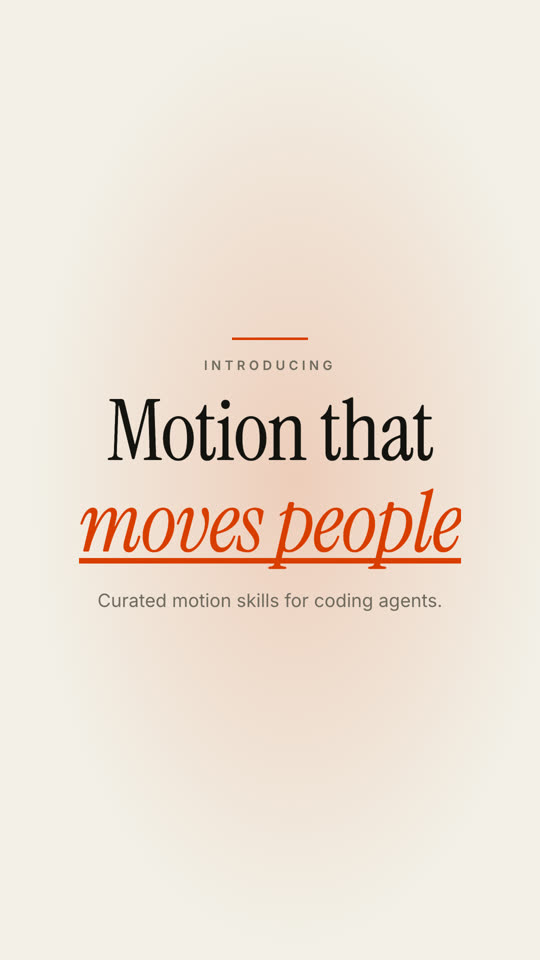
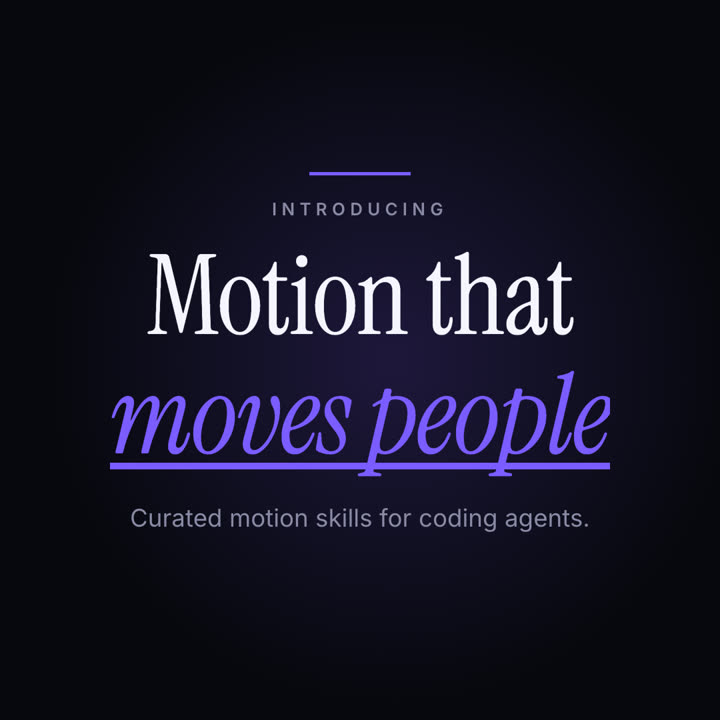
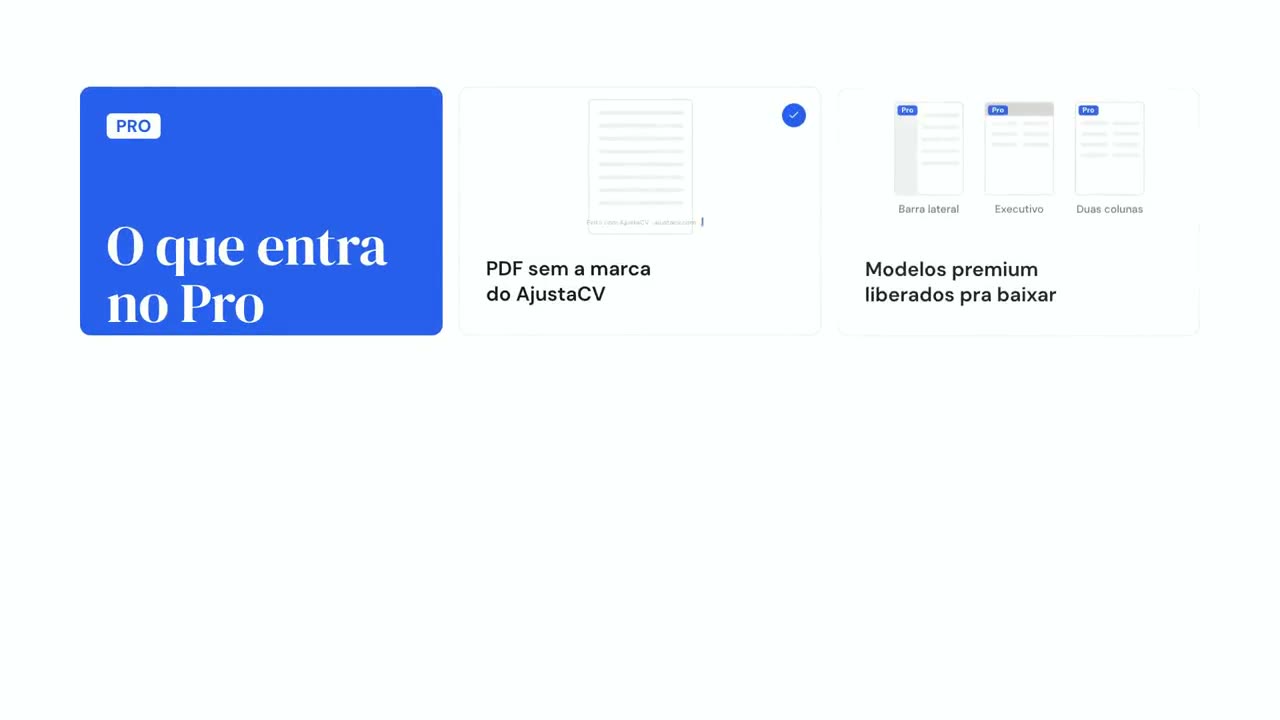
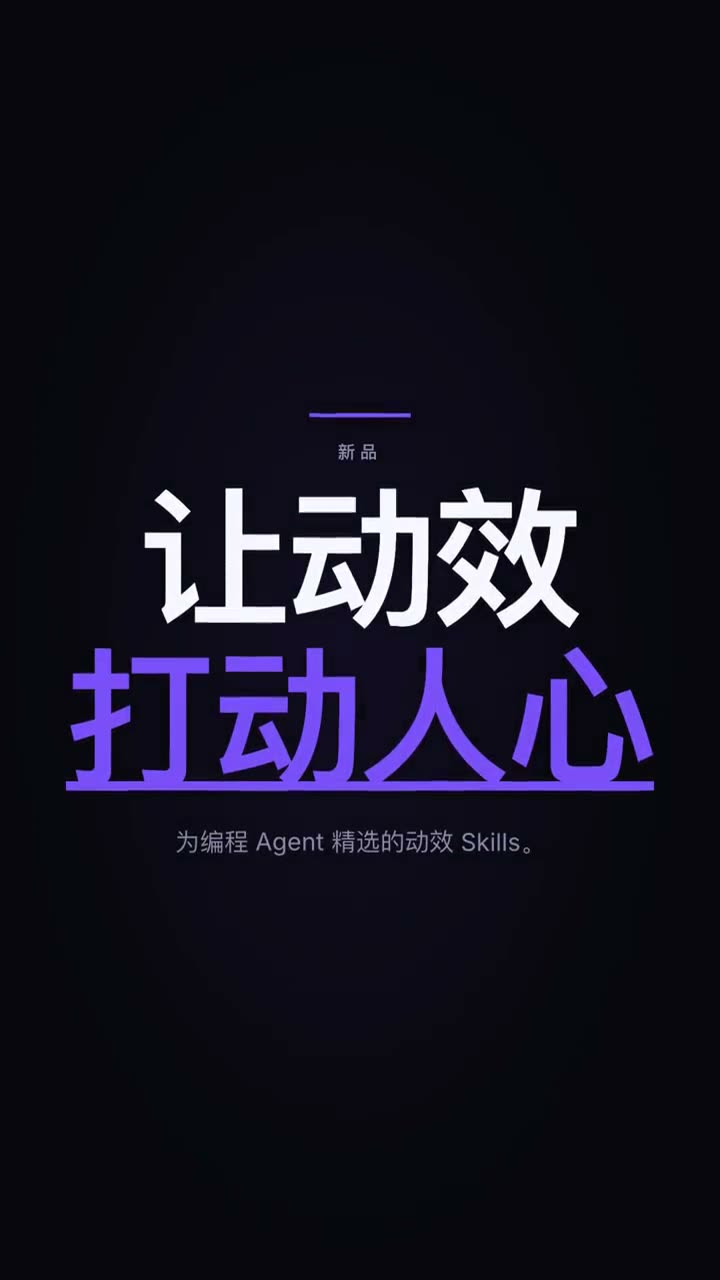
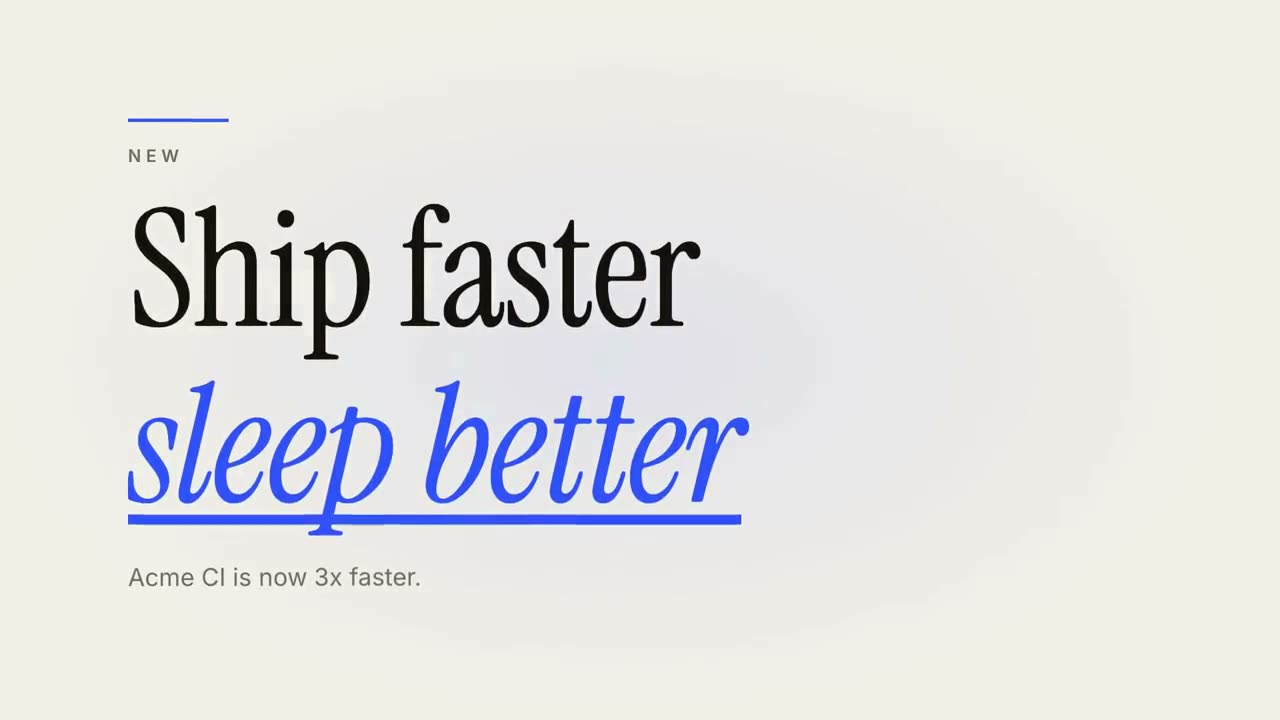
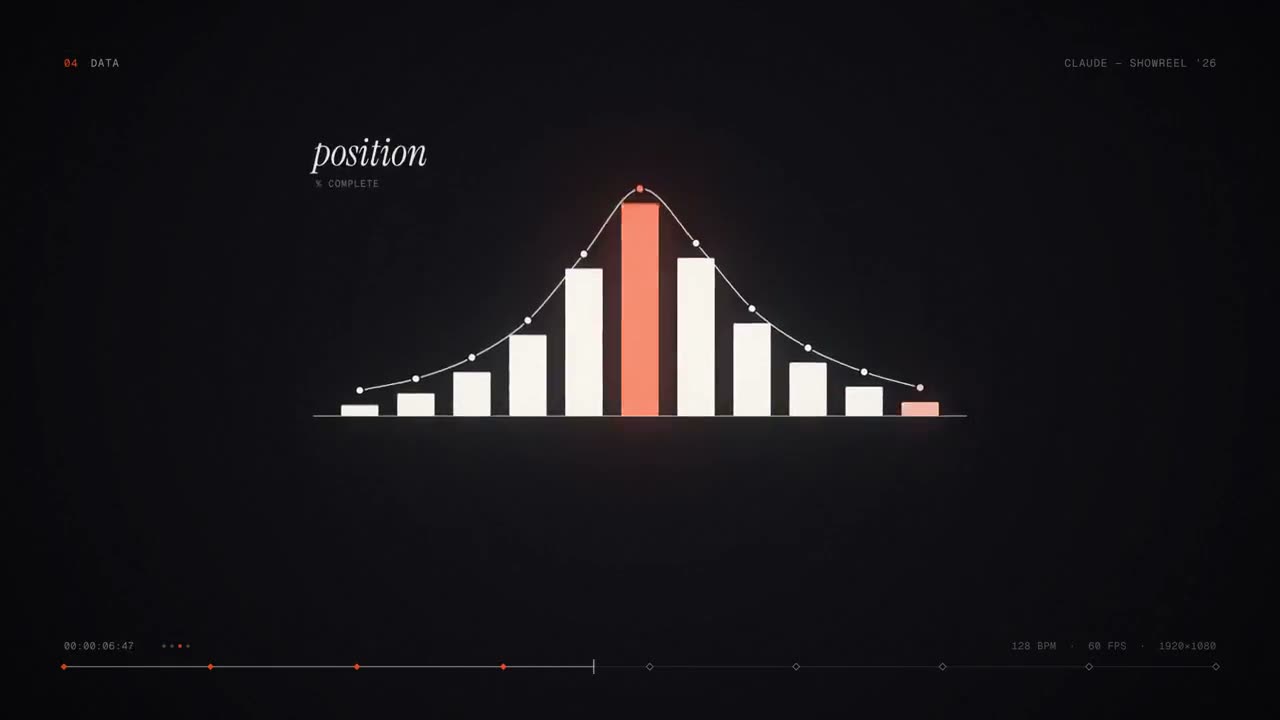
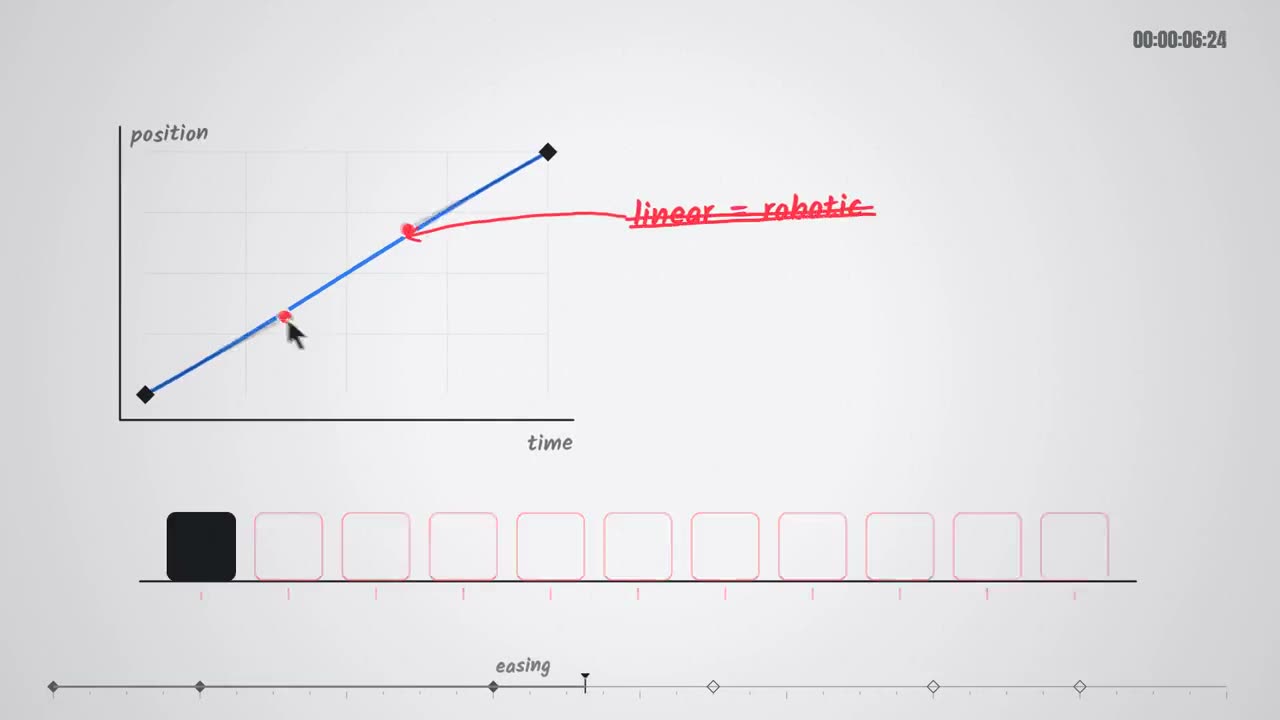
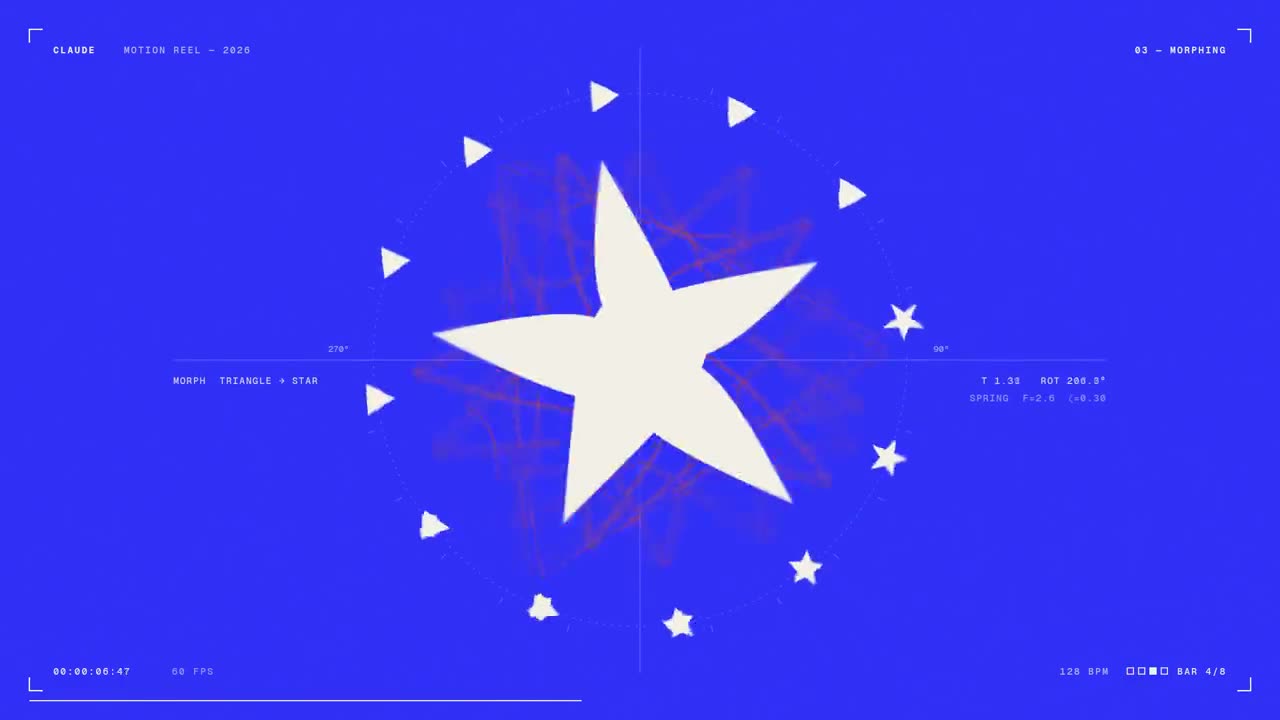
Images finales du même modèle, rendues avec un autre thème et un autre format.
5 thèmes
Aa
Encre · par défaut
ink
Aa
Papier
paper
Aa
Électrique
electric
Aa
Noir
Aa
Sable
sand
Indiquez un thème dans votre prompt, ou définissez vos propres couleurs d’accent, de fond et de texte.
Prompt d’installation
Lis https://claude-motion.com/skills/kinetic-type-title/install.md, suis ses étapes pour installer la skill « kinetic-type-title », puis fais une première vidéo avec.
Collez-le dans Claude Code, Codex, Cursor ou tout agent compatible avec les skills.
Exemple de prompt
Use the kinetic-type-title skill to make a 9:16 title card for our launch: kicker "New", headline "Ship faster | sleep better", subline "Acme CI is now 3x faster." Use the paper theme with our accent #2b59ff.
Prompt de style (Claude Motion ou Opus 5.5)
Make an 8-second 16:9 title card for [who will watch, e.g. viewers of our YouTube series], playing [where, e.g. the opening of each episode]. Use only the words below; don't change them. Near-black background.

A short orange rule draws in from the left, then a small uppercase label fades in with wide letter spacing tightening. Below it, a two-line headline rises line by line from behind invisible masks with a fast expo ease: line one in an off-white editorial serif, line two in orange italic, which then gets an orange underline wiping in from left to right. A soft gray supporting line fades up word by word. End frame: the finished title, held with a slow upward drift and a faint warm glow moving behind the text.

Label: [e.g. "INTRODUCING"]
Headline: [two lines] (e.g. "Motion that" / "moves people")
Supporting line: [one short sentence]
Rien à installer : collez-le dans Claude Motion (Team ou Enterprise) ou donnez-le à Opus 5.5 pour un rendu proche. Le résultat change à chaque exécution ; la skill donne toujours le même.