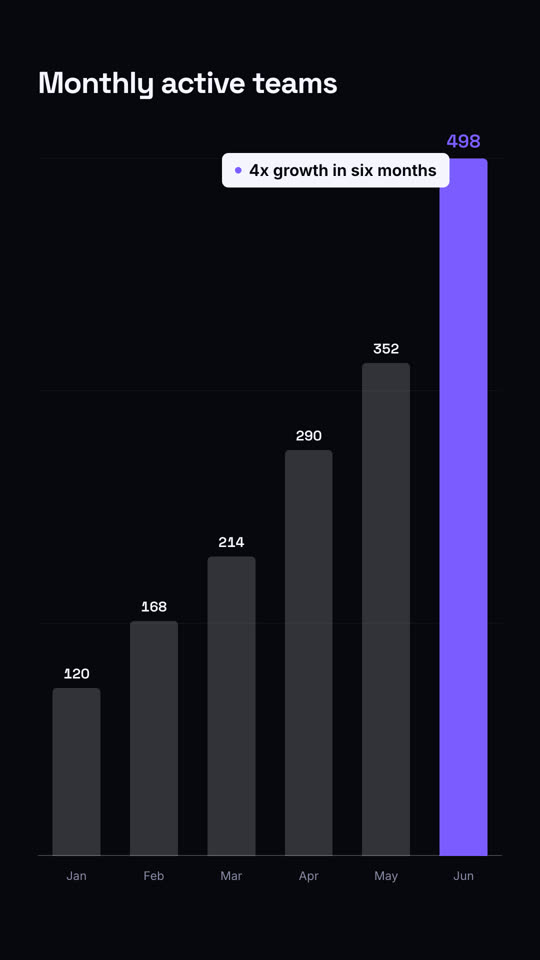
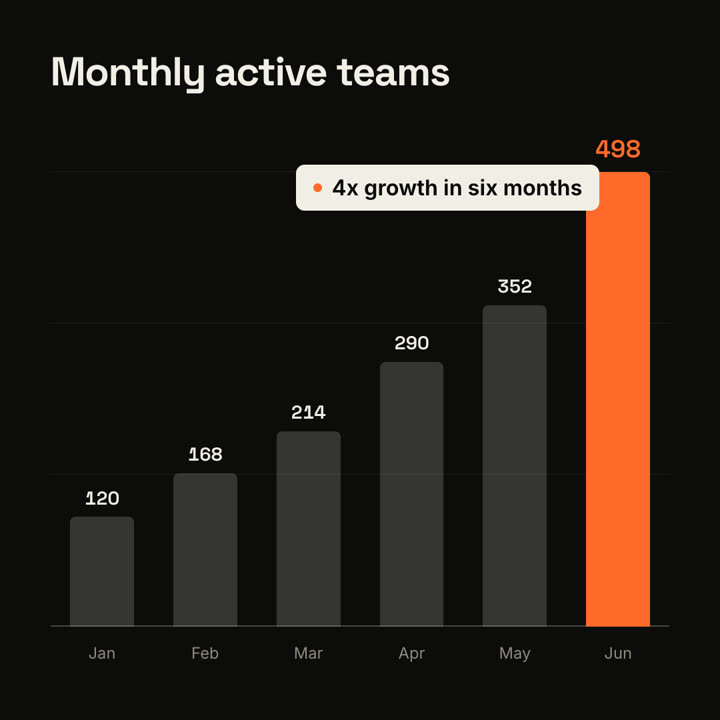
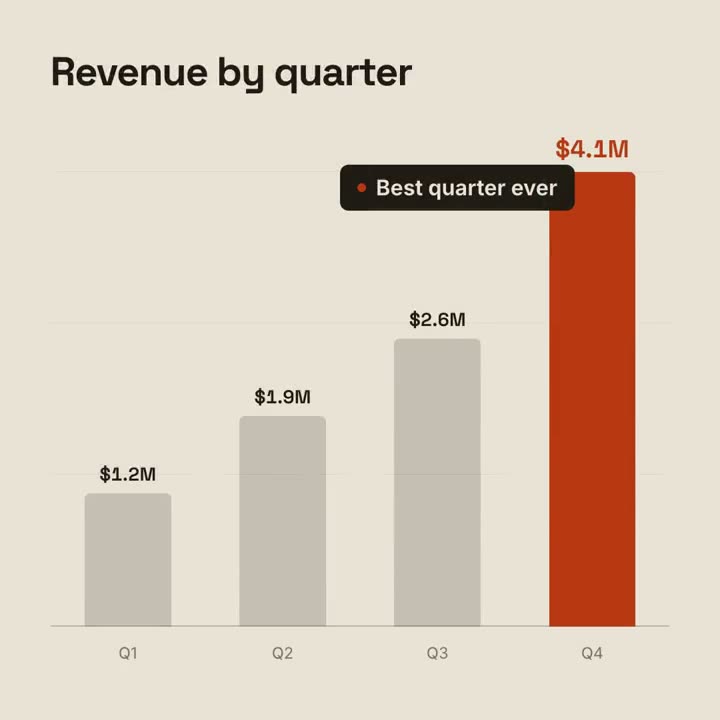
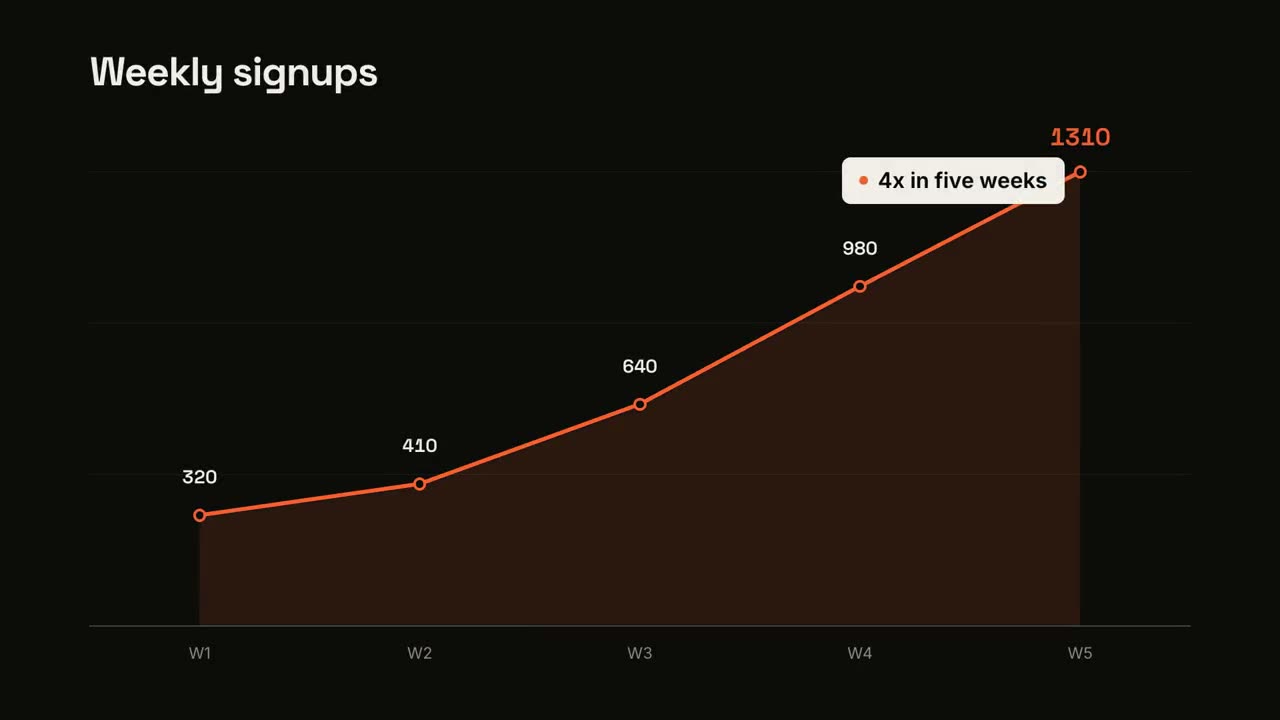
Images finales du même modèle, rendues avec un autre thème et un autre format.
5 thèmes
Aa
Encre
ink
Aa
Papier · par défaut
paper
Aa
Électrique
electric
Aa
Noir
Aa
Sable
sand
Indiquez un thème dans votre prompt, ou définissez vos propres couleurs d’accent, de fond et de texte.
Prompt d’installation
Lis https://claude-motion.com/skills/data-chart-story/install.md, suis ses étapes pour installer la skill « data-chart-story », puis fais une première vidéo avec.
Collez-le dans Claude Code, Codex, Cursor ou tout agent compatible avec les skills.
Exemple de prompt
Use the data-chart-story skill with our signups: "W1: 320 | W2: 410 | W3: 640 | W4: 980", title "Weekly signups", line chart, insight "3x in a month".
Prompt de style (Claude Motion ou Opus 5.5)
Make a 9-second 16:9 animated bar chart for [who will watch, e.g. investors], playing [where, e.g. the monthly update]. Use only the numbers I attach or list below; don't round or change any of them. Warm off-white background, bold geometric sans.

The title fades in at the top left. A baseline draws across and faint gridlines appear. The gray bars grow one after another with their values counting up above them; the last bar is orange-red with its value in the same accent. End frame: a black pill with an orange dot slides in near the last bar with the takeaway, held for 2 seconds.

Title: [e.g. "Monthly active teams"]
Data: [your labels and values] (e.g. Jan–Jun: 120, 168, 214, 290, 352, 498)
Takeaway: [e.g. "4x growth in six months"]
Rien à installer : collez-le dans Claude Motion (Team ou Enterprise) ou donnez-le à Opus 5.5 pour un rendu proche. Le résultat change à chaque exécution ; la skill donne toujours le même.